





![[OpenCV и роботы №1] Распознавание цветных объектов. Движение по линии и целеуказание | Orange pi](https://i.ytimg.com/vi/grqoGBd1ch0/maxresdefault.jpg)




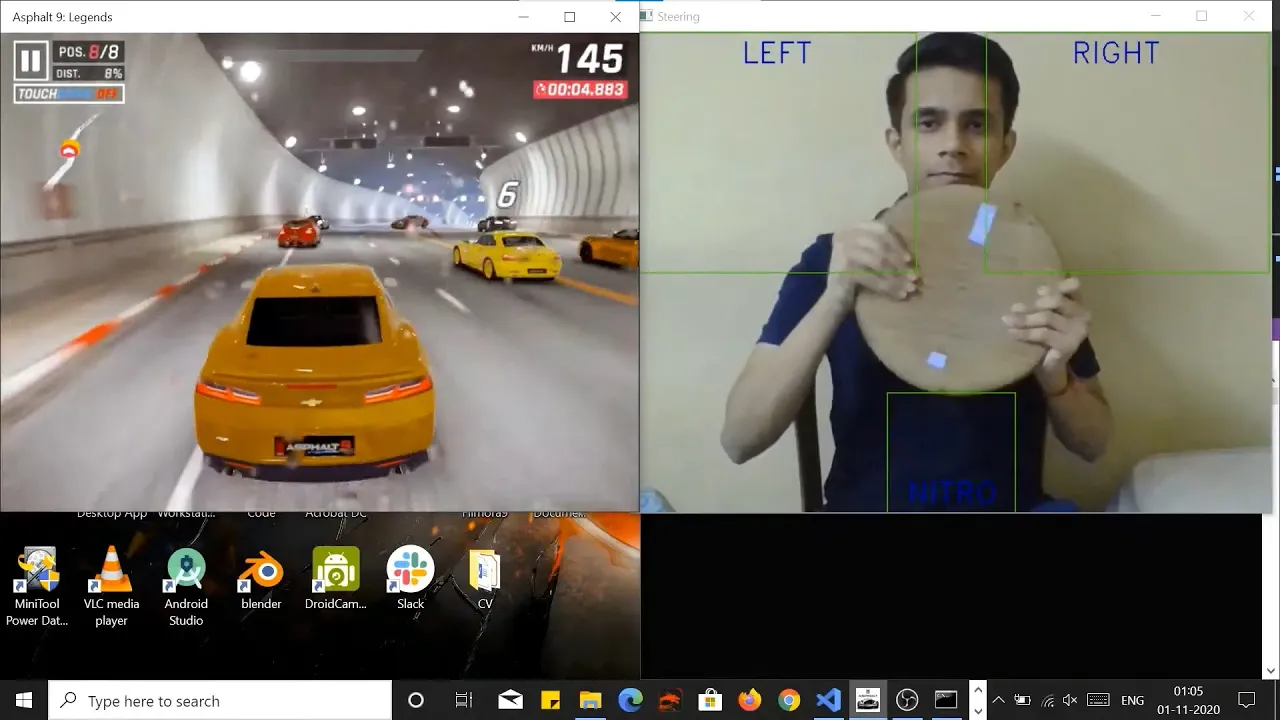
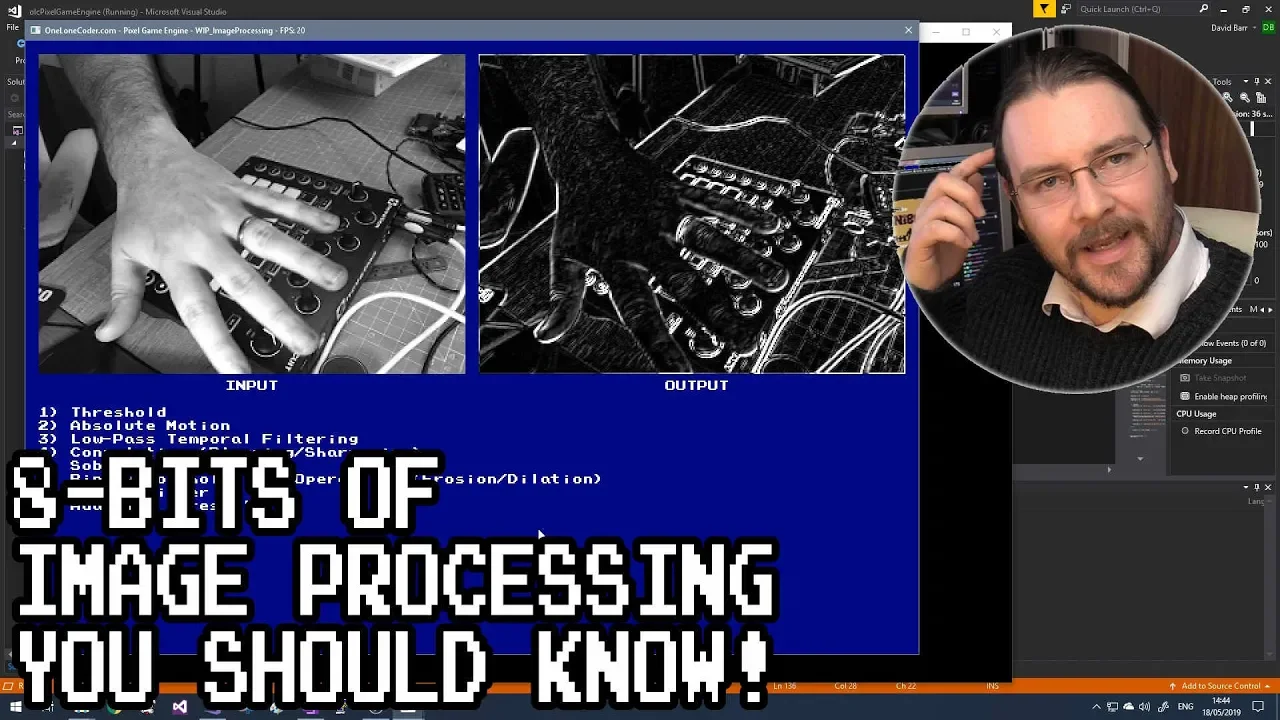

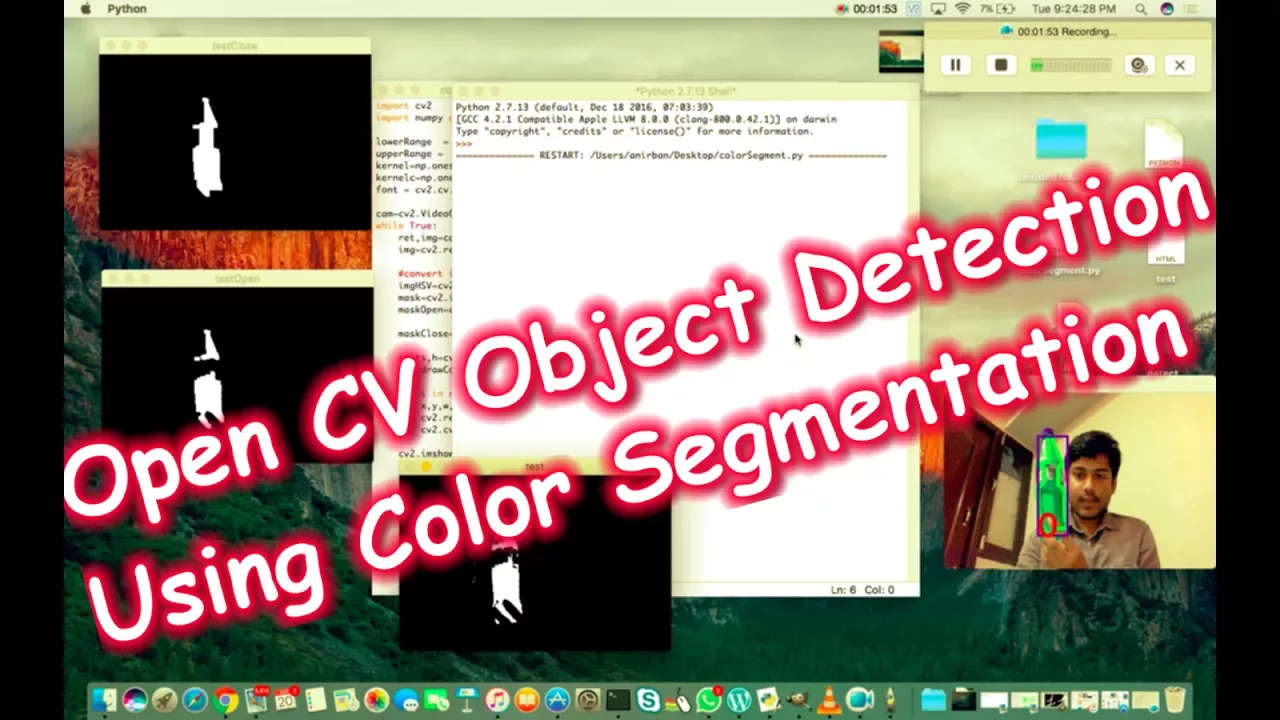



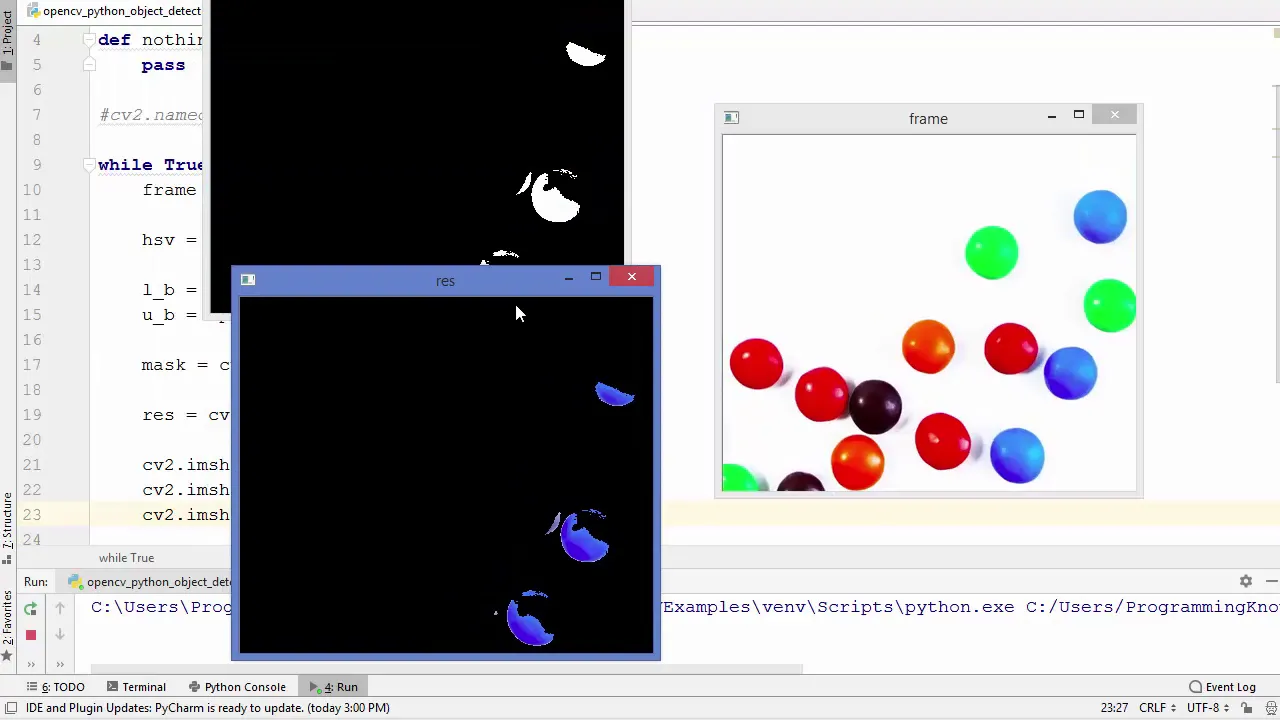




This tutorial explains how to detect and extract specific colors from images or video feeds using OpenCV in Python. The process involves converting frames from BGR to HSV color space, defining lower and upper HSV bounds for the target color, creating a binary mask using cv2.inRange(), and applying the mask to the original frame using bitwise AND to isolate only the desired color regions.
OpenCV Python: HSV Color Detection and Masking Tutorial
Added:Basic Python programming proficiency, including working with libraries and arrays.
Fundamental understanding of digital images as multi-dimensional coordinate grids of pixels.
Understanding of the standard BGR (Blue, Green, Red) color model and how it differs from RGB.
Basic OpenCV operations such as reading, displaying, and writing image files using 'cv2.imread' and 'cv2.imshow'.
Applying morphological transformations (such as erosion, dilation, opening, and closing) to clean up noise in color masks.
Utilizing contour detection to find the shapes, boundaries, and centers of gravity of the segmented color regions.
Implementing real-time object tracking by applying HSV masking techniques to live video streams from a camera.
Moving beyond color-based thresholding to advanced image segmentation methods like K-Means clustering or Otsu's binarization.
131.2K views2.8Klikes14:06Original Release: 2021-02-19
[Music] hello everybody and welcome to the fifth video in this opencv python tutorial series in this video we're going to be talking about colors how to convert between different colors and then also how we can extract just one color from our image so i actually have a rubik's cube here that has a bunch of different colors on it so i'm going to show you using this in our webcam here how we can only display say the blue face of this rubik's cube now of course this would work with orange yellow green uh red all of that but we're just going to do with blue for this so what we need to do actually let me change this this shouldn't say hsv it's a little bit of a spoiler of what we're going to need to do here but i have some code here tutorial 5. we've already seen what this code looks like and what it does it just displays the basic webcam image onto the screen what i want to do now though is i want to actually convert this frame into an hsv color scheme so we have a bunch of different colors so there's a bunch of different ways to represent colors we have rgb we have bgr and we have hsb now hsv stands for hue saturation and lightness don't ask me why they put a v there so lightness and brightness kind of same thing i believe that stands for visibility maybe but i don't know the acronym really means um what do you call it hue saturation and lightness slash brightness so we want to convert our bgr image into hsv now the reason we need to do that is because the method we're going to use here to extract an image uh or to extract a color sorry from the image requires an hsv image so that means that all of our colors need to be in hsv and we need to convert the image to hsv cover so to do that we're going to say hsv is equal to and then we're going to say cv2 dot cvt color inside of here i'm going to pass the image i want to convert which is frame and then i'm going to say cv2 dot and then color underscore and then what the conversion is that i want to do so in this case i want to go from bgr to and then not gray but to hsv so this will now take our image it will take those rgb or sorry bgr pixel values and convert them into hue saturation and lightness so all of our pixels will now be represented like that so just to show you what this actually does let's display this hsv image and you're going to notice it looks a lot different than our standard bgr image so let's display this and i will be back as it shows up so you can see this looks a little bit different than our standard image the reason it looks like this is because we are trying to display our hsv colored image as a bgr image so the pixels are being read kind of in a weird fashion where it's not interpreting them as hsv values it's interpreting them as bgr values and so it's showing us all these weird colors but anyways that is what the hsv image looks like let's quit all right let me reactivate the webcam here and now what we need to do is we need to define the colors that we actually want to extract from this image so we now have the hsv image we now need to pick a lower bound and an upper bound for the color or the pixels that we want to extract so we need to define two hsv color values one for the lower one for the upper and then any pixels in that range of colors will be displayed so i'm going to say lower underscore blue is equal to and then here we're going to say np dot array we need to use a numpy array because that's just what we need to pass for these cv2 functions and then inside of here we're going to put some values that is an hsv color now we're also going to say upper underscore blue equals np dot array and then again we're going to put an hsv color value now i understand that you probably don't know how to pick an hsv color value i don't know how off the top of my head to just pick the hue saturation and lightness to make say the color light blue and the color dark blue i have no idea how to do that so how do you do that well you can just go to the internet and search up hsv color picker and you can kind of mess with the wheel and it will just give you the values or you can use what we just used here so cb cb2 dot cb2 color and you can convert one individual pixel to an hsv color so let's say i want to have you know like a dark blue or something well what i can do is the font i can take my cv2.cv2 color function i'm just going to write it at the bottom of my code here so i'm not actually going to use this and what i would do is instead of passing a frame i would pass one pixel but the catch here is that cv2.cv2 color expects an image that has a specific shape it wants a shape where you have rows columns and channels so instead of passing just one color here instead of passing a bgr color say like 255 0 0 which would be blue because we have completely blue here we can't just pass this we actually need to pass a numpy array that looks like this so essentially an image that is one by one has one pixel inside of it and then what we can do is well we can just you know extract that one pixel so hopefully that makes sense but this does not accept just a list just one list it needs an image so you have to kind of create an image that has a one pixel you do that by just pretty much having three sets of brackets or braces whatever you want to call them like that so i'm gonna say that my color and we'll say the bgr underscore color is equal to and then a np dot array and inside of here we'll just have three set of brackets and whatever color so 255 0 0. so now what i can do is i can pass my bgr underscore color and then if i were to print out this value here and i won't do this but if i were to print this out it would then give me another array that looks something like this we would have three brackets then we would have whatever the hsv values are inside of these brackets so if you wanted to access just the one pixel or just the one color then you could do let's just call this x so we'll say x is equal to that you want to access again just that one pixel you would say x at 0 0 and that would give you the one pixel anyways that's all you need to know to convert a color i won't show you this because i've already picked the colors that we need but if you do want to convert your own colors this is kind of the way to do it just follow these three lines of code right here okay so now that we have that let's pick our lower blue and upper blue now i got these values actually from the tutorial from opencv which i will link in the description but these are like kind of a lighter blue and a darker blue so i'm going to say 110 then this is going to be 50 and then 50. so that will be our lighter blue and then we'll have 130 255 255 and that will be our eye darker blue i believe yeah that should be our darker blue anyways again you just look at the color picker to see what these colors actually look like now that we have our lower blue and our upper blue what i'm going to do is create what's called a mask so a mask is kind of a portion of an image or a part of an image or a part of a frame so i'm going to say mask is equal to and then cv2 dot in range like that we're going to pass the image so this image that we want to perform this on is our hsv image like that then we're going to pass our lower blue and our upper blue now what this is going to do is return to us a new image or a new mask of an image that essentially has only the blue pixels existing so all of the pixels that are not blue are just going to be blacked out so they're going to be 0 0 0 but any pixels that are in this range of blue that we had here will stay as they were before so we will continue in one second but need to quickly thank the sponsor of this video and this series which is algo expert algo expert is the best platform to use when preparing for your software engineering coding interviews they have over 125 coding interview questions on the platform which are specifically picked to make sure that you are studying the best questions and not wasting your time so with that said check out algo expert from the link in the description and use the code tech with tim for a discount on the platform all right so now that we have our mask what we need to do is actually use this mask so i'm actually going to apply this mask to our original image so the way a mask typically works is it tells you which areas of the image you should keep so if you were to draw a mask over top like a rectangular mask you may see this in editing software for example over top of a video over top of an image it's only going to keep the part of that image that the mask covers so this is the exact same thing here this mask that's returned from cb2.inrange is just going to tell us which pixels we should keep and which ones we should it's as simple as that it tells us which pixels are in the range of this lower blue and upper blue so we're going to take this mask we're kind of going to imaginarily apply it to our image and we're going to only keep the pixels in our original image that match with this mask so we'll compare pixel by pixel and if the mask tells us hey this pixel was actually blue then we're going to keep it if it's not blue we're going to turn it to black so that's what this next line that i'm about to write is going to do we're going to say result is equal to then cb2 dot and then bit wise and we'll discuss what this means in a second we're going to pass our frame our frame and our mask equal to mask now the reason we have we're using bitwise and here there's other ways to do this but this logically makes sense is a bit wise and is the following if i have a one and a one the and returns a one if i have a zero and a one it returns a zero if i have a one and a zero it returns a zero if i have a zero and a zero it returns a 0. so the only situation where you're going to get a 1 is if you have 1 and 1. now this is confusing to understand because we're dealing with bits and we're dealing with pixels and all this stuff but essentially this bit wise and typically will take two images it will take a source image and a second source image and it will blend them together using this mask so it will bit-wise and these two images together and then it will use this mask as kind of a function to determine whether or not it should keep this pixel now in our case we only have one image we don't want to blend two images together we just want one image where we're just going to remove all of the pixels that are not blue so we're going to pass the same image twice i know it's confusing you just pass the same image twice because you need source one and source two and well they're equal to the same thing and then we pass our mask which is gonna do what i discussed now i would recommend you look this up if you wanna learn about this more in depth but you can imagine that all we're doing is we're comparing the bits from our mask to the bits in our image and if this returns a one so if the mask told us hey there is a blue pixel here then we keep that pixel if it doesn't then we don't keep it so now all we have to do that we have that bitwise and is we just need to show our result all right so you can see it's kind of this granular weird whatever image we don't really see anything and now as soon as i pop this up uh it's kind of showing it you can kind of see the blue popping up even on my shirt but not quite so let me change the uh the filter here for this blue and let me see if i can actually get this to appear okay so i just messed with the uh the values here for the upper and lower bound i look hilarious in this you can see this uh we have 90 50 50 130 255 255. now clearly this isn't just showing blue but i just want to show you that is you know it's picking up this blue if i change this to the other side this side is actually yellow it's not showing it if i change this to the turquoise side we're getting that because that's in the color range and turquoise sorry this is green i don't know why this is showing up kind of turquoisey anyways you get the idea and then this is the black side of the rubik's cube this is the red side of the rubik's cube which you obviously can't see and then we'll go back to blue here and you can see that this is the blue so this isn't working precisely in fact it's showing us the white and it's showing us the black you can see like the whites of my eyes which again looks hilarious but you just have to mess with these color values and whatever pixels are in this range again it's going to show you those so again i don't really know why it's showing the gray and the black i think i just have this range wrong we just have to mess with it but that is how you extract a color from an image i thought this was cool maybe that you guys don't find this that interesting uh but if you do this correctly then you actually can extract the right color from an image so let me reactivate this here i don't have enough time to go through and you know fine tune all of these values but you just have to go to an hsv color picker and pick kind of a light blue and then a darker blue create this proper range and then it should hopefully show you that so anyways that's actually all i wanted to show you i know this wasn't a ton but this kind of went over what a mask is right it showed us how we can actually do a bit wise and and extract parts of the image and now let me just show you actually what the mask looks like itself and what our hsv image looks like well we actually already looked at the hsv image but let's look at just the mask so i'm going to pop up uh oh let's go call this mask here and we'll pop up the result as well as the mask okay so let me deactivate this let's rerun this and let's see what we get so you can see we have our mask this is on the left hand side of the screen we have our frame or we have our actual uh resulting image on the right hand side of the screen and notice our mask is all zeros and ones right so all of the white in our mask is what's showing up on our resulting image on the right hand side here so that's kind of the way this mask works it's either zero or one any of the pixels that are in the range get a one any of the pixels that are not in the range get a zero so that is why here like you can see the black like my hand for example is not showing up because obviously my hand is white and then all of the blue including all these other colors and you know the rubik's cube here now shows up as white on the mask and then in the actual frame it shows us the real color so that's how the bit wise and worked and that's what i was trying to explain so anyways let's close these by hitting q let me reactivate this webcam just to say that if you enjoyed this video make sure to leave a like subscribe to the channel and i will see you in another opencv [Music] tutorial you
Up Next

16:26
Electrolyte Imbalances: Nursing Management and Treatment
@LevelUpRN
501.6K views•2021-10-24

12:54
Triumph of Orthodoxy Icon: Byzantine Art & History Explained
@BenCallan
2.1K views•2024-08-06

21:16
Python API Tutorial: FastAPI, Ollama, LLM Security & Deployment
@TechWithTim
125.8K views•2025-02-21

1:42
Game of Thrones Opening Credits: A Cinematic Analysis
@gameofthrones
46.3M views•2011-04-18
Related Study Plans & Knowledge Roadmaps
Structured learning paths in General & Interdisciplinary Studies
general-studies
Elevator Engineering: History, Physics & Cities
01From Hoists to Safety Brakes: The Dawn of Vertical Lift
02Hydraulic vs. Traction: The Engineering Physics of Elevators
03Modern Speed, Safety, and Algorithms
+ 2 more learning modules
12h5 modules
Explore Roadmap
general-studies
Rubber: Material Science, History & Geopolitics
01Origins of Natural Rubber & Mesoamerican History
02The Chemistry of Natural Rubber & Vulcanization
03The Geopolitics of the Rubber Boom & Colonization
+ 2 more learning modules
12h5 modules
Explore Roadmap
general-studies
Containerization: Evolution, Logistics & Trade
01Ancient Trade & Bulk Cargo: Amphorae to Barrels
02The Industrial Revolution & Cardboard Packaging
03The Containerization Revolution: Malcom McLean
+ 2 more learning modules
12h5 modules
Explore Roadmap
general-studies
Textile Tech: Evolution, Labor & Global Impact
01Pre-Industrial Textiles: Handloom & Cottage Industry
02Mechanization: The Spinning Jenny to the Power Loom
03The Factory System & Global Labor Transformation
+ 2 more learning modules
10h5 modules
Explore Roadmap