






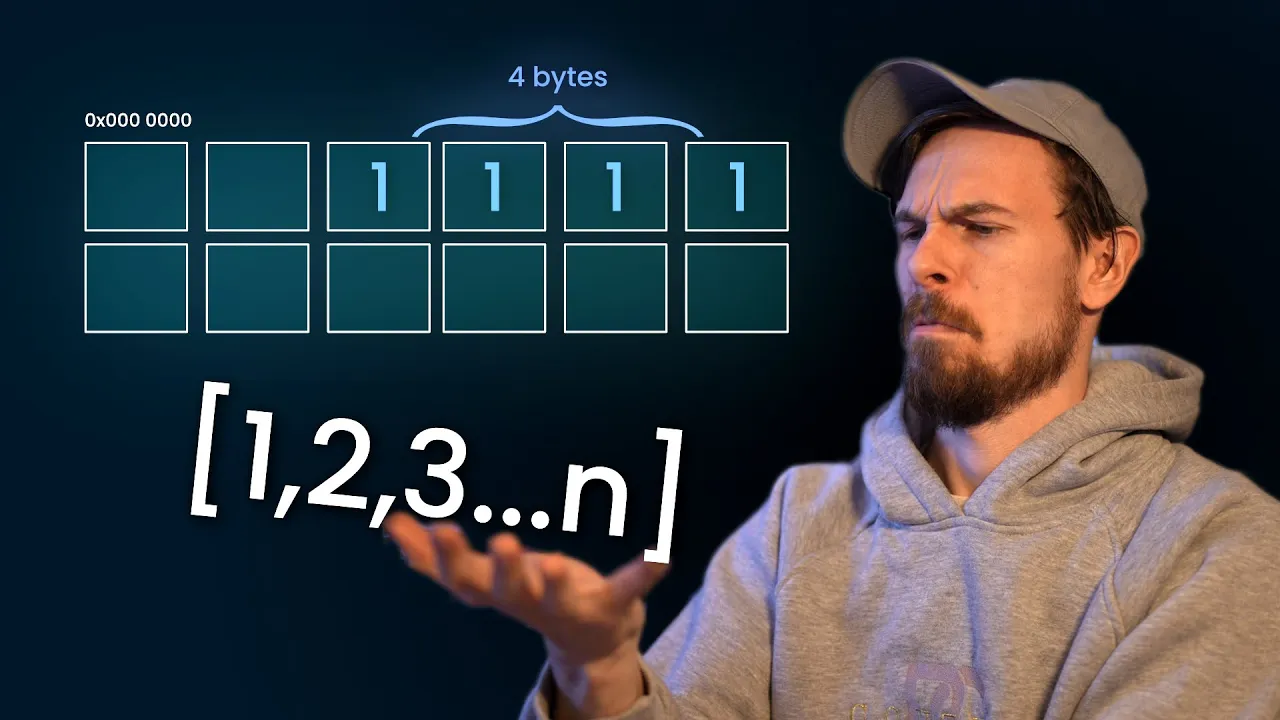










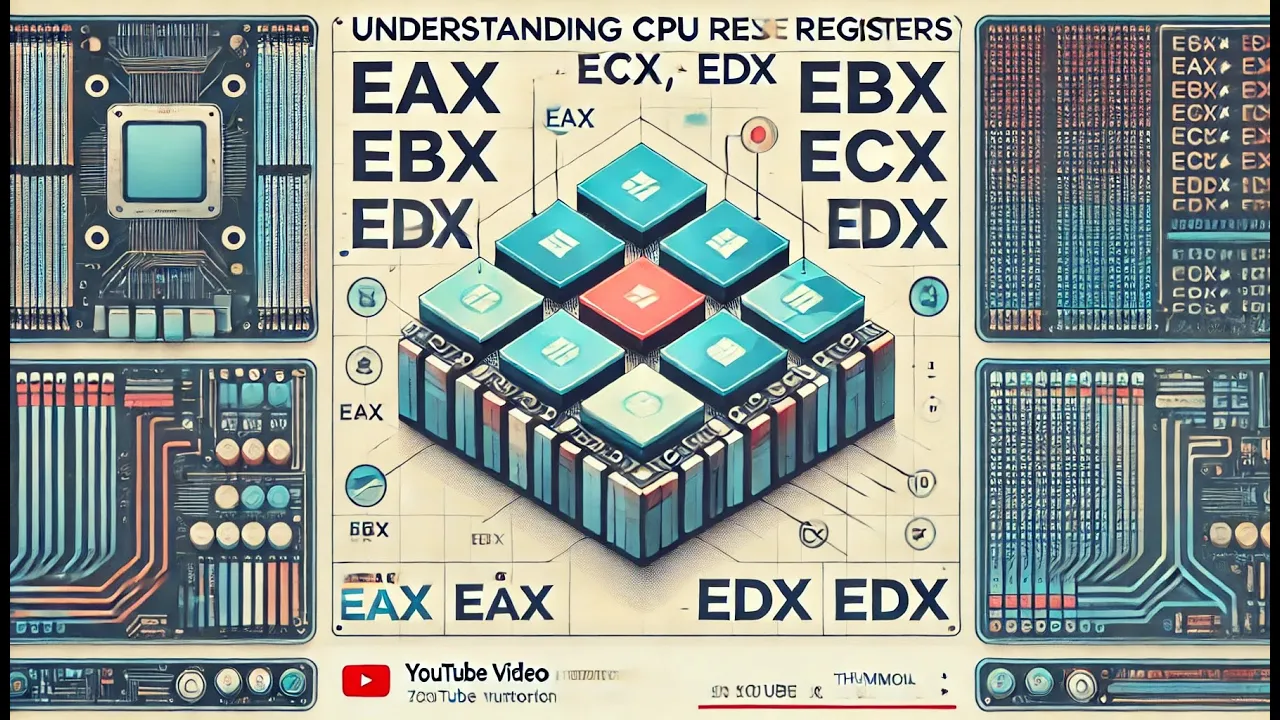













A register is a small amount of memory located within the CPU (processor) that stores data, addresses, and instructions for quick access during program execution; commonly used registers include the input register (8-bit, holds user input), output register (8-bit, holds processor output), address register (12-bit, stores memory addresses), program counter (12-bit, holds address of next instruction), data register (16-bit, holds operand data), accumulator (16-bit, general-purpose register), temporary register (16-bit, holds intermediate results), and instruction register (16-bit, holds fetched instructions).
Registers in Computer Organization: Types & Functions | COA
Added:Basic CPU architecture, including the basic roles of the Control Unit (CU) and the Arithmetic Logic Unit (ALU).
The concept of computer memory hierarchy and the fundamental differences between volatile and non-volatile storage.
Binary data representation, specifically how data and memory addresses are represented as binary digits (bits).
A high-level understanding of the Von Neumann architecture model.
Assembly Language Programming, learning how to write low-level code that directly manipulates CPU registers.
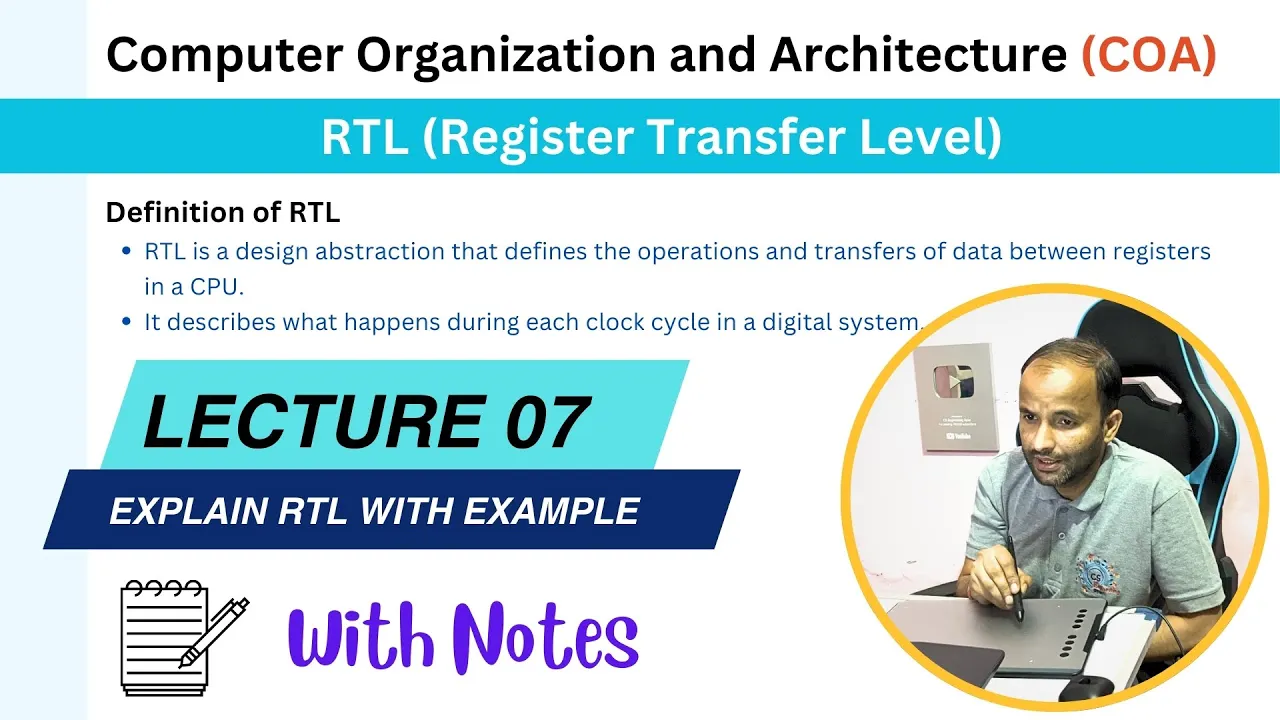
The Instruction Cycle (Fetch-Decode-Execute) and Register Transfer Language (RTL) to understand how data moves between registers.
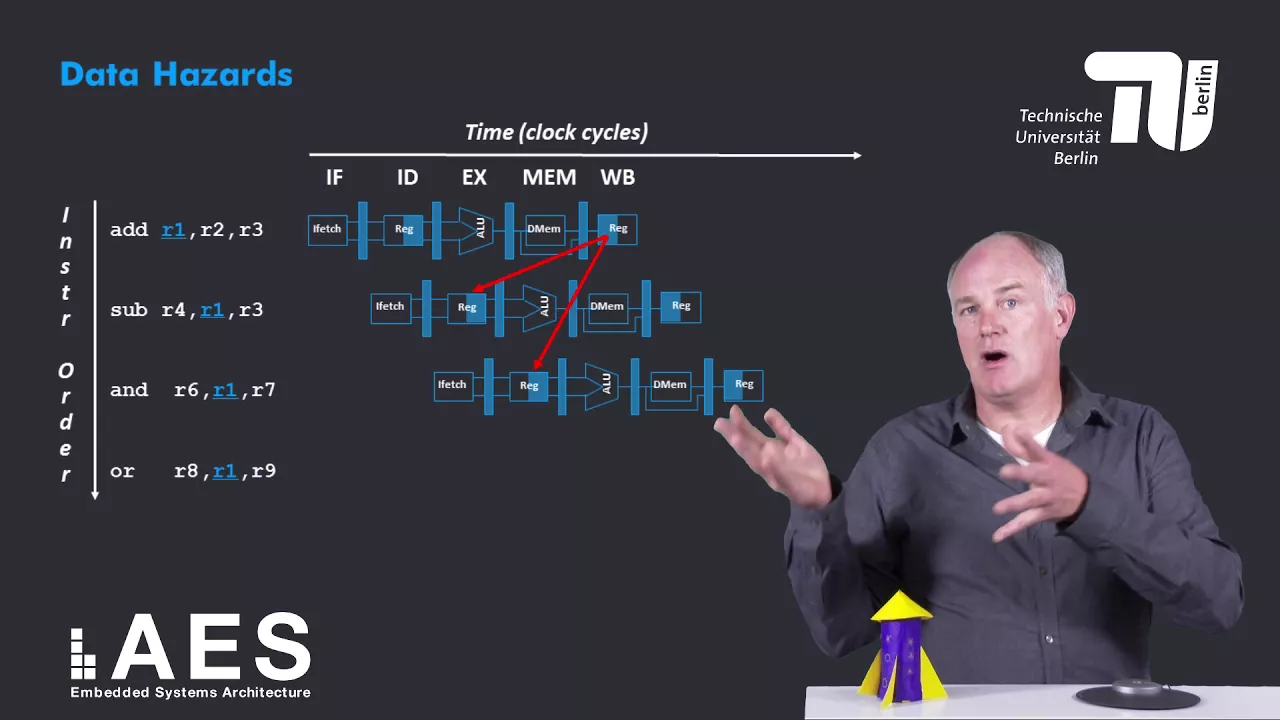
Instruction pipelining and how hazards (data, control, and structural) affect register states.
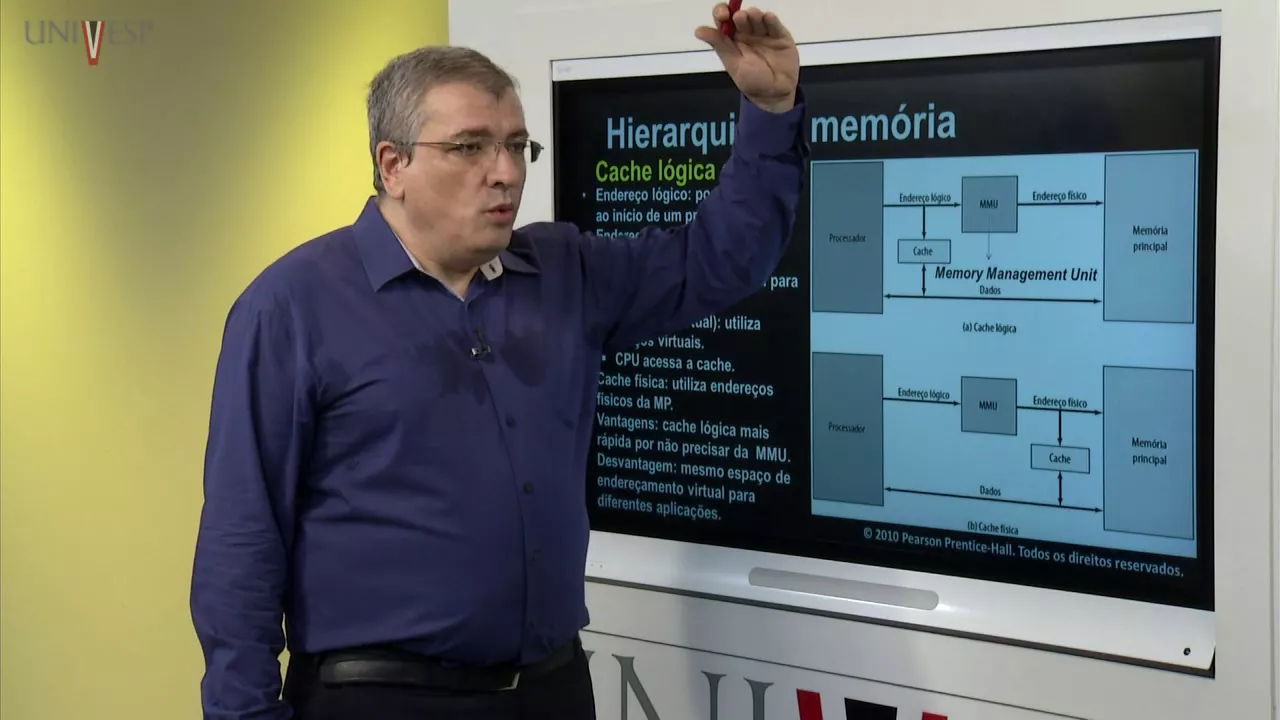
Memory management techniques, including virtual memory, page tables, and cache mapping mechanisms.
149.1K views2.4Klikes11:51Original Release: 2023-02-03
[Music] thank you [Music] Hello friends welcome back to our channel so in today's session we'll discuss about one more Topic in our computer organization that is register what is meant by registers and what are the different types of registers so first of all the register is a small amount of memory which is used to store the data right so it is also some sort of memory right so it's a small amount of memory to store data and see so whatever the instructions or programs which are being executed by the user so those programs will be executed by the processor itself only the processor will execute the instructions or the programs right so the processor here means the CPU right so these registers will be used by the CPU during the processing of instructions so these registers will be used by the CPU or a processor during execution of program or instruction any kind of program or instruction right so uh these registers will be used by the processor okay they will reside in the processor itself and that's why these registers are also known as processor registers so these registers are also known as known as processor registers because these registers will be used by the processor only right now the question is what type of data can be stored in the registers what can be stored in these registers so what can be stored in this registers so the first one as usual if you are using any memory so we can store the data in the memory right so in order to retrieve the data so we need to get the address so the register stores a data and so one advantage of this computer is storing of data right so why we are storing the data so whenever it is required we can get the data back and we can process it and again we can store it in another memory location so in order to retrieve the data which is available in the memory so we required some address so without the address we can't get the data so the memory will be having a lot of memory locations and each memory location will be identified with the help of address so these registers are also used to store the address of a data address and also the instruction whatever the instructions we are going to execute so those instructions can also be stored in these registers but these registers are small amount of memory so in terms of bits the size of registers will be in terms of bits only right now we will see different types of resistors that can be used so there will be lot of resistors but so we'll see a commonly used registers right so the first one the first one input register input register so which is having the size of 8 Bits only 8 Bits right and the name itself indicates any program if you consider any program or any instruction so some sort of data should be given by the user right so those inputs will be stored in this input register while doing the processing okay so it holds the user input that that means the input which is given by the user itself right and the next one obviously it will be the output so we know that a computer will read the input the the user will give the input to the CPU the processor that's the processor will take the input and it will process the instruction and it will produce the output so whatever the output produced by the processor will be stored in the output register output register so the name itself indicate so here is the size is also again 8 Bits And it holds the output producer by the processor the output which is produced by the processor and the next one is an address register so just now we have seen the register can also store the address so the size of this one is 12 bits and it holds address of memory location address of any memory location so the memory locations will be having a lot of addresses so in order to retrieve the data so such type of addresses can be stored in this address register next one is a program counter program counter so the size of this one is also again 12 bits and it holds address of next instruction which is to be executed say if one program is being executed by the CPU so we say that a program means a set of instructions so there will be multiple instructions so the processor will execute every instruction at a time right one instruction one by one the instructions will be being executed so if one instruction is being executed by the processor the program counter holds the address of the next instructions which is being get executed so which has to be get executed that the address of that instruction will be stored in this particular program counter the size of this one is a 12 bits and the next one data register so this is the size of this data register is 16 bits and it holds the data of a memory location so obviously the data will be in memory location and in order to read the data from the memory location we'll use this data register actually here we call it as an operands the data often operate so operand so there will be different terms operand op code so this operand means similarly it says variable in our programming languages which holds the data and op code means the operator operator which is being used in our programming language the same thing we call it as an OP code right operator and programming language we call it as an opcode so data resistor holds the data of a member location that means the data of an operand so whatever the data available in this Opera and that can that can be stored in this data registers which is of size 16 bits and then accumulator so accumulator is again the size is a 16 bits and this is a general purpose register so we can which can be used for any purpose right general purpose register so which can be used for any kind of uh instructions right so any kind of data any kind for anything we can use this accumulator right the next one is a temporary temporary register and this is the size of this one is also at 16 bits and it holds a temporary data temporary data so that means if one instruction is being executed so during that execution so some sort of outputs can be stored in the registers right so like intermediate results so in between the input and output there will be lot of operations will be done and there will be different outputs will be will be generated so all those intermediate outputs okay intermediate results in between the input and output will be stored in this temporary register so name itself indicates so it holds the temporary data it holds the temporary data and the next one instruction register and this is also the name itself indicates so the Sciences have 16 bits and the name itself indicates it holds the instructions instructions read from the memory read from the okay whatever the instructions we are reading from the memory that instructions can be directly uh stored in this instruction register so these are all the commonly used registers by the processor so all these are called as a processor registers we can also call them as a processor registers so input output address program counter data register accumulator temperature resistor and instruction register so finally so once again I am repeating the register means a small amount of memory which can be used to store the data okay and this will be used by the CPU itself right so for quick access or a quick uh storage the CPU will use these these registers so the size of these registers will be in terms of bits only right you can observe eight bits 12 bits and 16 bits so these are all the common registers used by the CPU there may be lot of registers right so hope you're understood this one and right let's stop here if you are having any doubts regarding this one feel free to post your doubts in the comment section definitely I will try to clarify all your doubts and if you really enjoyed my session like my session share my session with your friends and don't forget to subscribe to our Channel thanks for watching thank you very much
Up Next
85:36
Rust Programming Tutorial for Beginners: A Comprehensive Guide
@freecodecamp
354.1K views•2021-11-30

87:26
Introduction to Secure Multiparty Computation with Yehuda Lindell
@fhe_org
7.7K views•2021-02-04

4:55
HTTP Requests Explained: GET, POST, PUT, DELETE
@codecademy
103.1K views•2021-10-07

19:25
Enigma Machine Mechanics: WWII Encryption Explained
@JaredOwen
13.2M views•2021-12-11
Related Study Plans & Knowledge Roadmaps
Structured learning paths in Computer Science
computer-science
Container Runtimes: Namespaces, Cgroups & Go
01Linux Systems & Go Programming Foundations
02The Core of Isolation: Chroot and Filesystems
03Linux Namespaces: Process Isolation
+ 3 more learning modules
32h6 modules
Explore Roadmap
computer-science
Building a CHIP-8 Emulator: Rust & CPU Basics
01Computer Architecture Foundations (Bits & Bytes)
02Rust Programming for Systems Development
03CHIP-8 Virtual Hardware Specifications
+ 2 more learning modules
32h5 modules
Explore Roadmap
computer-science
Building BitTorrent: Go, P2P & Concurrency
01Go Fundamentals & Concurrency
02Networking Foundations & P2P Architecture
03Bencode Parsing & Torrent Metadata
+ 3 more learning modules
26h6 modules
Explore Roadmap
computer-science
Actor Models (C++ Concurrency & Lock-Free)
01C++ Multi-Threading Foundations
02Thread Pools and Task Scheduling
03Atomics and Lock-Free Queue Design
+ 3 more learning modules
45h6 modules
Explore Roadmap