






![EP2 - Criando um SaaS de Controle de Gastos com WhatsApp - Base de dados [PLANOKO]](https://i.ytimg.com/vi/AiZou8zcWOM/maxresdefault.jpg)
![정보처리기사필기 [제1과목 데이터베이스-04강] 물리적 설계, 관계 데이터 모델](https://i.ytimg.com/vi/f5wEV227XKI/hqdefault.jpg)


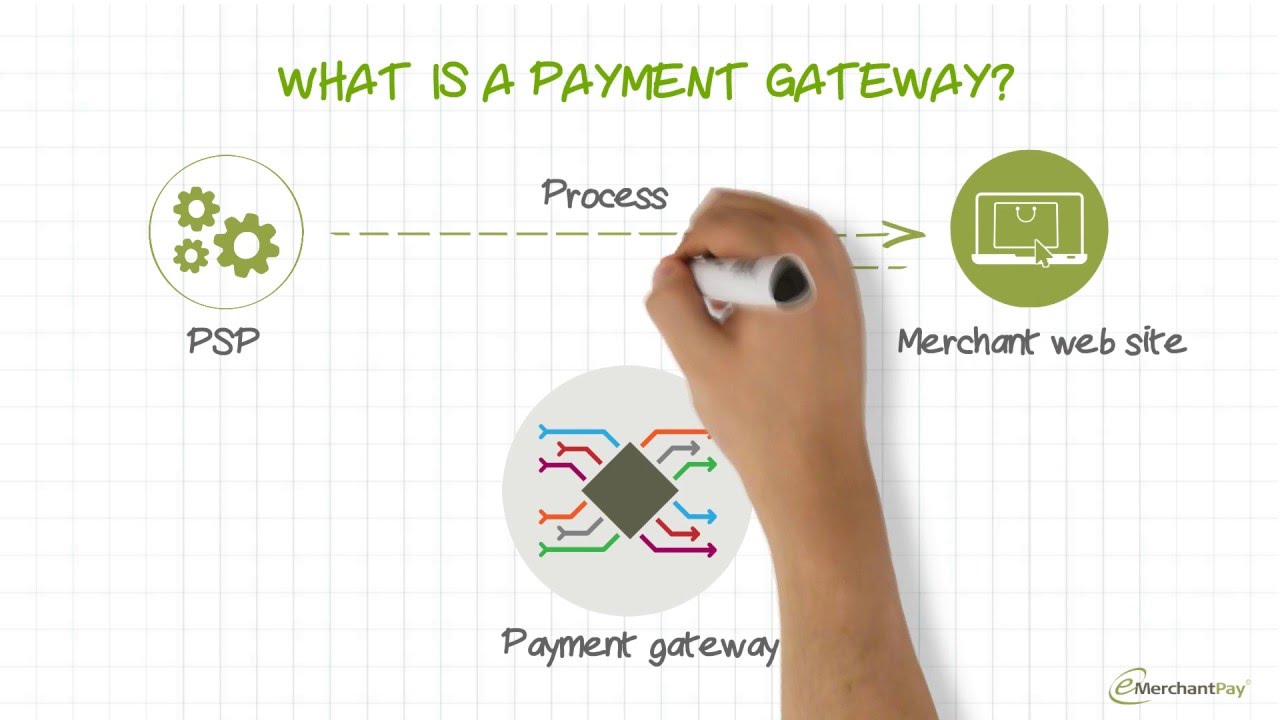

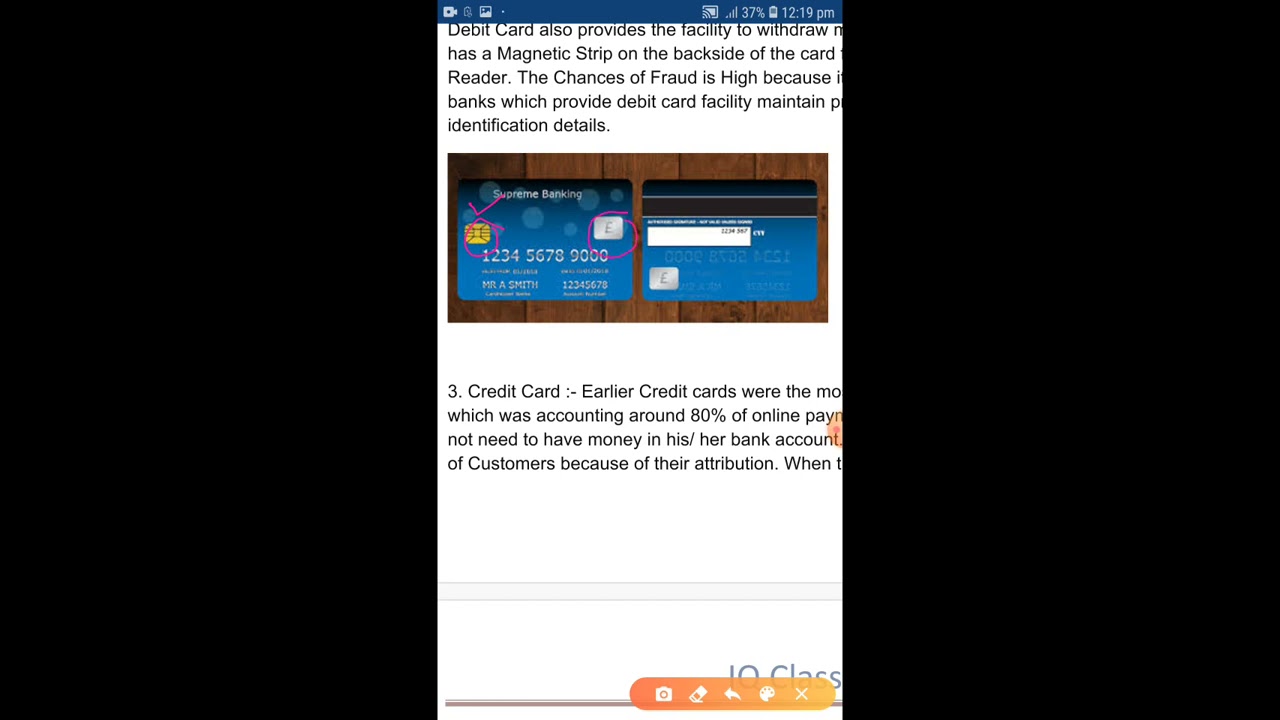






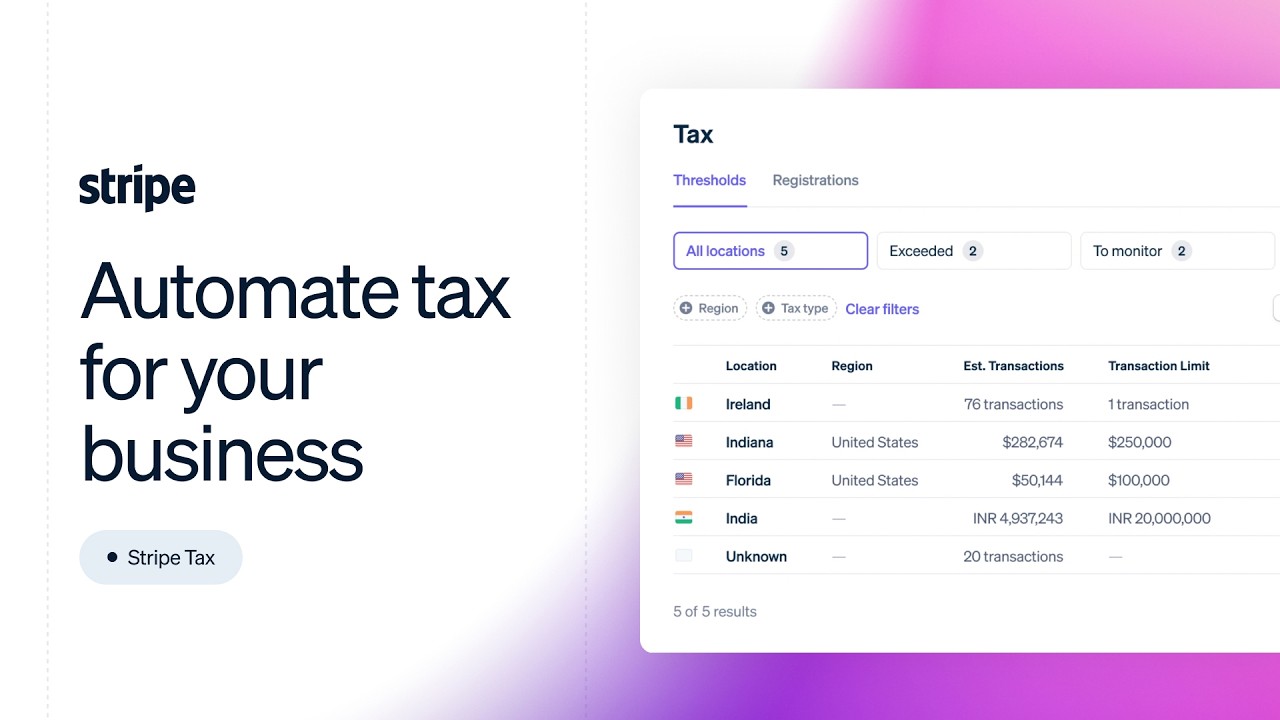





Modern SaaS applications can implement flexible pricing models including one-time payments, usage-based charges, and flat-rate subscriptions, with support for multiple currencies and customizable subscription flows that allow businesses to offer various pricing tiers and payment options to different customer segments.
SaaS Pricing Models: Usage-Based, One-Time, and Multi-Currency
Added:Basic understanding of SaaS business models, including subscription lifecycles, billing intervals, and basic flat-rate pricing.
Fundamentals of web development and backend-to-frontend communication, particularly handling REST APIs and webhooks.
Familiarity with database design concepts, specifically how to model user accounts, subscriptions, and relational transaction data.
Introductory knowledge of payment gateway concepts, such as the roles of customers, products, and prices in a digital ecosystem.
Implementing advanced subscription state handling, such as proration calculations for mid-cycle upgrades or downgrades and trial management.
Designing dunning management systems to gracefully handle failed transactions, card expirations, and automated recovery notifications.
Integrating global tax automation tools (e.g., Stripe Tax) to handle regional sales taxes, VAT, and international compliance.
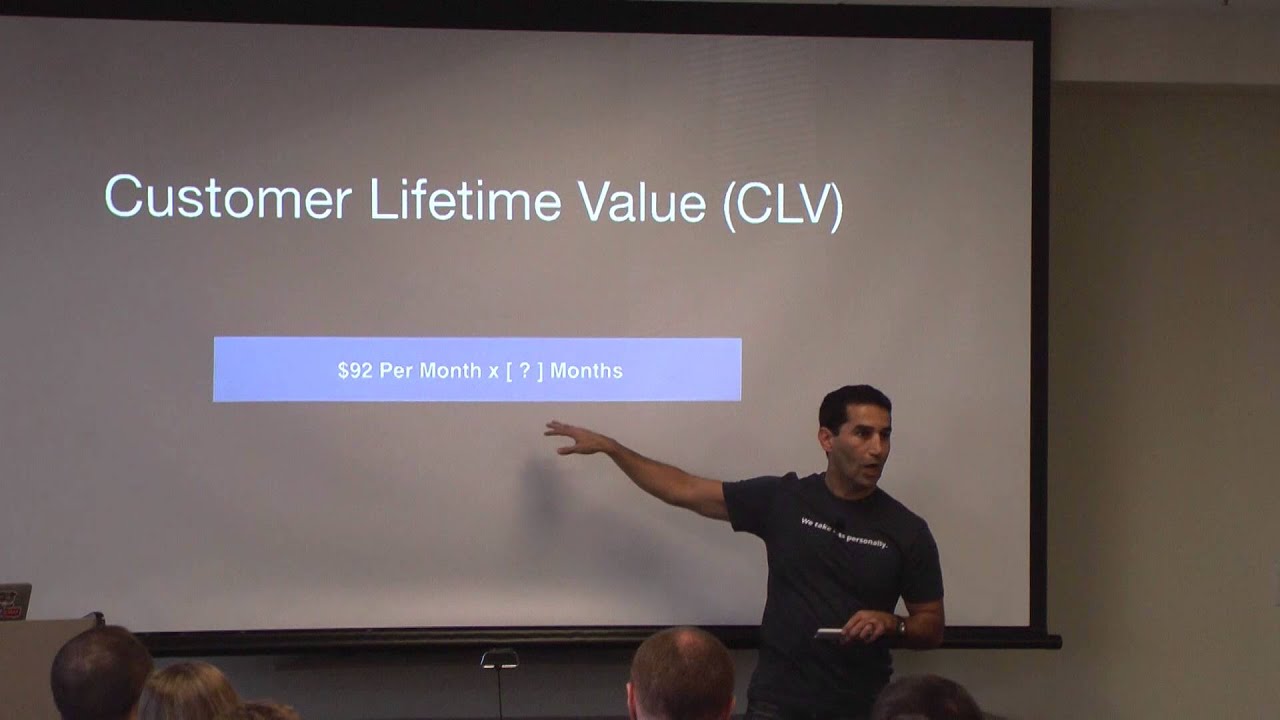
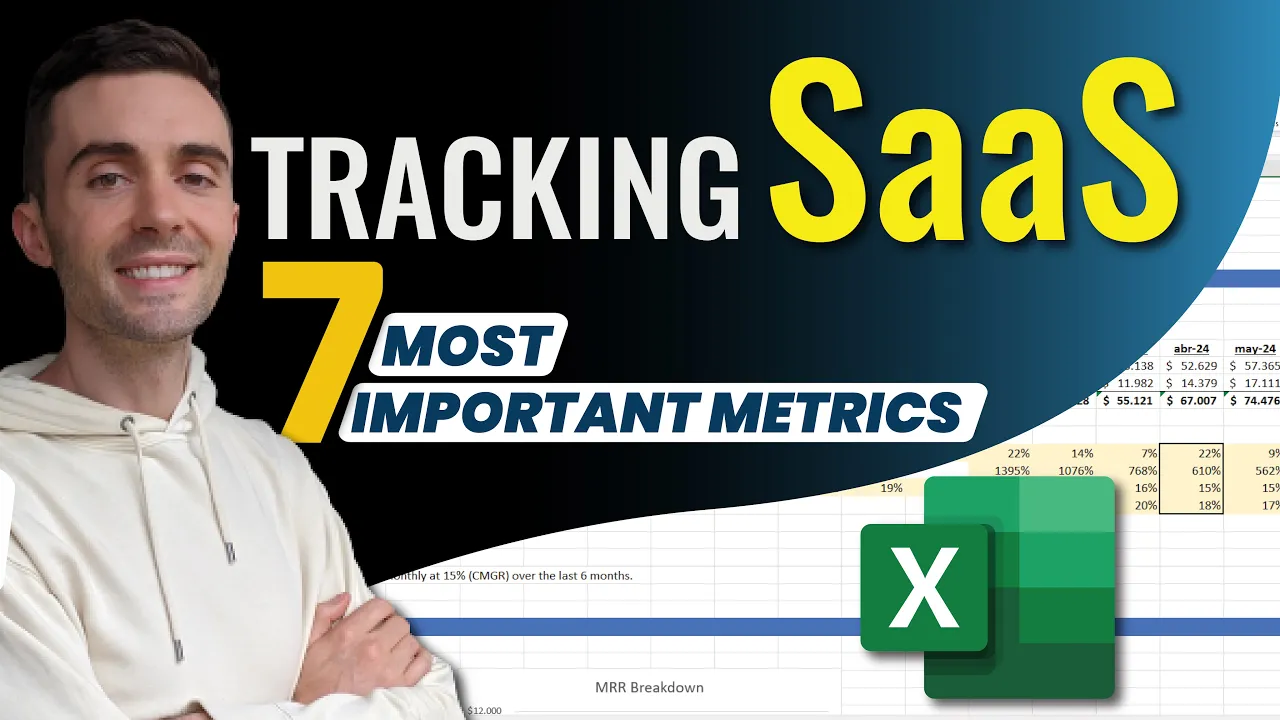
Building SaaS analytics pipelines to calculate critical business metrics like MRR (Monthly Recurring Revenue), ARR, Churn Rate, and LTV.
253 views4likes31:37Original Release: 2022-09-13
before I talk about the new pricing and subscription features on version 0.6 that I released yesterday let me tell you how I split the SAS Rock urls the sasra core Edition demo is now at demo.sas rock.com because before it was at saserock.com but I'm going to reserve this domain to manage SAS Rock subscribers customers analytics and all that and the South Rock Enterprise Edition demo is at enterprise.ros.com so now the official website is sciencerock.com but the pricing will redirect you to pre-launch prices this of course is going to be like this until version one this is a mistake this should be version 1.0 before 1.0 launches um it will write direct to gumroad to get access to the private repos and this is um how the new additions will be core Edition Enterprise Edition Founders Edition which is basically if you want me to help you with developing your SAS an agency Edition to get more development and Consulting hours so these prices could change before 1.0 but this is just um to start preparing some ground for when 1.0 launches so now let's get into the new pricing and subscription features starting with the one-time pricing model we can go to the pricing page and set the model ready param to number four to preview the default prices for one time and it will show something like this basic starter and Enterprise tiers with these prices let's say that you want to multiply this by two you can do that on the plans server file by locating the one-time prices array and here we have two currencies supported the USD and MXN so let's multiply these by two and on the other prices and save this file and refresh the page so let's say that you are happy now with these prices so we can create them on the admin setup pricing Page by selecting the one-time model here and click in here to generate plans currently there are no products on our dashboard from stripe and if we create them it will create them on the database and on stripe each product with each price let's see for example the basic plan should contain two prices MXN and USD so these prices are now live we can refresh this page without the query param and if we toggle here it will change to the selected currency so that currently there are no buttons to subscribe or buy because I'm logged in so let's first log out refresh the page and now we can buy let's say that we want to buy five starter plans which includes each one of them five users so it will give me 25 users because um feature limits support multiple subscriptions or products by bucked so this page checkout session uh will read direct need to the pricing session success route where this session is stored in the database in case the user closes this stuff but the the email is sent to the to the customer so this session could never be lost if I try to create this account on this user which is my admin user it will give me an error because um I cannot create another time this user so let's try to create with test one and now I have my account ready and if I go to the subscription here is my subscription which is one time of five starter plans and we have 25 users and 500 API calls per month and this debug mode div is just uh if in case you want to modify manually on the database for example the canceled date or the end billing cycle date or just delete it for some customer and this way the user can subscribe to another plan let's say that they want the Enterprise as well but this time only one this will add 12 users 90 contracts and it will set unlimited API calls instead of 500 so let's buy this and here I cannot update the email because this is an already existing stripe customer so if I buy this it will redirect me now to another URL which is subscribe the tenant name session and success this URL adds the plan to the account so if I refresh this page it will say checkout session are very processed because it's only one time so if I go to my subscription I should have two products now five starter plans and one Enterprise and 25 plus 12 users 37 users and unlimited API calls because we subscribe to the Enterprise so this is how it um works for the one-time products this could work for add-ons if you have already other pricing plans like flatbread prices or usage-based prices but new colors also have one-time prices only if you're a product requires two now let's talk about usage-based pricing model this is a little bit more complicated but um let's try to keep this simple the first thing that I'm going to do is delete the current prices so if I go to the pricing plans it will give me an error because a customer already has the starter and the Enterprise plans so here you will say it cannot delete this product so it makes sense so but since I'm on development I can delete tenant subscription model I mean tenant subscription product model and I can now delete these prices I mean tenant subscription product uh it should be on the core so let's try again and finally the Enterprise product so now I shouldn't have active products so let's preview our pricing page again but this time on the model number two I think for usage-based prices as you can see there's no flat fee price or flat rate price but unit based prices so I have this API calls and employees units but you can set your own units let's say that I want to add another unit for contracts so for that you can go to unit usage based units here and add your custom unit let's call this contract because it's an entity already created and set this to contract and pass this here and on the plan server let's locate the usage based prices here as you can see there are no prices but there are usage-based prices for example here on the first tier we have these prices for the USD currency let's just copy uh the employee prices and change these two unit contract and do the same thing well let's say that per unit is two dollars for the tier number two and for the tier number three so by refreshing this page you should it should show the contract unit right here two per unit so let's try and generate these prices and see how it looks on stripe we should have three tiers each tier with six prices because three are for USD and three for the other currency this is per month and this is for the API calls and this is for the employees uh I mean this is for the contract and this is for the employee the API calls and these prices are live so if we refresh this page and log out so now let's try to subscribe to the basic one and the checkout session from stripe should look like this zero dollars due today but it will subscribe to this uh units based on their usage this is for the API calls and for the contract and for the employee you can change these names by changing the nickname product name and let's subscribe and we're going to create one contract one employee and use the API once I mean 11 times so we can have this per unit price so first let's create another account text number two and if we go to subscription we have this current period subscription and the customer can cancel it but it will be active until October 12th and here we have the upcoming invoice so let's create one employee and refresh the page to see the uh new upcoming invoice so we have one employee at one dollar let's create another employee so we should have two dollars for the upcoming invoice and now let's create a contract well I need to create the client or provider so to make this simpler I'm just going to create an API key and it says that it's not included in the current plan but uh oh yeah this is something that I did not see coming I just need to log in as the admin user go to the basic plan and set the feature for the API included for this tier so let's uh impersonate the latest user and again go to my API keys and create one and copy this key and I'm going to use thunderclient and this should be localhost and on the headers the API key and let's call this so one time two times let's do this 11 times because the first 10 is free but after the number 10 is 2 cents per unit so we have called this 11 times so go back to the subscription and here we have 11 API calls uh tier number two which is uh of two cents so if we sum this it should be the upcoming invoice to 7.22 dollars so this is for the usage-based model but we can subscribe as well to another plan but the customer can cancel this and it will not be active let's let's do that and see how it looks on here and on October 12th it's canceled there's no upcoming invoice and on the payments subscriptions we should have the here the canceled one and here is the basic API calls which is 11.
the employee which is two and no contracts so this is for the usage-based pricing model for the next one we have flat rate Plus usage-based pricing model this is just in case you want to charge uh upfront plus based on their their customer usage so again let's go to our admin setup pricing page well first log out because I'm a simple user setup pricing and let's delete this but first delete this table now that I've deleted all these products let's refresh the stripe dashboard and create the flat rate plus usage-based default prices but first let let's see how that pricing pricing model looks like I think it's number three so here we have our basic starter and Enterprise flat rate prices plus based on their usage so for this let's say that we only want to charge per API calls so we will go ahead and on the plan server delete all these units I'm going to comment this all and just leave the unit API call to make this simpler and let's create these prices flat rate plus usage based this will create a lot of prices three products but a lot of prices each let's see the basic tier so here we have the usage-based prices per currency and the monthly prices and yearly prices so if we log out refresh this page the pricing page we can subscribe to the starter plan which will look like this 199 due today plus based on their API usage so let's pay this and create test tree I think and our subscription should look like this API calls only but we should have an invoice that is paid or and a payment and the upcoming invoice is in one month from now plus what whatever API calls we used so if we use the API again but with this customer 10 times I mean 11 times and go to subscription we should have tier number two uh four cents and let's take a look at what happens if we reach 221 so now we reach tier number three so the per unit price is lower um and our upcoming invoice should look like this so that's basically it the customer can cancel this as well and the subscription on stripe should look like this two prices the monthly fee and the API called usage base price we can view all the accounts that they made which is 21 from the current period if you have questions of how I'm recording this user usage I'm calling this function where I pass the tenant ID and the unit name the unit name should be exactly like the one on the usage-based units array like this here and this function basically gets the tenant subscription and finds the unit based on the price item and if it's found it will create a record on the database but first it will report the stripe with this function create usage record and that's it for the pricing models now let's talk about the next features that were added I'm sure you've already seen that I support USD and MXN but let's say that you want to support another uh currency uh but first let's again delete our prices and be stable and see the pricing page so here we have USD and MXN if we want to add another one we have this currencies file where we can enable for example euros so we can click this but we don't have prices for for this currency so you will need to go to this plan server file and and these prices are flat fee so let's find that all right flat flat rate I mean and here let's say [Music] um I don't know what is the priority but let's say like this and this is euros the monthly and the yearly prices so now if we click on euros it will update the current prices um this applies as well when you're creating a new price manually for example basic and here it will ask for that currency that you want to support and that's the same case for usage based for each unit when you add a new tier it will add a new column for each currency of course on the one-time prices as well now let's talk about multiple subscription and payments um up to the uh up until now we have supported only one pricing model but let's say that we want flat rate prices like this but we want to support another one-time price let's call this all access and this should be one time public and let's say here 10K foreign and let's create this so um let's log out again so we can subscribe to this startup plan and create test number five so our subscription is on the starter plan but our customers can buy the All Access plan so they can combine flat rate plus one time or whatever you want to so we should have a flat rate subscription that we can cancel here and and all access one-time subscription that we cannot cancel uh this is useful for add-ons or specific limited deals that you want to sell or services like development consulting or one-time fees for anything and if we cancel this our customers can subscribe to this plan um when the subscription is has ended let's see it ends on October and the ID is this one so we can search on the database this product where ID and here we have that it ends in October so we can set this that it has already ended so this startup plan should disappear for your customer so they can subscribe again whenever the billion cycle ends you can customize what signup and subscription flow your app needs for example the default one is the tenant creates the account and then it subscribes but now they can subscribe first as you saw and they create their account after you can customize this behavior on the app configuration file where you can set allow subscriber for signing up let's say these to false this should um disable the buttons on the pricing page so here we don't have any buttons because the tenant should create the account first and then subscribe let's see test number seven and let me verify this account so now it will direct need to subscribe but if I don't want the user to be redirected here we can disable here the required flag so whenever our customer logs in again it doesn't require a subscription so after creating the account the user can subscribe but if we don't want this and want it the other way we can set this to false that the user cannot create the account before subscribing and the subscription is required before creating an account so this basically disables their register page it redirects us to pricing where we can now subscribe the same way we've done it um before so this is how uh the new sign up and subscription flows can be combined because you can allow this flow but also this flow or disable one of them finally these additional features um I believe I've talked about all of them on each demo but let's do a quick recap default units are supported for API calls and whatever entity that you add but this of course requires that you add the usage based unit the usage-based unit file out of the box um it should not only be for entities let's say that you want also for users or for emails inbound emails or for upcoming outbound emails so this SAS Rock usage-based pricing models has the flexibility of supporting multiple units and one-time payments um create lifetime subscriptions I believe I've talked about this also where you have add-ons or all access plans that that the customer buys for something like too expensive because it is a lifetime deal subscription and finally I talked about this also um enforcing the tenants to have a subscription um this is uh using the flag on app configuration file on subscription required whether it's true or false wherever your application needs that's it for this release it was way more complicated than I thought it would be but I think spending some time on pricing is worth it because we're talking about SAS applications here if you want to read more about how I build this you can go to my blog post sasrock.com blog and this is the blog post called sasrock 0.6 usage based one time and multi-currency pricing which is basically what I talk about this I talk about on this video but in a nicer way because it's with it has screenshots uh it talks talks about each pricing model um and it has reference to the routes and the the files that you need to modify and the sign of um and subscribing flows and and all of the um process that I needed to overcame to build this pricing and subscriptions features um finally thank you to my SAS Rock subscribers um without you uh South Rock wouldn't even exist I believe I would I should I would have I don't know look for other Frameworks to work on for example my previous ones which is in view or spelled or create react app or or maybe I um would have gone the next JS route or I wouldn't have found the value that Prisma provides I don't know thank you to my current subscribers and my past subscribers and if you're not a subscriber uh you're in time before 1.0 because the new prices will be something like this and currently you can subscribe to 99 per month for the call features but you don't have to be subscribed this is a Perpetual license the subscription is just for if you want to get updates of course but I believe that um after up until now this version is stable enough actually I built this site for Mexican companies on version I think 4.0 I don't remember but it's live and it I have some customers so even if you don't get to the 1.0 version um this should be more than enough thank you
Up Next

47:49
How Panera Bread Automated Billing Processes | Billing Platform
@BillingPlatform
228 views•2019-01-09

12:54
Triumph of Orthodoxy Icon: Byzantine Art & History Explained
@BenCallan
2.1K views•2024-08-06

9:49
FastAPI vs Flask vs Django: Choosing the Right Python Web Framework
@TechWithTim
302.5K views•2024-05-26

1:42
Game of Thrones Opening Credits: A Cinematic Analysis
@gameofthrones
46.3M views•2011-04-18
Related Study Plans & Knowledge Roadmaps
Structured learning paths in General & Interdisciplinary Studies
general-studies
Elevator Engineering: History, Physics & Cities
01From Hoists to Safety Brakes: The Dawn of Vertical Lift
02Hydraulic vs. Traction: The Engineering Physics of Elevators
03Modern Speed, Safety, and Algorithms
+ 2 more learning modules
12h5 modules
Explore Roadmap
general-studies
Rubber: Material Science, History & Geopolitics
01Origins of Natural Rubber & Mesoamerican History
02The Chemistry of Natural Rubber & Vulcanization
03The Geopolitics of the Rubber Boom & Colonization
+ 2 more learning modules
12h5 modules
Explore Roadmap
general-studies
Containerization: Evolution, Logistics & Trade
01Ancient Trade & Bulk Cargo: Amphorae to Barrels
02The Industrial Revolution & Cardboard Packaging
03The Containerization Revolution: Malcom McLean
+ 2 more learning modules
12h5 modules
Explore Roadmap
general-studies
Textile Tech: Evolution, Labor & Global Impact
01Pre-Industrial Textiles: Handloom & Cottage Industry
02Mechanization: The Spinning Jenny to the Power Loom
03The Factory System & Global Labor Transformation
+ 2 more learning modules
10h5 modules
Explore Roadmap