






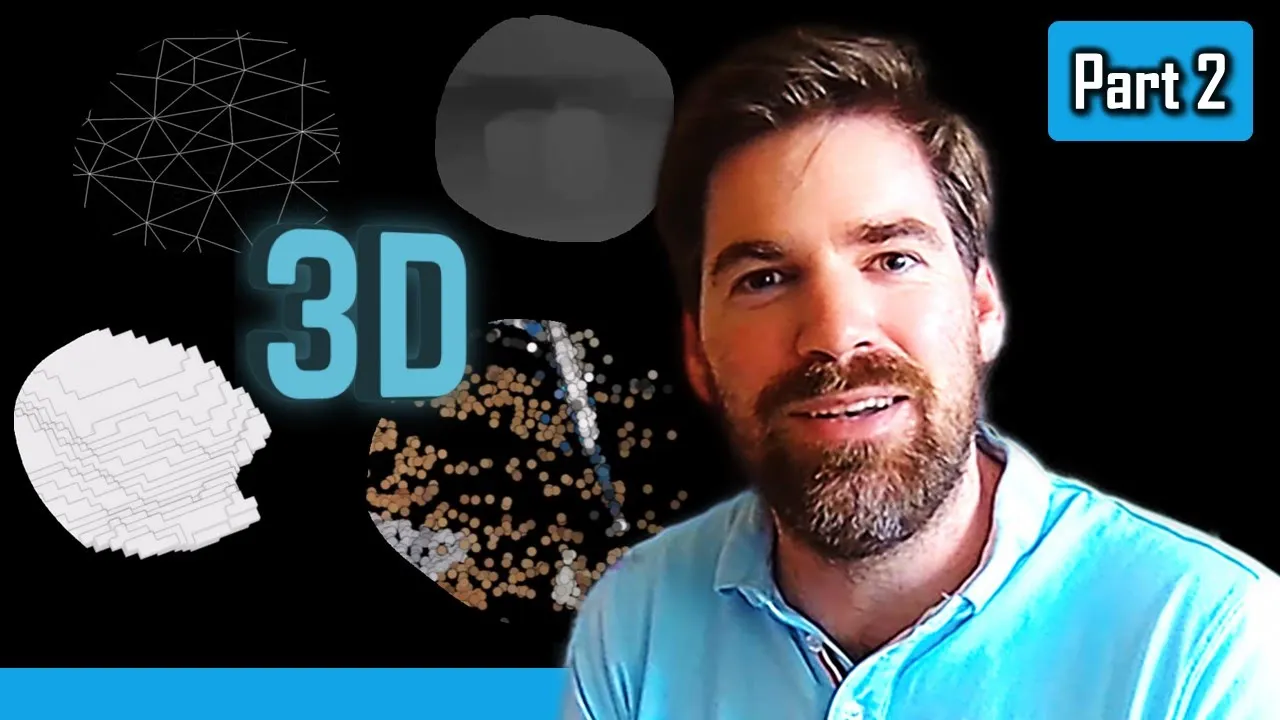









This tutorial demonstrates how to generate 3D models from digital photographs using COLMAP, an open-source photogrammetry software. The process involves downloading and installing COLMAP, preparing image datasets, configuring automatic reconstruction settings, troubleshooting common issues like GPU timeouts, and exporting final 3D models in formats suitable for 3D printing (STL or OBJ). The demonstration uses the publicly available Gerrard Hall dataset containing 100 images to create a sparse point cloud and dense point cloud, which can then be visualized and further processed in external software like MeshLab.
Colmap Photogrammetry Tutorial: From Free Images to 3D Models
Added:Basic principles of photogrammetry, including image overlap requirements, parallax, and the Structure-from-Motion (SfM) pipeline.
Fundamentals of camera settings (exposure, focal length, ISO) and how image metadata (EXIF) affects 3D reconstruction.
An understanding of GPU computing, specifically NVIDIA's CUDA platform and how graphics hardware processes parallel tasks.
Basic concepts of 3D computer graphics, specifically the difference between sparse/dense point clouds, polygon meshes, and textures.
Advanced mesh optimization techniques, such as retopology, decimation, and texture baking in software like Blender or Substance Painter.
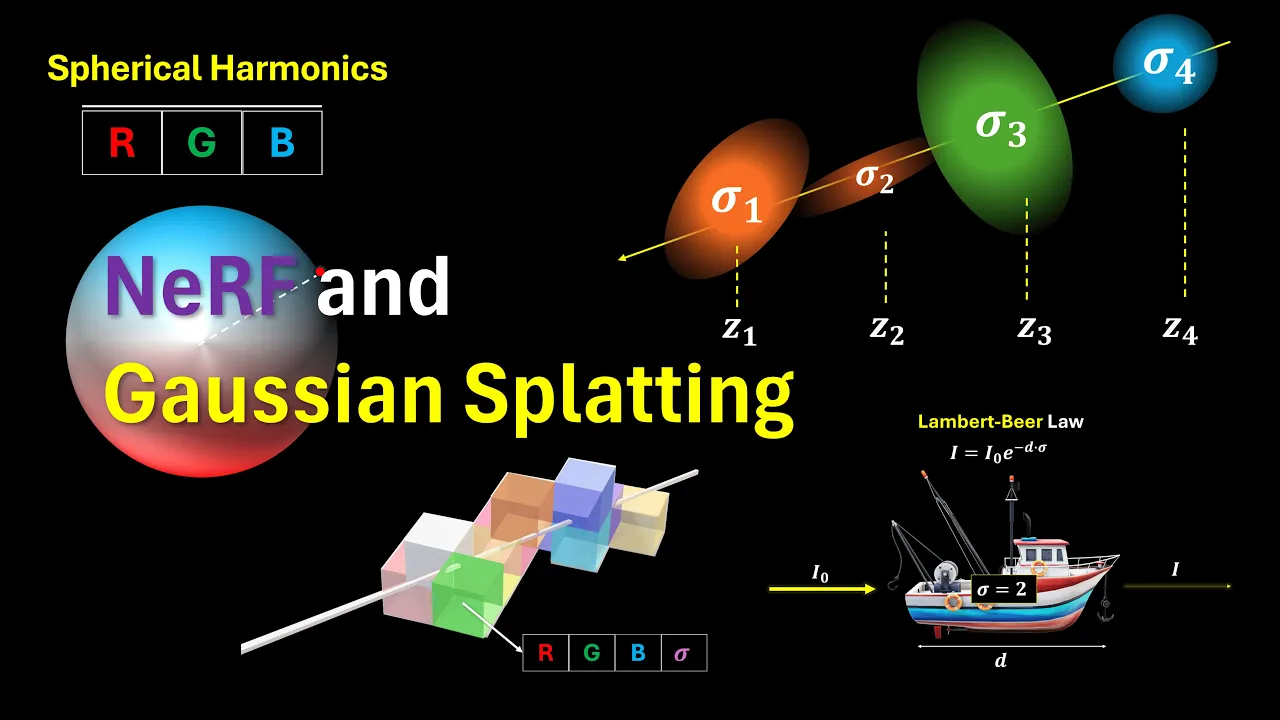
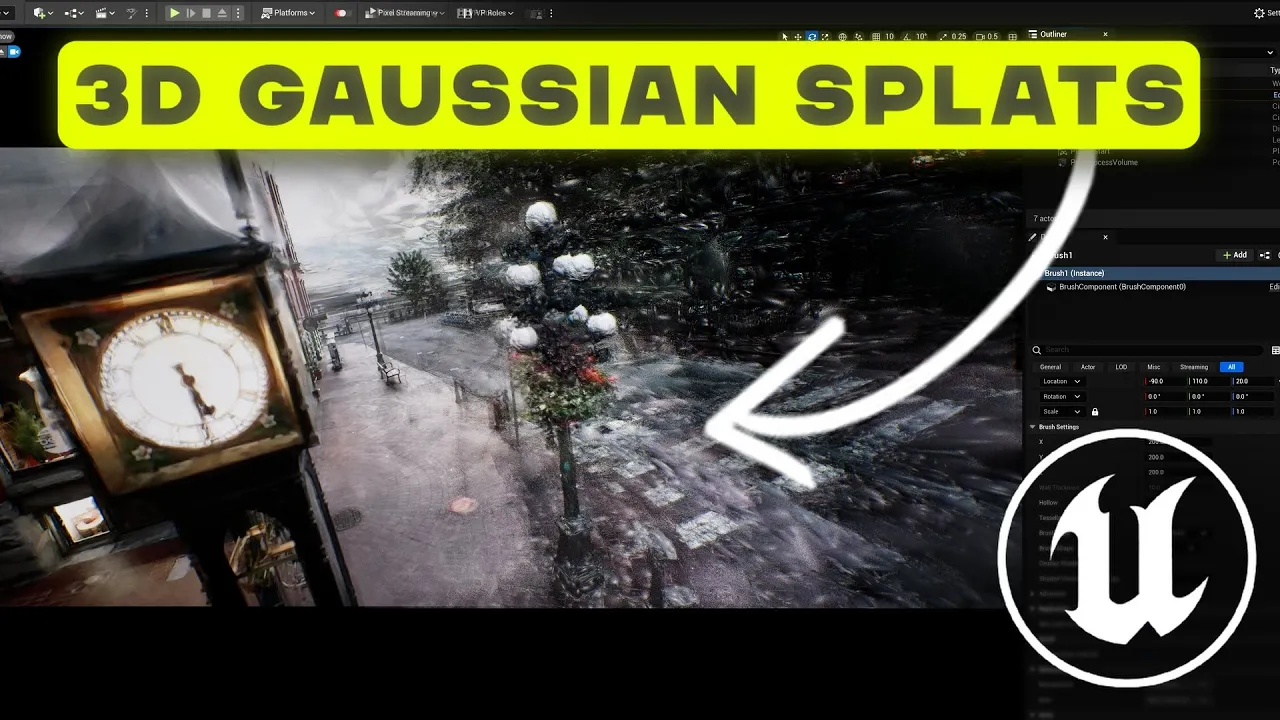
Exploring Neural Radiance Fields (NeRFs) and 3D Gaussian Splatting as modern, neural-network-driven alternatives to traditional photogrammetry.
Integrating reconstructed 3D models into real-time environments, such as game engines (Unreal Engine, Unity) or virtual reality (VR) applications.
Aerial photogrammetry and GIS mapping, utilizing drone capture techniques, ground control points (GCPs), and coordinate system alignment.
93.2K views485likes8:20Original Release: 2019-11-04
I'm gonna show you how to get started with coal map so the first thing to do is that you want to here and you want to download the software so I can include these links but essentially you're gonna get the try out a couple different versions I'm on Windows so I'm using the dev Windows legacy CUDA version since I have a gtx 980 card and I unloaded that kind of data put that in this folder unzipped it and it comes with two executables Kol map bat and run tests and so first thing to do is probably just to go tests see if it works she'll give you some basic information as to how the software works um I just ran this a minute ago and it passed so hopefully it'll pass again we'll see if it does okay let's see the pass and then probably for your first model I'm gonna start off with something simple so in this case you can click on these but you'll see that none of them are available so what can I do to actually do one that's better provide that so go to this one download the Gerard all data set because it's only 100 images you should be able to run it at least done almost every computer so the next thing to do start a pull map and that should start running there and it'll give you this which looks really intimidating because it's not very friendly compared to a lot of other stuff matters that's what I found that I click this guy here automatic reconstruction and then the workspace folder whole map projects previous version we're going to go here for a workspace different image folder go here for our image folder just to make sure we should do click there click there image folder vocabulary tree for this size we can leave it blank and a GPU or not run it so now I'm probably gonna just accelerate through this and cut but it should check all the full lose and get automatic reconstruction one thing that might throw an error is this one fig street view freezes and timeouts this has happened on every single machine I've run and so I need to execute these two these two commands from a administrator terminal to make sure that it doesn't have that issue that's for Windows for Linux it's something else but for Windows that's what you have to do so anyway let it run watch the log file and I should be done a little bit and I should see something that's actually interesting okay so it looks like it's finished imported the reconstructed sparse models for visualization models are also exported to the sparse subfolder in the workspace okay to visualize the reconstructed dense point cloud navigate to a dense subfolder workspace with file import model from to visualize the mesh model you must use an external viewer such as meshlab so you'll see a lot of people go over to meshlab okay so we can kill this guy now let's save it file save project as [Music] ee RRA bar all that iodine save it there okay [Music] [Music] you can see it there's a couple of artifacts but for the most part looks like we got some noise here [Music] it didn't like those bars very much that stuff up front you could probably get rid of doesn't like the glass very much the brickwork looks solid pretty straight on that the columns are all solid colors and you can see that we didn't get the back of the columns mr. what new videos there and the trees yeah it's alright so ok so we can either clean it up here where we can clean it up another software and then now it's a PL y so with this we can always go to export mesh as then it changed the type that we want so if we're going to print it I can do STL or we can do an obj or whatever type of image to everyone so I'm just going to do this export it out we can actually play with it and something else [Music] there you go full product from these images to that final product let's look at the front disability game so it looks like those might be artifacts from the trees the most part that door came in pretty well EDUCAUSE and this black stuff here [Music] good friend mo some issues with it also we don't have any images of top so you can see that you don't have proof don't have any edges there so it's all stuff that would need to be completed also the shrubs kind of block out that area so you don't see that but as far as the demo the TC to do at least you feel like you can get started with it so that's all free tools all right [Music]
Up Next

9:41
NVIDIA Instant NGP Tutorial: Creating a NeRF Movie from Video
@MrErichaines
86.6K views•2023-01-13

12:54
Triumph of Orthodoxy Icon: Byzantine Art & History Explained
@BenCallan
2.1K views•2024-08-06

9:49
FastAPI vs Flask vs Django: Choosing the Right Python Web Framework
@TechWithTim
302.5K views•2024-05-26

1:42
Game of Thrones Opening Credits: A Cinematic Analysis
@gameofthrones
46.3M views•2011-04-18
Related Study Plans & Knowledge Roadmaps
Structured learning paths in General & Interdisciplinary Studies
general-studies
Elevator Engineering: History, Physics & Cities
01From Hoists to Safety Brakes: The Dawn of Vertical Lift
02Hydraulic vs. Traction: The Engineering Physics of Elevators
03Modern Speed, Safety, and Algorithms
+ 2 more learning modules
12h5 modules
Explore Roadmap
general-studies
Rubber: Material Science, History & Geopolitics
01Origins of Natural Rubber & Mesoamerican History
02The Chemistry of Natural Rubber & Vulcanization
03The Geopolitics of the Rubber Boom & Colonization
+ 2 more learning modules
12h5 modules
Explore Roadmap
general-studies
Containerization: Evolution, Logistics & Trade
01Ancient Trade & Bulk Cargo: Amphorae to Barrels
02The Industrial Revolution & Cardboard Packaging
03The Containerization Revolution: Malcom McLean
+ 2 more learning modules
12h5 modules
Explore Roadmap
general-studies
Textile Tech: Evolution, Labor & Global Impact
01Pre-Industrial Textiles: Handloom & Cottage Industry
02Mechanization: The Spinning Jenny to the Power Loom
03The Factory System & Global Labor Transformation
+ 2 more learning modules
10h5 modules
Explore Roadmap