




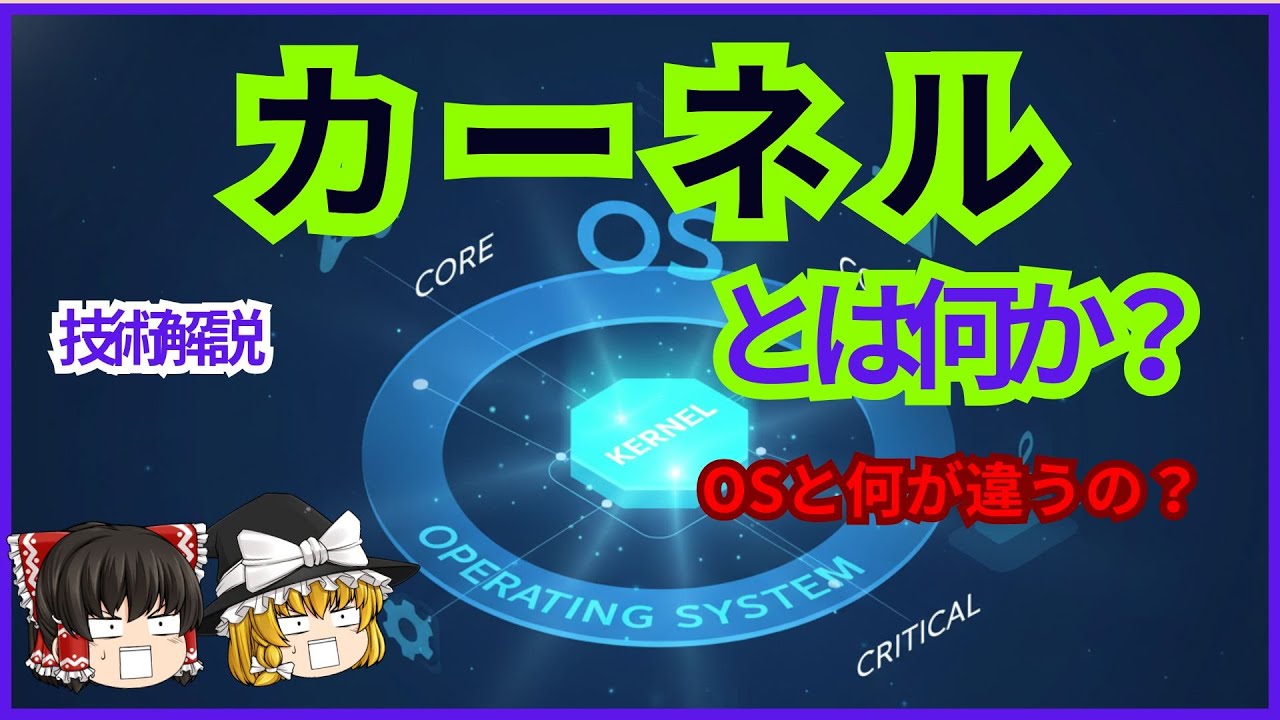

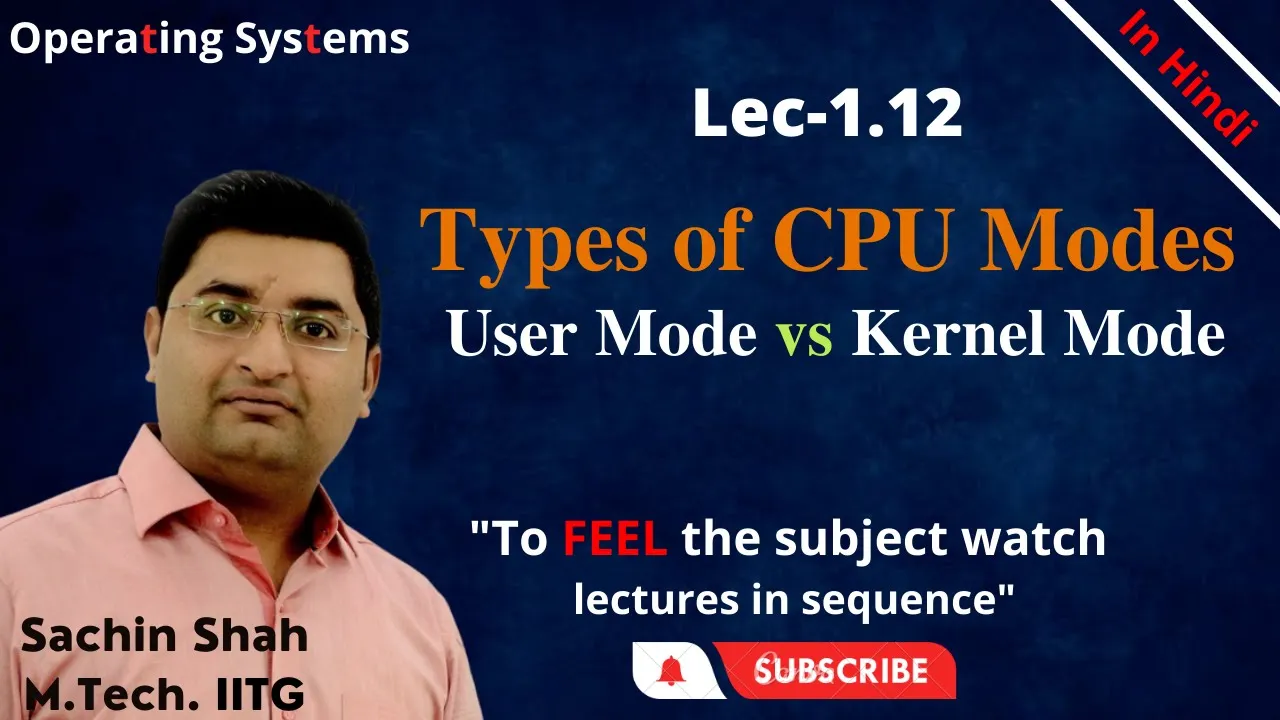















A process is a program in execution residing in RAM, comprising executable instructions, stacks, heaps, and state maintained by the operating system; system calls are special functions that invoke kernel operations through traps, shifting the processor from user mode to privileged mode, enabling user processes to access hardware resources and OS services while maintaining security boundaries between user space and kernel space.
OS Explained: Processes, System Calls & OS Structure
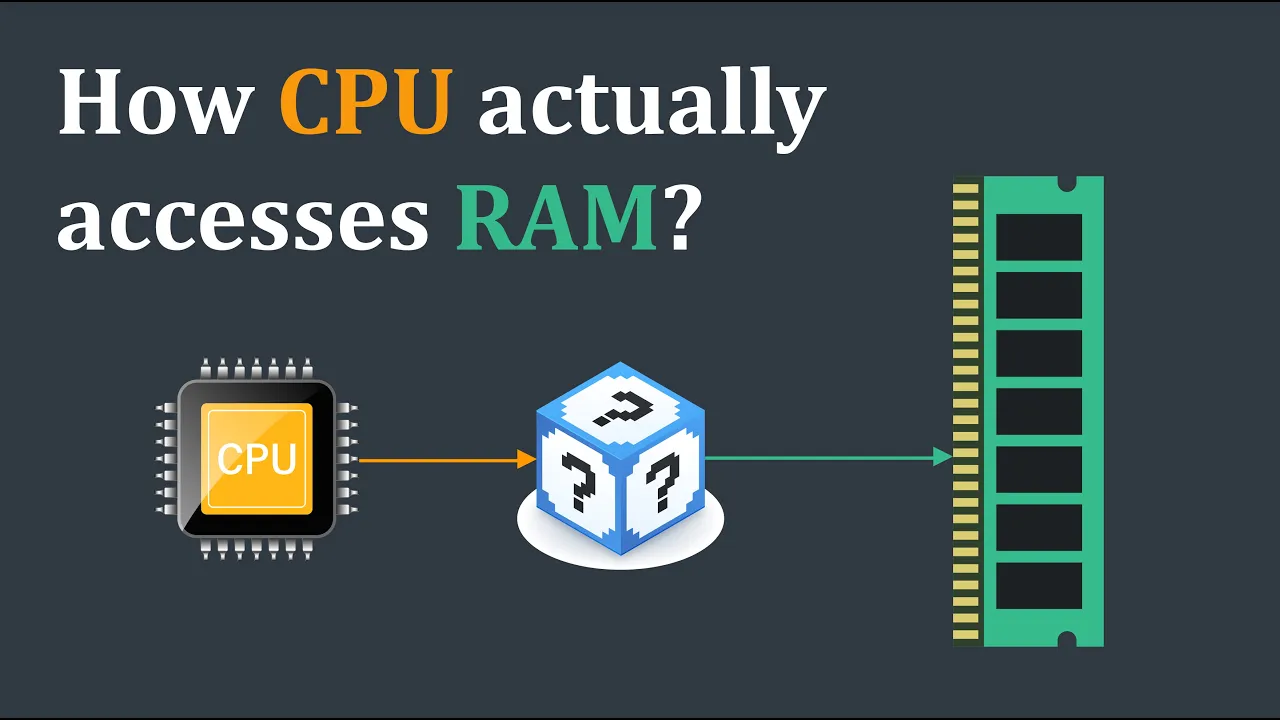
Added:Basic Computer Architecture: Understanding the roles of the CPU, RAM, system buses, and the execution of machine-level instructions.
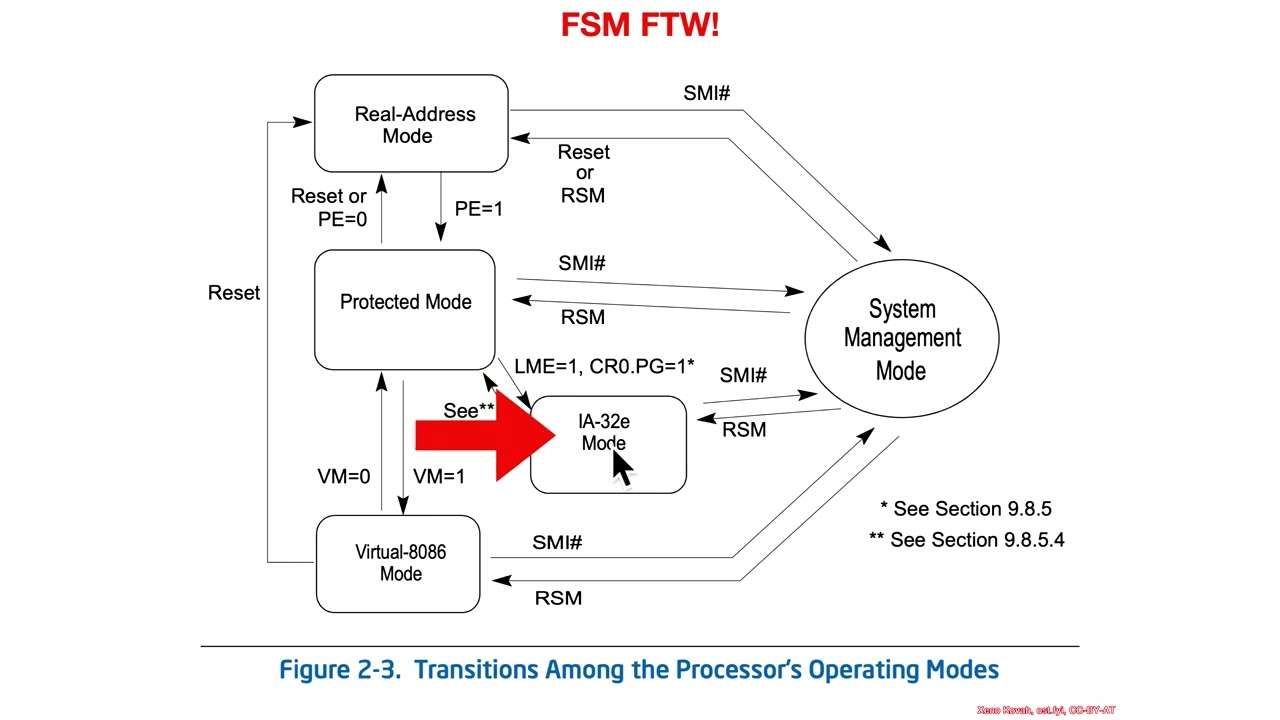
Concept of CPU Execution Modes: Familiarity with the distinction between privileged (kernel) mode and non-privileged (user) mode operations.
Program Life Cycle: Knowing how source code (typically in C or Assembly) is compiled, linked, and loaded into physical memory for execution.
Process Scheduling Algorithms: Exploring how the operating system decides which process gets CPU time using algorithms like Round Robin, priority scheduling, and Multi-Level Feedback Queues.
Process Concurrency and Synchronization: Investigating race conditions, critical sections, semaphores, and mutexes to manage shared resources safely.
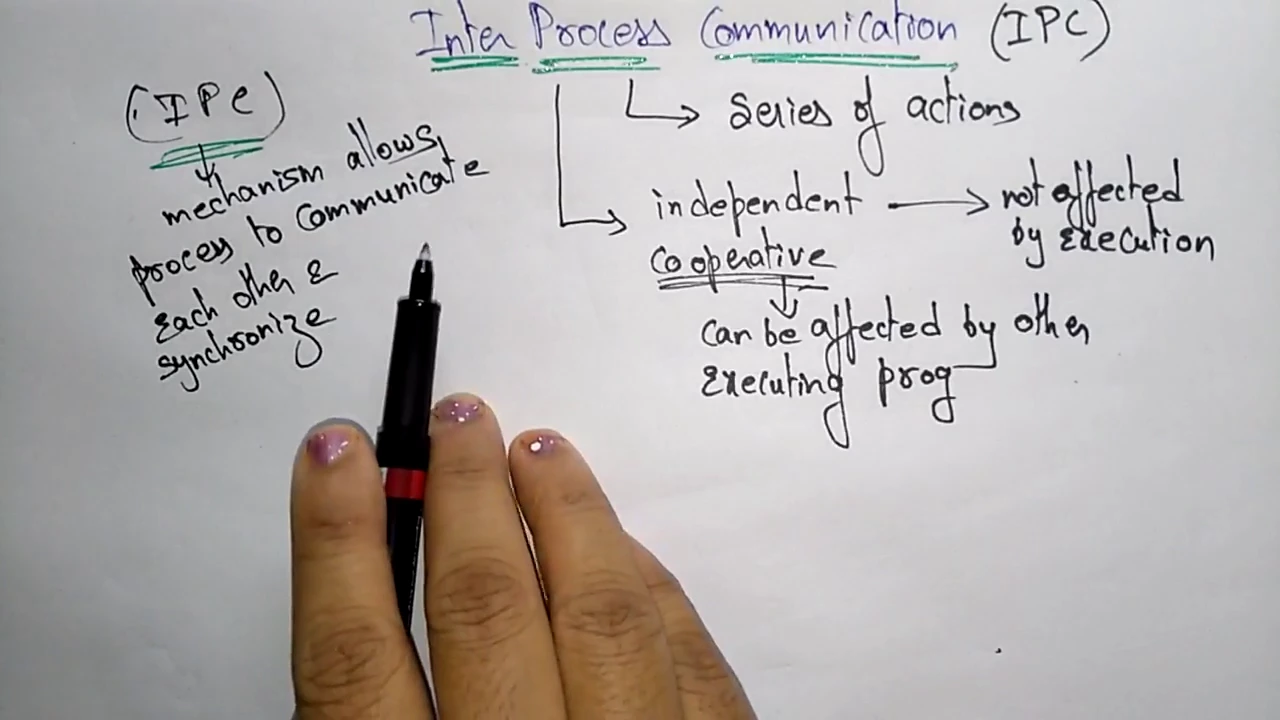
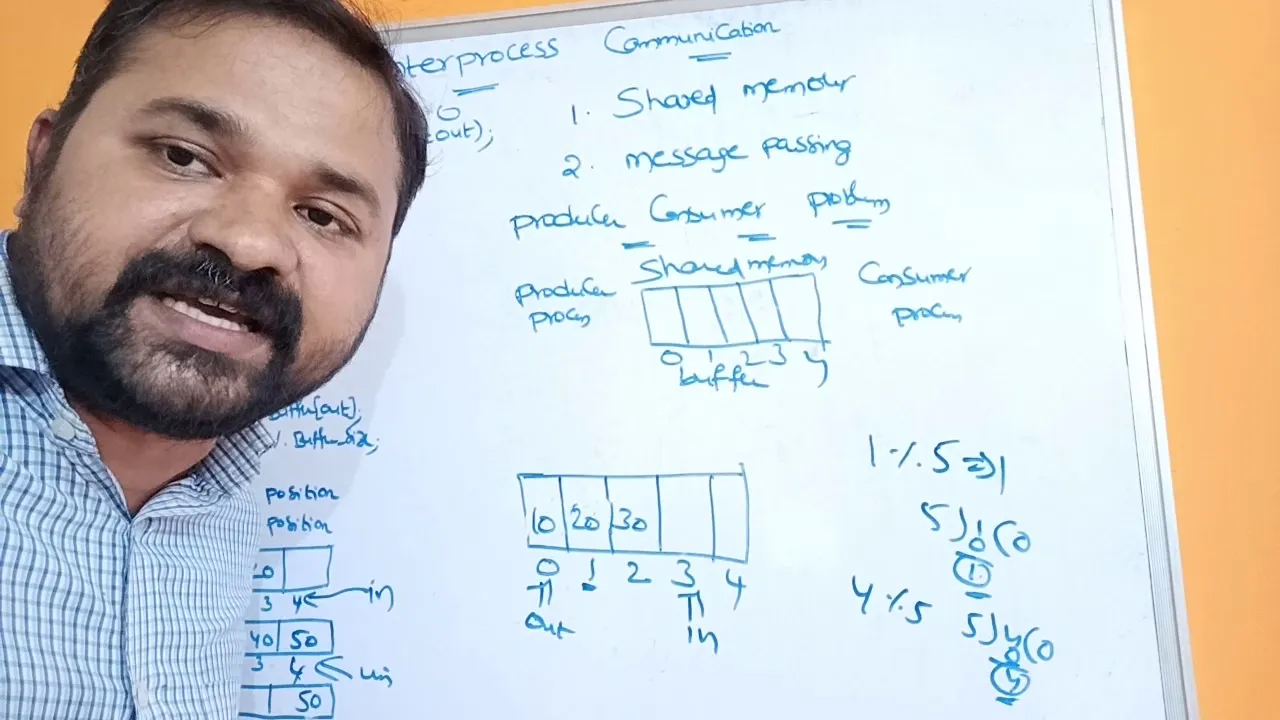
Inter-Process Communication (IPC): Studying the mechanisms processes use to exchange data, such as pipes, sockets, and shared memory.
Virtual Memory and Memory Management: Learning how the OS maps logical program addresses to physical RAM using paging, segmentation, and page tables.
44.9K views513likes17:46Original Release: 2017-08-27
[Music] hello in today's class we will be having a very brief introduction to an operating concept called processes so the topics which we'll cover is from programs to processes memory Maps system calls files and uh essentially the structure of the operating system consider this particular program written in C so this program prints hello world onto the screen in order to compile and run this program we first need to uh use a compiler such as GCC and specify the C code name such as hello. C in this case and what we will get is an executable in this case it is called a.out this executable is stored on on the hard disk in order to run this particular program uh we specify a command like/ a.out and it results in a process being created in the ram so uh this process is essentially the aid outout program under execution uh which is present in the ram to Define it formally a process is a program under execution which is executed from RAM and essentially comprises of various sections such as the executable in struction stack Heap and also a hidden section known as the state so this state is actually maintained by the operating system and contains uh various things like the registers list of open files uh process list of uh related processes Etc so uh in today's class we will look more into detail about what this particular process contains and how it's managed so let's take a very simple example uh so this is a program and this is a process that is created when this program is executed now the process has various sections for example it has the text Data Heap and the stack now various parts of this program when executed get mapped into the various sections of the process for instance uh all the instructions such as the instructions involved in the function main uh will get mapped into the text section of the process um similar L other functions such as the fact function over here the instructions involved in this will also get mapped into the text section now the uh global data and also static data gets um mapped into the data section of the process so this uh section is actually divided into two parts where called as initialized and non initialized sections third section is the Heap now any dynamically allocated memory such as M uh which is dynamically alloc located using maloc gets created uh in the Heap now the final section is called the stack uh which contains all the local variables such as n and um M and also information about function invocation for example in this case we have a recursive function which is getting invoked so all this information is present in the stack now the the memory map of a process comprising all of the sections has a maximum limit called the max size so typically at least in in processes which are used in typical operating systems these days uh this Max size is going to be fixed by the OS for instance in a 32-bit Linux operating system the max size for every process is fixed at 0xc followed by 7 zeros in the xp6 operating uh system which we are looking at for this course uh the max size of a process is fixed at the address 0x8 uh 0000 00 so what we had seen is that uh every process uh a program that is a program under execution gets mapped into an area uh which starts at zero and ends at Max size so what is present Beyond this Max size uh of the process so typically the kernel or the operating system gets mapped to uh the mem region from the max size to the maximum limit the entire thing like text that is the instructions of the operating system operating system data uh the OS Heap and also device memory gets mapped into this upper region of the OS so typically any user program could access any part of this lower region that is the green region over here okay so there would would not be any problem to actually read data from any of these uh sections or even write data to parts of these sections but however the process cannot access any data present in the kernel memory that is beyond the max size limit however the kernel or the operating system which is executing from this upper region can access data from any part of the region that is it could execute uh or Access Data from uh in this C region as well as in the user space region now what happens when we actually have multiple processes running in the same uh system so each process would have its own uh memory map having its own instructions data Heap and stack and also the kernel component is also present beyond the max size so what you see is that every process uh in the system would have the kernel starting at Max size and extending uh Beyond only the lower parts and and this kernel part is going to be same for every process that is executing in the system below this Max size is going to vary from one process to another so what does this mean so uh what it means is that when you execute one process and then execute another process the regions above the max size is going to be uh similar while the regions below the max size is going to change from one process to another so we mentioned that user programs can will not be able to access any data in the kernel space so in that case how does the user program actually invoke the operating system so there are special invocation functions which the operating system support uh these are known as system calls so a system calls are a set of functions which the OS support and a user uh process could invoke any of the system calls to get information or to access Hardware or other resour sources within the kernel so what happens when a when a system call is invoked is that a a process which is generally running in a in a user mode gets shifted to something known as a kernel mode or a privilege mode which will allow the kernel or the operating system to actually execute when the uh system call completes execution then the user process will resume its execution from where it actually stopped so let's take an example of the uh printf statement so so printf in fact is a library call so it is present in this lib C and it results in particular function in the user space u known as right to be invoked and this function would then invoke a system called called right uh with a parameter called STD out so STD out is a special uh parameter which uh essentially tells the operating system that the string provided by uh by print F should be displayed onto the standard output that is the screen so the right is a system call which causes a trap to be triggered and this trap will result in something known as a trap Handler in the kernel space uh to be executed and uh the Trap Handler would then imp uh invoke a function which will correspond to the right system call so this right system call will then be responsible for actually printing uh the string uh provided by S Str onto this screen after the right uh system call completes then the execution is transferred back to the user space and the process continues to execute uh what is the difference between a system call versus a standard function call or procedure call so for one important difference is that when we want to invoke a function in a program or uh in a process we use an instruction such as a call instruction this is a standard x86 assembly instruction and uh this this will result in the function getting called and uh after that function gets invoked the it returns back to the calling function in order to invoke a system call however we use a trap instruction such as the int 0x80 so int here stands for interrupt or software interrupt and it results in the system shifting from the user space or the user space mode of operation to the kernel space okay so the Trap instruction causes the kernel uh to be invoked and it causes uh instructions in the kernel to then be executed however when we use the standard function call or the procedure call using the call instruction there is no change or shift from user space to Kernel space and so on so it uh the execution continues to remain in the user space as it was before another very subtle difference between the system call and a standard procedure call or a function call is that the destination address or the destination function uh which is invoked uh can be at a relocatable address so it could change every time the program is compiled and so on however with a system call when a trap instruction is used the hardware actually or the processor actually decides where the next instruction in the kernel space should get invoked so this is going to be fixed irrespective of what program is running what operating system is running and so on so one crucial aspect when actually designing operating operating systems is uh what system calls should the operating system supports uh we had seen that the only way a user processed could invoke a particular functionality in the operating system is through the system called interface so the question now comes that if a person is actually designing an operating system so what are the interface that an uh that the system call should support so one obvious requirement is that the system call interface should have several sophisticated features so that a user process could actually very easily be able to interface or uh invoke several uh important functionality in the operating system however a different approach is to have a very simple system call interface and Abstract whatever is necessary from the operating system so we will see in the next slide a particular example in this okay let's take an example of system calls that an OS supports uh for accessing files so as we know files are a data which is persistent across reboots so these are data which is stored in the hard disk and could be read written or or accessed using uh functions such as F open close uh read write and so on every time we we do an file open uh it would require that the hard disk be access accessed so uh a process would need to invoke a system call into the kernel and the kernel should actually take care of accessing the hard disk or hard disk buffers or any other storage medium to open the file and return back a pointer to the process now the question comes is how does a operating system designer decide what uh system calls should be provided or supported in order to access files so some of the obvious things are like uh there should be system calls to open a file need or right to a file um there should be system calls to actually modify the creation date set permissions and so on the operating system could also support more complicated or more sophisticated operations such as uh being able to seek into a particular offset within a file uh be able to link between files and so on so uh these are the uh essential requirements that a system call for handling files should support on the other hand operating system should be able to hide some details about the file for instance uh details which should not be supported by System calls is like uh things such as like details about the storage media where the file is stored for instance whether the file is stored on a USB drive or a hard disk or a CD ROM this is actually abstracted out by the operating system and the user process would not be easily able to know uh where uh the file is stored and another aspect ECT which is abstracted out by the operating system is the exact locations uh in the storage media we will now look at how a typical operating system structure looks like so the operating system uh suppose we consider this as this big green block have several modules built internally for example it would have a memory management module which manages all the memory in the system uh it would have a CPU scheduling block that is also the file system management uh module uh which will control how the file systems such as the uh those present in hard disk or uh CD ROMs are managed so you have a networking stack uh which manages the uh tcpip Network and you have something known as the interprocess communication module which would take care of processes communicating with each other so two important things which have not been mentioned as yet is the system called interface which allows user processes to actually access uh features or functionalities within each of these modules another aspect is the device drivers which would take care of communicating with the hardware uh devices and other resource Hardware resources within the system so uh this essentially is U all the different modules that an operating system uh supports so in uh in a monolithic structure of an operating system all these various modules in the OS are are present in a single addressable kernel space so what this means is that this is just one large chunk of code and all of them are uh you could think of as one large uh program where all these modules are present in so therefore calling any function from the memory management to say the networking stack would just mean a a simple function call similarly from the networking stack to the uh device driver would be another function call so this would is essentially the advantage uh of having such a monolithic structure is that you could there is a direct communication between one module and another on the other hand uh the kernel space becomes very large so uh and therefore difficult to maintain and is likely to have more bugs so a typical operating system such as Linux and xv6 and Ms do uh uses a monolithic structure so uh to take an example the Linux operating system or the Linux kernel has around 10 million lines of code so all this 10 million lines of code uh comprises of the entire kernel uh Linux kernel which is actually present in this area another common structure of the operating system is known as uh the micro kernel structure where the kernel is actually highly modular and every component in the kernel has its own addressable space so it is like having each of these as uh independent processes and you have a very small micr kernel which actually runs in the uh in the kernel space which is in charge of uh managing communication between each of these uh processes and uh also communication between user process and the operating system processes so the advantage here is that this micr kernel is extremely small so ideally it is small enough to actually fit into the L1 uh cache of the system itself so typically it would be uh quite fast however the drawback is that um you now cannot have direct calls from say the file management to a device driver or rather like unlike the monolithic kernel where you could make direct function uh invocation from a file management module to a device driver function here every invocation of that form should be through a communication Channel known as an IPC or interprocess Communication channel with this we would actually end uh today's lecture and uh from the next lecture we will actually look uh more about CPU sharing okay thank you [Music] [Applause]
Up Next
32:50
Implementing Ptrace in Rust from Scratch: Syscall Tracing Guide
@0xfabaceae
4.8K views•2025-01-07

11:23
Solving the Heat Equation with DeepXDE and PINNs
@Dr.Mohammad_Samara
8.5K views•2023-07-17

4:55
HTTP Requests Explained: GET, POST, PUT, DELETE
@codecademy
103.1K views•2021-10-07

19:25
Enigma Machine Mechanics: WWII Encryption Explained
@JaredOwen
13.2M views•2021-12-11
Related Study Plans & Knowledge Roadmaps
Structured learning paths in Computer Science
computer-science
Building a Rust Debugger: ptrace, ELF & DWARF
01Systems Programming Foundations & Rust
02Process Control and the Linux Ptrace API
03ELF Layout: Inside Linux Executables
+ 3 more learning modules
38h6 modules
Explore Roadmap
computer-science
Container Runtimes: Namespaces, Cgroups & Go
01Linux Systems & Go Programming Foundations
02The Core of Isolation: Chroot and Filesystems
03Linux Namespaces: Process Isolation
+ 3 more learning modules
32h6 modules
Explore Roadmap
computer-science
Building a CHIP-8 Emulator: Rust & CPU Basics
01Computer Architecture Foundations (Bits & Bytes)
02Rust Programming for Systems Development
03CHIP-8 Virtual Hardware Specifications
+ 2 more learning modules
32h5 modules
Explore Roadmap
computer-science
Building BitTorrent: Go, P2P & Concurrency
01Go Fundamentals & Concurrency
02Networking Foundations & P2P Architecture
03Bencode Parsing & Torrent Metadata
+ 3 more learning modules
26h6 modules
Explore Roadmap