
![Post-Production Explained — Each Step of the Post-Production Process [Stages of Filmmaking, Ep 4]](https://i.ytimg.com/vi_webp/qKPHNWEV5_o/maxresdefault.webp)

![[セミナー]ゼンハイザー ガンマイク&ワイヤレスシステム シーン別マイキング解説セミナー](https://i.ytimg.com/vi_webp/YEVK2HpXNZ4/maxresdefault.webp)

![[OF#9] Jak nagrywać dźwięk - Wszystko co musisz wiedzieć o rejestratorach oraz mikrofonach](https://i.ytimg.com/vi/MuRsX4PESmc/maxresdefault.jpg)
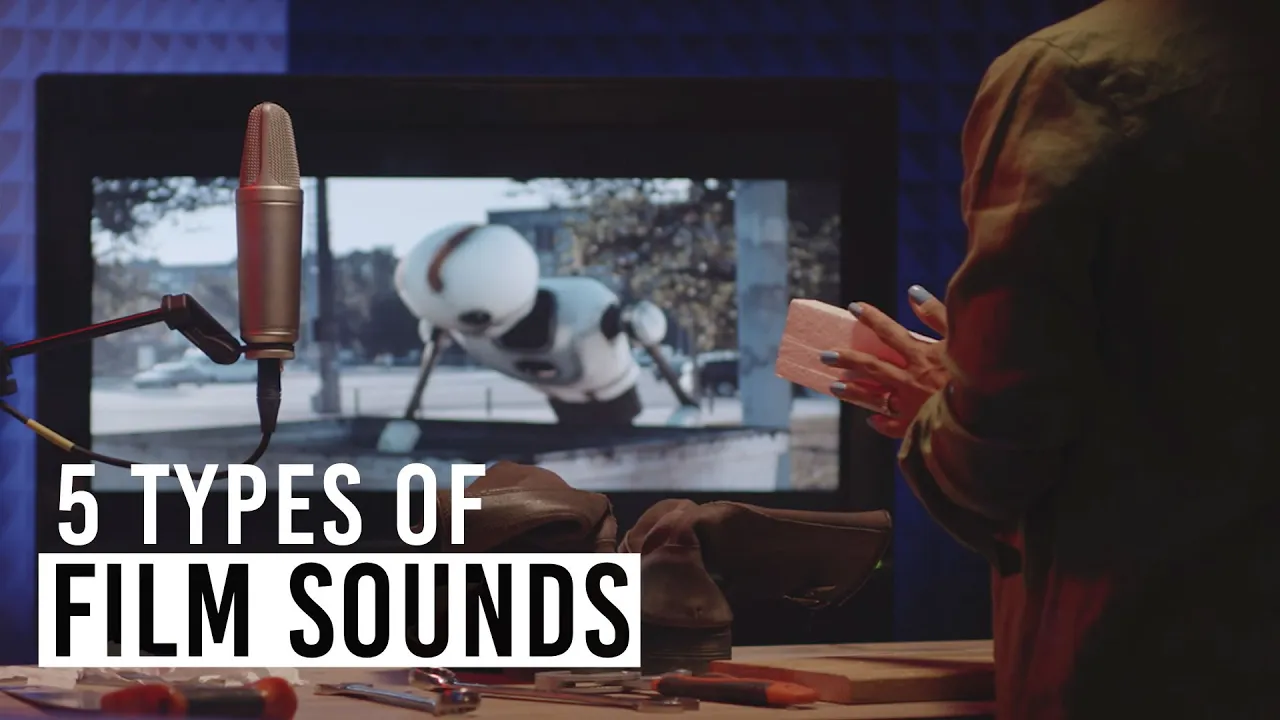










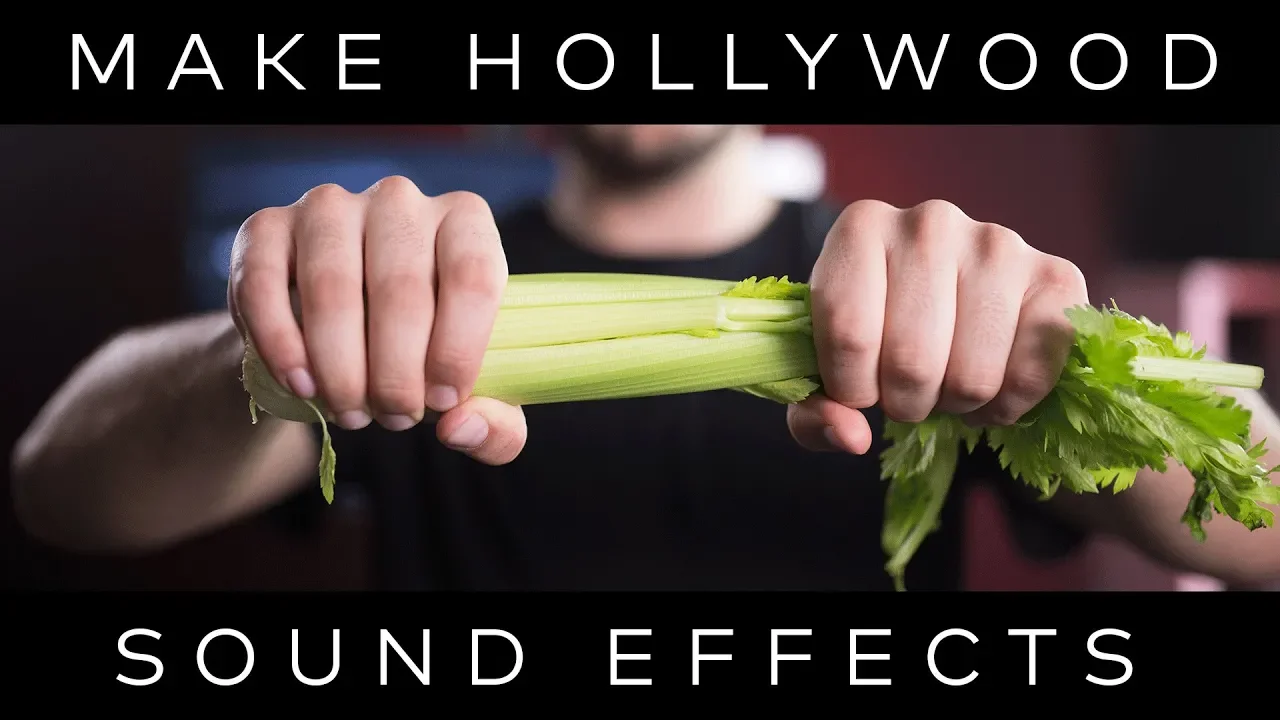


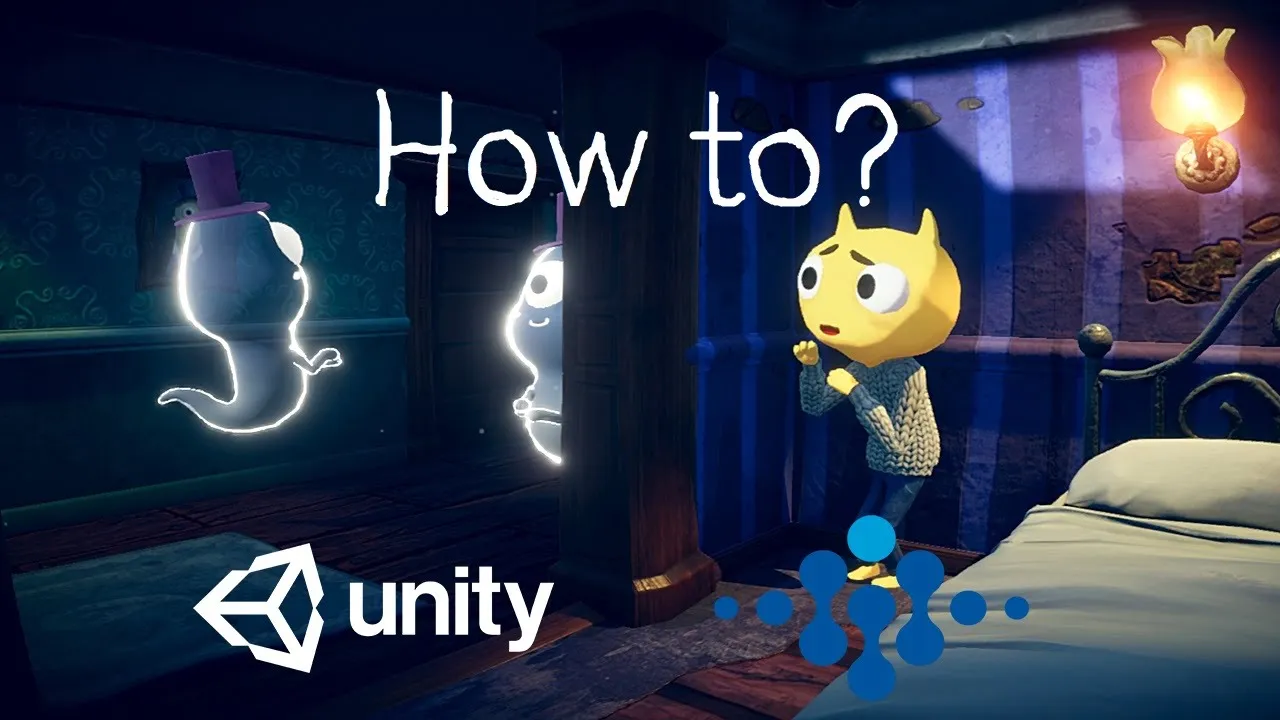
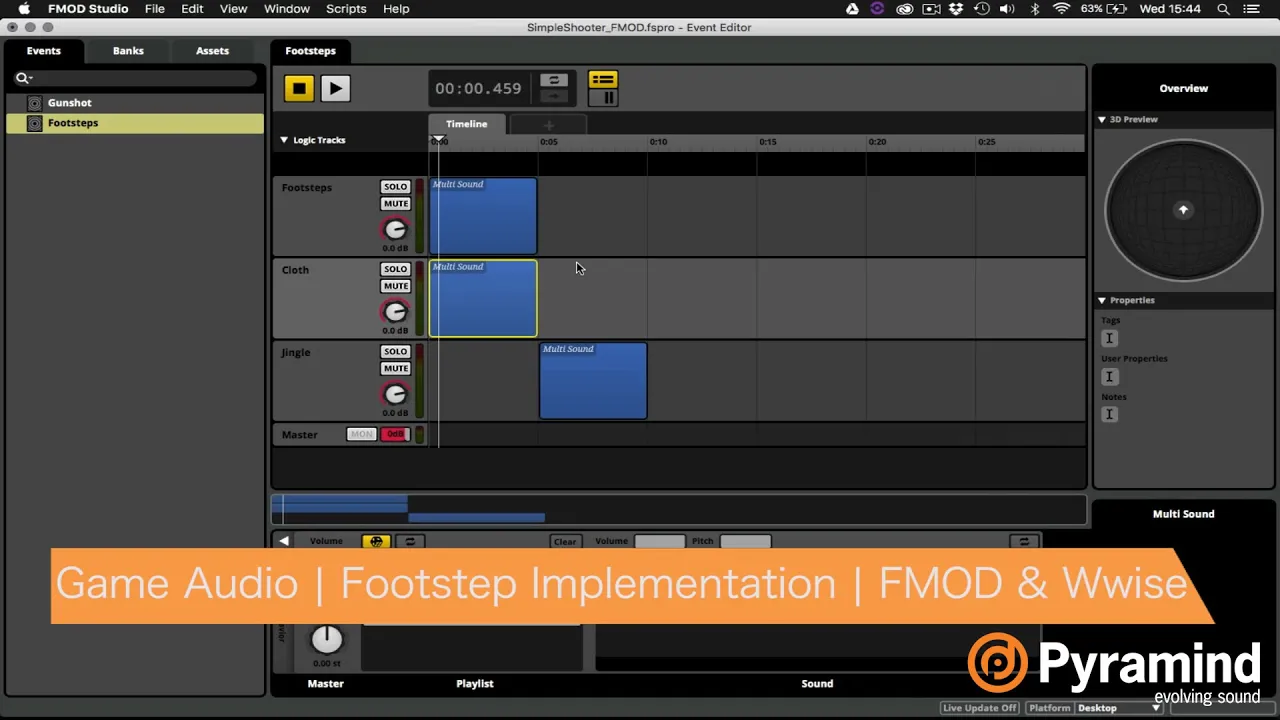


Foley is the specialized art of creating realistic sound effects in post-production by performing and recording everyday actions in a studio, categorized into three main types: footsteps (sounds of characters walking on various surfaces), movement tracks (fabric and clothing movements), and spot effects (incidental sounds like object manipulation, actions, and interactions); the process involves recording each element separately using appropriate props and techniques, then editing and synchronizing them precisely to match the visual footage before integrating them into the final mix alongside dialogue and music.
Creating Sound Effects for Film: Foley Recording Process Explained
Added:Basic understanding of the film post-production pipeline, specifically where sound design and editing fit after the picture lock.
Fundamental concepts of audio recording, including microphone types (such as shotgun and condenser mics) and the importance of signal-to-noise ratio.
The distinction between different elements of a film's soundtrack, specifically dialogue, ambient backgrounds, hard sound effects, and Foley.
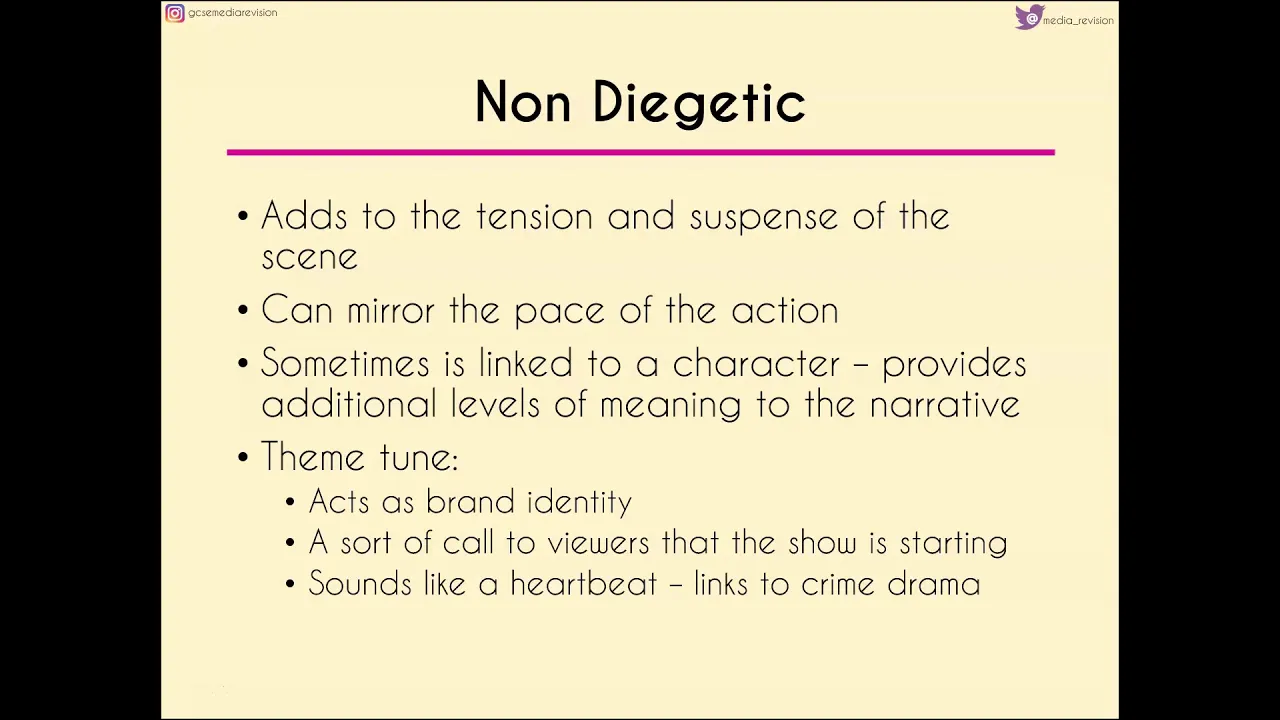
The concept of diegetic vs. non-diegetic sound, and how synchronous sound effects function to enhance narrative realism and immersion.
Foley editing and synchronization techniques within a Digital Audio Workstation (DAW) to align recorded sounds perfectly with on-screen action.
Advanced mixing and spatialization techniques, such as using convolution reverb and panning to match the acoustic environment of the visual scene.
The integration of Foley with synthetic sound design to create complex, hyper-realistic, or fantastical audio effects for sci-fi and action genres.
Dynamic implementation of sound assets in interactive media, such as configuring procedural footstep systems in video game engines using audio middleware like Wwise or FMOD.
80.9K views1.6Klikes19:46Original Release: 2017-09-21
My name is Barnaby Smyth and this is Feet First Sound and the Laundry Foley Studio here in sunny Coggeshall, just west of Colchester.
We specialise in Foley for film, television, and advertising and today we'll be looking at how we recorded the Foley for The Night Manager which we did last year.
Foley is the art of creating unique sounds in a studio like this performed by Foley artists such as myself sometimes it can be two Foley artists, sometimes one and we watch everything on screen and we basically recreate everything on screen bar the dialogue and the music obviously and it's broken down into three main categories the footsteps the movement track and the spot effects So the footsteps, every surface the characters you are watching on screen walk on whether it be wood, gravel, carpet running up stairs, running in the sea, whatever it is we do all those we perform them as close to sync as we can and then obviously we edit them in time afterwards so everything is absolutely frame accurate.
The movement tracks is the cloth movement so if someone's walking along we follow the rhythm of their body, the movement of their body and we recreate that with whatever cloth they're wearing so it might be a flowing silk dress, it might be a leather jacket.
So finally the spot effects is everything everything else apart from the feet and the moves so sitting in chairs, fighting, picking up glasses, striking a match, smoking, all these little incidental sounds.
So these three main areas: the feet, the moves, and the spots, build up the Foley soundtrack which is then added to the dialogues and the music and the effects.
So the clip we're gonna use is from Night Manager Ep.5 which we were Emmy nominated for it was a great sounding episode and the clip we're going to use shows Tom Hiddleston running down a dirt track picking up a pair of pliers from a tent clipping through a wire meshed fence he meets a couple of villagers who've just had their village bombed by the Hugh Laurie character so they're obviously a bit disgruntled so they're meeting Tom Hiddleston and they're saying they're gonna confront the Hugh Laurie character.
There's a young son of this man and his son, whose grandmother I think's been bombed badly and the son's got a Kalashnikov rifle, and they're carrying the grandmother on a wooden cart, so obviously we had to do the movement of the rifle, the cart, Tom Hiddleston's feet on the dirt, which is this sort of desert/dirt track so it's sort of dusty and gravelly and stuff, so got to get that surface right.
There's clothes moves obviously, picking up the wire cutters, going through the fence.
As we go through the process it's one at a time, so think oh okay we'll do the footsteps, and then we'll do the spot effects and go through those, we'll source the prop from outside in the warehouse and we'll perform it, and Keith my engineer will say "That doesn't sound very good, why don't you try that other spanner out there, it's a bit looser" or whatever you know, there's a conversation that happens between us and then we slowly build up the scene and hopefully it sounds, you know, when everything comes together at the end all the elements sit there and it sounds good.
So the equipment we use, we using a MacPro computer running Pro Tools 12 and the Audient (ASP4816) 16 track desk and so obviously all the sounds run through that and we do a lot of EQ on the Audient desk to get the sound right so it's not just a case of sticking the fader up and putting a mic up and it working there's a lot of manipulation that we do.
We do a fair bit of manipulation within ProTools as well, RX, TransMod these sort of things.
So now we're going to run through the recording process that we undertook on this particular sequence.
Okay so first off we're going to be shooting Tom Hiddleston's feet so we need to mic up this dirt gravel surface we've got set up here so it's an exterior so we want to keep the mic nice and tight don't want it to sound interior in any way.
a couple of little screens to keep the sound from splashing around.
So it starts with Tom Hiddleston running down running down this dirt path make sure it's sounding good let's have a crack.
So the next shot is Tom Hiddleston on the far shot running down the hill so we'll pick up on that.
So that's the footsteps for that little section so we'll now do the moves for that section, the cloth movement track, so we're going to move the microphone back here, sticking with the shotgun We have a particular angle that we like to shoot at.
and then we're going to have to use these baffles and then we need to get some cloth so he's wearing kind of army soft clothing so I need to replicate that so we got all number of soft jumpers zingy kind of jackets for the sort of youth, silk dresses so everything you want, even fur for animals, suede, but just a soft heavy cloth will do for now so we're going back to the top I'll just layer up this cloth and so now I'm looking at the rhythm and the movement of Tom Hiddleston, how he's running down this hill I'm gonna mimic that to add a layer of move track.
Okay. Alright Keith when you're ready.
So the next thing we need to do is to deal with the spot effects in that sequence.
So as Tom Hiddleston runs down, he goes to the tent flipped up a little bit of a tent flap and then gets the fence cutters.
That means we're going to have to go to the prop store and pick up a couple of bits of kit from there, so I'll go through to there.
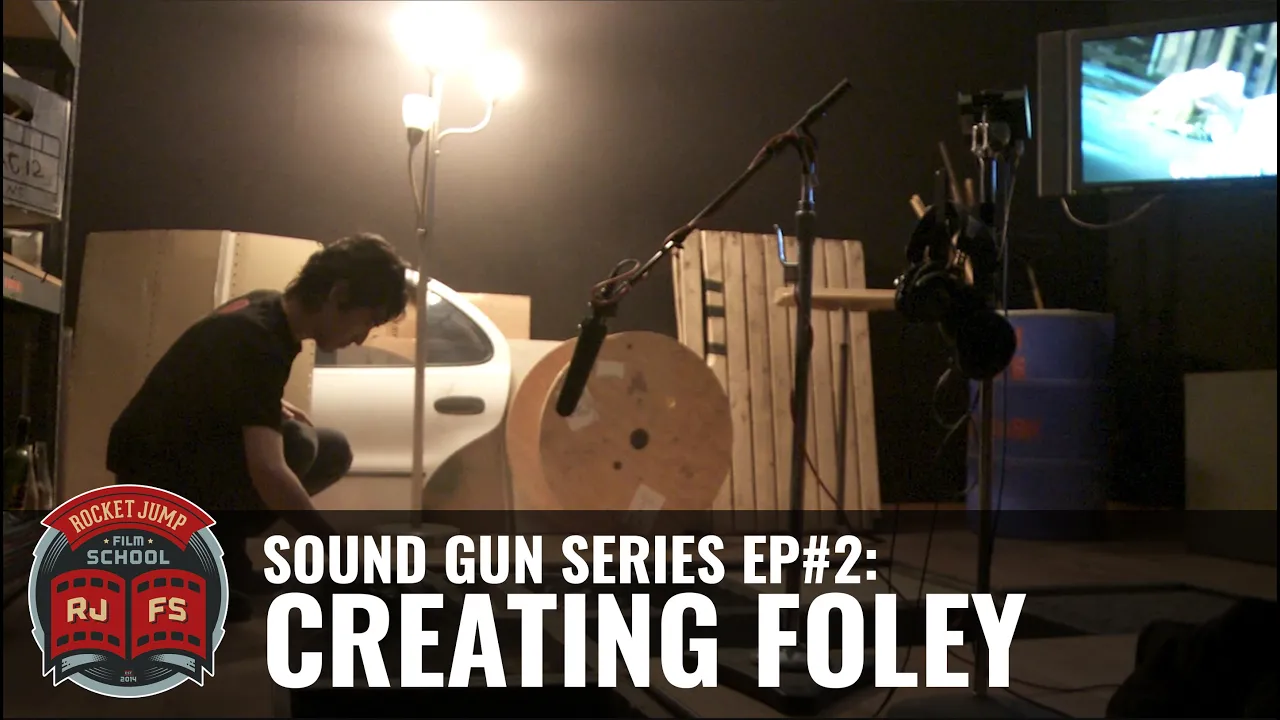
This is the prop warehouse, this is the original warehouse and then the studio's been built in it, so it's loads of room for our massive array of props everything you need: tapes, guns, stationery, toys, kitchen.
So we break everything down so if you need to find something it's kind of kind of easy so for this particular thing 'Tools' has got loads of different drills and Stanley knives and little screwdrivers and stuff, but this has got a nice loose... this thing I've got it in mind, this would be a good little clippers We'll deal with the clipping sound separately but I think for now this should be it should be just right Maybe add that as a little element and they go back to the studio and then get these used.
Because it's an exterior I'll keep the booth in place to keep any sounds from splashing around the studio So basically I'm just going to mimic as Tom Hiddleston picks up the fence clippers, I'm just going to mimic them with this tool and then do a little snapping sound with this thing as he cuts the fence.
So the next element we need obviously we need to build up this fence so as this tool comes into contact with the fence we need the whole fence to wobble and the little snip sound as he cuts the fence so it's back to the warehouse to pick up another couple of props.
So I'm thinking for the fence, we've got an array of nice reverberant metal here, so I'm thinking metal with the mesh.
It's noisy stuff!
I can already hear the fence in this so this stuff will be good That's sounding pretty good and so now that I've moved it onto the floor I'm gonna bring the mic down, I don't want it to be off mic so we'll change the mic orientation so the shotguns pointing right at it.
I'm just gonna bring in the little tool element I had just to help the interaction when he snips the fence you want the the clippers to come into contact with the fence.
That's good, I think I'll leave that the larger tool out.
Okay Keith let's go for this.
Okay so we combine the fence itself with the clippers snipping the fence and added with a tool it builds up these layers of layers of sound which, you know, you buy as reality.
A tidy studio is a happy studio.
So the really exciting wall, the gun wall.
This gun actually sounds better with the mag out.
Sometimes I like to combine, it's an old First World War rifle, but it's got a nice actually if we combine the two of them, they have a really nice sound to them I'm gonna be standing up for this so similar miking to the moves track So I'm sort of using two elements of the old wooden gun and the metal gun with a bit of a strap so just to just replicate this boys gun on screen.
Okay here we go.
That was good so just make sure the boy doesn't do anything more with it but I I think that's it, the father talks there's a little bit of movement there for the boy let's just pick up on that So then I think it's the cart isn't it, okay so put the guns down let's get the cart.
Our classic old creaky pram and I just got one more element to bring in okay so a case that's sort of weirdly got a real wooden element, I'll do this first then if we feel like we need any more wooden elements to it but the sort of wobbly metal wheels and mechanics often that'll be enough.
So let's just have a listen Keith: Nice, do you want to do another one with a bit less squeak maybe?
Yeah I'll try, maybe more knocks from the case.
Okay so that's all the recorded elements for the sequence and we need to then over to the computer and check out the edit and make sure everything's absolutely bang in sync to the picture before we send it to the mixer.
So we come back over to the computer and just check out the Edit make sure everything's in place.
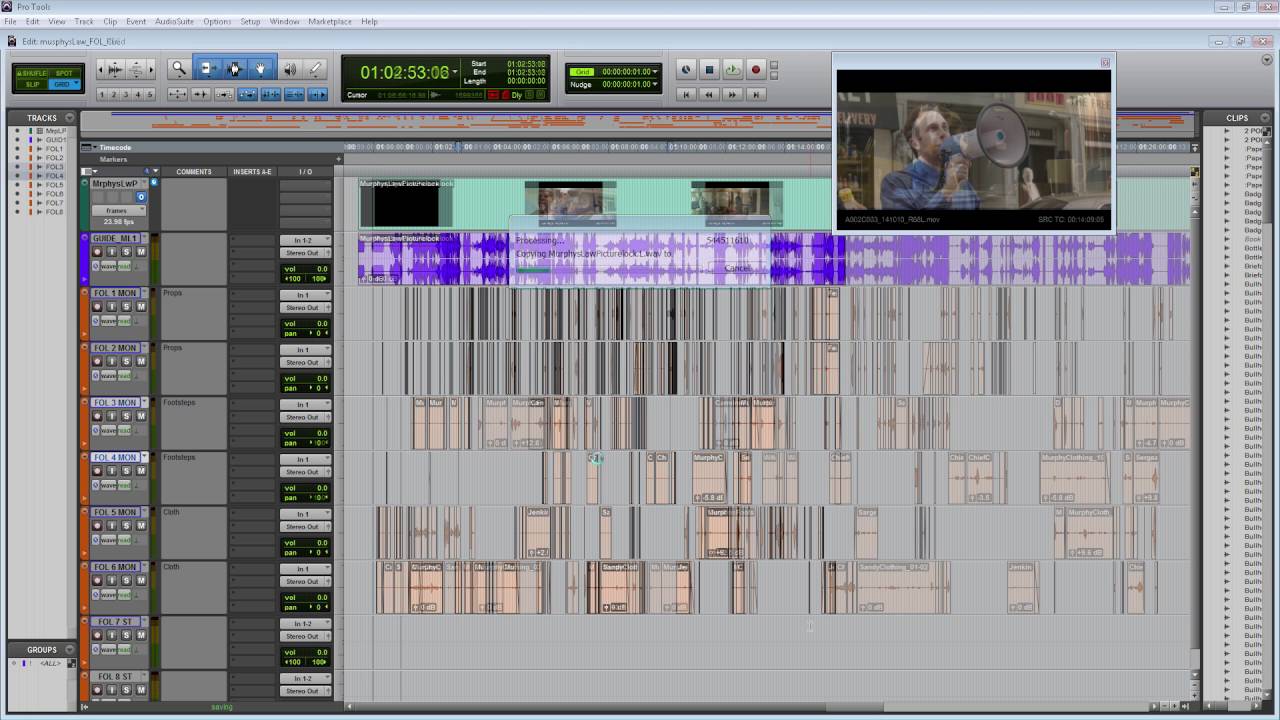
So here we've got all the tracks we've got the footsteps tracks that we've recorded the movement tracks and all the spot effects so it's all clearly labeled for the mixer.
So here we have on track two, the gravel feet, so I can zoom right in to each footstep so you can see each each mod of each footstep, so say if one particular footstep was not in sync, I can quickly cut it, move it about, make sure it's absolutely bang in sync.
There are the pliers I can scrub each, make sure they're absolutely bang in sync and then we add the fence wobble.
I have the completed edit as went out on transmission So this is just the Foley playing, no guide track for the sequence.
Lets have a little listen Up to the up to the wobbling cart, so all the elements in, and now I'll play you how it sits within a mix because I think it's important to hear the Foley in context, so this is music, dialogue, although there isn't really any dialogue in this particular sequence, and sound effects so you can hear like dogs barking and just the atmospheres.
Ok so there you have it, so the final, all the atmospheres and the music and obviously the dialogue leading into that, you can see how Foley's sits within the soundscape and is a vital element, but often an element when we do our job well that is invisible and you just believe it to be reality.
Up Next

87:21
Film Phenomenology with Vivian Sobchack | Interview
@cinematologistspodcast
450 views•2024-11-28

23:14
Visual Analysis Essay: How to Analyze Graphic Novels in College Writing
@nataliepleimann5941
1K views•2020-10-14
4:55
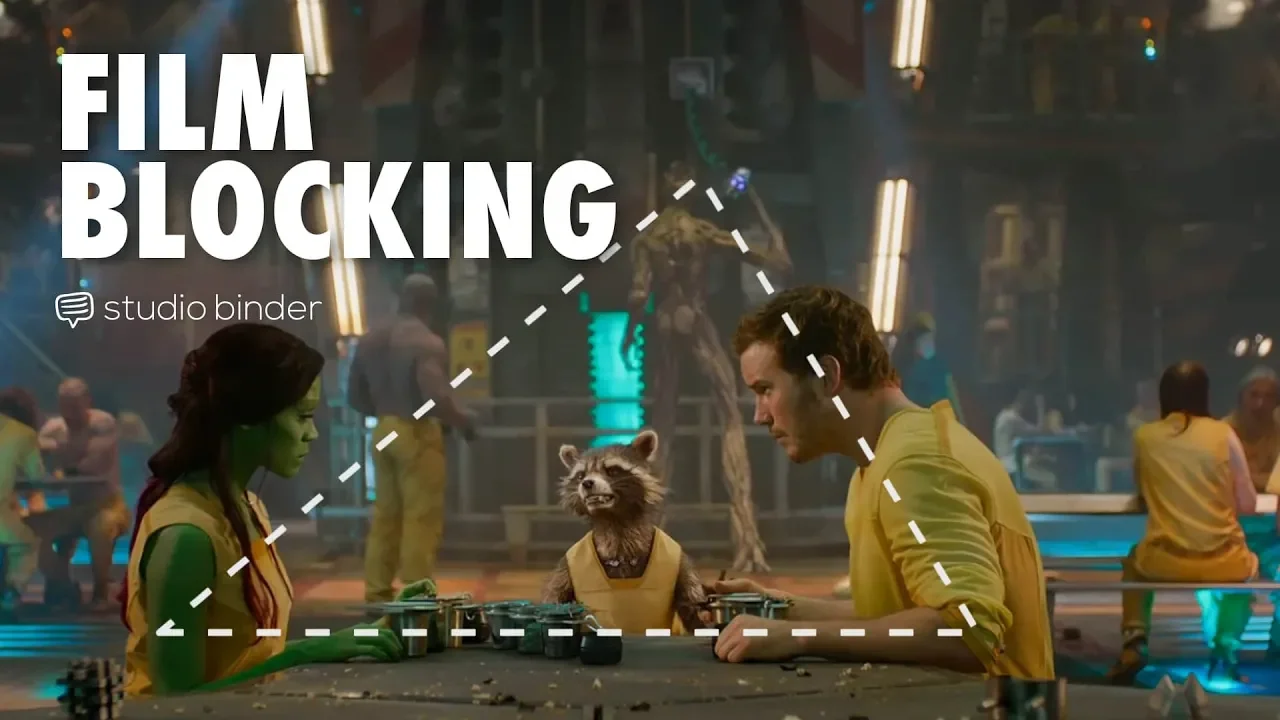
Film Blocking Techniques for Directors: Space, Shapes, Lines
@StudioBinder
1.9M views•2018-07-23

4:00
Evolution of Darth Vader: Anakin Skywalker's Animated Journey Across Star Wars Films
@TellItAnimated
13.4M views•2019-03-30
Related Study Plans & Knowledge Roadmaps
Structured learning paths in Film Analysis
film-analysis
Sensory Cinema: Foley, Haptic Sound & Texture
01Introduction to Film Sound and Foley Artistry
02Micro-Sounds, Textures, and Extreme Amplification
03Haptic Audition and Film Phenomenology
+ 1 more learning modules
12h4 modules
Explore Roadmap
film-analysis
Breaking the Fourth Wall: Mockumentary & Satire
01The Invisible Wall: Basics of Cinematic Illusion
02Looking at the Lens: Direct Address & Character Glances
03The Mockumentary: Satire, Realism, and Complicity
+ 2 more learning modules
12h5 modules
Explore Roadmap
film-analysis
Analyzing the Long Take: Cinema, Space & Ethics
01Foundations of Film Grammar: Montage vs. The Long Take
02Choreography and Mechanics of the Simulated One-Shot
03Phenomenology of Film: Real-Time Spatial Continuity
+ 1 more learning modules
14h4 modules
Explore Roadmap
film-analysis
Anachronistic Music: Period Drama & Subversion
01Foundations of Film Sound and the 'Needle Drop'
02Traditional Authenticity vs. Revisionist History
03The Rise of the Anachronistic Soundtrack
+ 2 more learning modules
12h5 modules
Explore Roadmap