




















![[RUS] Андрей Светлов: "Подводные камни asyncio"](https://i.ytimg.com/vi_webp/GLN_xo4Awcc/maxresdefault.webp)

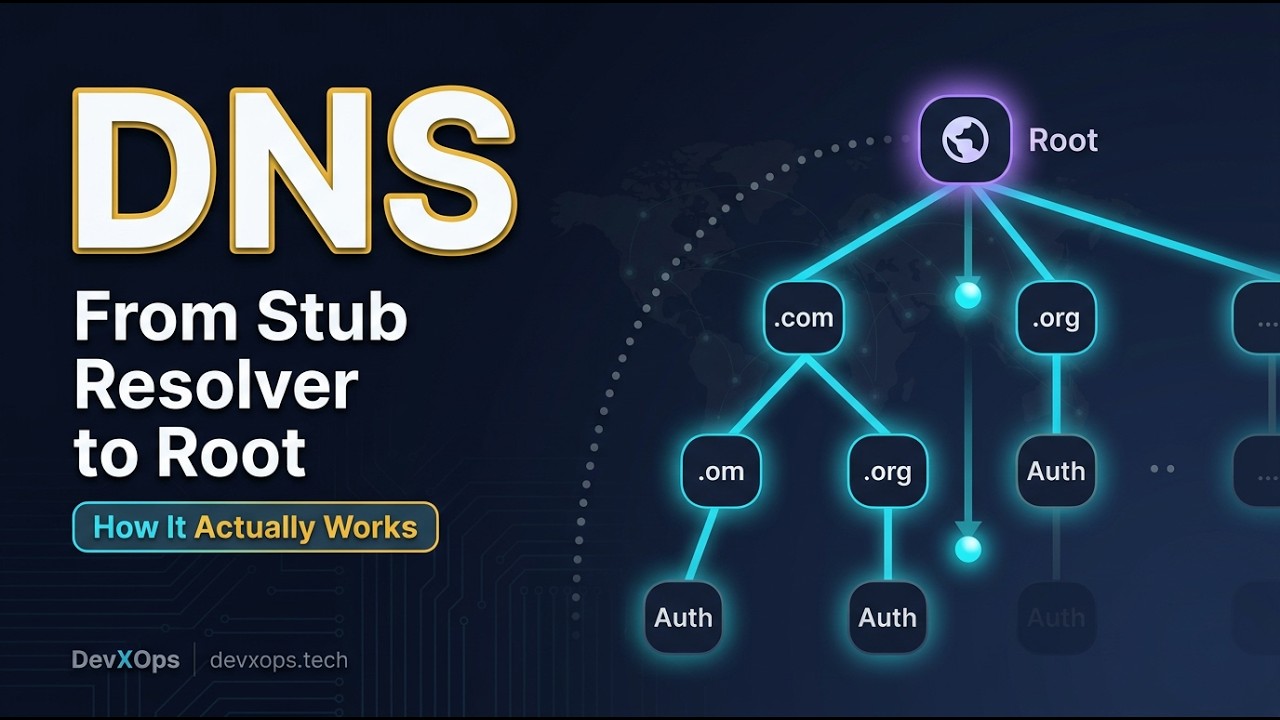



DNS servers use UDP (User Datagram Protocol) for queries and responses under 512 bytes because it provides faster communication with less overhead compared to TCP, which is connection-based and more reliable but slower; to implement a basic UDP DNS server in Python, one creates a socket using socket.AF_INET and socket.SOCK_DGRAM, binds it to port 53 (the default DNS port), and listens for incoming packets using recvfrom() with a 512-byte buffer size.
Building a UDP DNS Server in Python: Core Concepts Explained
Added:Fundamental understanding of the Domain Name System (DNS), including its purpose, hierarchy, and basic record types (such as A, AAAA, and CNAME records).
Core concepts of the TCP/IP protocol suite, specifically the differences between Connection-Oriented (TCP) and Connectionless (UDP) transport layer protocols.
Basic Python programming proficiency, particularly working with built-in data types, binary data manipulation (bytes and bytearrays), and exception handling.
Introductory knowledge of network socket programming, including the concepts of IP addresses, ports, binding, and network interfaces.
Deep-dive analysis of the binary structure of DNS packets, including how to parse DNS headers, question sections, and construct valid DNS response payloads.
Implementation of DNS caching mechanisms and recursive query resolution to forward unresolved queries to public upstream nameservers (like 8.8.8.8).
Asynchronous network programming in Python using libraries like 'asyncio' to handle high-throughput, concurrent UDP requests efficiently.
Exploring DNS security standards and vulnerabilities, such as DNS spoofing, DNSSEC (DNS Security Extensions), and modern encryption protocols like DNS over HTTPS (DoH).
37.5K views464likes5:53Original Release: 2016-09-15
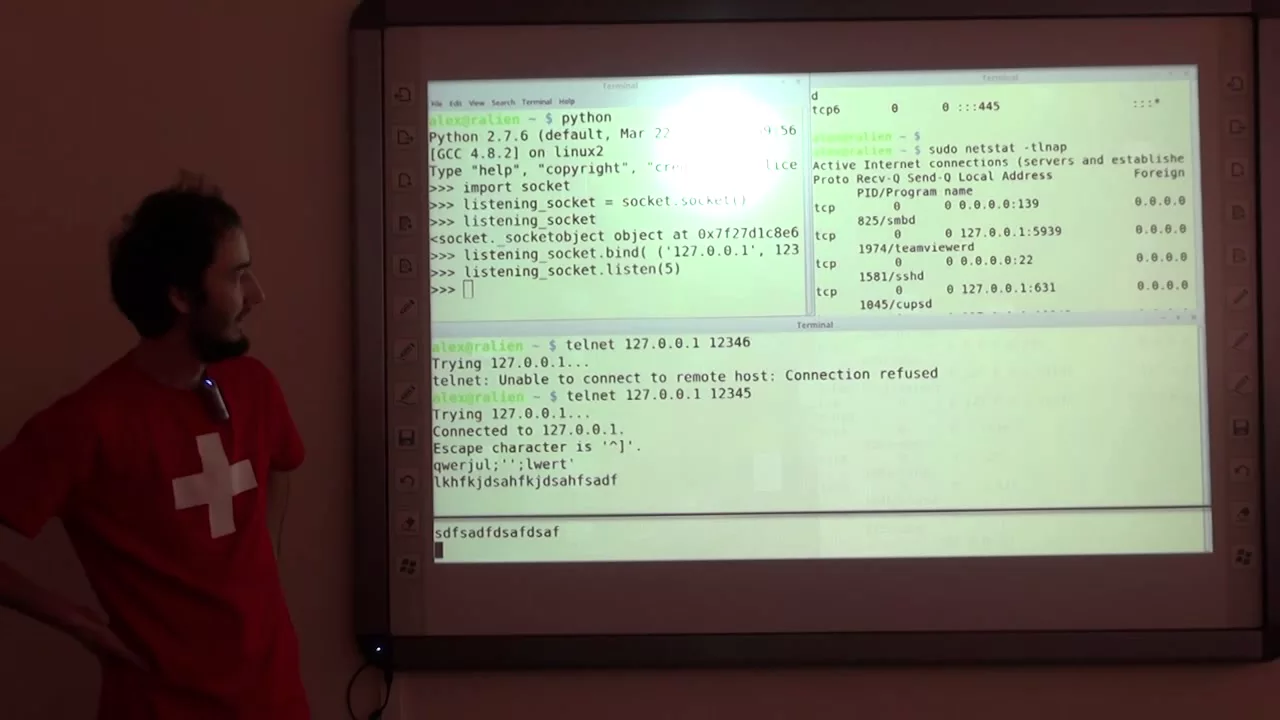
so in this part we're gonna actually start implementing our DNS server so here I have what's called an RFC which is called a request for comments this was written in 1987 and this is the actual document that describes the implementation of the DNS protocol you don't have to read it to follow this series but there are a couple of things I'm just gonna mention first so specifically this is what I wanted to mention if you want to send data over the internet there's two ways you can do it can use TCP connections to send data over the Internet or you can use UDP UDP is a connectionless protocol and TCP uses connections TCP has more overhead than UDP so it's useful when you're sending a large amount of data because TCP can ensure that every single bit will get to the actual destination UDP can't guarantee that every pocket will get to its correct destination but for things like DNS UDP is actually quite useful lots of DNS servers don't actually implement UDP they just implement TCP but what we're gonna be doing is using UDP the actual DNS specification says if your DNS response or request is less than or equal to 512 octants which is just a byte it's an octet is it bits so 512 bytes is really what this means so essentially if your request is less than 512 bytes we're gonna use UDP because it's quicker and it has less overhead UDP just involves sending a packet to a destination and you don't know if it got there or not but if the destination is listening for the packet it will receive it and it can send something back to you that's what we're gonna use to create our DNS server the actual DNS specification says if your DNS query or response is 512 bytes or less to stand it using UDP for this reason and if it's more than that it wants you to send it using TCP to keep things simple we're not going to be checking the size of messages and things like that we're just gonna send them over UDP and we're just going to assume they're 512 bytes or less so without a mind what we need to do is create a UDP server essentially so we're gonna go to our text editor and in Python the way you create a connection using TCP or UDP is you use the socket library so we're going to say import socket and then we're going to define a couple of variables the first one is going to be port which is going to be equal to 53 because DNS operates on port 53 by default and that's what we want to operate on because if we try to send our request using Digg and to our server if we're not on port 53 which is what Digg is gonna think we're on it's not going to know where to send the request to because it's gonna be sanding a UDP packet to port 53 on our server and if our servers not listening on port 53 it's no it has no way of knowing whether or not a packet was sent so it can't respond and add to the DNS query next really creative area called IP and it's gonna be equal to one two seven zero dot zero dot one and that's just the IP address of the loopback which is essentially my computer's IP address to talk to itself the next thing we need to do is create our socket object so we're going to call it sock and we're gonna say sock is equal to socket don't sock it and right now if we try to run this it's not gonna work we need to provide the socket method with a couple of variables the first one is socket dot AF underscore eye net so what that means is it means we want to sand our data using ipv4 we can use ipv6 as well but by default we're gonna be using ipv4 to keep things simple we've one more parameter to give song which is socket dot sock underscore D Gramm sock underscore D Graham tells python we want to use UDP instead of TCP next one assess sock dot bind to use sock top bind we say IP import to provide it with the IP address and the port we want to bind to but if I run this we're gonna get an error because bind takes one parameter not two so for some reason we have to surround these in brackets to create a topple which is essentially one parameter with two parameters inside it I've no idea why they make you do that but that's what we have to do and don't hear what we want to do is create an infinite loop that will just keep the program running listening for requests so we say wild one which means the loop will last forever and we're gonna say data comma address which is EDD R is equal to sock our ACV from and here we want to say a 512 which means 512 bytes and if we go back to the web page you can see they want 512 octet or less so the reason we have data comma address is because this sock dot received from method returns a tuple and the first item his data and the second is the address that it got it from and here what we're gonna do is just print data so let's just run this let's just close out of that so we're just going to run this put in the password because we want to use port 53 which means we have to have the administrator permissions let's just hit enter okay we have a syntax error whoops so there should be a string let's run this again so now our server is running there's no I put yet because it hasn't got any data so let's just run this again and you can see the Digg command has just frozen because we haven't actually sent at any put which means de gifts is still expecting to receive some iPod and as you can see dag is just repeatedly sanding the request that's why there's three of these now and it's just timed out because it hasn't got a response yet but as you can see here's the three requests let's just close that and these are the raw bytes themselves some of them have been converted by the terminal into their ASCII characters which for example is this word hi code these are raw bytes bytes by Python are represented by backslash X and then some hexadecimal number but if the terminal can it tries to convert them into ASCII characters and that's what it's done here with high code and org and that's what it's also done up here with the tape and then the capital P that's not actually what was sent back that just means the terminal was able to convert the byte into a character - I put on the screen but the underlying date is exactly the same so that's it for this video don't forget to Like comment favorite and subscribe and I'll see you next time
Up Next

16:30
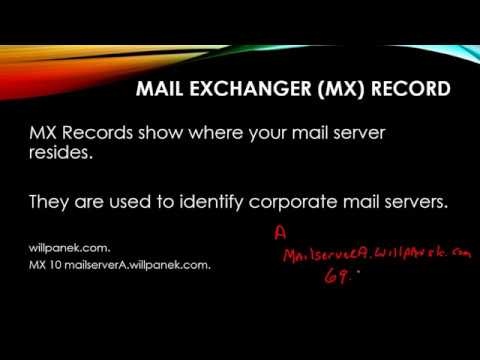
Build a DNS Resolver in Python: Resolve IP, A, MX, TXT Records
@ProgrammerRobot
167 views•2025-05-27

87:26
Introduction to Secure Multiparty Computation with Yehuda Lindell
@fhe_org
7.7K views•2021-02-04

4:55
HTTP Requests Explained: GET, POST, PUT, DELETE
@codecademy
103.1K views•2021-10-07

19:25
Enigma Machine Mechanics: WWII Encryption Explained
@JaredOwen
13.2M views•2021-12-11
Related Study Plans & Knowledge Roadmaps
Structured learning paths in Computer Science
computer-science
Container Runtimes: Namespaces, Cgroups & Go
01Linux Systems & Go Programming Foundations
02The Core of Isolation: Chroot and Filesystems
03Linux Namespaces: Process Isolation
+ 3 more learning modules
32h6 modules
Explore Roadmap
computer-science
Building a CHIP-8 Emulator: Rust & CPU Basics
01Computer Architecture Foundations (Bits & Bytes)
02Rust Programming for Systems Development
03CHIP-8 Virtual Hardware Specifications
+ 2 more learning modules
32h5 modules
Explore Roadmap
computer-science
Building BitTorrent: Go, P2P & Concurrency
01Go Fundamentals & Concurrency
02Networking Foundations & P2P Architecture
03Bencode Parsing & Torrent Metadata
+ 3 more learning modules
26h6 modules
Explore Roadmap
computer-science
Actor Models (C++ Concurrency & Lock-Free)
01C++ Multi-Threading Foundations
02Thread Pools and Task Scheduling
03Atomics and Lock-Free Queue Design
+ 3 more learning modules
45h6 modules
Explore Roadmap