
















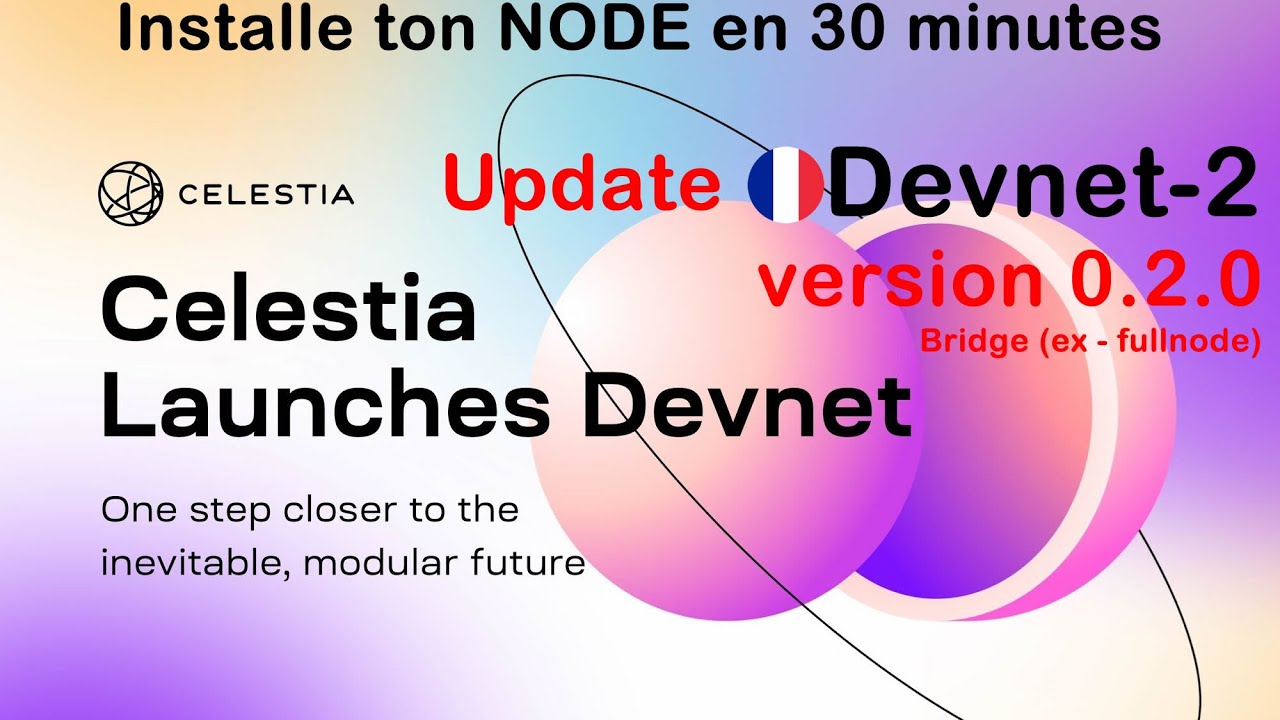






A Celestia Light Node is a lightweight client that enables data sampling on the Data Availability (DA) network, serving as the most common way to interact with the Celestia network. To set up a light node, users need to meet hardware requirements (2GB memory, single-core CPU, 5GB SSD, 56 kbps bandwidth, Linux environment), install dependencies (Go programming language), configure the environment, install the Celestia node binary, instantiate the node, connect to a public core endpoint, and run the node to begin testing API calls like querying account balances and block headers.
How to Run a Celestia Light Node: Data Availability Network Tutorial
Added:Modular Blockchain Architecture: Understanding the separation of blockchain functions into specialized layers (consensus, execution, settlement, and data availability) compared to monolithic systems.
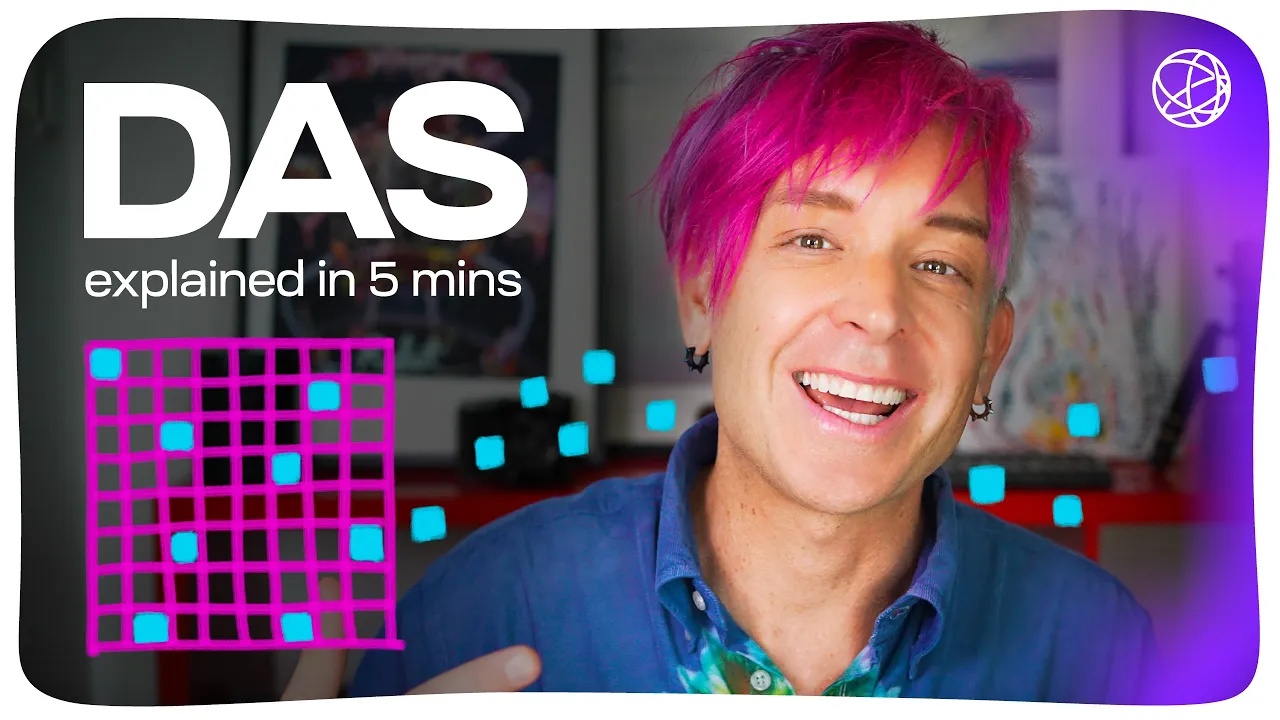
Data Availability (DA) and Sampling (DAS): Comprehending how Data Availability Sampling allows light nodes to verify block data without downloading the entire blockchain.
Blockchain Node Fundamentals: Knowing the core differences in responsibilities and resource requirements between full nodes, validator nodes, and light clients.
Basic Linux Command Line & CLI Operations: Familiarity with running terminal commands, navigating directories, managing system services, and utilizing package managers (like apt or brew).
Modular Rollup Integration: Learning how to deploy and connect modular rollups (such as Rollkit, OP Stack, or Arbitrum Orbit) to use your Celestia light node for data publishing.
Node Monitoring and Infrastructure: Implementing monitoring tools like Prometheus and Grafana to track node health, peer connections, and data sampling performance.
Upgrading to Bridge or Full Nodes: Exploring the technical requirements, architecture, and setup processes for running resource-intensive Celestia Bridge Nodes or Full Storage Nodes.
Cryptographic Mechanisms in DA: Delving deeper into the mathematical concepts backing Celestia, such as 2D Reed-Solomon erasure coding and namespaces Merkle trees (NMTs).
18K views201likes4:55Original Release: 2022-07-15
in this video you will learn how to set up a celestia light node which will allow you to do data sampling on the data availability network light nodes ensure data availability this is the most common way to interact with the celestia network to get started we'll visit the docs at docs.celestia.org here we'll click on developers and then node tutorial let's get started by checking out the hardware requirements by clicking here as you can see the hardware requirements for running a light node are two gigs of memory a single core cpu five gigs of solid-state drive and 56 kilobits per second bandwidth it's also recommended that you be working from a linux environment next let's go ahead and set up the dependencies we can follow the tutorial for setting up the dependencies by clicking here the first thing that we'll do is copy this command to update and upgrade the operating system next we'll download and install the packages required to run the lite node by copying the next command and running it in our terminal finally we'll install go on our machine by copying the commands here and running them as well next we'll configure our path and then we'll check the go version to make sure the go binary is ready to go now that our dependencies are set up we'll follow the installation guide for installing the celestia node by clicking here next we can install the celestia node binary by copying the commands here and running them in our terminal we can now check to see that celestia has been successfully installed by running celestia version now that celestion has been properly installed we can now instantiate a celestial light node by running celestial light in it you can optionally create a wallet and request testnet tokens if you would like to send transactions to the network but in this tutorial we'll be simply reading data from the network and we will skip this step next we want to connect to a public core endpoint you can find a list of the public core endpoints listed here and we're going to go ahead and click that link and we're going to grab the endpoint that is listed first here rpc-mamaki dot pops.1 and we'll be using this rpc endpoint in this command here we can now run the celestialite node by running the command listed here along with the rpc endpoint that we copied to our clipboard now that the celestial light node is running we can start testing out api calls the first thing that we can do is query the balance for the default account this balance should be zero unless you've requested test net tokens to the address for the account here we see the response as amount being 0 which is what we expect next we can request the block header information by running the following query if you've requested tokens and would like to submit a pay for data transaction you can also scroll down and see the instructions on how to do so here for information about additional node api endpoints check out the node api documentation here
Up Next
135:32
Literature Paper 1: Format, Scoring & Answering Guide (S.4) by Dinah Grace Anyait [WTLS] — 60 chars via descriptive guarantee
@holisticelearningplatform7283
2.3K views•2025-07-22

12:54
Triumph of Orthodoxy Icon: Byzantine Art & History Explained
@BenCallan
2.1K views•2024-08-06
2:29
A Step-by-Step Guide to Running a Celestia Light Node with Docker
@CelestiaNetwork
12.1K views•2023-06-09

1:42
Game of Thrones Opening Credits: A Cinematic Analysis
@gameofthrones
46.3M views•2011-04-18
Related Study Plans & Knowledge Roadmaps
Structured learning paths in General & Interdisciplinary Studies
general-studies
Elevator Engineering: History, Physics & Cities
01From Hoists to Safety Brakes: The Dawn of Vertical Lift
02Hydraulic vs. Traction: The Engineering Physics of Elevators
03Modern Speed, Safety, and Algorithms
+ 2 more learning modules
12h5 modules
Explore Roadmap
general-studies
Rubber: Material Science, History & Geopolitics
01Origins of Natural Rubber & Mesoamerican History
02The Chemistry of Natural Rubber & Vulcanization
03The Geopolitics of the Rubber Boom & Colonization
+ 2 more learning modules
12h5 modules
Explore Roadmap
general-studies
Containerization: Evolution, Logistics & Trade
01Ancient Trade & Bulk Cargo: Amphorae to Barrels
02The Industrial Revolution & Cardboard Packaging
03The Containerization Revolution: Malcom McLean
+ 2 more learning modules
12h5 modules
Explore Roadmap
general-studies
Textile Tech: Evolution, Labor & Global Impact
01Pre-Industrial Textiles: Handloom & Cottage Industry
02Mechanization: The Spinning Jenny to the Power Loom
03The Factory System & Global Labor Transformation
+ 2 more learning modules
10h5 modules
Explore Roadmap