






![Как запоминает и считает компьютер. Системы счисления и кодирования данных [GeekBrains]](https://i.ytimg.com/vi/025UIXe4w6M/hqdefault.jpg)



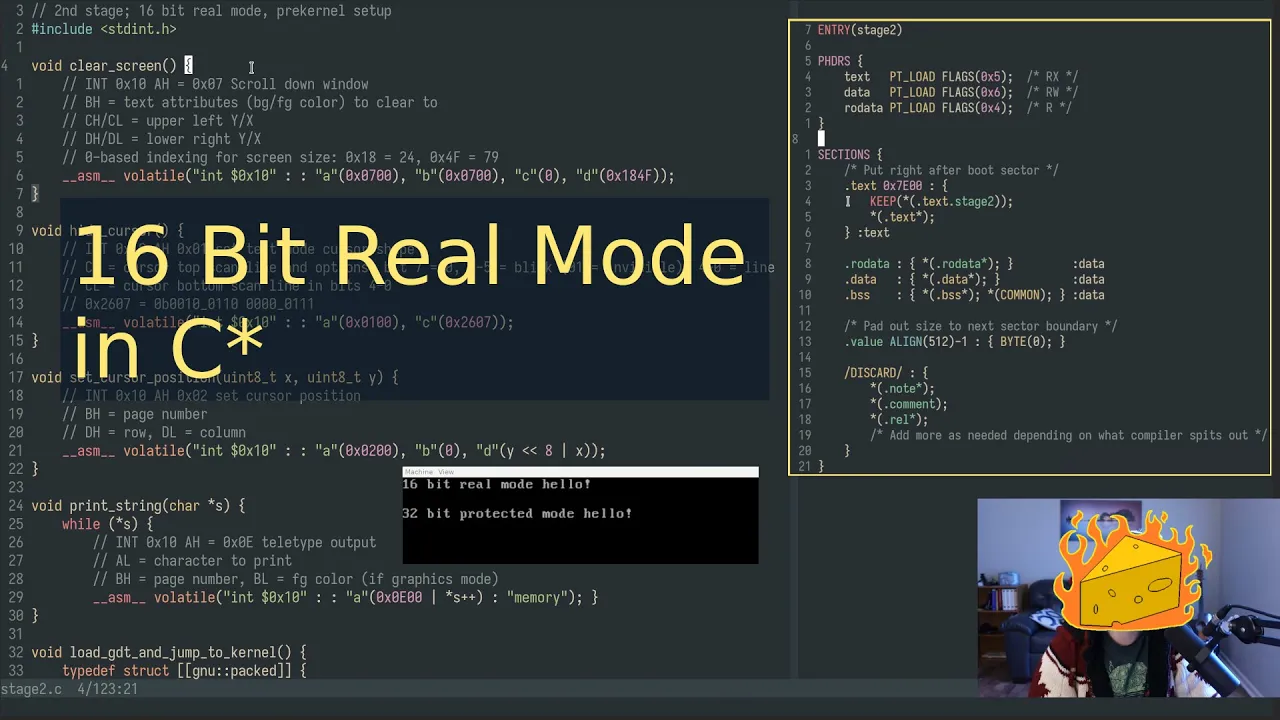






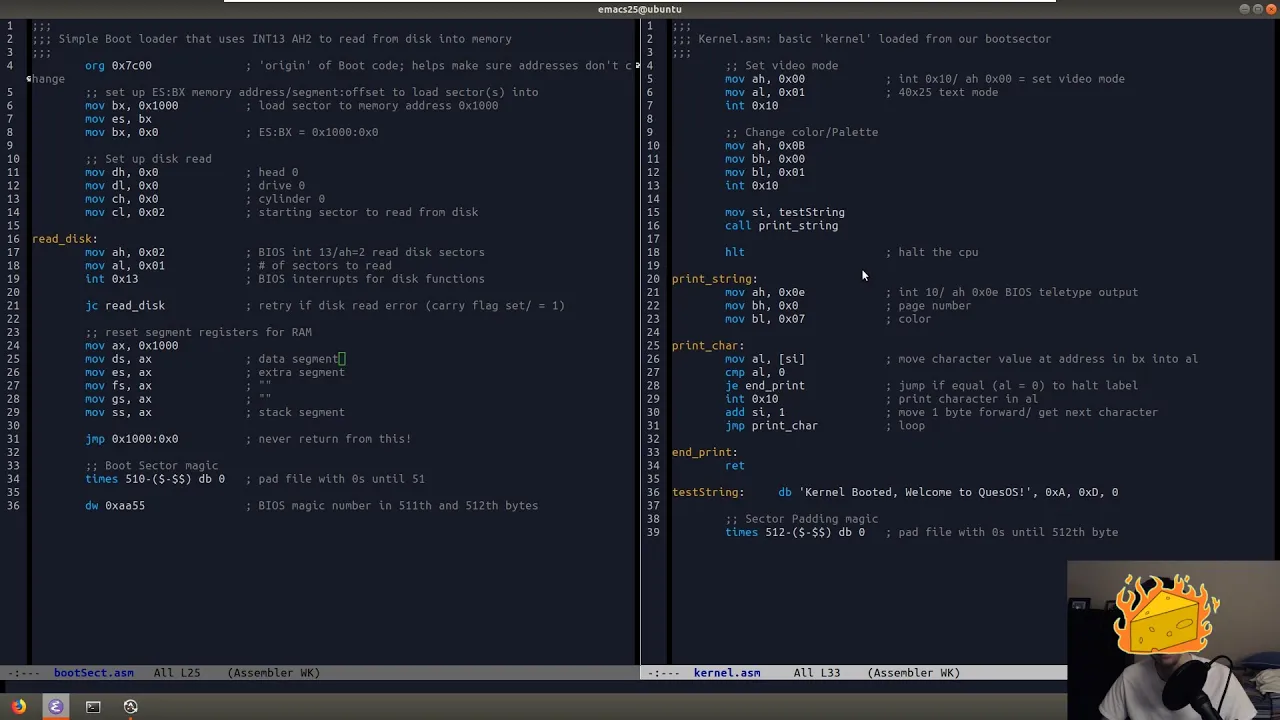






This video teaches how to use BIOS interrupts for character output and implement conditional jumps in x86 assembly language. To print a character, set AH to 0x0E, move the ASCII value to AL, then call interrupt 0x10. The CMP instruction compares values, and conditional jumps like JE allow programs to make decisions—demonstrated by printing the alphabet by incrementing from 'A' (65) to 'Z' (90) and using JE to exit the loop when reaching 'Z' + 1.
Building an OS: BIOS Interrupts and Conditional Jumps
Added:Basic understanding of x86 assembly language syntax, core CPU registers (such as AX, BX, CX, DX), and fundamental instructions like MOV.
The concept of the CPU's flags register (specifically the Zero Flag and Carry Flag) and how they are altered by comparison instructions like CMP.
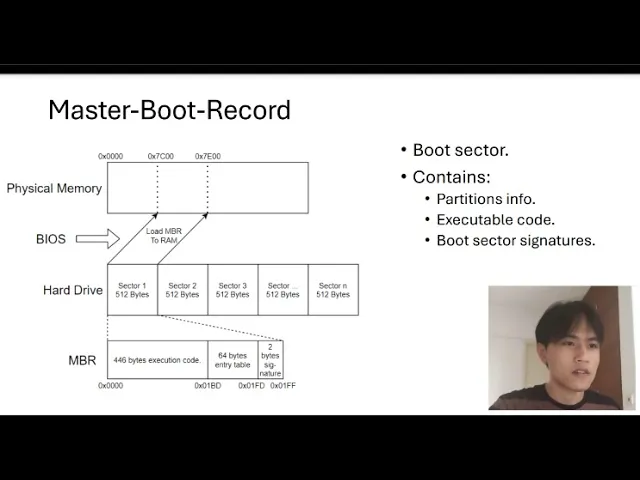
An introduction to the computer boot sequence, specifically the role of the BIOS and the structure of a 512-byte Master Boot Record (MBR).
Familiarity with hexadecimal notation and ASCII character encoding schemes used to represent text in memory.
Transitioning the CPU from 16-bit Real Mode to 32-bit Protected Mode, which requires setting up a Global Descriptor Table (GDT).
Writing directly to VGA video memory (the text mode buffer at physical address 0xB8000) to output text without relying on BIOS interrupts.
Developing a multi-stage bootloader that can read sectors from a storage drive using disk I/O interrupts to load a larger kernel.
Configuring the Interrupt Descriptor Table (IDT) to handle hardware interrupts (like keyboard input) and software exceptions in Protected Mode.
181.5K views6.5Klikes7:14Original Release: 2020-08-30
hello again apparently you liked part one so here is part two in the first lesson i showed you how to write a very minimalistic boot sector in this one we'll talk about bias and at the end of this video i'll give you a bit of a challenge you'll have a week to solve oh by the way quick note before you go why bios why not uefi you're absolutely right this method is not the most modern one but i think it's the best for learning this is a beginner series mostly focused on teaching assembly and by making these toyo s i don't mean to make you linus tovals or something but simply give you an idea what's going on at the bare metal level also there is a lot of documentation to integrate my videos and this method does definitely work on modern computers with fancy leds and all that so yes one day it will be obsolete but to that day i'll hopefully be still here and i'll update the series okay today we're going to actually make the computer do something by booting last time we entered an operating mode called real mode it is a 16-bit mode assisted by something called bios bias stands for basic input output system this is a system that provides us with simple tools we can use to say display characters on screen input characters from the keyboard read from disk full list in description this is where we left last time an empty everlasting loop let's use bios to add something today's final goal is to print out the alphabet the first thing we want to learn is how to print characters on screen programming an assembly is a bit like pushing buttons controlling switches and connecting wires when you move a value from a register to another you are physically connecting those registers to each other to enter a particular mode some register must contain the right value just like zwitch or some machine would have to be in the right position same goes with bios routines to print a character on screen you first need to switch to tile type mode to do so we use the ax register first of all we want to move using the move instruction described last time the hexadecimal number zero e into ah then we move the character we want to print to a l [Music] finally we want to call something called a bias interrupt an interrupt is a response by the processor to an event that needs attention from the software whatever operation cpu is executing it will interrupt it and do something else there are many interrupts that do many different things the one to print using bios is hex 1 0 which we'll call using the int instruction if we repeat this seemingly tedious process a few times we can even print a whole sentence to test your code save it and use the commands described in the previous lesson let's now have a closer look at a single character to represent an ascii character we use single quotes but it's only one of the many ways we can do it let's have a look at an ascii chart the letter a is represented by decimal 65 which is hex 4 1 and binary one zero zero zero zero zero one if we print these three values we'll end up with three a's what if we wanted to say print the alphabet yes we might do that by printing each and every letter but look they're all in the right order we could do something like this first of all print the letter a we could keep the decimal value or just write a like this maybe if we keep the decimal value you will understand better what i mean if after this we print 66 and then 67 will print a b c there is a way to automate this process after we move 65 into a l it will stay into a l even after the interrupt so we can use a command to increment a l this command is inc it is equivalent to some al 1. it simply adds one to a l just by repeating these two lines we can print some of the alphabet but there must be a faster way right like with a loop [Music] okay do you see the problem here it's never going to stop if we try and run into something very weird will happen if only there was a way to exit the loop and of course there is one let me introduce you to conditional jumps in this new program i moved 4 to bx i want to check if bx is 5 as you may tell it is not there is an instruction that compares two numbers by calculating their difference the cmp instruction these are the possible outcomes of this comparison and for each of these there is a conditional jump instruction a jump instruction that is ignored if its condition is not satisfied the one we'll use today is j e jump if equal this is an example [Music] if the value of the bx register is equal to 5 then this program will jump to the label and print x if it is not it will just jump forever and print nothing let's try this one out since bx is 4 and not 5 it prints nothing but if i set bx to 5 it will print x back to the alphabet we need to compare a l to z plus 1 which is the same as writing 90 plus 1.
if the content of a l is equal to z plus 1 instead of printing the value is to jump to another label the exit label where it will jump to the current address indefinitely [Music] and sure enough here it is the alphabet your challenge for next sunday is the following make a program that outputs the alphabet in alternating caps good luck with that share your results in the comments see you next sunday
Up Next
11:28
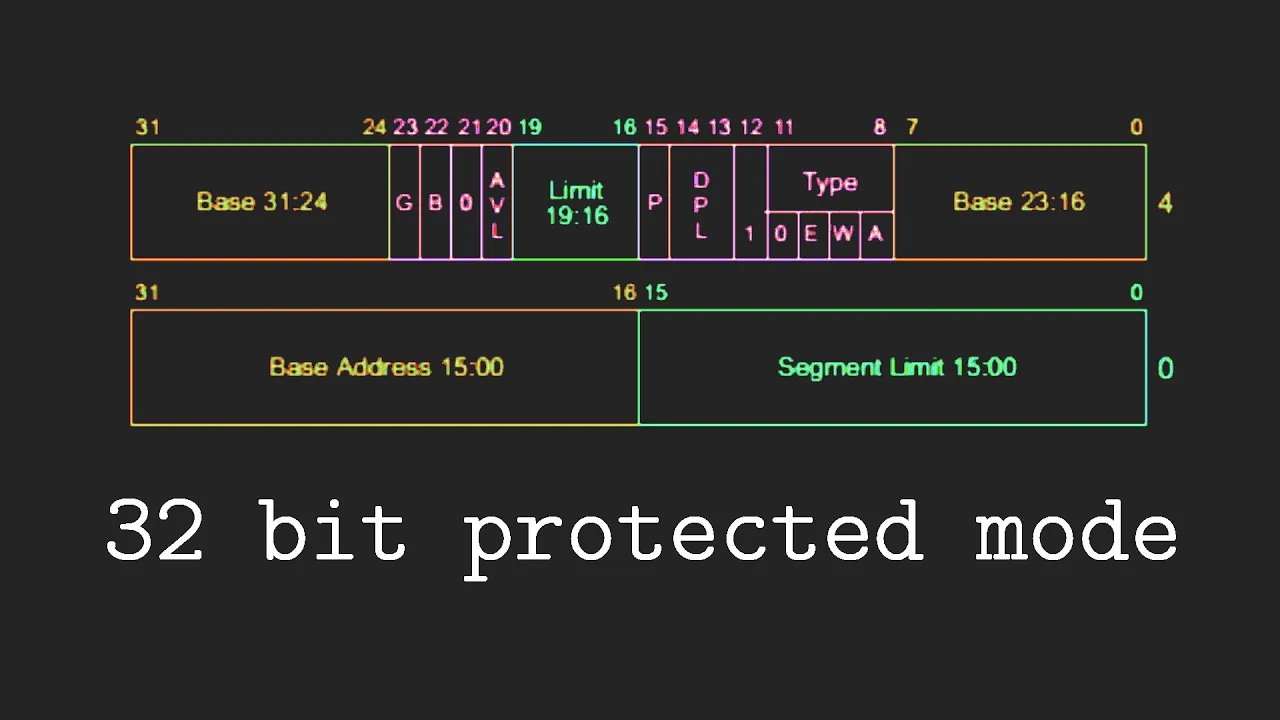
OS Development Tutorial: Entering Protected Mode & GDT
@DaedalusCommunity
71.9K views•2021-08-15

87:26
Introduction to Secure Multiparty Computation with Yehuda Lindell
@fhe_org
7.7K views•2021-02-04

7:23
Build an OS: Cross Compiler, Bootloader & Kernel in C
@DaedalusCommunity
78.5K views•2021-08-28

19:25
Enigma Machine Mechanics: WWII Encryption Explained
@JaredOwen
13.2M views•2021-12-11
Related Study Plans & Knowledge Roadmaps
Structured learning paths in Computer Science
computer-science
Container Runtimes: Namespaces, Cgroups & Go
01Linux Systems & Go Programming Foundations
02The Core of Isolation: Chroot and Filesystems
03Linux Namespaces: Process Isolation
+ 3 more learning modules
32h6 modules
Explore Roadmap
computer-science
Building a CHIP-8 Emulator: Rust & CPU Basics
01Computer Architecture Foundations (Bits & Bytes)
02Rust Programming for Systems Development
03CHIP-8 Virtual Hardware Specifications
+ 2 more learning modules
32h5 modules
Explore Roadmap
computer-science
Building BitTorrent: Go, P2P & Concurrency
01Go Fundamentals & Concurrency
02Networking Foundations & P2P Architecture
03Bencode Parsing & Torrent Metadata
+ 3 more learning modules
26h6 modules
Explore Roadmap
computer-science
Actor Models (C++ Concurrency & Lock-Free)
01C++ Multi-Threading Foundations
02Thread Pools and Task Scheduling
03Atomics and Lock-Free Queue Design
+ 3 more learning modules
45h6 modules
Explore Roadmap