











![واوووووو 6 فصول بمحاضرة [ تهكير ] الرياضيات بمحاضرة وحدة الثالث متوسط مراجعة مركزة مرشحات](https://i.ytimg.com/vi/dQJsouxm8wQ/maxresdefault.jpg)




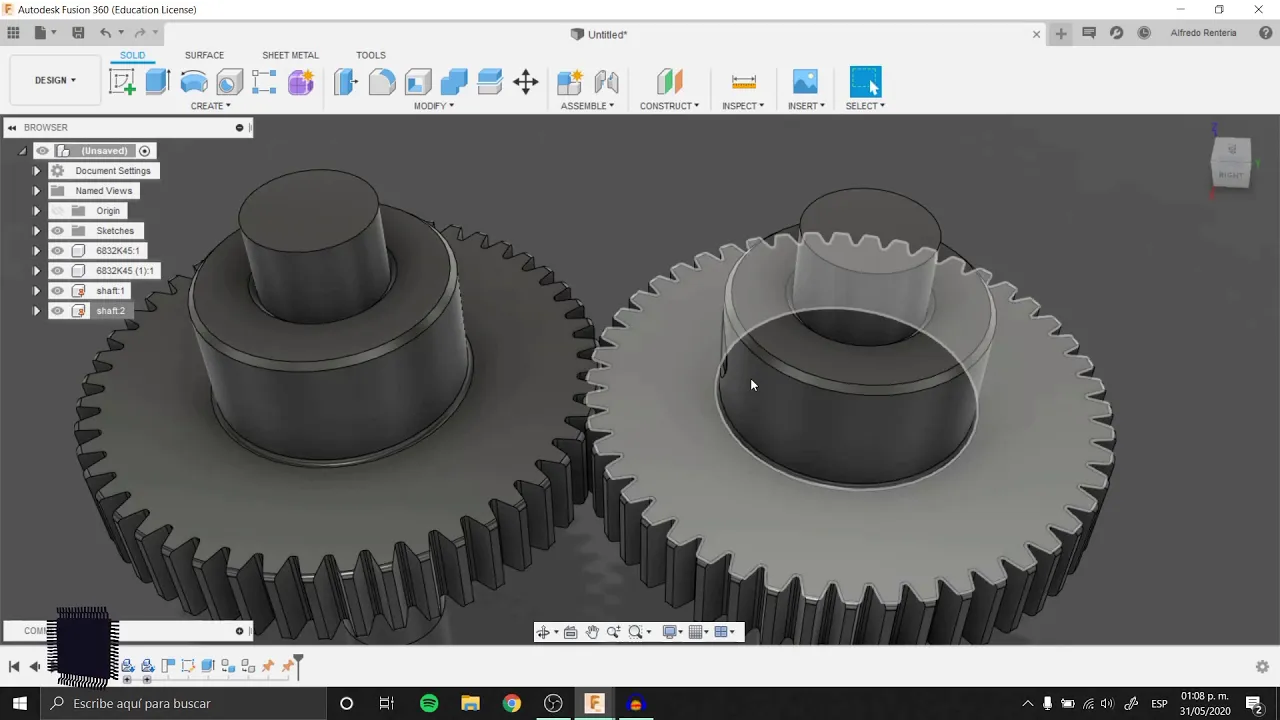











In Fusion 360's spur gear tool, key parameters include pressure angle (the angle between tangent lines at the top arc and inner circle of the gear tooth, where larger angles create thicker, stronger teeth but increase wear while smaller angles reduce noise), diametral pitch (teeth per inch divided by pitch diameter, which directly affects gear diameter and must ensure meshing pitch circles are tangent), backlash (clearance between interlocking teeth that varies by manufacturing method—tighter for 3D printing/machining, larger for hand-carving), and root fillet radius (the bottom of the tooth, which should be maximized within manufacturing tolerances to maintain tooth strength).
Understanding Gears in Fusion 360: Pressure Angle & Parameters
Added:Basic proficiency in Autodesk Fusion 360, including sketching, extruding, and utilizing constraints.
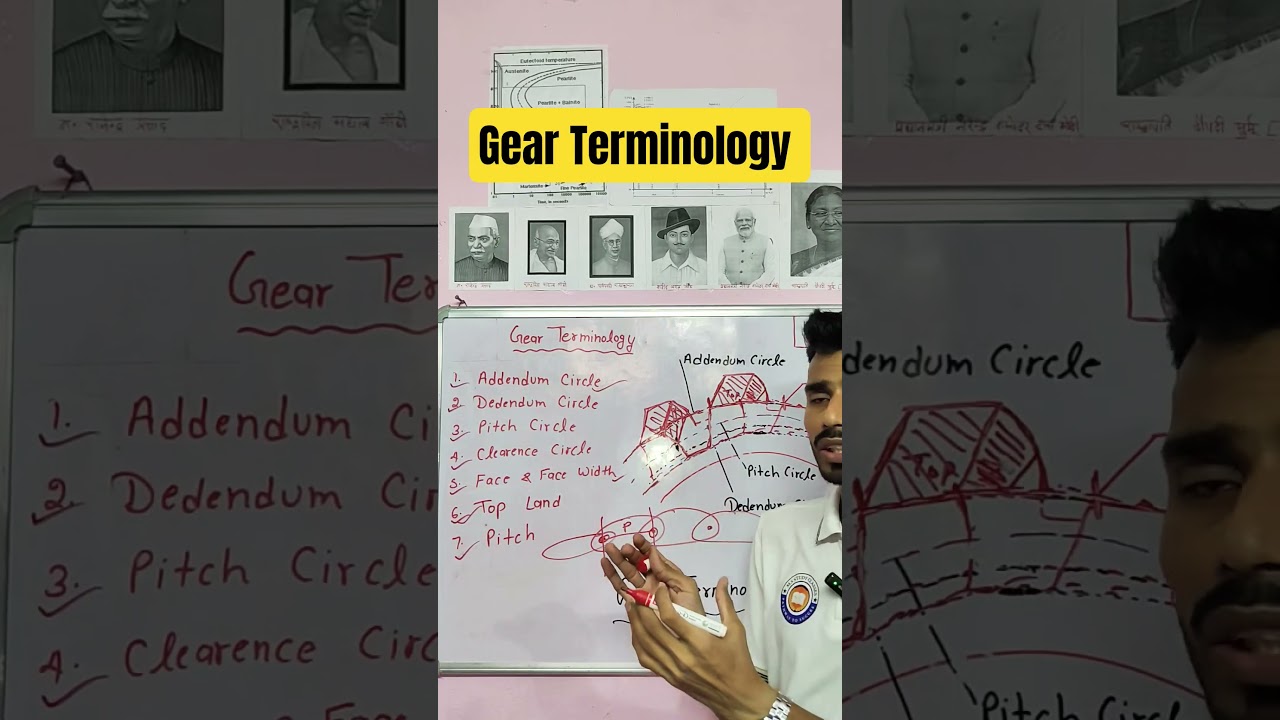
Fundamental understanding of gear terminology such as pitch circle, addendum, dedendum, and gear ratio.
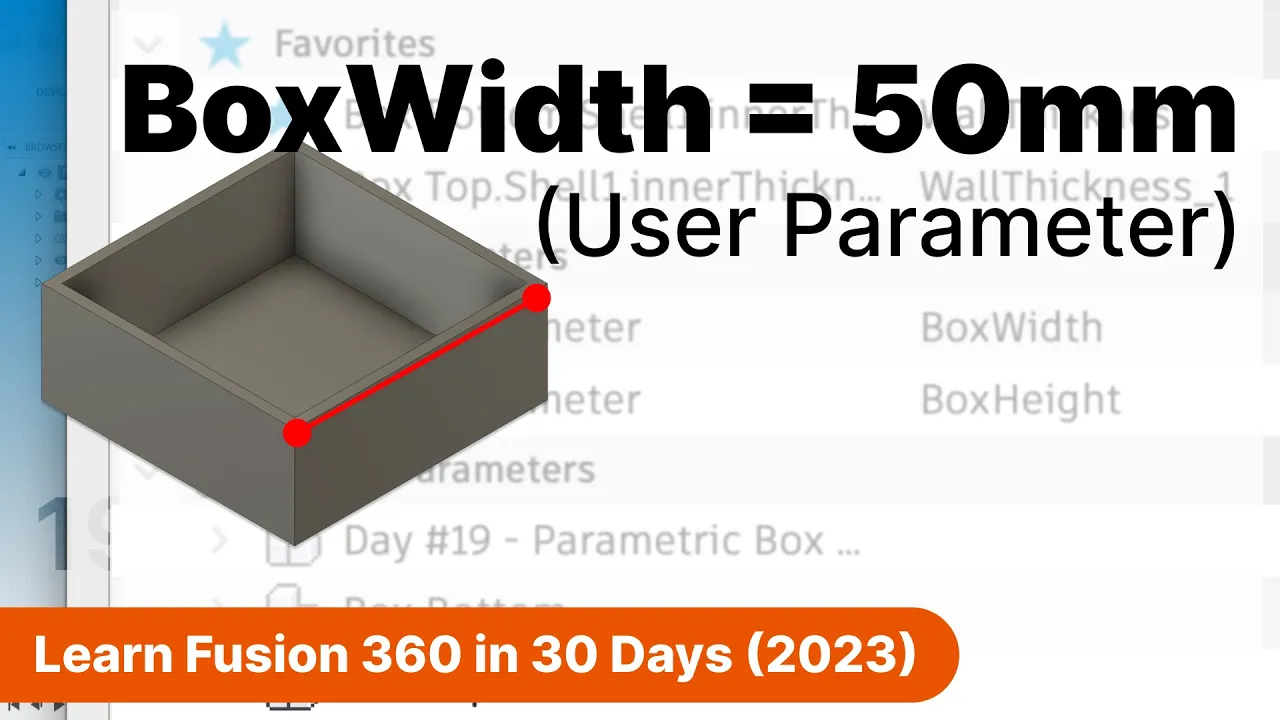
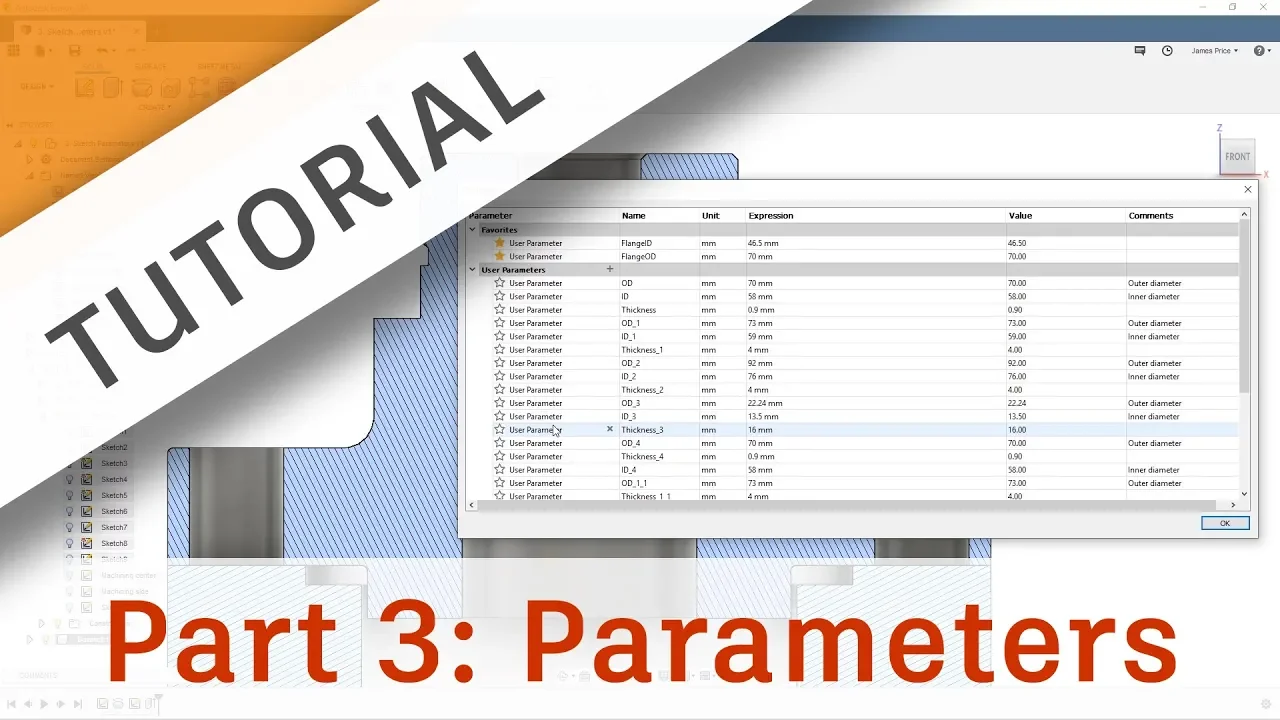
Elementary concepts of parametric modeling, specifically how user parameters and equations control sketch dimensions in CAD.
High school-level geometry and trigonometry, particularly concepts involving circles, tangents, and angular measurements.
Simulating mechanical motion in Fusion 360 using Joints and Motion Links to test gear train interactions.
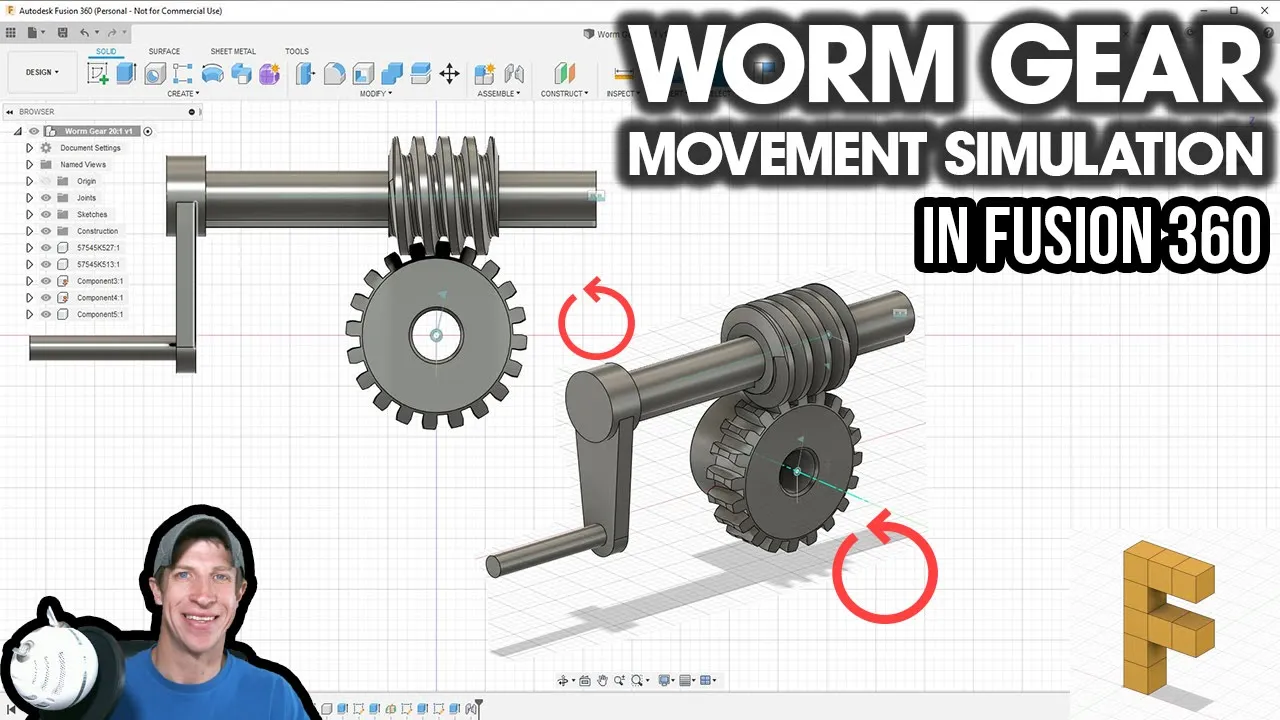
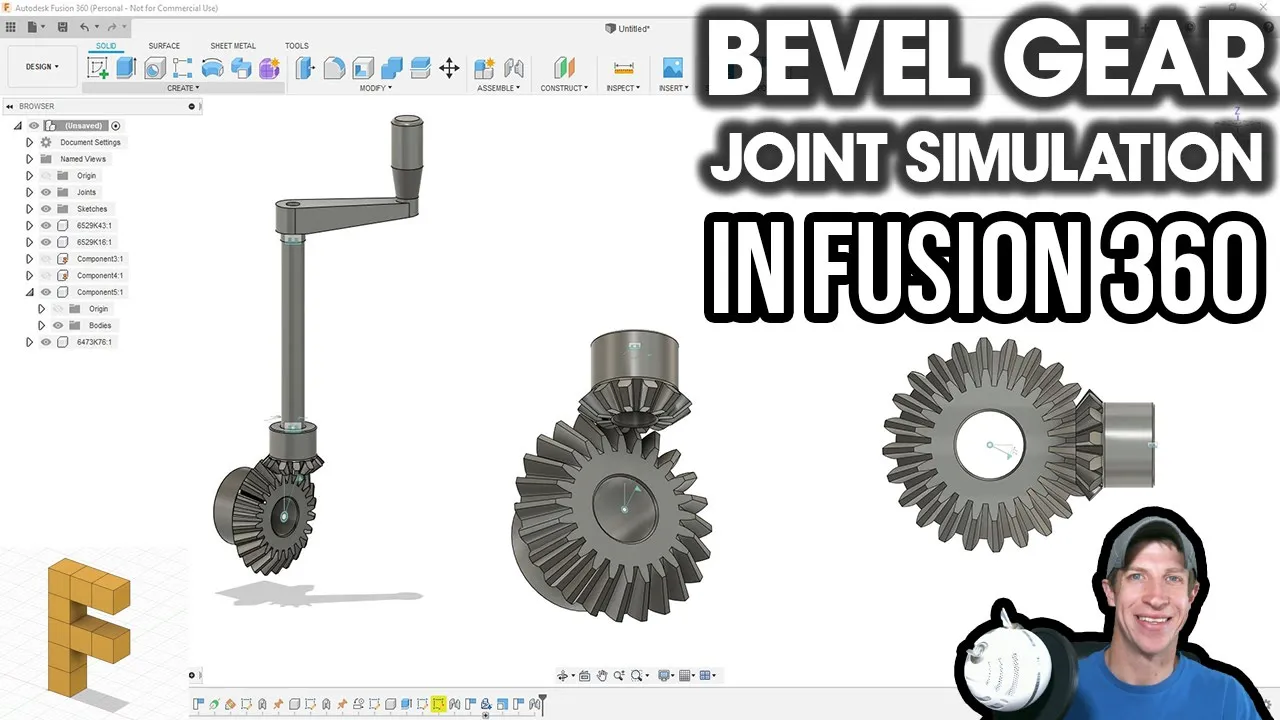
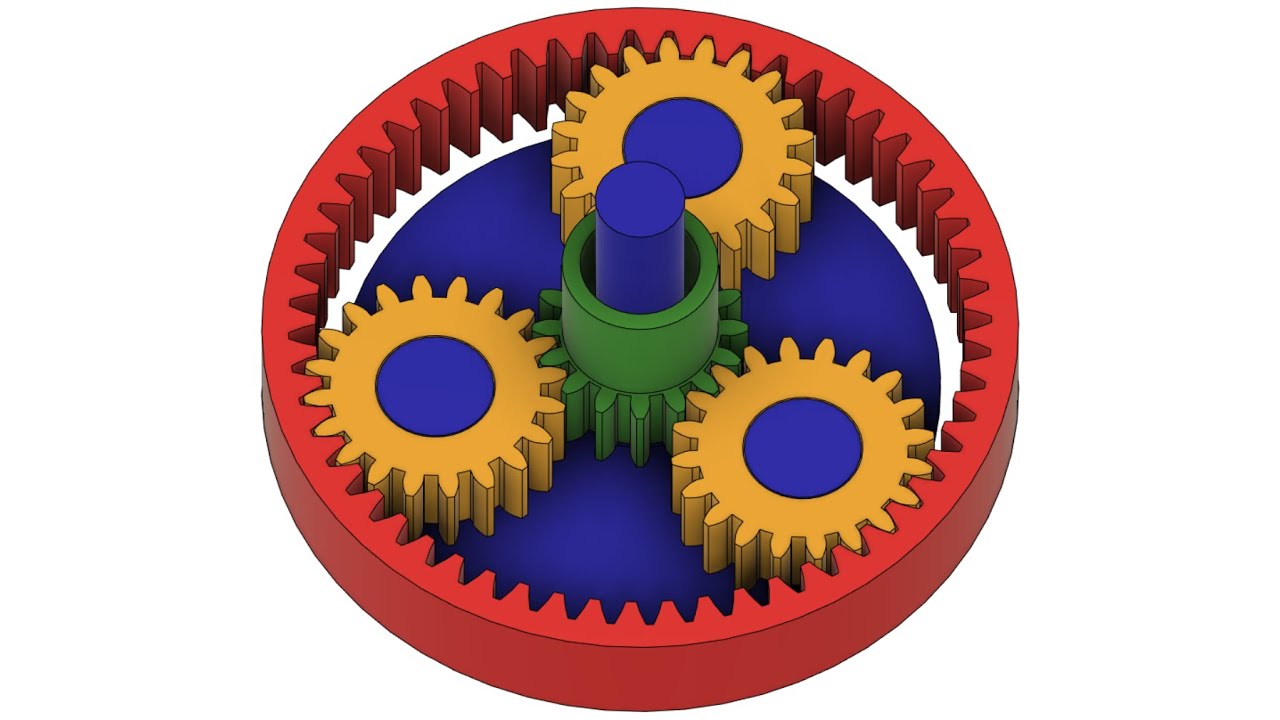
Designing advanced gear profiles, such as helical, bevel, worm, or planetary gear systems.
Performing Finite Element Analysis (FEA) in Fusion 360 to analyze tooth bending stress and contact pressure under load.
Understanding manufacturing tolerances and prototyping methods for gears, such as 3D printing or CNC milling.
50.4K views736likes7:05Original Release: 2019-11-12
hi in this tutorial we're going to look at the spur gear parameters available to us in fusion 360 in order to get to the spur gear tool you'll have to come to tools and under tools click on Add Ins and when this comes up when you click on scripts and add-ins come here to add-ins and click on spur gear and click run now the first parameter that comes up inside this tool is called pressure angle so let's talk about what that means basically the pressure angle is the angle between the tangent line which connects to the center of the radius of the top arc of the tooth of the gear and the tangent line that is touching the inner circle of the gear and so if you take these two lines and you draw an angle between them that's the pressure angle so you can see here this is 14 and 1/2 degrees because the angle right here of this line that's coming right through the center of the radius of this arc is much smaller than the one of this arc meaning that this arc radius is smaller than this arc radius the larger it is the smaller the angle because this circle gets larger which makes this line get come closer and closer to the blue line and so the main thing to remember is that a larger angle means that the tooth is thicker and stronger because the larger angle means that there's more material inside the tooth now that's at the expense of more gear wear because you have a longer face for the tooth to rub against now if you make a small angle then the tooth is weaker because the tooth has less matterr but there's also less noise and there's less surface contact for that reason because if the tooth is more at a straight-up angle if you will then that means that there's less surface contact but if the angle is really extreme and coming out a lot then there's going to be a lot more rubbing because it's a longer face so here we're gonna look at diametric diet diametral pitch and so what that means it's it's basically the number of teeth per inch divided by this diameter now the main thing to remember here is that the diametral pitch changes the diameter of your gear so that that's the main takeaway of this now yes there is this proportion the number of teeth divided by the pitch diameter and that will change your value right here under pitch diameter it's going to change this value that's for sure but the main thing to remember as I just mentioned is that it's going to change the diameter of your gear and one thing to remember with the diameter of the gear which I'd like to mention is that the operating pitch circles need to be touching so in this previous slide I showed you this ring which is where the diametral pitch is measured this is called the pitch diameter this this circle at this particular location between the the arcs right here that's the pitch diameter the two pitch diameters of both of your gears when they're meshing they need to touch they need to be tangent to each other that's a that's a key thing to remember with gear design so the number of teeth is what it sounds it's the number of teeth and the backlash is the distance between two teeth when you have the teeth interlocking so one thing to remember is if you're gonna 3d print the gears then you can make your distance your clearance between the teeth very tight so your backlash is gonna be very small also if you're gonna be machining the teeth of the gears if you're gonna be hobbing them out of aluminum with a very accurate process then you're also going to be able to make a small amount of clearance and you're going to have a little backlash but if you're carving these out of wood by hand then you're going to have to allow more clearance around the teeth because your method of manufacturing is less accurate and it has larger tolerances and for that region reason your backlash is going to be larger than if you created it in a more accurate process so the backlash in a perfect world is zero now the route fill it radius right here this route Filat radius is the radius here at the bottom of the teeth now this radius at the at the bottom of the tooth it needs to be as large as possible without touching the other tooth of the other gear at any point in the rotation of the gears as long as it's not in contact with this gear then you're fine the main thing to remember is that you need to worry about your tolerances and your manufacturing process if your manufacturing process is not creating accurate enough gears then your radius needs to become smaller and smaller and that makes your tooth less and less strong because the smaller the radius the less strong the tooth because there's more of an ability for there to be shear there for the tooth to act to actually break off of the gear so the main thing is to just make it as large as possible within reason within your parameters within your tolerances while not being in contact with the other tooth during operation now the gear thickness is very obvious just like the number of teeth it's just the how high or how thick the gear is the whole diameter is also just what it sounds like it's the diameter of the inner hole and that's it thank you
Up Next

13:02
Modeling a Rack and Pinion Mechanism in Blender
@OTVinta3d
59.2K views•2017-03-22

12:54
Triumph of Orthodoxy Icon: Byzantine Art & History Explained
@BenCallan
2.1K views•2024-08-06

9:49
FastAPI vs Flask vs Django: Choosing the Right Python Web Framework
@TechWithTim
302.5K views•2024-05-26

1:42
Game of Thrones Opening Credits: A Cinematic Analysis
@gameofthrones
46.3M views•2011-04-18
Related Study Plans & Knowledge Roadmaps
Structured learning paths in General & Interdisciplinary Studies
general-studies
Elevator Engineering: History, Physics & Cities
01From Hoists to Safety Brakes: The Dawn of Vertical Lift
02Hydraulic vs. Traction: The Engineering Physics of Elevators
03Modern Speed, Safety, and Algorithms
+ 2 more learning modules
12h5 modules
Explore Roadmap
general-studies
Rubber: Material Science, History & Geopolitics
01Origins of Natural Rubber & Mesoamerican History
02The Chemistry of Natural Rubber & Vulcanization
03The Geopolitics of the Rubber Boom & Colonization
+ 2 more learning modules
12h5 modules
Explore Roadmap
general-studies
Containerization: Evolution, Logistics & Trade
01Ancient Trade & Bulk Cargo: Amphorae to Barrels
02The Industrial Revolution & Cardboard Packaging
03The Containerization Revolution: Malcom McLean
+ 2 more learning modules
12h5 modules
Explore Roadmap
general-studies
Textile Tech: Evolution, Labor & Global Impact
01Pre-Industrial Textiles: Handloom & Cottage Industry
02Mechanization: The Spinning Jenny to the Power Loom
03The Factory System & Global Labor Transformation
+ 2 more learning modules
10h5 modules
Explore Roadmap