




















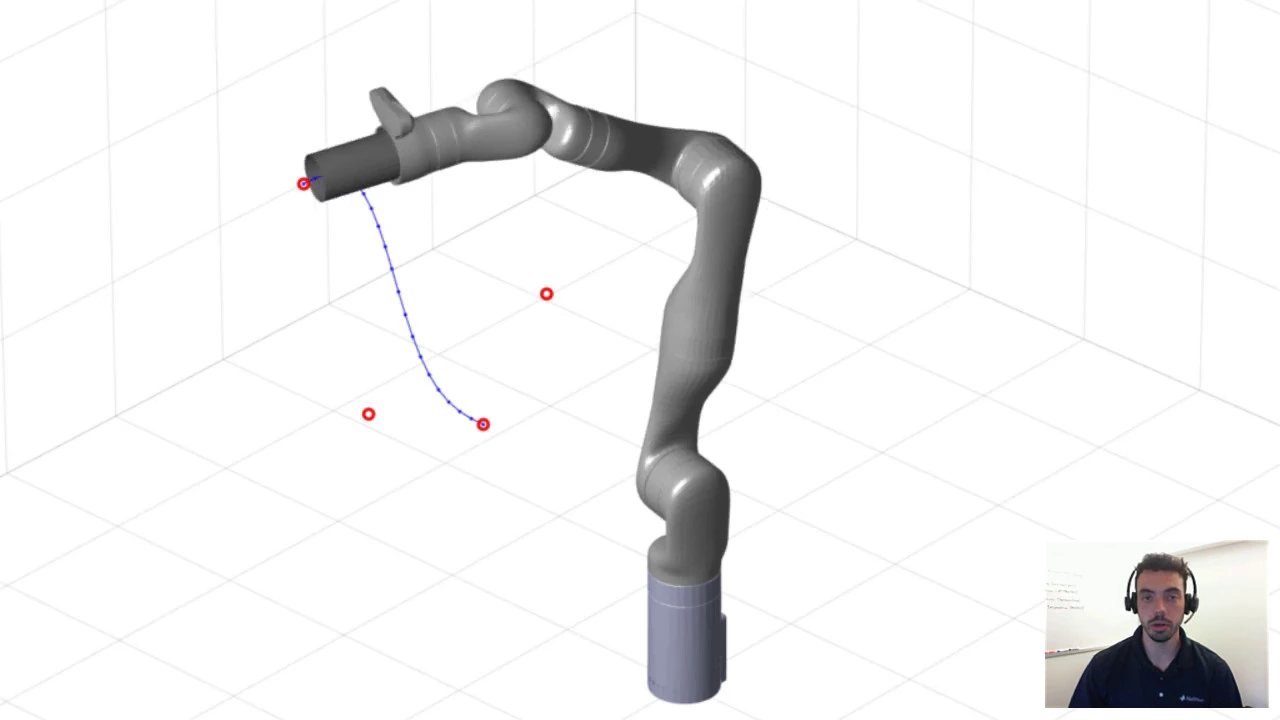
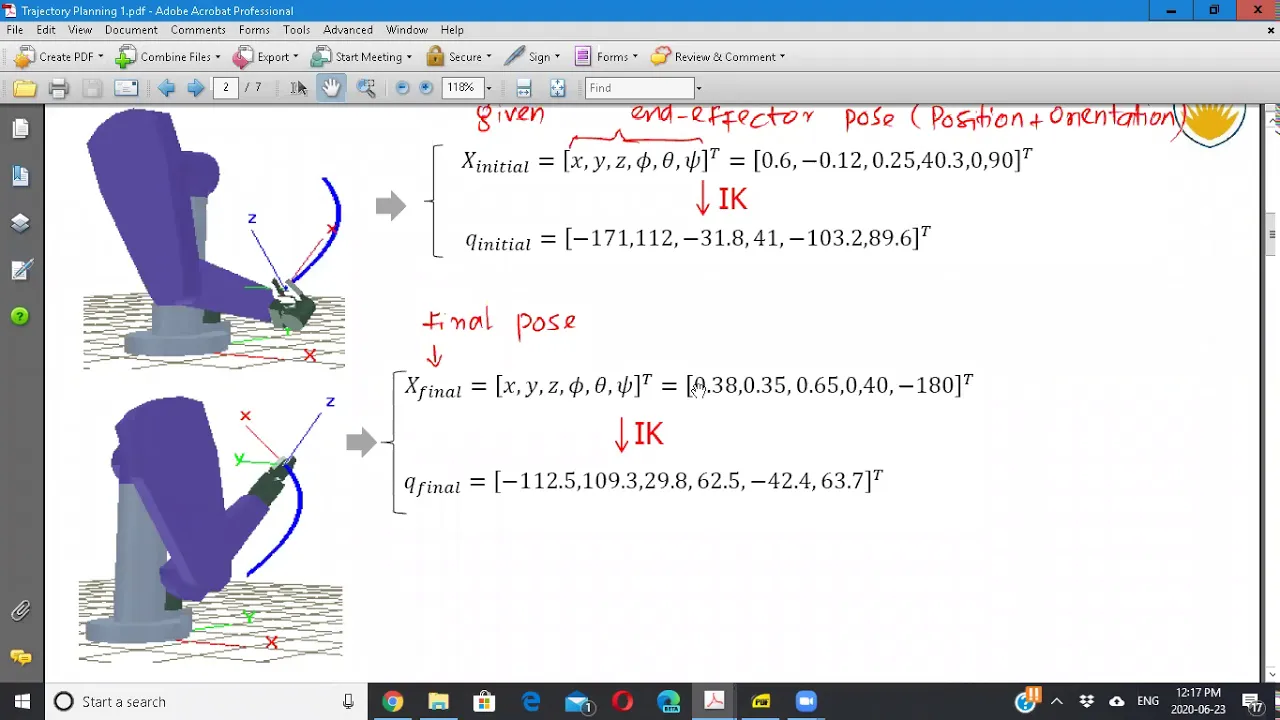


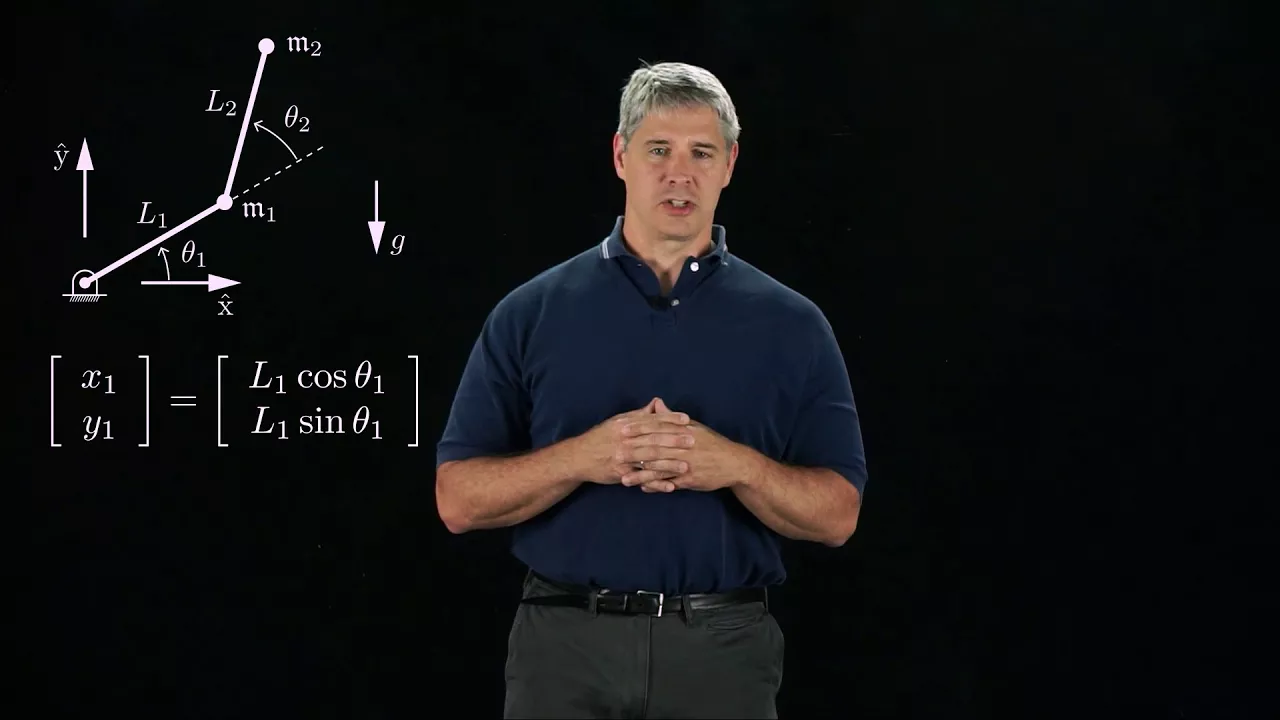
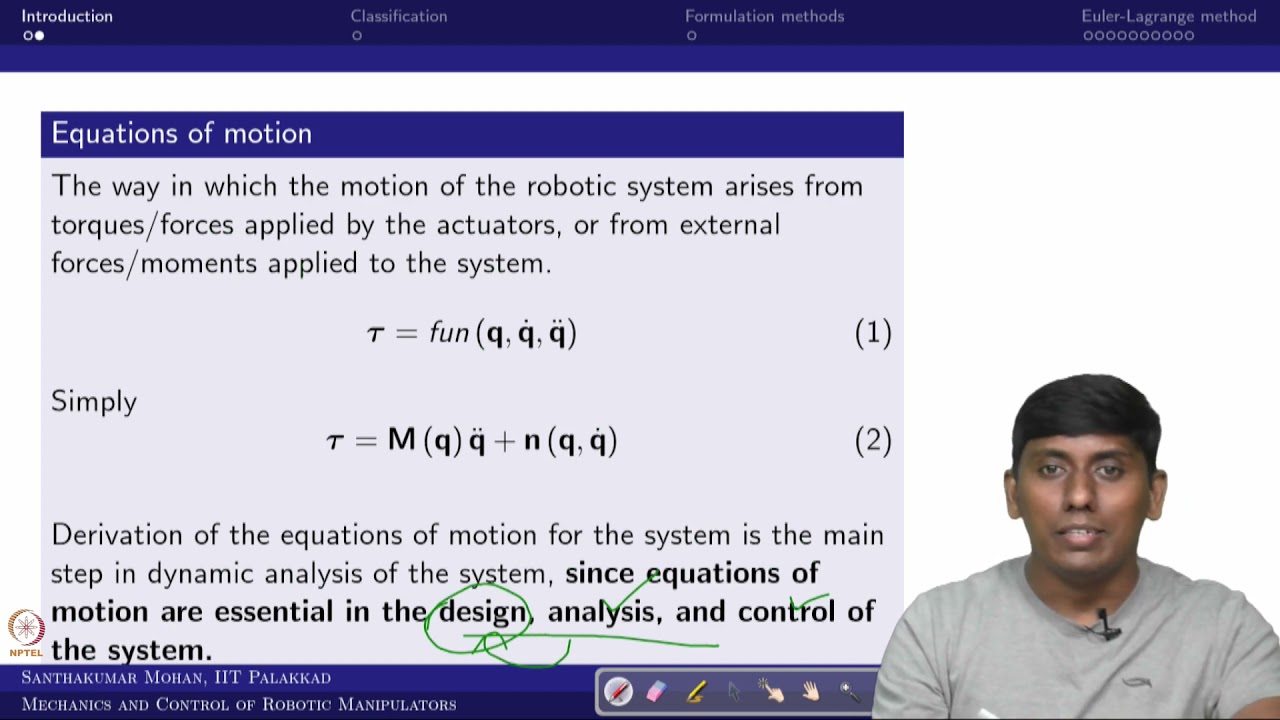


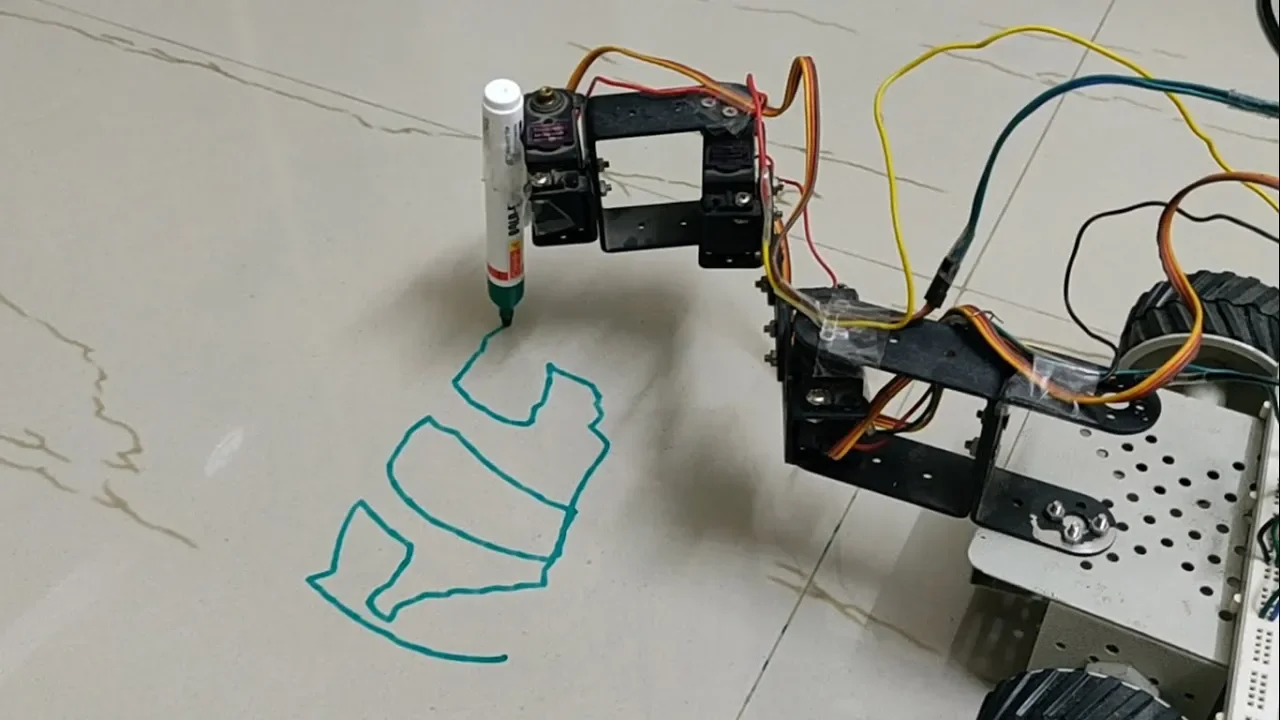

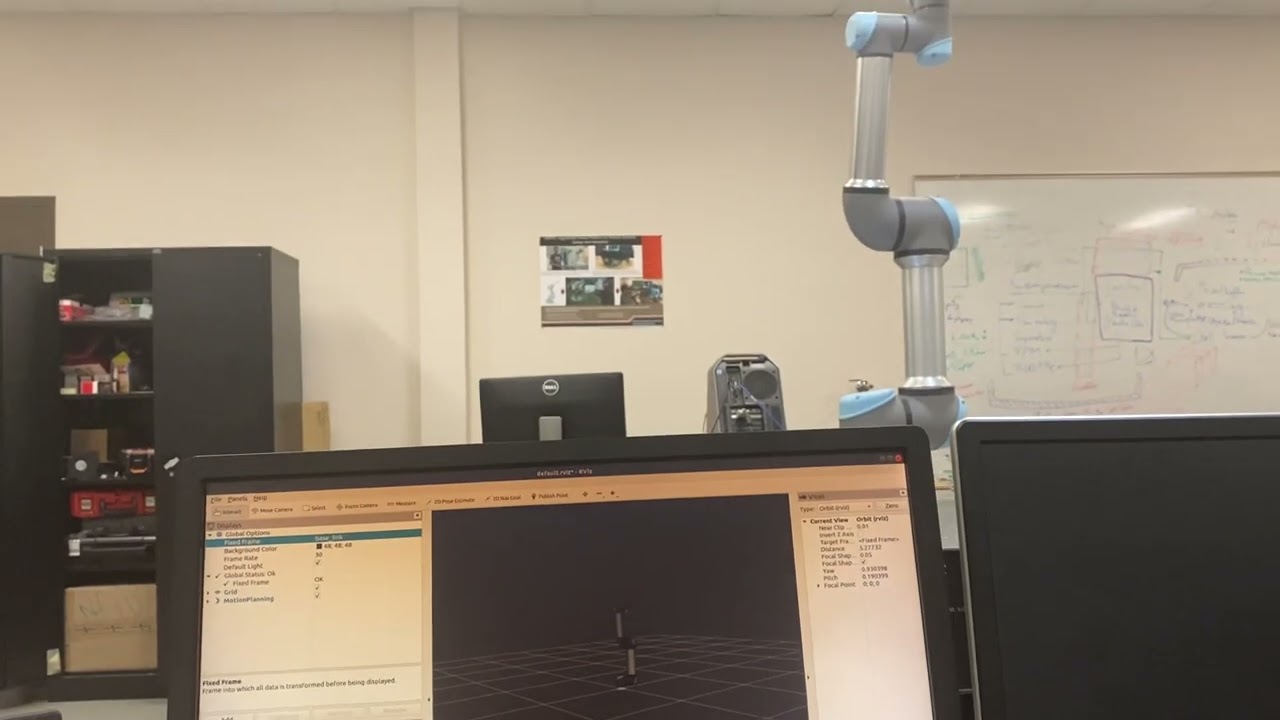
Inverse kinematics is the process of determining joint angles for a robot to reach a specific target point. While Denavit-Hartenberg (DH) parameters provide a mathematical framework using transformation matrices, a graphical approach using trigonometry (Pythagorean theorem, law of cosines) is often more intuitive and easier to implement. The graphical method involves calculating the hypotenuse from the target coordinates, then using the law of cosines to find joint angles, with the work envelope being the maximum reach distance determined by the robot's link lengths.
Master Inverse Kinematics: Denavit-Hartenberg vs Graphical Methods
Added:Fundamental concepts of linear algebra, specifically 3D rotation matrices, translation vectors, and homogeneous transformation matrices.
Basic understanding of robot anatomy, including degrees of freedom (DoF), joints (revolute and prismatic), and links.
The core concept of Forward Kinematics and how to map joint space to Cartesian space.
Standard Denavit-Hartenberg (DH) convention rules for assigning coordinate frames to robotic manipulators.
Trigonometry and spatial geometry for analyzing geometric relationships in 2D and 3D space.
Numerical methods for Inverse Kinematics, such as Jacobian pseudo-inverse methods, to solve redundant manipulators.
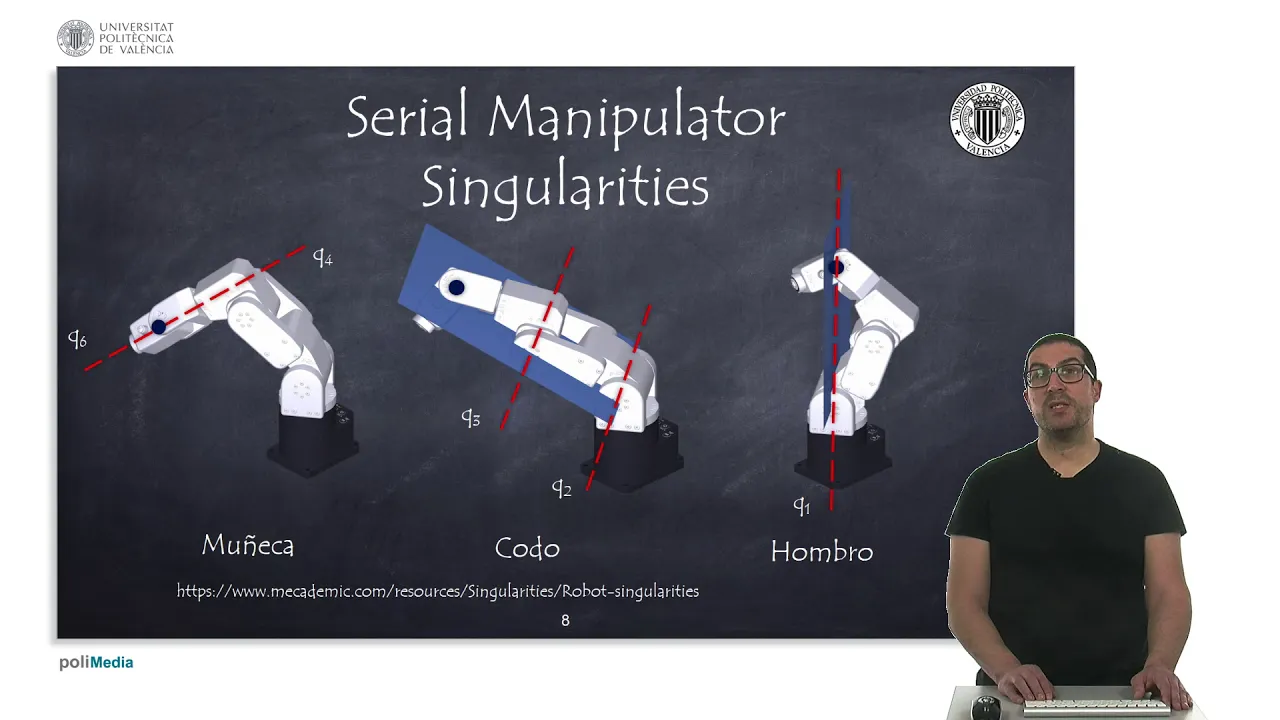
Singularity analysis to identify robot configurations where inverse kinematics solutions are undefined or unstable.
Trajectory planning and generation to compute smooth, collision-free paths in joint or Cartesian space over time.
Robot Dynamics (Lagrangian or Newton-Euler formulation) to calculate the forces and torques required for movement.
Practical integration of kinematic solvers in robot control frameworks like ROS (Robot Operating System) using MoveIt.
110 views13likes28:43Original Release: 2024-07-13
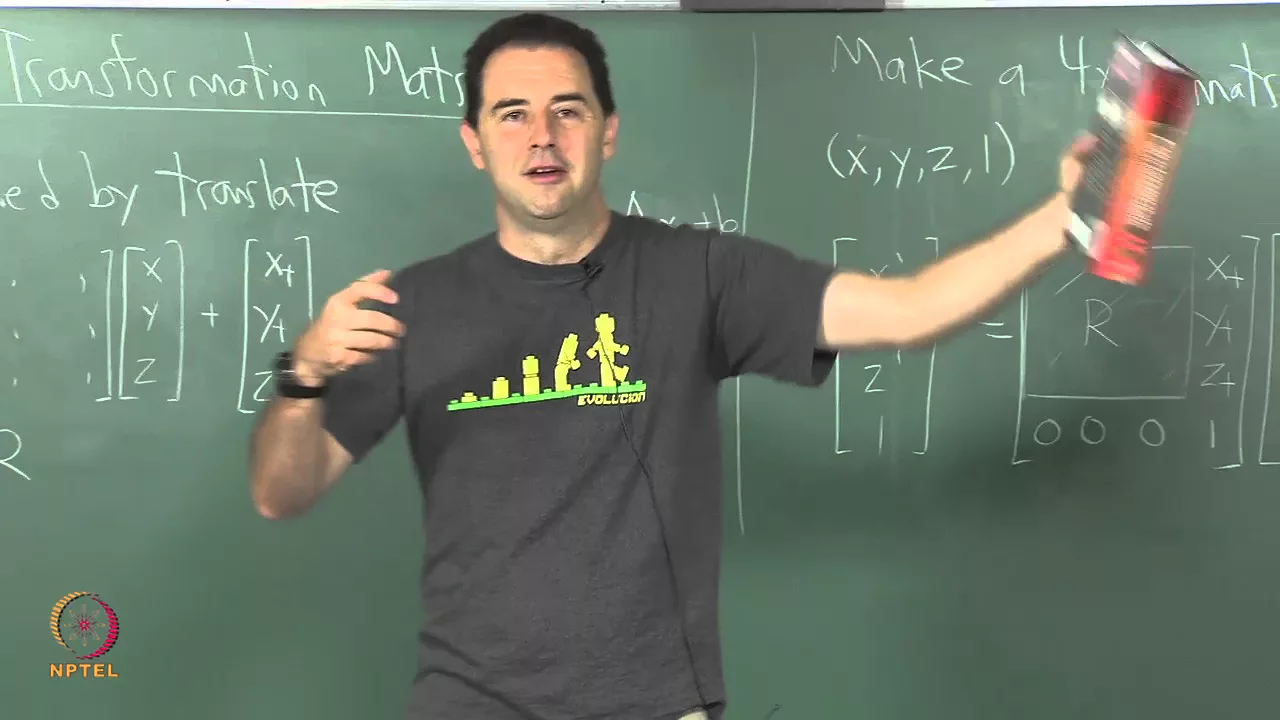
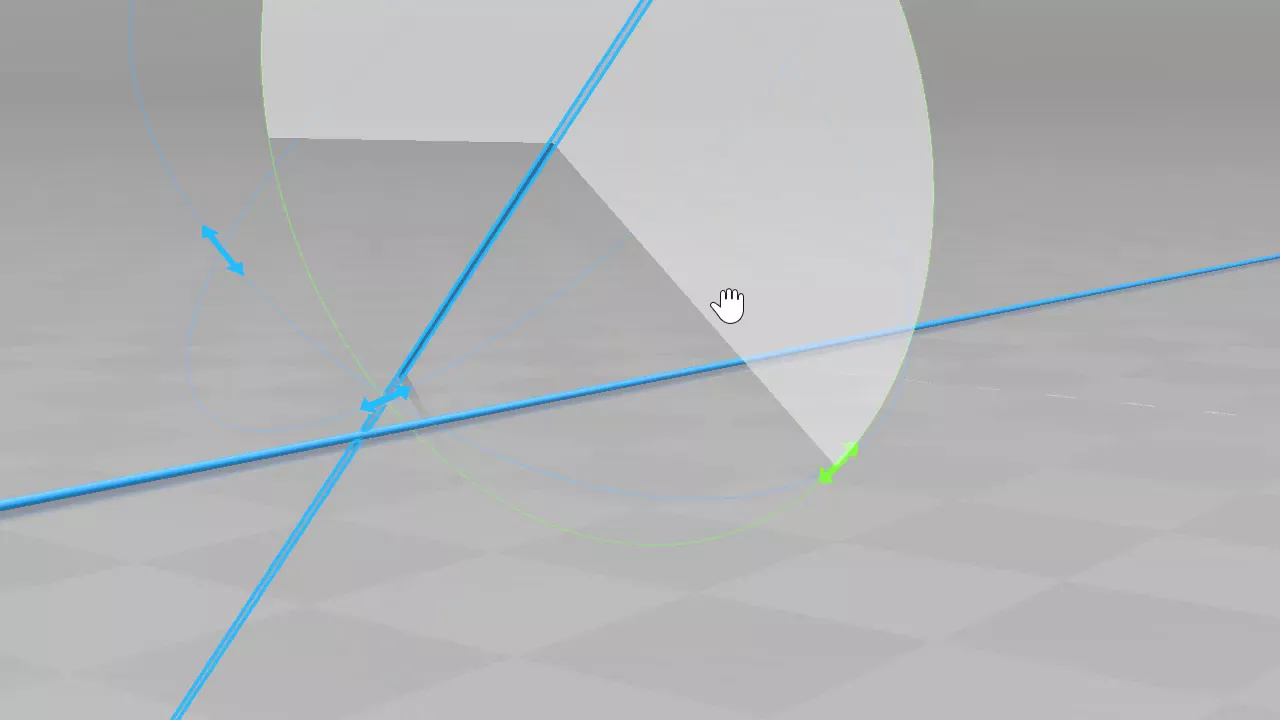
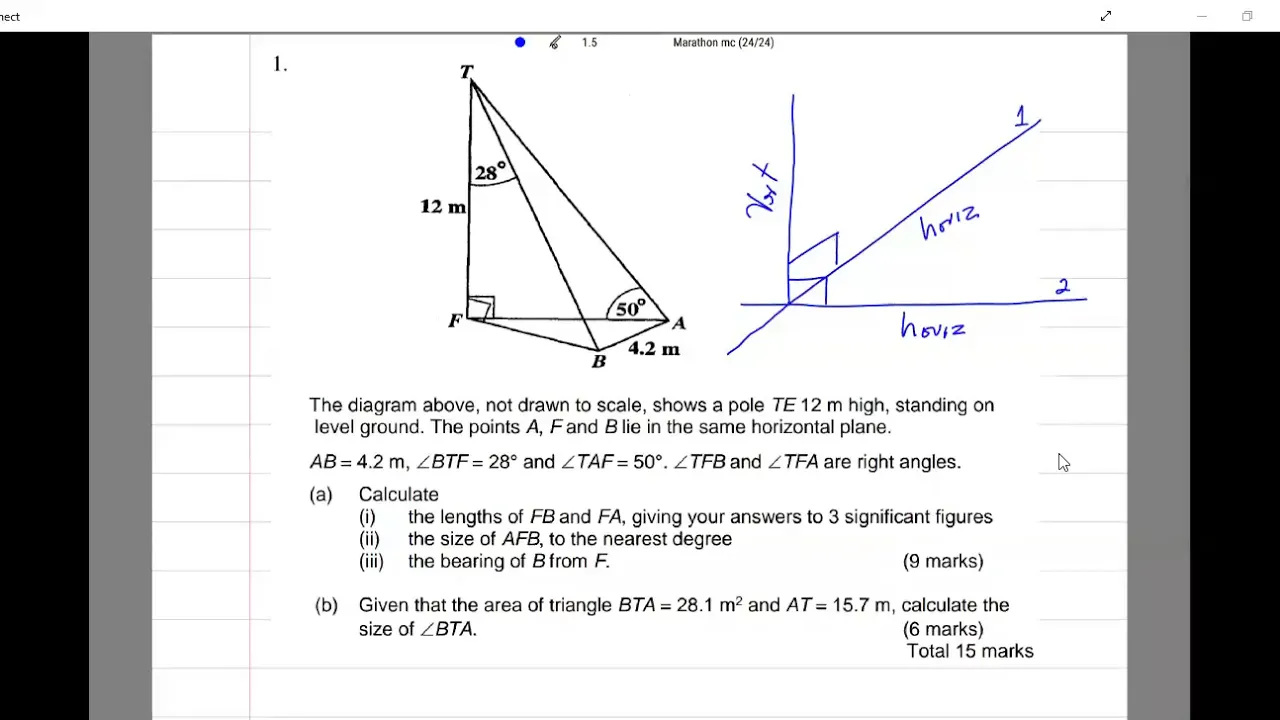
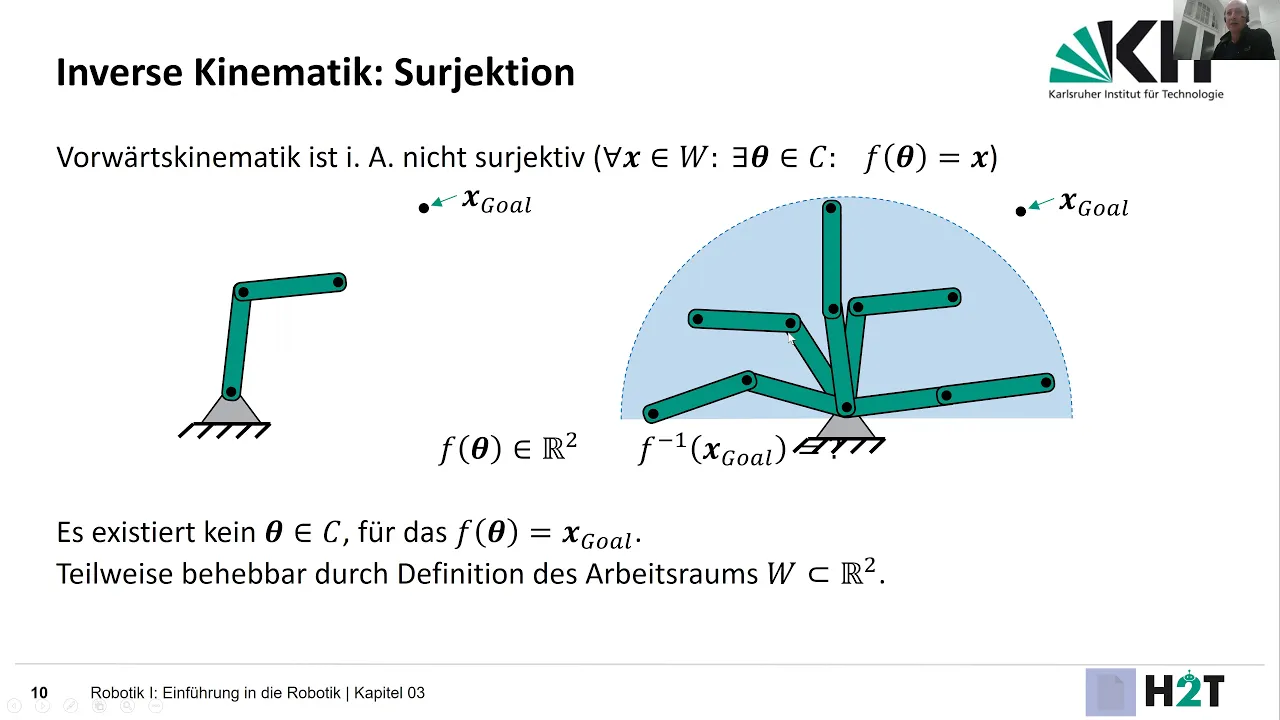
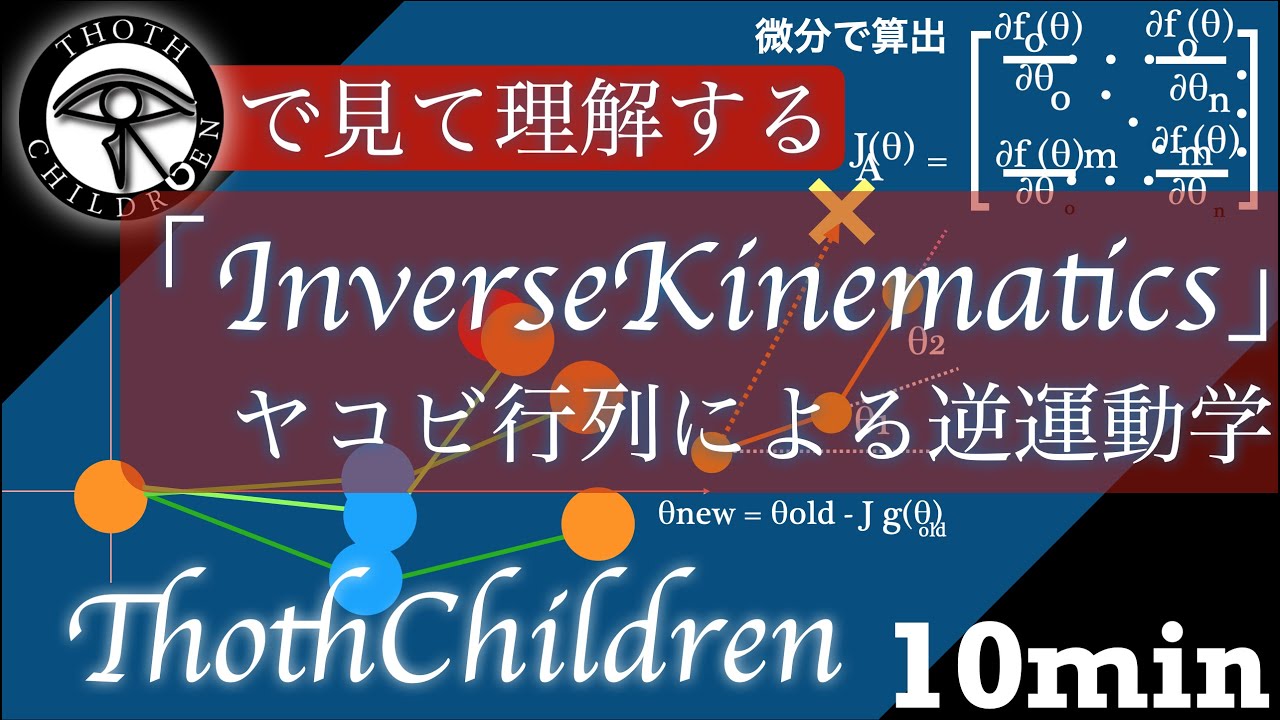
[Applause] okay what is what between the angle gamma and the tool tip coordinate right in order to achieve a desired robot infector yeah never mind just the 10 inward of 6 18 so this this shows the overall rotation which is a which basically motion result in rotation and result in Translation then you have to do something very funny talking about Singularity inverse kinematics inverse kinematics because inverse kinematics the inverse kinematics [Music] okay I want you to imagine something with me picture this you have your robot you have your robot arm beautiful robot arm and you wanted to move to a specific point how do you do that well that's a great question you do that via inverse kinematics but what is inverse kinematics well we going to get into that so as you can probably guess it's a very important part for robotics to understand this concept I'm going to start with DH parameters well my plan was to explain theh parameters explain like transformation matricies and go into the basics of linear algebra but then I realized that DH parameters are useless absolutely useless once I realiz I've spent countless hours I mean probably countable but a lot of hours learning theh parameters trying to understand them because they're not that intuitive the other method I'm going to show is a bit more graphical so you can picture it more easily but DH parameters are widely used nowadays you just use a function in a math program and it basically does it for you you just have to type in the parameters I'm still going to go over DH parameters because I've worked so hard on them it's going to be a quick part because the parameters are useless the you don't need them you set that up for inverse kinematics you set all that up then you just okay I have my 50 matrices I'm mad 50 matrices I need two maybe and just move to a point where then from that point on I can solve it graphically so why not Solve IT graphically from the start which is a gazillion times more intuitive than this mut and I'm not talking about ice breakers so like I said for you to understand why I was so angry I will explain them to you quickly but the main the main principle of the edge parameters are matri which is a main principle or main part of linear algebra so I'm just going to go over them quickly so it's time to pick the red [Music] Bill okay matrices what are matrices well matrices are an integral part of linear algebra don't get them confused with integrals they have nothing to do with them but what is linear algebra so if a function for example is linear it means that the input in relation to its output is in a linear relationship that means that if I double the input it's going to double the output so a function basically an instruction for a number for a number X and the function f takes a number X and does something with them for example double it okay now if let's say you have two functions and you want to get the sum of the value of these two functions your function uh a and function B and function a doubles the number and function B triples the number and you want to get the the sum of those two what they would equal together you can put them in a matrix well doesn't really look like a matrix yet but it basically is okay great so we put them in a matrix let's say G and now the letters in G uh let's say X and Y but don't get them confused with the letters inside of a function because inside of a function these letters stand for I don't know some sort of number now let's say we want we want the sum of A and B and the sum of M and N for that we would write them in a matrix under one another so we have a b and then MN that now looks more like a matrix than it did before and that's basically a proper Matrix okay now we basically have four functions in our Matrix and each function basically instructs a number to do something maybe it tells the number to go double itself but to do anything we need numbers to tell what to do we need someone to instruct for the our instructions to work for that we also put numbers in a matrix isn't that intuitive so we have our number Matrix let's say one and two and we want to multiply it with our operation Matrix which is X Y MN we can say Okay X is three so it will triple A number Y is two it will double a number m is one and uh 1 half so it will half a number and N is one so it will just take the numbered face value now we want to multiply those two matrices but how do we do that well you have your Matrix here and your number Matrix here you basically pour the number Matrix on top it's a very intuitive way of thinking about it the number of numbers a bit redundant in the operation Matrix uh the number of numbers in a row in the operation Matrix is called n the number of numbers in a column in the data Matrix is called P can multiply two matrices if n is equal to P because imagine poor the data Matrix on top of the operation Matrix but if there are not enough numbers one number is just not going to get multiplied with anything and to be honest I've kind of been lying since the matrices with the operation The Matrix with the operations inside is called a transformation matrix because it transforms numbers vectors coordinate points or angles and that's basically the basis of dinov and hearten parameter they just if you do forward kinematics it's going to take angles and transform them until you get a desired or until you find out what the N coordinate is and if you do inverse kinematic it's going to take the coordinate points and it's going to transform them until you have the angles for each joint that's why you have to make a transformation matrix for each joint if you're using inovate H parameter to do that there are first of all four rules to see if it even works and then there are four values that you need to find out really quickly they are so really quickly first rule is if you have a rotary joint they all have to move around the Z axis so I'm just going to say the blue is the Z axis so if you have a motor that's spinning it has to spin around the Z axis your Prismatic joint a piston basically has to move around the Z axis so it has to move in these directions second rule is that X has to be perpendicular to Z in the current and in the previous frame means in a 90° angle so here you can see that X is in a 90° angle in the current frame but let's say you have a m motor here and the motor here also spins in the same direction means that this x which I'll just say is red has to be in a 90° angle to this Z and to this Z because this is the previous one and this is the current one or a frame is basically just a coordinate system you put on every joint so let's say you take a motor for your in industrial robot and have multiple of these motors stack a frame would basically be you just think you don't need to print these out you just think of a coordinate frame you put it on and then these rules have to apply you have a frame for every joint for every molder can put this back now third rule is pretty easy uh it has to the frame has to follow the right hand row which just means this finger orientation has to apply for each of the axes and now this rule is a bit more complicated the x of the current frame has to intersect the Z of the previous frame so if we have one frame with X here we draw an infinite line through X and this infinite line has to cross the an infinite line that we draw through the Z in the previous frame so this would work this would not work because X would be like here the infinite line would be here and this would be here so these lines wouldn't cross this would work this would work this would work great so I'm assuming that you have looked at your robot and seen and checked if all these rules apply now you want to actually get the parameters to make the transformation mates well there are four numbers that you have to find out one of them being Theta okay Theta what does Theta mean Theta in this case means how far the xaxis is Twisted from the current frame to the next frame around the Z AIS that means how strongly how much do you have to turn around the Zed axis for the X for the x axis to match the next x-axis in this case it would be 90° and from your view that would be counterclockwise no clockwise clockwise so it would be turning 90 90° clockwise then there's Alpha which is also used to describe an angle in this case Alpha is kind of of similar to Theta this time it's how far the Z axis the current frame has to turn so the Z axis meet up in this case it twists around the common normal common normal most of the time is going to be the x- axis so in this case it would again be 90 90° in the clockwise Direction okay now there's D is the distance between Z and the common normal of the previous FR so the common normal I said most of the time is X so it wants to know the distance between this infinite line how far these are displaced so in this case it would be like a few centimet ooh that's kind of small until this red line uh this blue line not color blind matches the common normal of the red line so this would be like let's say 3 cm the last value is a which just describes how long the common normal is so in this case we said 3 m is to the common normal and the common normal would be the distance between this point the Middle Point the white point and this Middle Point white point and this would be about uh I'd say roughly 12 CM maybe 10 cm yeah so that's a and to re reiterate I don't see the point in using DH parameters for most use cases so I'm not going to go into the math but it's still nice knowing roughly what it's going to entail so you have your four values you take these four values do some funky math a lot of cosine and S put them in a matrix it's going to be a 4x4 Matrix at the top left corner exactly the top left corner is going to handle rotation it's basically a three 3x3 Matrix ins the 4x4 Matrix that's going to handle rotation and the top right corner the three numbers next to it are going to handle the display the translation so you have your rotation and you have your translation you put so you take all these four values you do some funky math put them in a transformation matrix do that for every joint and if you want to do forward kinematics you if you have five joints you take the transformation Matrix of each and every joint you multiply them then you do some I think Oiler had a few formulas to extract the coordinates and then then you have your coordinates for uh forward Kat now if you're going to use DH parameters for inverse kinematics there are two ways of solving that so of the two ways I'm presenting how to solve inverse kinematic one of the ways has two ways to solve inverse kinematics a bit dumb but I guess to solve inverse kinematics one of them is a graphical approach and one of them is a numerical approach and that's where my problem is because instead you solve them graphically it's way easier but it's basically you use DH parameters to get to a point where you can solve the inverse kinematics graphically five hours later use way less complicated Ma [Music] so for understanding the graphical solution it's easy to simplify it first to make it more intuitive so I have made this robot designed it printed it has a lot of design flows and it looks extremely ugly but it works as a demonstration piece so let's just look at it from this thing this is 2D and we just going to picture a coordinate frame this is going to be our X and this is going to be our Y and we have a point to simplify we're just going to put the point as far away as possible so that our robot can barely reach it for this since the link length the link lengths are 11 cm as you can see here for both of them the maximum distance would be 22 cm since we have two link lengths so to simplify even further let's say the Y just doesn't change it's just on 220 the point is on 22 0 so we got 22 units to the uh X Direction and zero units to the Y direction as you can see that's easy now let's just imagine that instead of Y being zero which is kind of boring we have some other value so Y is something and X is something but still so the robot has to be perfectly stretched out now how do we determine this angle from the zero position to whatever position we're in now how do we how do we determine this angle well to do that we just take the Y and the X and then we use a bit of trigonometry because the Y and the X build up nice 90° angle here so we can just do the tangent gig C and the UNC and you use them in the aan function and then you get this angle perfect we know that this angle doesn't change okay what if it's something like this how do we get the angles now well this is a bit harder but still very easy we're just going to take the Y and the X use Pythagorean theorem hope I pronounce that correctly and take uh calculate the hypotenuse of this triangle that we just think is there so we just picture a triangle here calculate this Distance by saying y^2 + X2 and then take the square root of that and then we have the hypotenuse and then since we know the linkage lengths we can just use the law of cosiness which looks something like this where we just plug in these two linkage lengths and the hypotenuse we just calculated Take the A of that and a bit more not just the echos of that and then we have the angle here and since these are these two are the same we also know the angles here because a triangle always has 180 deges inside so if we have this angle we just subtract that from 180 divide that by two and we have these two angles even if this was a different length we could still just calculate it in another way but for our case this is sufficient and while thinking of this problem I've also come up with a way that doesn't use the laow of cerns okay now let's say the robot doesn't have two linkages but it has three what do we do then but then it's also just solving graphically instead of solving a triangle you solve a trap trapezoid English even if it has three linkages you can just draw a few triangles and then it's as easy as solving the other one with a few extra steps now we get to the fun PA instead of cuz we're being 2D we go 3D it basically adds no further complexity because we can just do what we did just with one more step and one more Dimension so we take our x² added to our Y 2 and then add that to our z s and then we have our hypotenuse of that and then we know we can immediately check if it's in the work envelope which means the work envelope is the area that a robot can do work in so in our case our work envelope is 22 cm in every direction because we can also spin this way that's very loud since we can also spin this way so once we've calculated that hypotenuse I hope it's called that we just take the x value the Y value calculate that angle then take the x value and the Z angle calculate that angle then we still just just do the thing we did before with the law of cosines because we know the length of the hypotenuse and we know the length of our linkages so the only step that we need to do more if we have another dimension from 2D to 3D is that we need to calculate the angle of x to Z and then you have 3D SP then you have solved your inverse kinematics it's as easy as that and that in contrast to the inet henb parameter which we now now I'm not that big of a fan of is so much easier but even though that solution is very easy that doesn't mean I didn't run into some problems there were a lot a lot of dumb problems especially but I learned a lot so the first problem I ran into is coordinate frames I didn't understand how you can just put a coordinate frame on a motor and just say move to that point I felt like since the coordinate frame was basically just made up the coordinate itself had basically no bases because it's just in the air it doesn't have units but then while programming I understood how the coordinates work matter of fact I should probably explain how the code works right hi let's get into it the code is very simple uh this part is all just set up it just says okay the linkage length of linkage length is 11 cm these are the libraries we want then it also says okay these are the coordinates we have have fun this function what it does is it takes the two coordinates that we have just set up says okay Square these two we don't need the hypotenuse so we don't take the square root because for the law of cosin would Square the hypotenuse again so we just leave the hypotenuse squared as it is because we don't need the hypotenuse itself then we use the law of cosiness then it turns that value into degrees because it's the function gives us the value in radiant and then we move on the second function now takes X and it takes the hypotenuse so it also takes the y-coordinate and calculates the base angle now the third function and this is where I got how the coordinates and the coordinate frames work this function just checks if a point is inside the work envelope if our robot can even reach that point so firstly calculates the hypotenuse sees okay is the hypotenuse even inside the range so calculates the hypotenuse and sees if it is smaller than two times the linkage length if it is inside the work envelope it checks if the Y is negative cuz if the Y is negative it means that it crossed the x-axis and we can't do that and this is where I understood the coordinates so we have our coordinates we say 22 is the max because we can't go further than that and by doing that we basically automatically set every coordinate to our lengths because our length is 22 cm if we had instead of 22 cm 5 in and we would say okay the max is five that would mean every coordinate unit every one on the xaxis would be 1 in and two would be 2 Ines it automatically Maps the values to the length of your robot which you kind of need to think about a little bit now is also a good time to talk about Singularity it's a concept that talks about that for every point on a coordinate system the robot has multiple ways of getting there if we take our robot here and say we want to reach this point we can reach this point like this but we can also reach this point like this another important thing to say is the more joints you have the more ways to reach a point there are so if you want to reach this point we can do it like this and we can do it like this and we can do it like this and we can do it like this there are so many ways to reach this point but back to me the rest of the code is basically just unimportant it's like running the functions that we've just written setting up the servos making the servos smoothly H smoothly not trying to fix chittering and stuff but not understanding the coordinate system wasn't the only problem there were also problems with programming mainly programming cuz I programmed a function that didn't work then I tried to fix it 10 times then I really that I don't need the function so I deleted the function and then I realized that I did need it functions for the one for people that don't know just a part of code a part that you con call later so you don't have to write it every time then of course a lot of forum seeking help on forums realizing that aduino forums are very toxic I didn't write on them I just saw other people getting bullied also multiple times I just thought okay I can while designing the robot I thought yeah okay little design flows I can fix later in programming while programming hating my past self and saying no you're just going to redesign it so throwing that onto my future self forare programming past me did a lot of things future me didn't like then of course not understanding the age parameters then finally getting them then realizing that I've wasted 10 hours or more Bas probably more I was learning the age parameters and then being very angry cuz I thought BR are you dumb how are you not getting this I did get it I just thought it was Dumb and then I finally got it and then I realized and knew that it was dumb of course probably not really there are a lot of use cases where D parameters are useful but not for me biggest thing of all Servo J still can't fix it still don't know what cause it is the servos have Parkinson and I don't know how to cure them neither does medicine but I don't know how to cure them cure them I tried different power supply More Voltage more amps putting capacitors in there to smooth out the voltage because maybe the power supply is hacks a little bit different adreno better code different servos everything there are no more problems it could be in a wire maybe 5G Towers future me or present me I guess um I try to solve Servo jittering again burned through two servos that is not a present smell it doesn't smell like chel number five so be careful don't try to use even more Ms but they don't work I'm blaming chili Chinese servos because I have a lot of them and they don't have any good ones but that being said I talked way too much already now you have to try what I just taught you if you didn't understand anything ask me I probably won't reply then try yourself don't be afraid of failure it's how you learn think metaphorically goodbye
Up Next

56:17
Cable-Driven Parallel Robot for Additive Construction | IIT Roorkee Talk
@ingenuitylabs-queensu
394 views•2023-06-26

58:25
MathWorks Virtual RoboSub Simulation Environment | Webinar 2026
@RoboNationInc
209 views•2026-03-10

11:04
How to Build a Self-Balancing Robot: Arduino Nano & MPU6050
@easytechzones
16.8K views•2022-03-09
25:22
Micromouse: The Fastest Maze-Solving Robots on Earth
@veritasium
23.5M views•2023-05-24
Related Study Plans & Knowledge Roadmaps
Structured learning paths in Robotics
robotics
Building Delta Robots: Kinematics & Pico
01Foundations of Delta Robots & Mechanical Design
02Electronics and Microcontroller Setup with Pi Pico
03Delta Robot Kinematics and Coordinate Math
+ 3 more learning modules
65h6 modules
Explore Roadmap
robotics
Building Ballbots: Dynamics, Kalman & LQR
01Embedded Electronics & Omniwheel Actuation
02Ballbot Kinematics & Rigid Body Dynamics
03IMU Sensors & Kalman Filter State Estimation
+ 2 more learning modules
42h5 modules
Explore Roadmap
robotics
Micromouse: Hardware, PID Control & Flood-Fill
01Electronics & Teensy Microcontroller Basics
02Sensors and Actuators: Motors, Encoders & IR
03Precision Movement: Implementing PID Control
+ 2 more learning modules
35h5 modules
Explore Roadmap
robotics
CDPR: Kinematics, Arduino & Winch Control
01Foundations of Arduino & Basic Electronics
02Stepper Motors and Winch Mechanics
03Kinematics of 2D Cable-Driven Robots
+ 2 more learning modules
28h5 modules
Explore Roadmap