![[UDEMY COURSE] ROS Tutorial 2: Understanding ROS Topics, Node and Messages](https://i.ytimg.com/vi/Yx_vGAt74sk/sddefault.jpg)

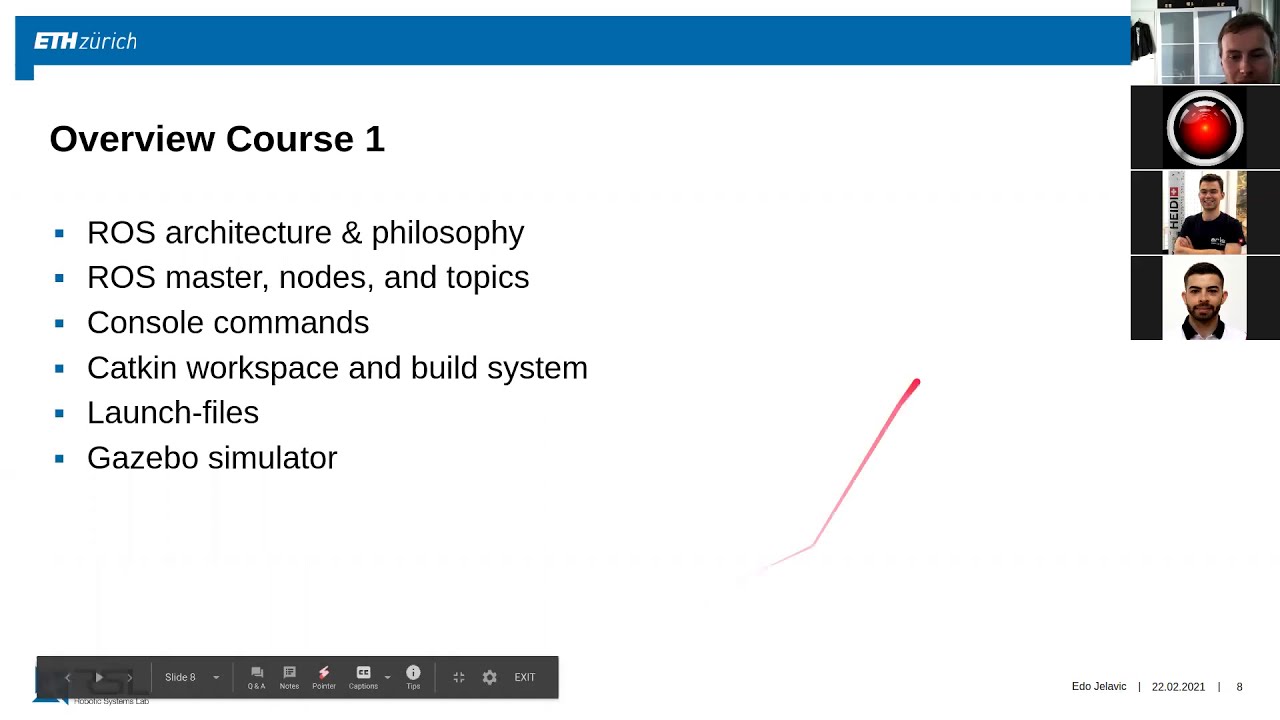

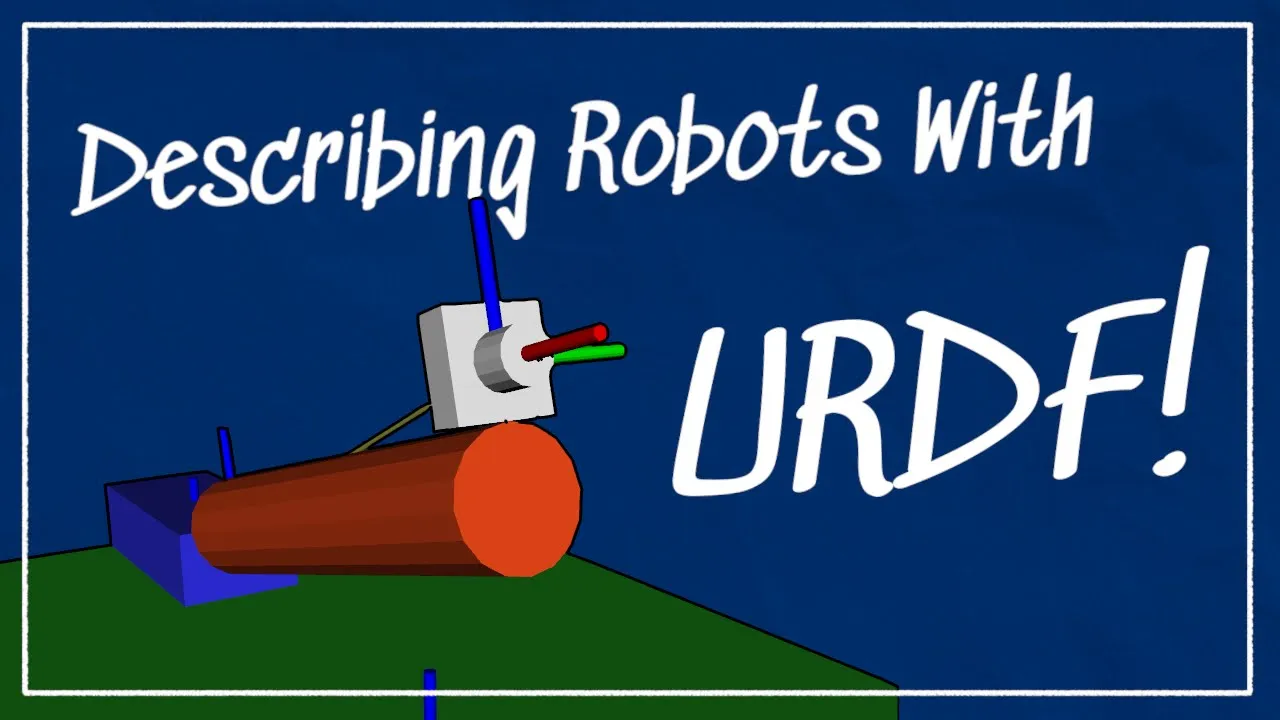
![[Exploring ROS using a 2 Wheeled Robot] #1: Basics of Robot Modeling using URDF](https://i.ytimg.com/vi/jmCR225ORs0/sddefault.jpg)


![Learn Unity in 17 MINUTES! [2026 UPDATED PINNED COMMENT]](https://i.ytimg.com/vi_webp/E6A4WvsDeLE/maxresdefault.webp)
![[Aula 06] GameObjects e Cenas na Unity | Curso: Começando na Unity e C#](https://i.ytimg.com/vi_webp/4jYqsbyh9Tc/maxresdefault.webp)


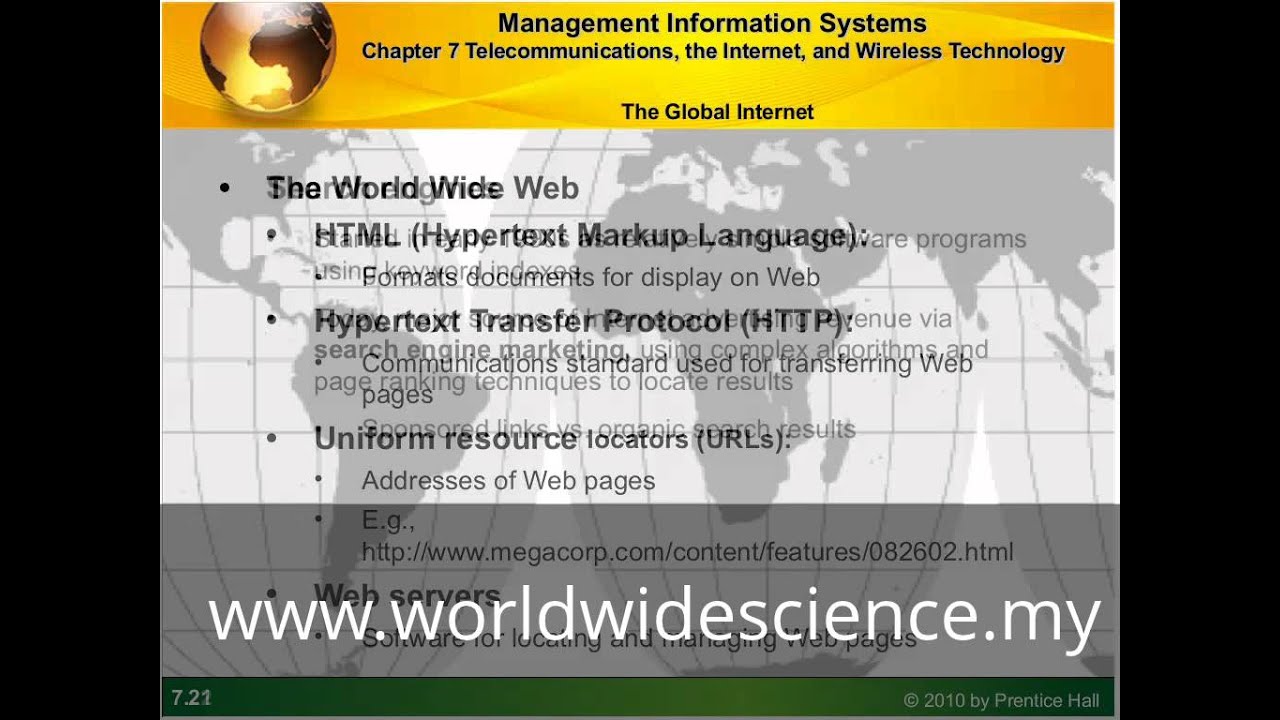


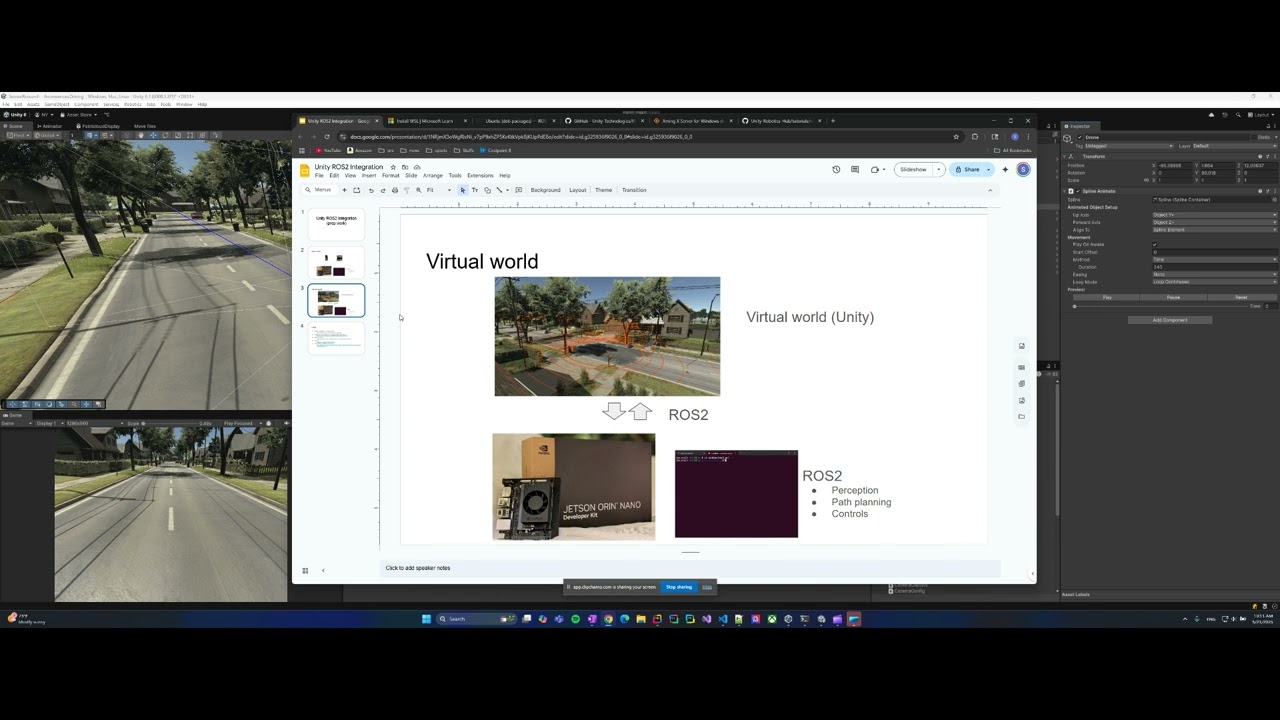



![[Isaac Sim - 고급] #2 Isaac Sim에서 Nav2로 자율주행 테스트](https://i.ytimg.com/vi/OTmsI5gGxJQ/maxresdefault.jpg)

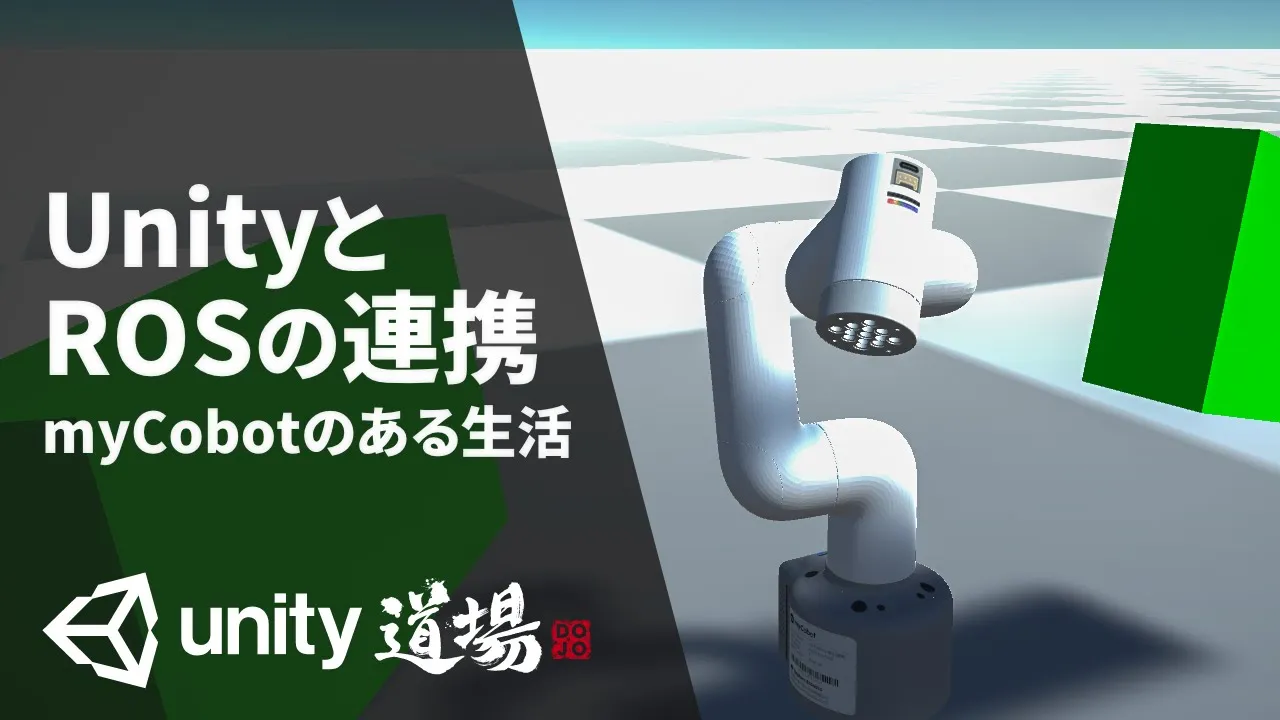



This tutorial demonstrates how to import URDF robot models into Unity using the URDF Importer package, convert robot descriptions to URDF format using the zekro command, and control robot motion through ROS by connecting Unity to ROS via TCP and using the teleop_twist_keyboard package to send velocity commands to the robot's joints.
Urdf Import in Unity and Robot Motion Control with ROS | Teleop Twist Keyboard
Added:Basic understanding of ROS (Robot Operating System) architecture, specifically nodes, topics, publishers, subscribers, and the 'geometry_msgs/Twist' message structure.
Fundamental knowledge of URDF (Unified Robot Description Format) XML structure, including how links, joints, and kinematics are defined.
Familiarity with the Unity Game Engine interface, including managing GameObjects, hierarchy, and basic physics components like rigidbodies.
Concepts of client-server communication and TCP/IP networking, which underpin the ROS-Unity integration bridge.
Simulating and publishing sensor data (such as LiDAR, depth cameras, and IMUs) from Unity back to ROS.
Implementing autonomous navigation and mapping (SLAM) using the ROS Navigation Stack (Nav2) within the Unity-simulated environment.
Applying advanced motion planning and manipulation control using MoveIt for robotic arms imported into Unity.
Developing closed-loop control algorithms to replace manual teleoperation with autonomous path-following and obstacle avoidance.
10.9K views106likes14:42Original Release: 2022-01-26
so in the video we were done up till here now like how we connect class publisher and how we connect cross with unity and how we publish this so in this video i will tell you about how to add your urdf into this unity and how to control it with ros value of twist keyboard package okay so firstly what you have to do you have to go within the package manager and you have to install this urdf importer package how will be doing will adding on this then you'll be adding git from here then you have to go on this link all these links i will be providing down the description box so you have to copy this down [Music] then you have to come back you have to paste it over here and add like you are doing for others then this will be added to you and make sure the version matter a lot so make sure you select the correct version okay the version is very important as i said in the last video as well even uh you should also be having this loss visualization package and lost recipe because there are two important packages as well even if you don't have ros visualizing package at least you should have ros tcp connector if you haven't seen the last video then do check it out so that you know how to download this and how to run all those things okay okay now let's begin so in this video i will be importing a urdf of mastering grass book which is one of the finest book in laws and i also recommend you if you are very much interested into learning ros robots then my mastering draws by linux justice is a wonderful book okay so i'll be copying that into our these assets so before doing that we need an urdf not the jaco file if you go within this mastering ros description new rdf if you have read the book or even if you are copying any of the any of your robot your dm then what we generally do is we have everything in the form of a i've already generated but i will delete for you now i will show you how so we already have this you only have this jack profiles that profile of all the things so there is one way to convert it into iu rdf okay so what you have to do you have to go on your terminal src you have to locate your file then folder name [Music] and okay after that you can do like this there is a wonderful link that i got so you can convert it by running this command easily so i will be also running this command to convert it into urdf ros run [Music] zekro if we are using melodic then the no need of zekro dot file so i'll be only using zekro then my model name is differential type robot zekro then differential drag robot back row you want yes okay i will click here then it will convert okay so i haven't sourced my so this may happen with you as well so you need to first source it okay so i need to source source devil.setup.press now this is done again i will go back to here now it is giving a warning like this is the place with this so no need to go into so much of that but it's just a warning you can so we have this ign over here so what you have to do in next step maybe you are using any other robot as well then you have to as per the ros unity urdf tutorials you have to copy the entire repository android repository but what i understood from this is that you can also just copy a urdf and everything linked to that you are default like there could be mesh as well and all the folder but right now for your simplicity i will be copying the whole folder but you can try the way i told you i will be going on asset and in asset we need to make one folder we need to name it qrtf now this is name now we'll go on the assets of this ross unity test assets this is the location where my this scene is running okay on this i will paste the entire now this is done i will come back to here now next thing is the file that you want to copy that you want to convert you need to copy that to your rdf folder so i'll be copying this down easy way to use this one points like this urdf yeah this is the urdf we'll be copying it to your rdf over here okay so the audio is copied now we'll come back to urdf ok now this is done now you will right click this option will only show up when you already done with your package assets okay so you should have a urdif imported this package otherwise this option won't be coming for you so i just right click on this urdf within the urdif i just right click on differential will urdf put robot from selected urdf file okay so i let it be like this because this axis is as per the unity and loss it is that but as per unit is white so it's perfect no need to play around this just click import and you can always ignore this error those will not harm you anyway as you can see your robot is visible but let me change the screen color as well so that we can easily have a look here now have a see then color has changed now you can easily see this this robot is perfectly imported next we'll be connecting for that i need to check my post name minus i so this is my hostname we then launch tcp and there is a launch file this this will be launching directly last time we were using our python script but now we'll be using the configuration file so i will open my configuration file and i will change this value [Music] okay now this is done close this up this shows my terminal okay i will do lost launch pass we also need to go on this robotic setting and we need to change this so this is our host name [Music] so we will change this to this so once i change this then last time we were making an empty object from here and then we'll be naming it but this time i'll show you one other way as well resources you will get this loss connection within your asset resources you'll get this so here it's the same thing just this is generating automatically so at the other way i already told you in the last video so you can follow that as well i think now this is connected yeah so now this is connected just let's play once everything look fine now next part is next part is everything was connected okay now the next part is i will be controlling is the tally of test keyboard package so in the git repository of unity so there there is robotics nav to slam example within the asset scripts there is something called agv controllers so this is the script that you need to copy down unit you can copy this script entirely onto your asset like i've already done it so this is the script so this will be responsible for controlling the command velocity okay now let's go inside our differential light robot and we'll be pasting the script over here so right now you may see yeah i already pasted the script out here so you need to select which two things you are going to connect like left will right will and will radius all these things you need to set it up so we'll okay so we'll go inside this and check this up within the base link front left will pull is an unnamed cylinder [Music] all those things so will be his life is left will and this will be right will this is launched to this this all parameter we can set around and one more thing we do not need position controller so i have turning this off so there are so many things inside this like base link urdf inertia visual collision and all the plugins that were part of kaziko comes over here so this become no use for us for right now till i know this so these are the things that seems everything adjusted okay now just let's play this okay if everything will work fine then we'll be able to control it with so much one tally of toast keyboard first keyboard package ah yeah even we can see that is it subscribing to geometric twist message this is the message this is a topic you can see so hopefully it will work let's see this yeah it's working look it's working perfectly okay okay okay so look so done that's it then we can check look so this is value of twist keyboard package this is the command velocity message and this service server endpoint so this is that server endpoint that's subscribing to value of twist keyboard package okay okay now let's try one more thing so will it work with our controller hopefully if values are right then it will work but let's give it a try i just want to show you so you like what will happen if control is enabled okay now let's try moving it no it's not getting moved everything is connected so if your controller values are not right so this will happen so you need to turn off the controller that's why i said you to turn it off otherwise you need to set the right correct values of pid and everything okay now it's also registered now let's one second test it now it's working look look so if you do not know how to set up the controller then you may need to research this little bit okay so i hope you understood this video completely and drive looking onto this so there are so many things like there is this something called child joint you can define this joint is it a base link yeah it is a base link no not this one not as a base link this is a base link you can set all these things up mass linear damping there are so many things you can change the uh urdf inertia you can change the fixed type to anything and we when you go on wheels then it can show you what direction it is rotating all those things so this this package makes it's very much easy to import the urdf and play around it so i hope you understood this thing completely so that's it for this video thank you
Up Next
30:23
Building VR Worlds with Unity's XR Interaction Toolkit
@unity
47.2K views•2024-07-01

12:54
Triumph of Orthodoxy Icon: Byzantine Art & History Explained
@BenCallan
2.1K views•2024-08-06

9:49
FastAPI vs Flask vs Django: Choosing the Right Python Web Framework
@TechWithTim
302.5K views•2024-05-26

1:42
Game of Thrones Opening Credits: A Cinematic Analysis
@gameofthrones
46.3M views•2011-04-18
Related Study Plans & Knowledge Roadmaps
Structured learning paths in General & Interdisciplinary Studies
general-studies
Elevator Engineering: History, Physics & Cities
01From Hoists to Safety Brakes: The Dawn of Vertical Lift
02Hydraulic vs. Traction: The Engineering Physics of Elevators
03Modern Speed, Safety, and Algorithms
+ 2 more learning modules
12h5 modules
Explore Roadmap
general-studies
Rubber: Material Science, History & Geopolitics
01Origins of Natural Rubber & Mesoamerican History
02The Chemistry of Natural Rubber & Vulcanization
03The Geopolitics of the Rubber Boom & Colonization
+ 2 more learning modules
12h5 modules
Explore Roadmap
general-studies
Containerization: Evolution, Logistics & Trade
01Ancient Trade & Bulk Cargo: Amphorae to Barrels
02The Industrial Revolution & Cardboard Packaging
03The Containerization Revolution: Malcom McLean
+ 2 more learning modules
12h5 modules
Explore Roadmap
general-studies
Textile Tech: Evolution, Labor & Global Impact
01Pre-Industrial Textiles: Handloom & Cottage Industry
02Mechanization: The Spinning Jenny to the Power Loom
03The Factory System & Global Labor Transformation
+ 2 more learning modules
10h5 modules
Explore Roadmap