


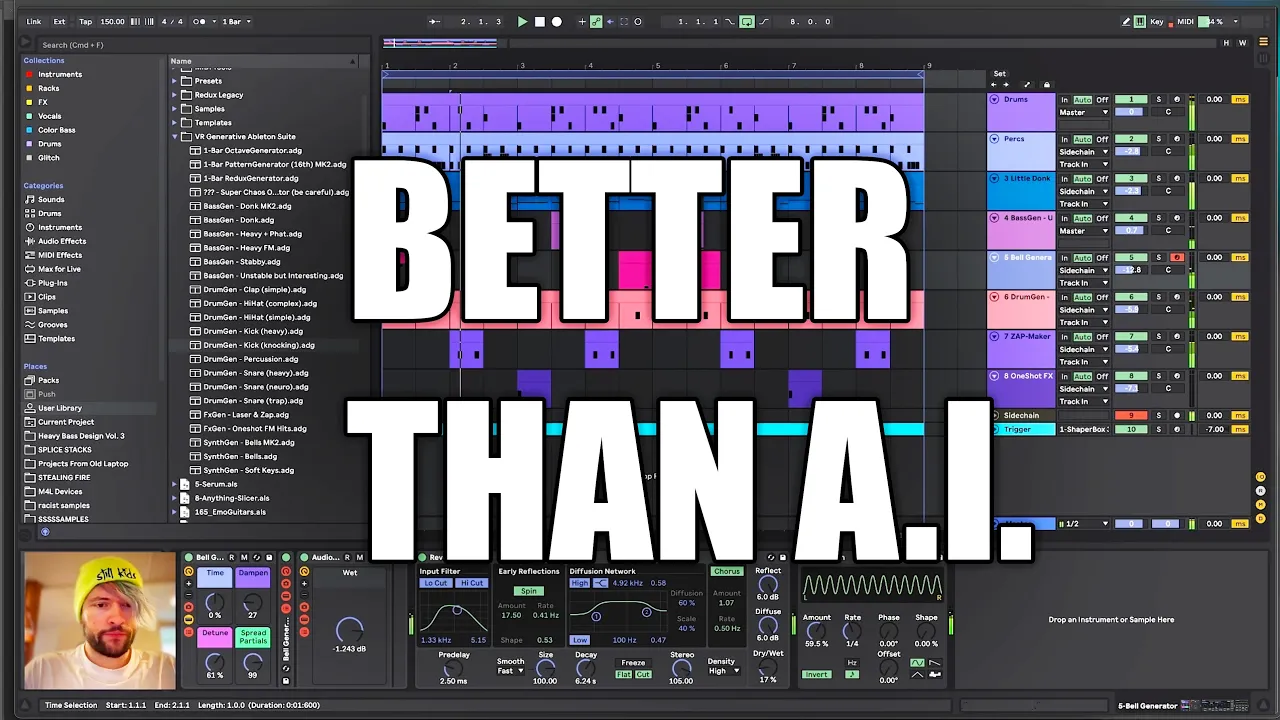






![[ARCHIVED] Making Of Brooks & Jonas Aden - 'Riot' (STMPD Records)](https://i.ytimg.com/vi_webp/TgwEEbjBNmY/maxresdefault.webp)







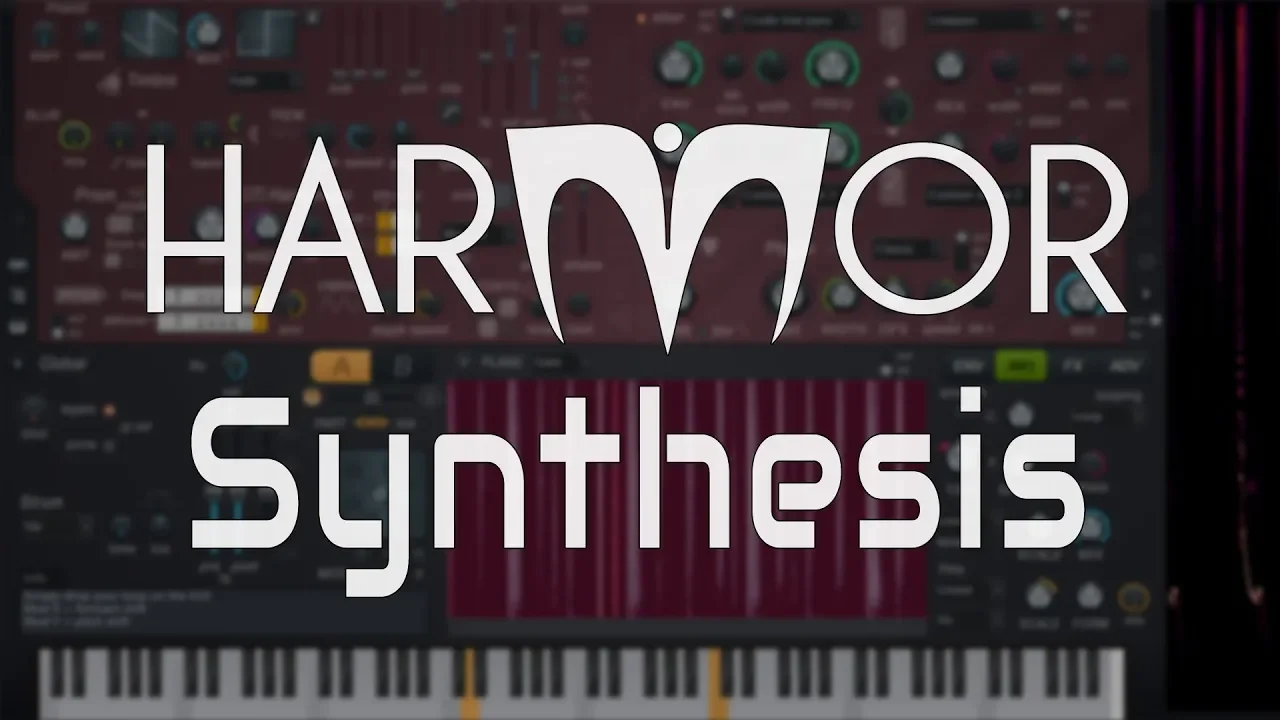
![🍐 FL Studio Avanzado - #28: Harmor Parte 2 [CURSO AVANZADO] - Tutorial](https://i.ytimg.com/vi/EUP_DxfwLz8/maxresdefault.jpg)
![[TUTORIAL] Sound Design w/ Samplifire *FREE PRESET*](https://i.ytimg.com/vi_webp/7gBCnFA5KKc/maxresdefault.webp)

![[Tutorial] "How To: Of The Trees" (FULL PROJECT BREAKDOWN) FREE DOWNLOADS!!!](https://i.ytimg.com/vi/ySlAN_JnH-M/maxresdefault.jpg)

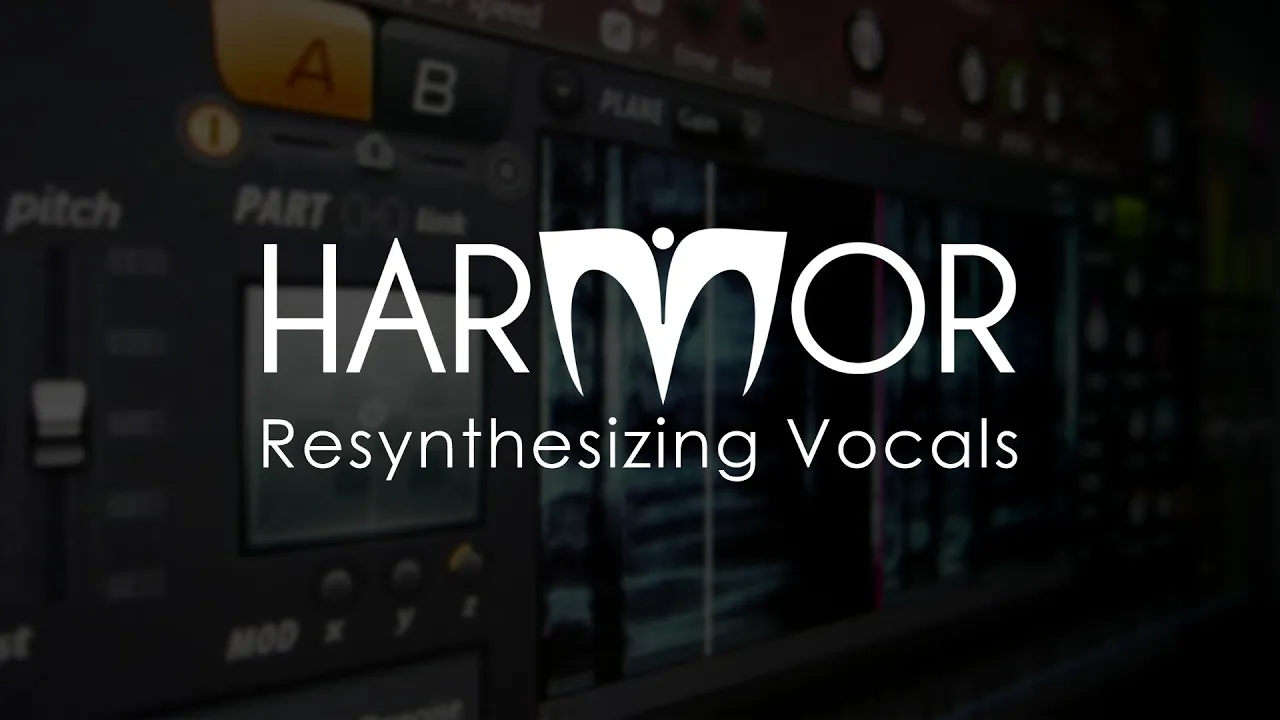
This tutorial covers essential electronic music production techniques including drop arrangement (creating tension through frequency range reduction before the drop, using noise risers, and adding background layers like white noise or arpeggiators), and sound design using Harmor to create screech sounds by combining square waves with phaser effects, plus vocal chopping methods using either individual audio samples or battery patches with pitched acapellas.
Vocal Chops, Drop Arrangement & Sound Design Tutorial in Harmor
Added:Fundamentals of additive synthesis, including partials, timbre control, and how Harmor differs from standard subtractive synthesizers.
Basic DAW navigation and arrangement grid concepts, particularly within FL Studio or similar environments where Harmor is hosted.
Principles of audio sampling, pitch-shifting, and time-stretching necessary for manipulating vocal samples.
An understanding of Electronic Dance Music (EDM) song structure, specifically the build-up, tension, and the concept of a 'drop'.
Advanced mixing and mastering techniques for high-energy drops, focusing on sidechain compression and frequency balance.
Sophisticated vocal processing chains, including the use of formant shifting, creative delays, and pitch correction.
Exploring Harmor's advanced image synthesis and resynthesis capabilities to turn external audio and images into unique synth patches.
Sound design for other essential EDM elements, such as sub-bass management, FX sweeps, and punchy drum selection to complement the screech bass.
204.3K views5.5Klikes18:34Original Release: 2014-05-08
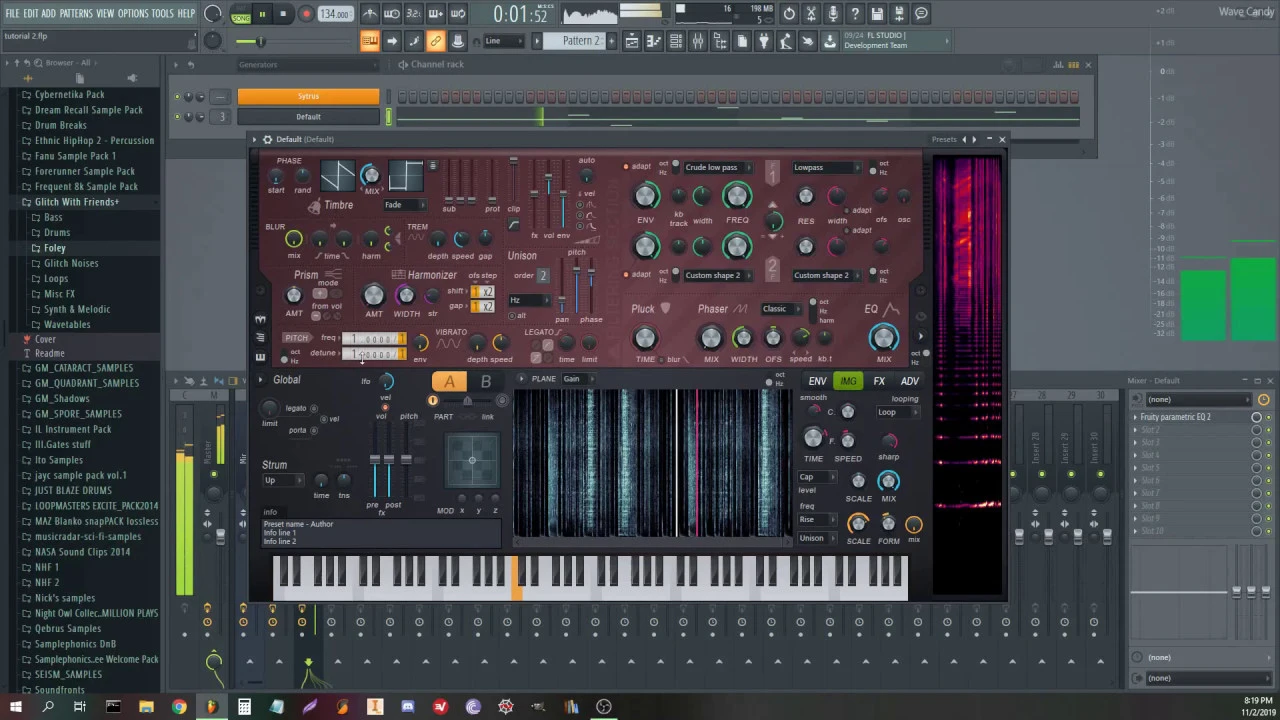
is this where they sell the dop steps maybe they have a pair of srxs hey guys what is going on welcome to this episode of studio time and what I have here is the copy of the software dance for EJ which is basically the First doll if you can call it one that I started playing with when I was younger and I just wanted to show it to you real quick because I found the CD in my room and you basically just had this Arrangement window and these nicely sorted sample Library down here full of gorgeous sounds like that's some rat sounds right there and they even had some rap vocals which totally make you cringe move something move something you got it you got it you got it to how to get over to to get under to how to get over to to get under oh my God this so bad but however you just like take these samples up here and arrange them and add some of these and add some of the others over here because they're all in the same key you don't have to think about what you're doing just put them there and then you press play and it sounds like this [Music] and I want to show you another thing and that is this audio recorder I recently got myself to record samples and sounds of the city and outside and samples everywhere samples everything can be a sample and I'll make another video about how you can use these samples for your electronic Productions and um but for now I want to show you the most entertaining feature of this device and that is turning the microphone sensitivity all the way up so really silent noises get super loud and let me show you [Music] [Music] so enough of that let's get to the wob wops a lot of people ask me to talk about the general layout out of a drop so I made this little bit here and want to talk a bit about it and um if we have time I can show you how I made some of these sounds [Music] so so this sounds a lot like must die and zombo I know but it's just for demonstrational purposes today so that's fine first of all the drums they're quite easy just playing the standard dbst of drum Loop you know a kick in a snare doing their thing and um I also added some crashes and offbeat open high hats to fill things up and um here you can see the high hats I shuffled them a little bit so um I think this gets things a little bit more grooving and makes the loop less boring this section here is not shuffled and this over here is [Music] shuffled sounds a lot cooler so we will just copy this over there real quick so and then I have some crashes here and some open high hats so alog together the drums sound like this [Music] yeah so that is set up so how to start with a drop I recommend looking at other tracks for this matter of course everyone should innovate and try something new but if you struggle with starting of your drop take a look at what others do a lot of famous tracks start their drops with a single long based or two of them examples for this are first of the year scary monsters bonfire and excisions Bounds and tracks like that the long bass note is often modulated and has a pitch fall in it um or the Basse sound plays two different noes like in bounds I've chosen something in between and made two Bas hits both with pitch [Music] modulation so that's how we start off and the next sound sounds a lot like Must Die to be honest but the general sound design doesn't matter right now the important thing is the layout out so the second sound plays a longer rhythmical line that is kind of the catchphrase of the drop it goes on till the end of the second bar and then the whole thing repeats and at the end of the repetition there should be a variation though either the second sound uh playing some different notes or um a new sound coming in um as you can see here I made a new sound [Music] but we can also try out the other thing real quick so I'll just mute this here and expand this because I've already prepared this a little bit so now this goes like this this sounds good as well we could copy the first two bars behind this again and then do a fill on the last two bars or continue with a different sound like I did um again on the on the one there's this Bas hit over here and then we have this this mess going on over here so in this part you can generally do whatever you want bring in new sounds do some crazy things but an important aspect is how you end this part [Music] you can put melodic chords on the last two bars um like in scary monsters or a drum fill on the last bar I did the drum fill thing and yes it is avengeance loop I know no not that one that one over here it's a Vengeance loop try to avoid them whenever you can but for this tutorial it works just fine the general idea is to create tension for the first bar of the drop again because normally you want to repeat your eight bars after this so put in a noise rise and take away the main drums and also the sub base they all start playing over here and we have these noise risers down here which and kind of create tension for the next big base hit this drum Loop is also very lowf so in this bar we have no very high frequencies and also no bass playing this creates a nice contrast to the fat bases that play again after this this is actually a very helpful Thing by reducing your frequency range from the top and the bottom um you make the general sound quite weak but if we have something huge right after that then that's exactly what we want you can also use this trick for the rise part right before the drop um try to play no sub base and if you bring in the kick drum reduce its base until the drop hits in some other tracks you can also hear that a brake beat like this one here um has been used in the rice before the drop that's the exact same effect you have a trashy mix drum set that still sounds cool and creates tension plays faster and faster and then the drop hits with its full frequency range and blows The Listener away yay now to make the drop sound a little bit Fuller um I like to add some noise layers I heard this in a lot of Zomboy and squille X tracks there is white noise or the sound of a stadium crowd cheering in the background and another often used way is to add a high arpeggiator that plays a simple chord in the main key all the time so so here I have also a Vengeance loop um the the stadium noises which are just very quiet in the back and um here's the [Music] [Applause] arpeggiator and um I've even heard a tiny dtune saw like this one over here it just plays really silent in the background it just places the root key of the song and I heard something like that in another Zomboy track just playing this Noe all the time to generate a harmonic noise in the background so this kind of glues everything together um I can play this without the noise [Music] layers and with noise layers [Music] so that's it of course this isn't the one true formula it depends a lot on the style of DB step that you want to make especially if it's um chord and Melody heavy this here won't work for seven lines track but I can also make a tutorial for one of those if you guys are interested explaining all the sounds of this in detail would take far too long but there is one particular sound I would like to talk about a bit and that is this one over here or these two um because both of them use the same method to create their Screech and both of these sounds are made in harmor and I love this VST one of the main reasons for me to stay with Windows as my operating system and the sound is basically just a square and a phaser so nothing too complex so let's build it from scratch in this harmer instance over here so I will just make a default sound that's our default sound and first we choose a square then we make it big by adding a lot of voices and then we use the phaser by turning the mix all the way up and choose a cool phaser algorithm I like deep or deeper box is cool as well then we uh deactivate the movement by turning this to zero and change the mode to harmonics and if we now move the width here you can already hear that this does crazy things and then we just edit the articulator of this width thing over here and then we we write a cool envelope something like that this is quite nice you can also move this offset knob to just find a cool position and in the effect section we can add some chorus and some lock Distortion oh that's a little bit [Music] much yeah something like that and you can get a rough neck based feeling if you um add the tremolo over here and then we make a high screet of [Music] this and um changing the position of this pitch uh fader over here has a dramatic influence on the [Applause] sound because um it's responsible for the dtune of the sound and as we make the dtune stronger [Music] sound gets quite fat if you if you take this lower the screeching gets way stronger so you have to find a cool position for this to have strong Screech and also the Dune fat [Music] [Applause] oh that is nice and taada you have an interesting sound this also works with a lot of different of these um [Music] algorithms pretty much every algorithm does does something cool over here so that's the sound and then you just play um then you just play short notes like oh these are a little bit very short so we have to make our automation faster [Music] [Music] [Music] pretty much every position of this width knob here is just nice yes so that is that and you can postprocess this sound a little bit with some Distortion with the free camel Crusher and maybe eqed a little bit I took away all the sub Bas and added some some high frequencies here and I make the subbase with a separate VST I just use massive for this uh with just a sine wave so this plays the same notes as haror and then you have a separate subbase which makes things way easier to mix yeah that's it and this other sound over here is just the exact same thing with a different Automation and there's also a small filter cut off over here but it's all the same settings over here [Music] this video is getting really long again but one more thing and then we are through for today the last thing I want to talk about is vocal choppings because a lot of you guys requested it and um I think the best example to show vocal choppings on is my track Paper Planes because we have these two parts one over [Music] here and this part over here [Music] and both vocal choppings are done with a different method so um in this first part I just took different audio samples different adli samples vocal AC capellas and imported them and just cut it out a small piece of them like a part where the singer is holding a note and then pitched it into place and arranged it um in a in a certain Rhythm there were even a lot of effects on this um but um after that I think I found a better method to do this because this is very tiring sometimes um and in this part down here what I did is instead of just importing the single files and moving them around I made a battery patch and collected the samples here so as you can see these are all just excerpts of really long acapellas like this is what doesn't kill makes you stronger a little tall and stuff like that um and then I pitched them all in key with the pitching tool here in battery and then I just uh to be honest I just randomly clicked notes here because they were all in key because I pitched them already and then just clicked the Rhythm and and then just this came [Music] out there you have it these are my two methods on vocal choppings so thank you for watching I hope this wasn't too much at once but I've always got so much to talk about and this is really fun for me and I hope it's the same for you if this is too long or too much please tell me in the comments I already thought about making more recent shorter videos on only one Topic at a time maybe that is less tiring because like my girlfriend says I like your music but when I look at what you're doing in cubas all the time it just looks like boring math to me and I don't want this to be boring math for you and again if you have suggestions or requests for the next episode please post them in the comments section and I will read them all and try to improve this series as much as possible so have a nice day and goodbye [Music]
Up Next
65:42
Free Will vs Determinism: A Philosophical Critique of Sapolsky
@MahonMcCann
720 views•2024-02-29

12:54
Triumph of Orthodoxy Icon: Byzantine Art & History Explained
@BenCallan
2.1K views•2024-08-06

9:49
FastAPI vs Flask vs Django: Choosing the Right Python Web Framework
@TechWithTim
302.5K views•2024-05-26

1:42
Game of Thrones Opening Credits: A Cinematic Analysis
@gameofthrones
46.3M views•2011-04-18
Related Study Plans & Knowledge Roadmaps
Structured learning paths in General & Interdisciplinary Studies
general-studies
Elevator Engineering: History, Physics & Cities
01From Hoists to Safety Brakes: The Dawn of Vertical Lift
02Hydraulic vs. Traction: The Engineering Physics of Elevators
03Modern Speed, Safety, and Algorithms
+ 2 more learning modules
12h5 modules
Explore Roadmap
general-studies
Rubber: Material Science, History & Geopolitics
01Origins of Natural Rubber & Mesoamerican History
02The Chemistry of Natural Rubber & Vulcanization
03The Geopolitics of the Rubber Boom & Colonization
+ 2 more learning modules
12h5 modules
Explore Roadmap
general-studies
Containerization: Evolution, Logistics & Trade
01Ancient Trade & Bulk Cargo: Amphorae to Barrels
02The Industrial Revolution & Cardboard Packaging
03The Containerization Revolution: Malcom McLean
+ 2 more learning modules
12h5 modules
Explore Roadmap
general-studies
Textile Tech: Evolution, Labor & Global Impact
01Pre-Industrial Textiles: Handloom & Cottage Industry
02Mechanization: The Spinning Jenny to the Power Loom
03The Factory System & Global Labor Transformation
+ 2 more learning modules
10h5 modules
Explore Roadmap