












![Part 2 | Design Airplane Wings in Fusion 360 - Spars & Ribs [Episode 3]](https://i.ytimg.com/vi/t5zMI34ZE6I/maxresdefault.jpg)
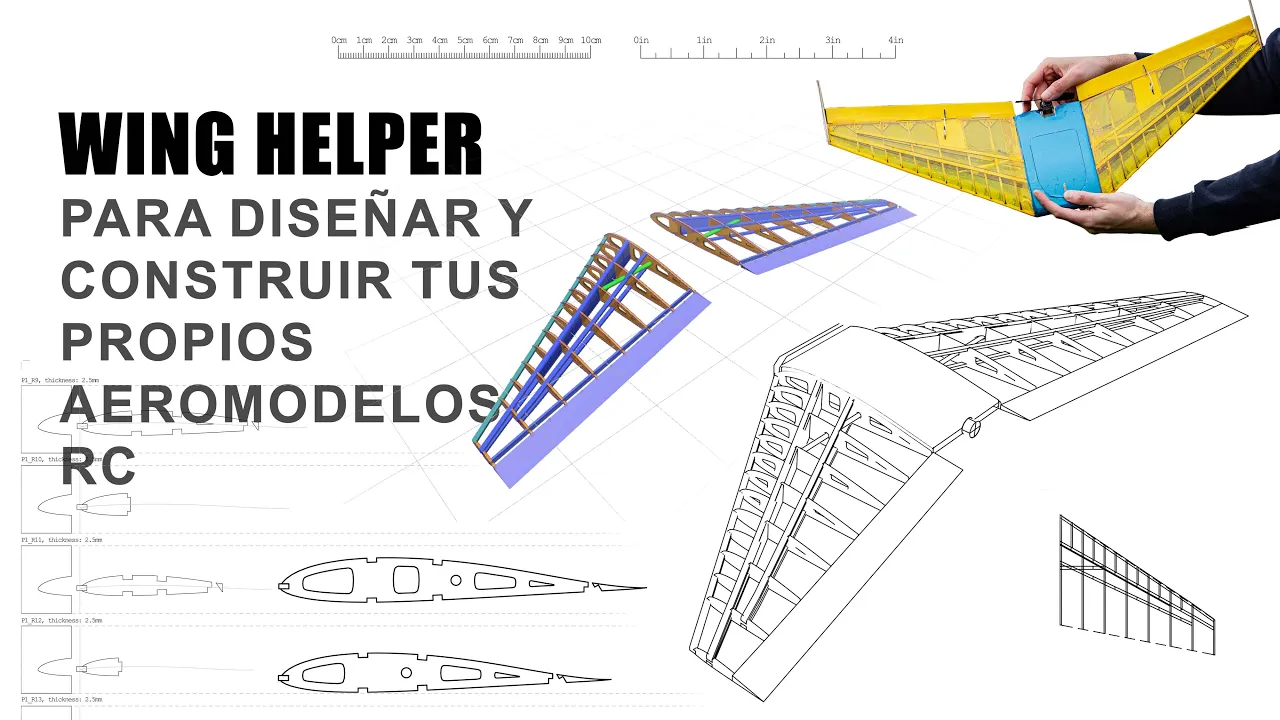




This tutorial demonstrates how to create accurate airfoil wing designs in Fusion 360 by utilizing third-party add-ins from the Fusion 360 App Store, specifically the free 'airfoil spline' tool by Scorpio 9999. The process involves downloading airfoil coordinate data from sources like airfoiltools.com, saving the coordinates as a .dat file, and then using the add-in to import and generate the airfoil spline directly in Fusion 360. The workflow includes selecting a construction plane, importing the .dat file, and optionally scaling or offsetting the airfoil for different applications. This method provides a more efficient and mathematically accurate approach compared to manually tracing airfoil shapes using splines.
Creating Airfoil Wing Designs in Fusion 360: A Step-by-Step Tutorial
Added:Basic proficiency in Autodesk Fusion 360, including sketching, lofting, and navigating the 3D workspace.
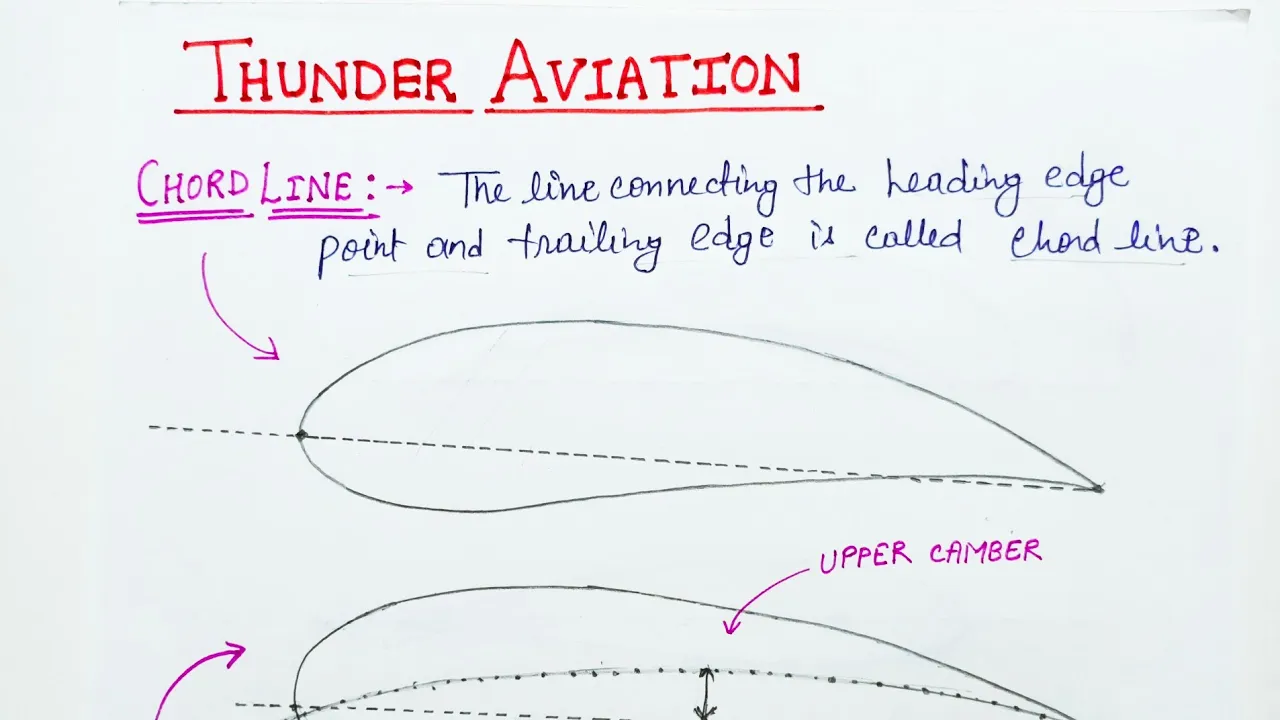
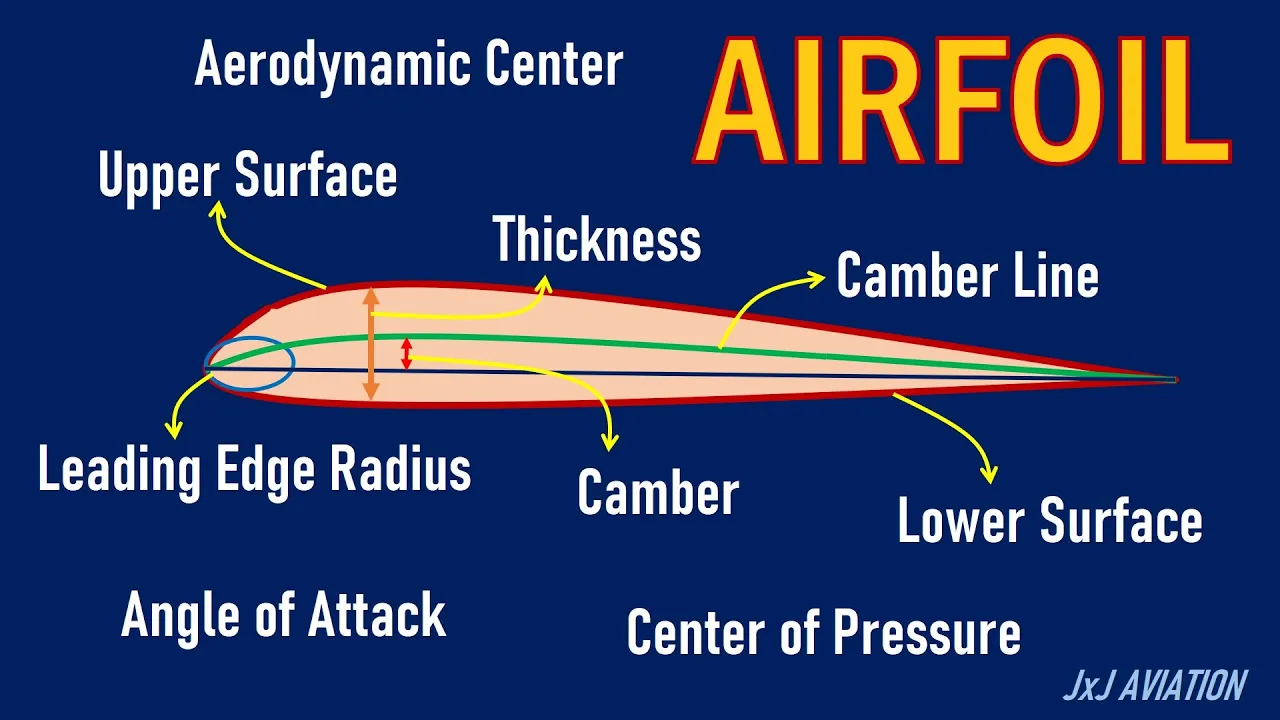
Fundamental aerodynamic concepts, specifically airfoil terminology such as chord line, camber, thickness, and leading/trailing edges.
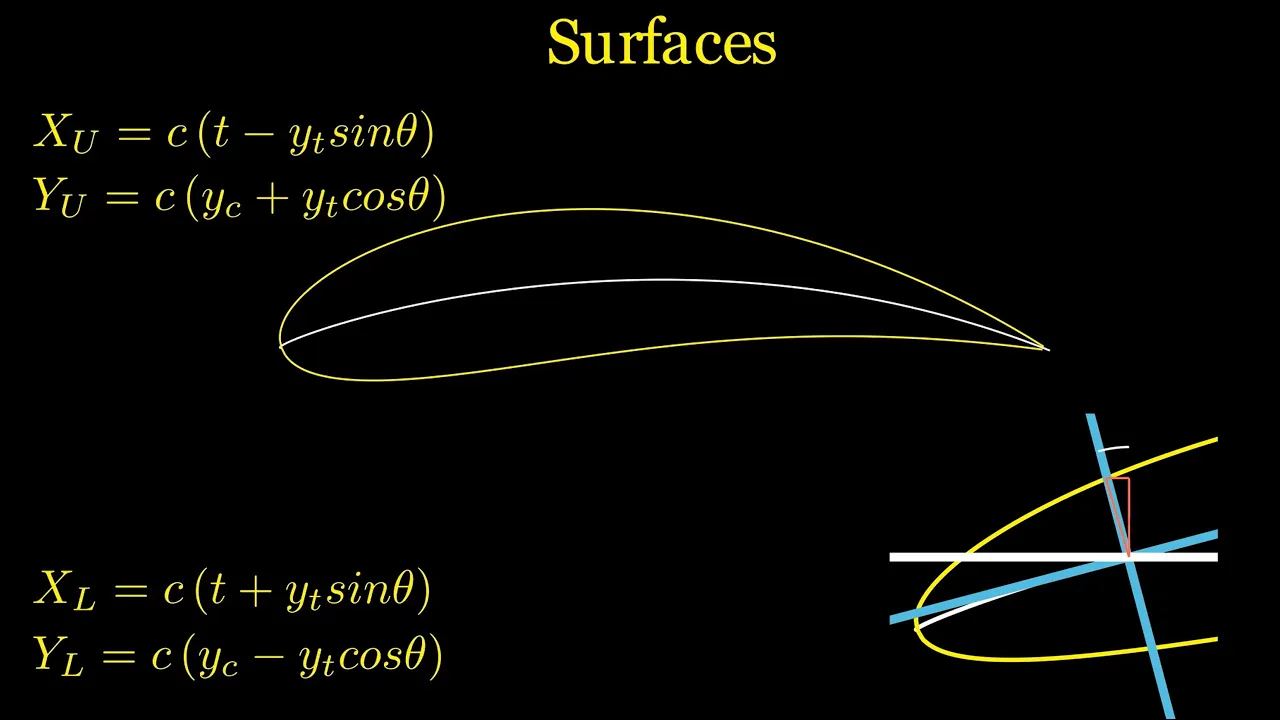
Understanding of how coordinate data (such as UIUC airfoil databases or NACA 4-digit series) defines airfoil geometry.
Familiarity with importing external data formats (like .txt or .csv files) and installing software add-ins/plugins.
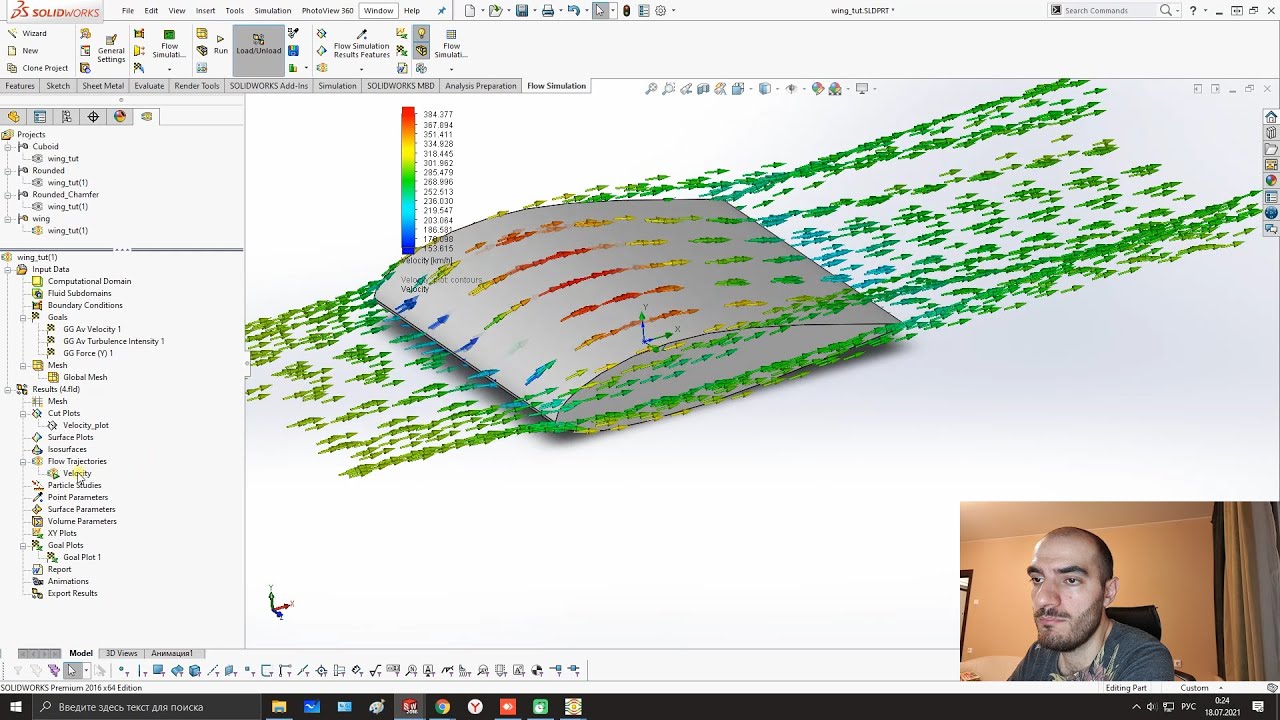
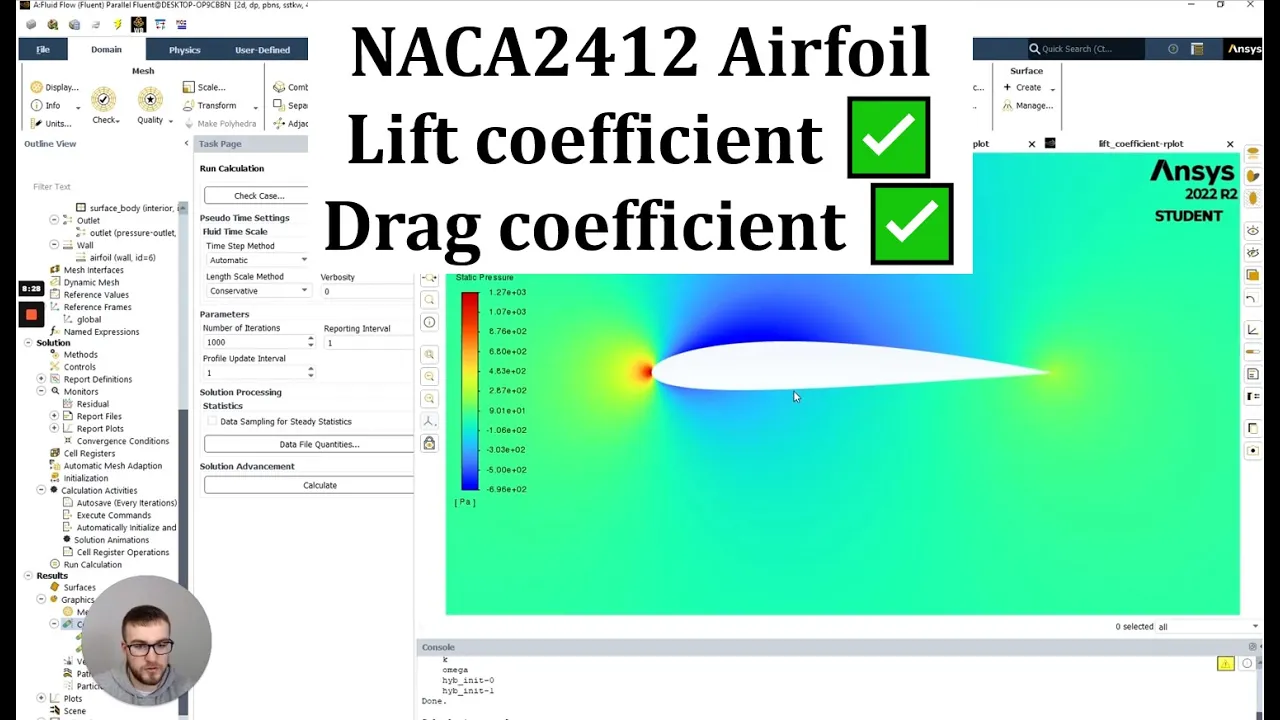
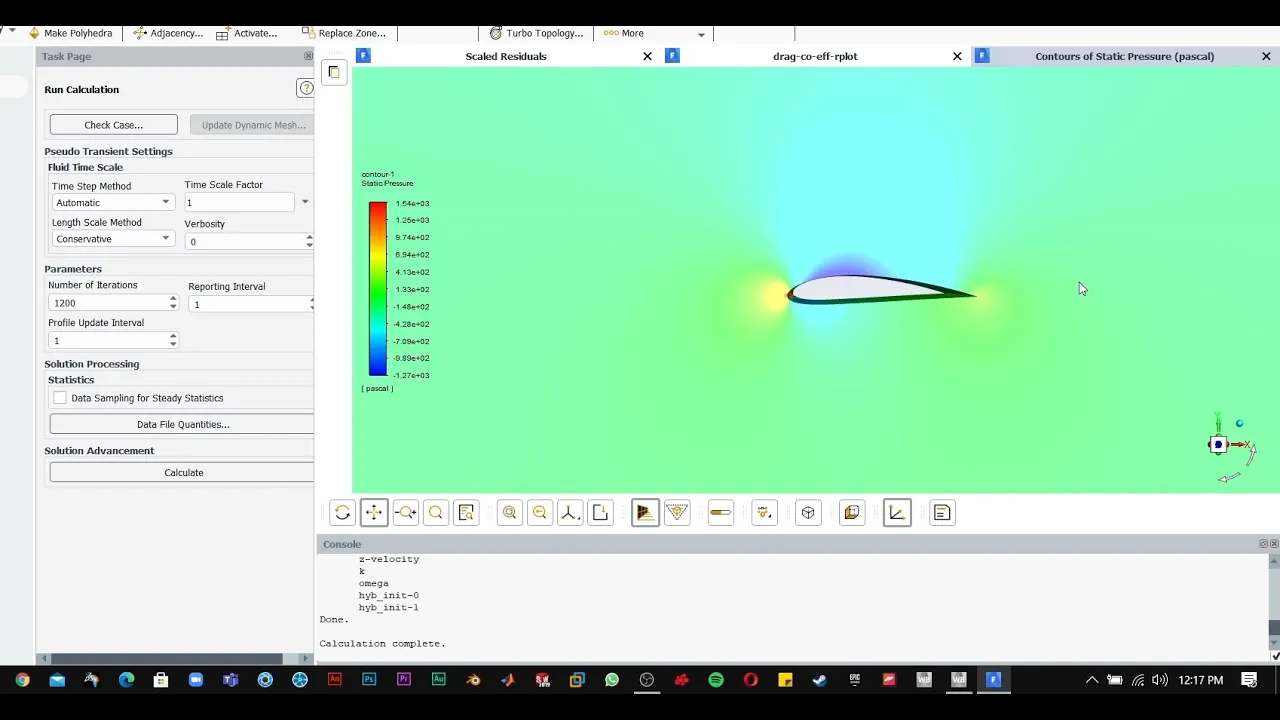
Applying Computational Fluid Dynamics (CFD) simulation to test the aerodynamic performance (lift and drag) of the designed wing.
Performing Finite Element Analysis (FEA) to evaluate the structural integrity of the wing under simulated aerodynamic loads.
Designing internal wing structures, such as spars, ribs, and skin, to prepare the model for realistic manufacturing.
Exploring advanced wing geometries, including sweep, dihedral, taper, and the integration of control surfaces like ailerons and flaps.
78.7K views1.4Klikes14:22Original Release: 2018-01-16
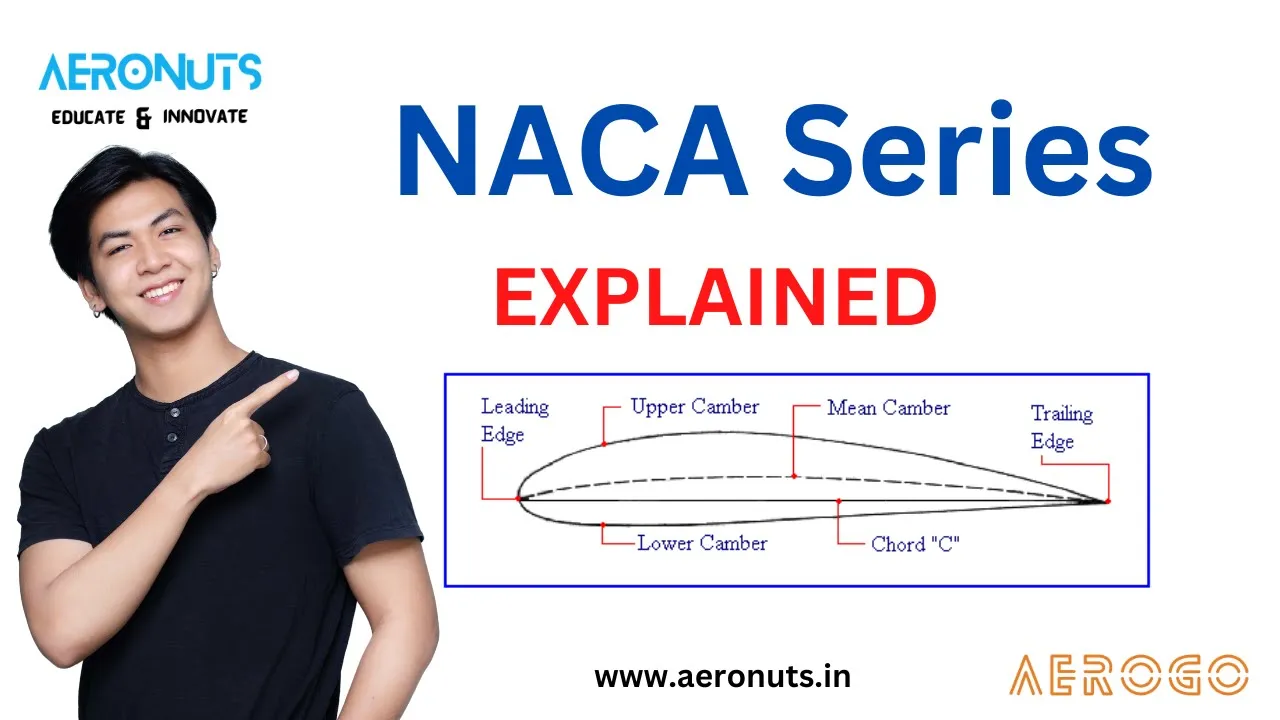
welcome to livestream number 120 my name is lars christensen and fusion 360 today how to create an airfoil wing propeller design so this is one of those requests from from some of you guys and today I will have to to ask for some expert help in the comments area below but let's jump into it and talking about F foils and kind of like how this whole thing works so what we're talking about is if you're you know and today I'm gonna tell you everything I know about air foils so this is kind of like you know the design of against a wing or a propeller on how to kind of like you know lifts and all that's great stuff so kind of like this shape you're seeing on your screen right now could be will classify as a as an airfoil and of course when we get into fusion 360 there is all different kinds of ways that we could handle that so this picture here is actually just me going out on on Google and Google airfoil and then you get a picture like this and of course this picture here we could go into Fusion say insert as a canvas and then bringing it in like that let me just do that so we can take a look at that so you could bring it in here and then we could start a sketch around and we stopped racing with splines however first of all there's probably some people out there who knows a lot about this kind of stuff engineering and all that stuff we like yeah that's all great but then you never get a true airfoil because there's more math behind that and I'm not gonna argue with those people so I thought that okay so this is all great you can bring in via canvas and now you could choose to trace around if that's what you want and you know that's all good with me but let me just Excel with that so we get a blank document in here but there's got to be an easier way right or a better way to handle it so and I've said before I'm all about being lazy when it comes to answer kevin kamps so let's take advantage of that so what I did was I went up here to the add-in section and you will click up here you will see that you have diffusion app store up here so we click on that and that's going to open up a website of course on my other monitor because that's how that works so if you've never been into the app store hang on let me just go back to fusion go up here to click add-ins click fusion 360 app store and this website will open up you should absolutely check out the different apps that come from the fusion we have done life's from about them before if you need more details about this send me an email last of Kristensen and Autodesk comm and we can take all this offline but what I did was I went in here and asserts air foil and it comes up with two different apps there's one that is called airfoil that two spline and then there's an airfoil generators and there's kind of two different options now the airfoil generator is a provided by Autodesk so that's I that's a ad that somebody at our that's created the other one I thought was more interesting because that was actually and it's free and it comfortable for Mac and for for Windows it was done I guess by a Scorpio 9999 so I don't know Scorpio but thank you Farah do that it's a free download so I clicked download and it just you know brings down a little installation folder you click on that and damn then this app has been installed so very quickly like didn't take a minute right so now we have installed a an ad for our air foils so now we need now we need an air foil so where do you go and get fo as well exit down here there's a couple of different suggestions for places and this is one that you know when I was doing a little bit of research here this is a airfoil tools is apparently a very good place to to look for for air foils but has some kind of looked at different forums and things like that so I clicked on a NACA 40g their files I don't really know what they are used for but I just kind of like poked around and you can kind of like see the different shapes of these different air foils and I guess that you know like I said some of them are propellers and some of them are happening wings of whatever air falls are used for now I'm getting close to the edge of my knowledge so what this airfoil is is actually you know an accurate representation of spline points now if you click down here it says source for that file it will open up all the exploring coordinates for that specific I clicked on 24 28 24 24 um so I clicked right over here the sauce that's fire and it gives me all the different coordinates not like I say I like to be lazy and we got this cool app so what I did was I just highlighted all these values and I did a control C for copy right then I opened up notepad on my computer no there we go notepad hang on it's coming to my empty notepad file and I just ctrl V to paste all those in a command B whatever you want so now I just took all those places and now with this we could go and say save as and we could save it out here we're gonna save it as live stream dots dat you just give it that dot dat extension and close it out and now on my desktop I now should have let me just check that just to make sure we should now have that that file there does yep so that is out on the desktop I just closed everything that back into fusion okay so um so we did that I hope did you guys follow me along with that so we had this document we pasted that into notepad what I had on my computer and I've saved that to my to my desktop now back in fusion after I clicked and install that file when you go to add ins instead of going back to the App Store we've already been there we go to scripts and add-ins and now you will see that in my script that airfoil that just flying is showing up there thanks to scorpion so I'll click on that to run it and it opens up here and is asking for a construction plane so we know we already have the the origin over here turn that on that has two free planes on it so I'm just gonna select one of them it's much like that plane right there and then you can actually do some different you can scale it you can offset it I'll show you that in a second in here so I'm just gonna hit OK and when I do that it's asking for that DAT file that we just created live stream right so that's that one there hit open and then we get the spline coming in here of that that file now I don't know I don't know if this is just specifically to this that file looks like that something is open it's not a fully closed so I'm just gonna go in and edit this and I honestly don't you know this should exit probably be a spline that follows that up I'm I would have to look into if that is that website I got it from whatever I'm just gonna place a line so we are gonna be able to see that line in a second I'm just gonna close it up with a line as soon as I do that you will see that it becomes it closed in here that you've already seen now be aware that this spline is live over the line is the fact of heard well check out if I grab a point here I can completely modify and make instead of an airplane wing it's not a shark or dolphin control Z to undo that so what I definitely would recommend you do is right click on that spline and say fix right so now it's locked down it's fully constrained because this is the what the coordinates for that air fault now what we can do now I'm going to stop the sketch and get out of it is we could now do a press poll right Q press poll and and drag out that airfoil shape and you can actually see we get a line in the back where I connected that with the line so for all you engineers and you know airplane all you guys who know all this stuff that I'm hoping will answer any comment in in the comments area for people who if anybody has any questions that I can't answer and I'm running out of my airfoil knowledge here definitely I hope I can count on you let me do it one more time so I'm just going to delete this exclusion for a second and of course our sketch gets over there let's just create an offset playing because whenever I look at our planes when I'm sitting you know in a that plane seed officer the plane out here and plane is not just a straight out thing right so we could go in and execute that adding again same add in Fusion scripts go down here click on that airfoil spline select the plane I'm gonna select my new plane and then of course we could play with this so we could say that we're gonna make our I fought a half-scale and why we could offset it I don't know 50 millimeters to the side and then when we hit okay if I select that same oil it's now placed over on this plane right and it's now been scaled down and why and moved over if I go to the front view here you can see it been moved over 50 millimeters in X so that's what those kind of menus work with and if I go back in and edit the sketch whoops I'm gonna close this one too with a line like I said this probably would be a spline but it's gonna close it up and I would definitely right-click and fix an unfix right and then I would think that if you're gonna model something because so this is minute things I found this website that has these air foils the the other end of the wing is that just it was you don't just do what I did right don't you have that's gonna be like another end of an airfoil that is the other side or something I don't know but I could use the law of command instead of extruding and say between this airfoil and this air for here and then I would get what I would think be more a wing type of wing out of this where this one was a little bit smaller than the bigger one so just this is going to be a short live stream so just so you use again just to make sure go to the head is if you came in late I know some people just probably just came in I'm go to the add-ins go to the fusion app store that's where you will find the different the different a dense I used Scorpio 9999 s f4 l2 dad spline I didn't test out the other one because this one did such a great job those for Windows and for for Mac and then when you have installed it it's a free download when you have installed it then you just go to add in go to script and that's where you execute the script right there alrighty folks that that was about tell us about all I know about apples Shh airfoils short and sweet I guess 150 people in today's live scenes that is absolutely absolutely awesome I really appreciate it for you guys who just came in a little late I'm sorry this was a little bit of a quick one but I didn't really you know I said in the beginning I'm all for you know making you know cheat and make it easy when it comes to CAD and those app stores there's all different kinds of tools in there and this one here is definitely an awesome way to to work with air parts inside a fusion 360 all right guys I'm gonna do what I know how are you gonna what I'm normally gonna do I'm gonna do what alone we're going to do if you're watching the recording thank you so much for taking the time to watch and if you're watching the live stream then I'll be in there in a second and just say hi to everybody if you like this thumbs up if you go hey thumbs thumbs down it's okay um and as always I appreciate all your comments and and all that good stuff you guys are the best thank you so much take care of
Up Next

28:46
Building a 3D Printed Standby Compass for a Home Flight Simulator
@thewarthogproject
182.9K views•2021-08-31

12:54
Triumph of Orthodoxy Icon: Byzantine Art & History Explained
@BenCallan
2.1K views•2024-08-06

9:49
FastAPI vs Flask vs Django: Choosing the Right Python Web Framework
@TechWithTim
302.5K views•2024-05-26

1:42
Game of Thrones Opening Credits: A Cinematic Analysis
@gameofthrones
46.3M views•2011-04-18
Related Study Plans & Knowledge Roadmaps
Structured learning paths in General & Interdisciplinary Studies
general-studies
Elevator Engineering: History, Physics & Cities
01From Hoists to Safety Brakes: The Dawn of Vertical Lift
02Hydraulic vs. Traction: The Engineering Physics of Elevators
03Modern Speed, Safety, and Algorithms
+ 2 more learning modules
12h5 modules
Explore Roadmap
general-studies
Rubber: Material Science, History & Geopolitics
01Origins of Natural Rubber & Mesoamerican History
02The Chemistry of Natural Rubber & Vulcanization
03The Geopolitics of the Rubber Boom & Colonization
+ 2 more learning modules
12h5 modules
Explore Roadmap
general-studies
Containerization: Evolution, Logistics & Trade
01Ancient Trade & Bulk Cargo: Amphorae to Barrels
02The Industrial Revolution & Cardboard Packaging
03The Containerization Revolution: Malcom McLean
+ 2 more learning modules
12h5 modules
Explore Roadmap
general-studies
Textile Tech: Evolution, Labor & Global Impact
01Pre-Industrial Textiles: Handloom & Cottage Industry
02Mechanization: The Spinning Jenny to the Power Loom
03The Factory System & Global Labor Transformation
+ 2 more learning modules
10h5 modules
Explore Roadmap