




![[LOS/T #1] Construindo um sistema operacional do zero](https://i.ytimg.com/vi_webp/pYZK1xiNMEg/maxresdefault.webp)






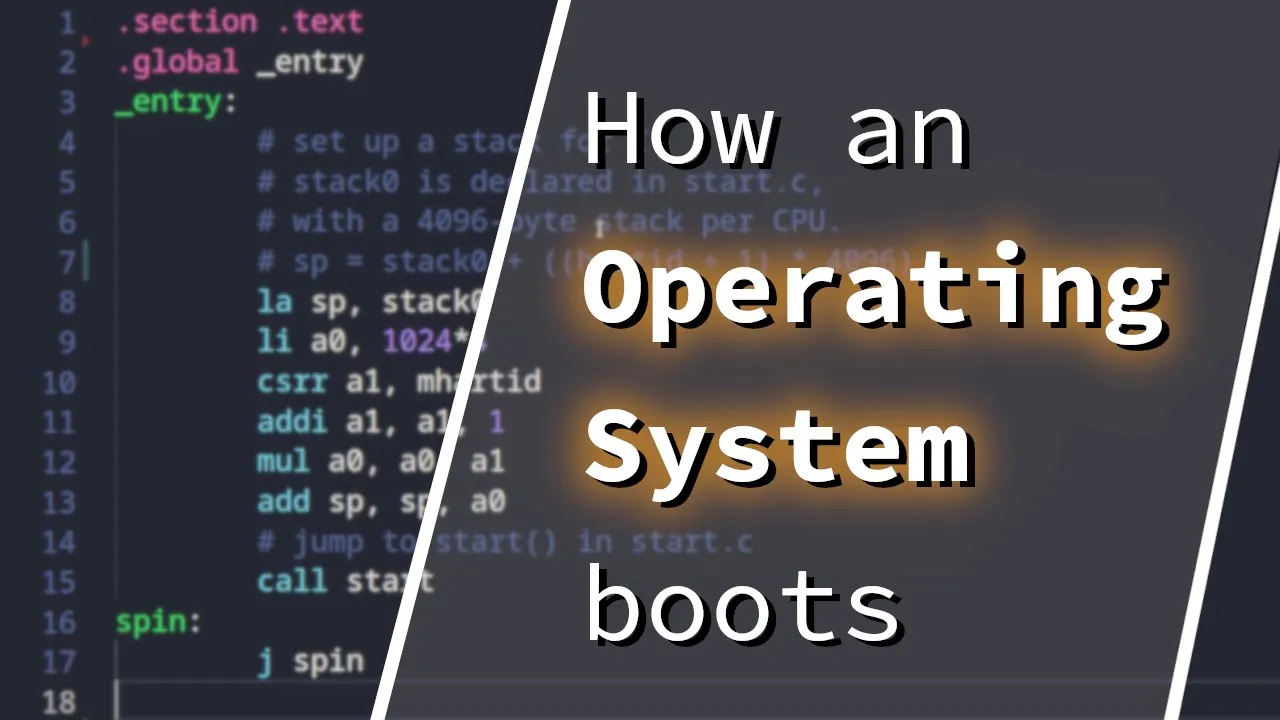




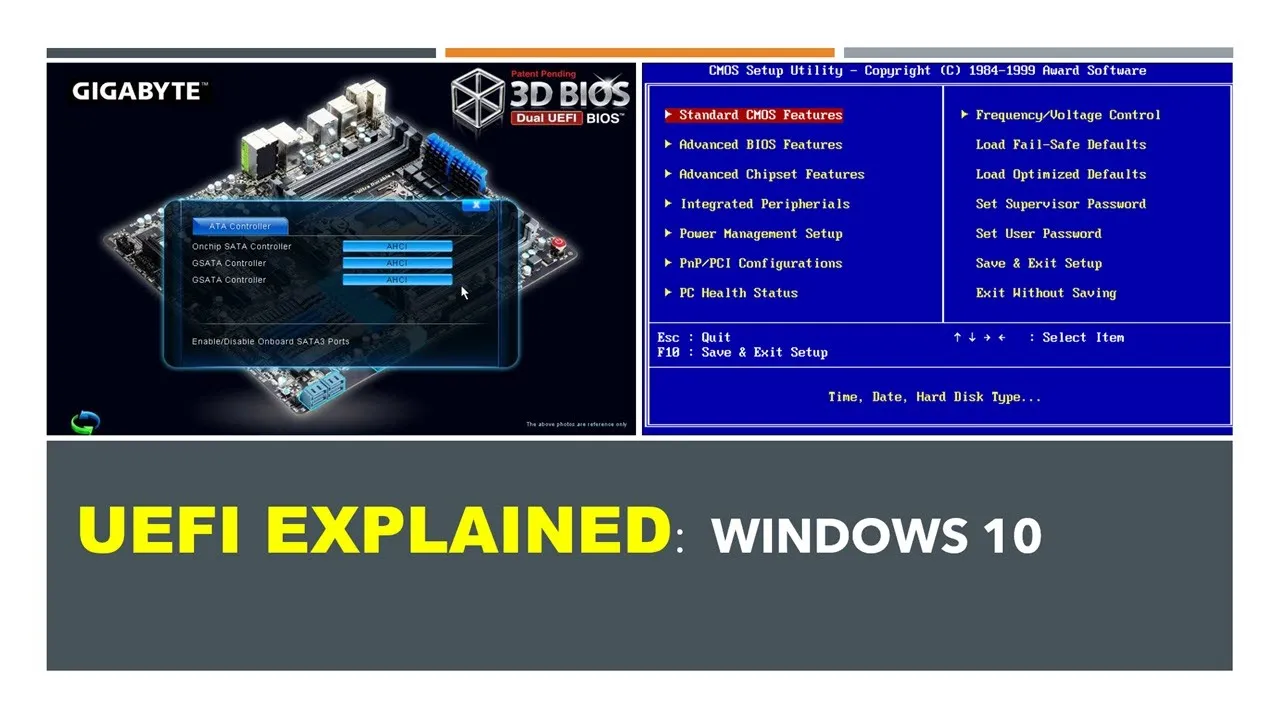



A simple x86 bootloader written in NASM assembly must be 16-bit code starting at memory address 0x7c00, use BIOS interrupt 10h with AH=0Eh to print characters by loading each character from a null-terminated string into AL register and incrementing a counter (SI register) until reaching the null terminator, while ensuring the entire code fits within a 512-byte sector by padding with zeros and ending with the magic bytes 0x55AA.
Writing a x86 Bootloader in Assembly with NASM
Added:Basic understanding of x86 CPU architecture, including registers (AX, BX, SP, etc.) and execution flow.
Familiarity with Assembly language syntax, particularly NASM, and instructions such as MOV, JMP, and INT.
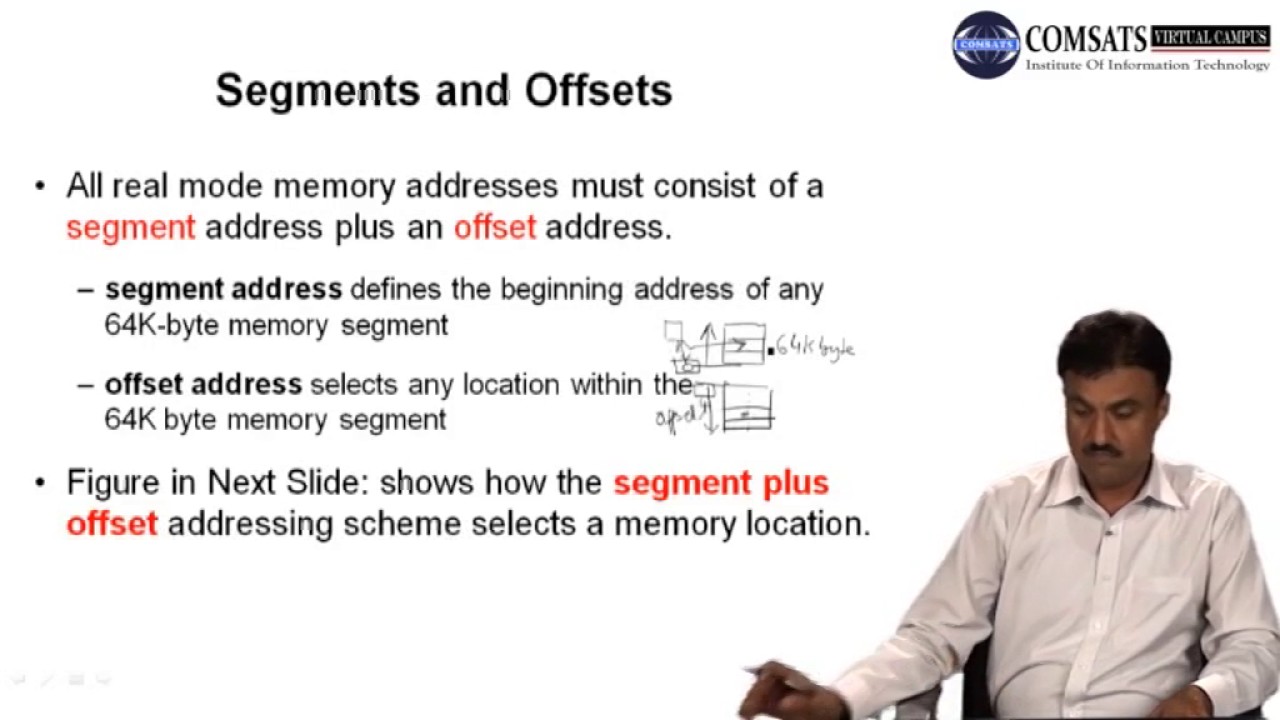
Concept of 16-bit Real Mode memory segmentation and the Segment:Offset addressing model.
General awareness of the PC boot sequence, including the role of the BIOS, Master Boot Record (MBR), and the 0xAA55 boot signature.
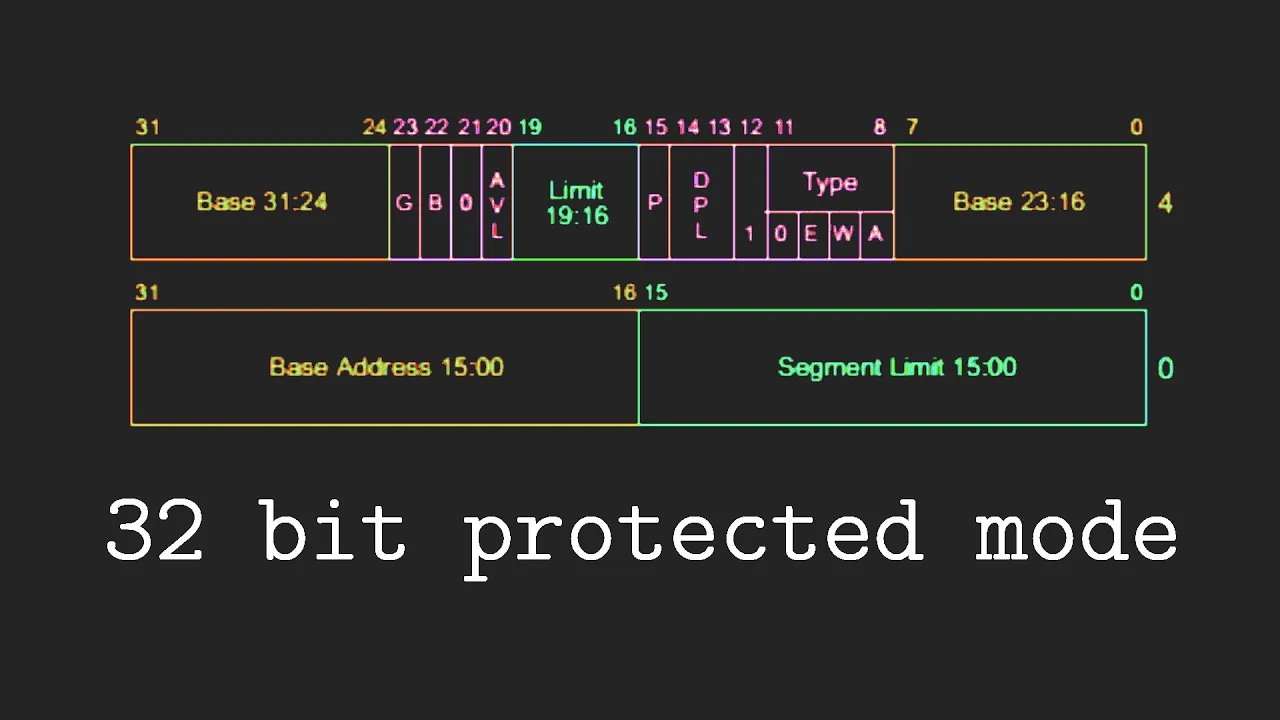
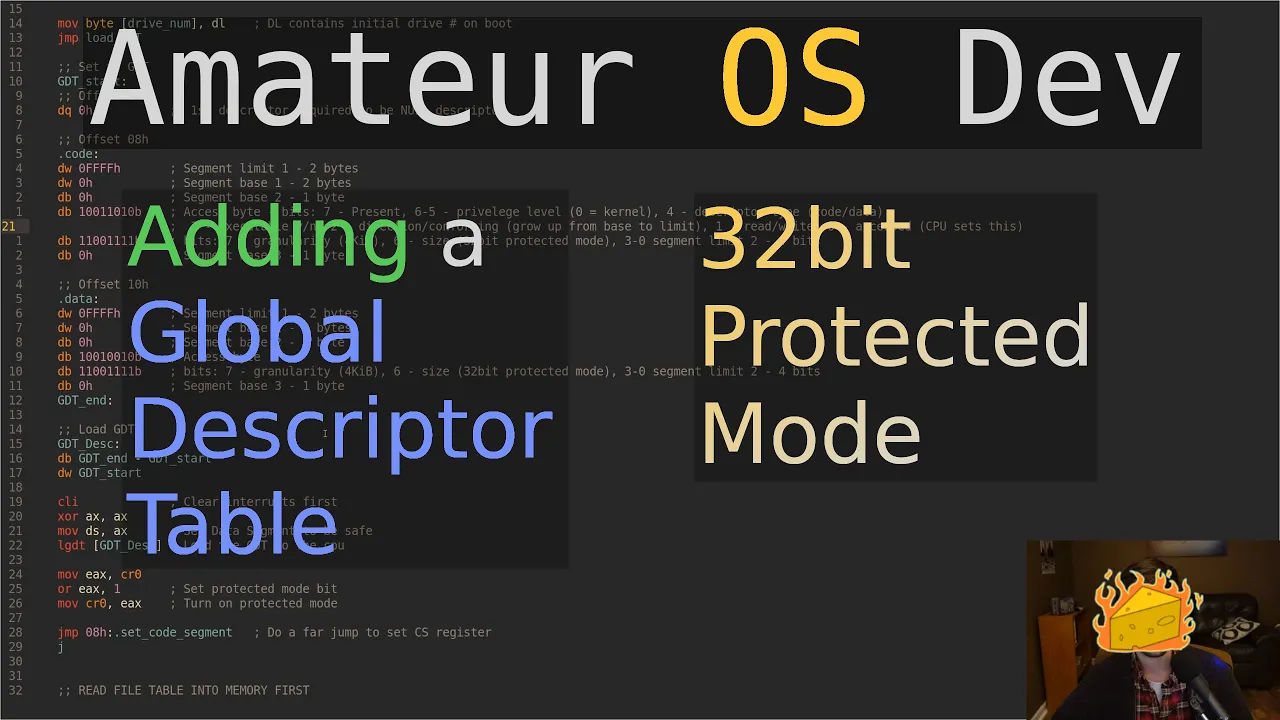
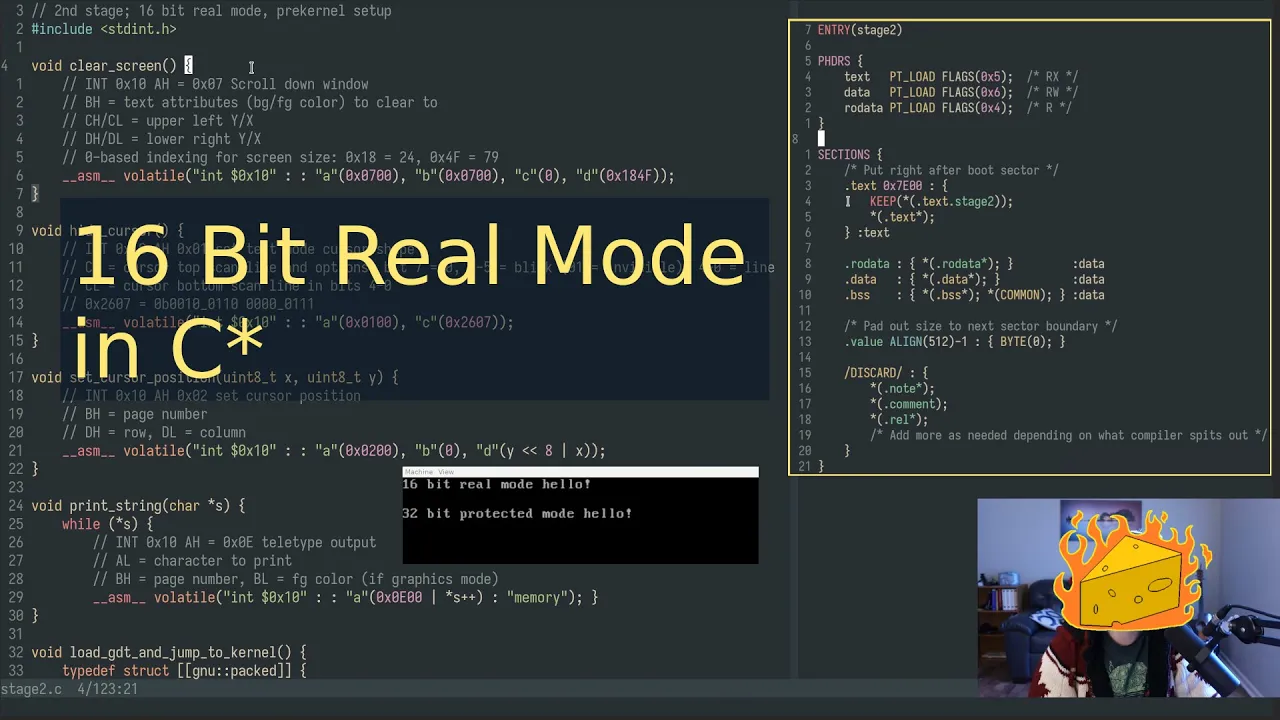
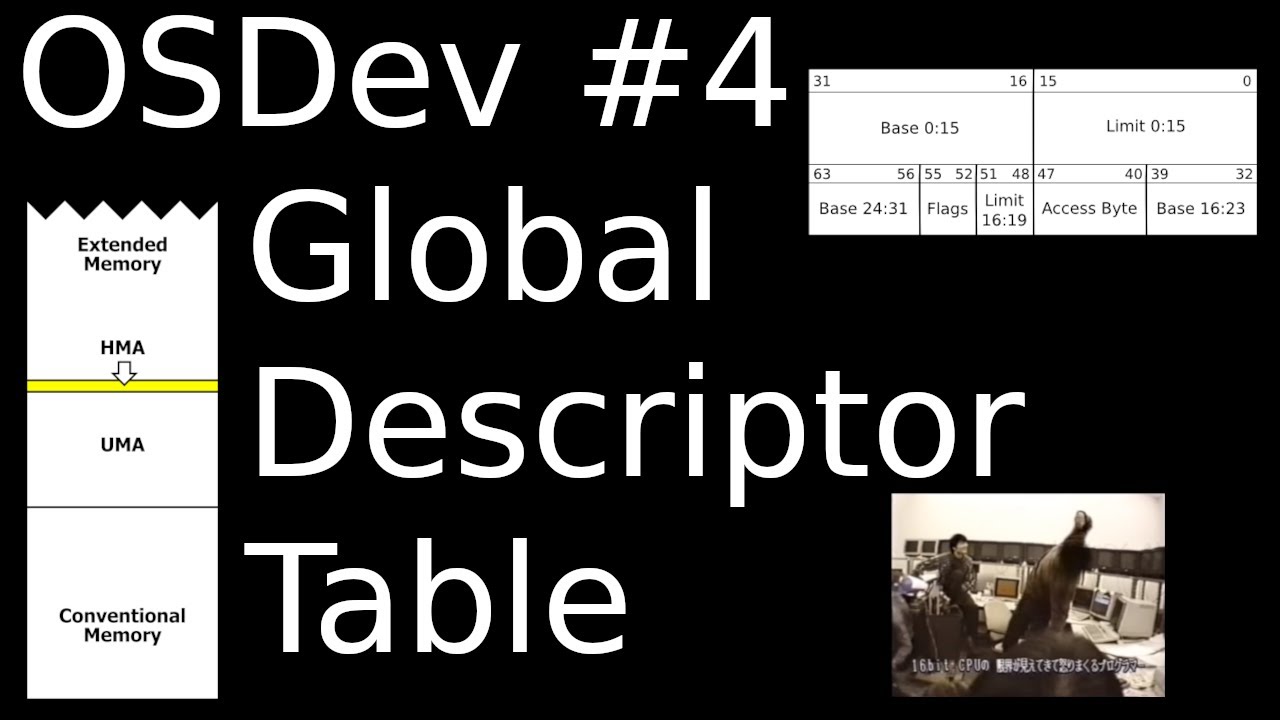
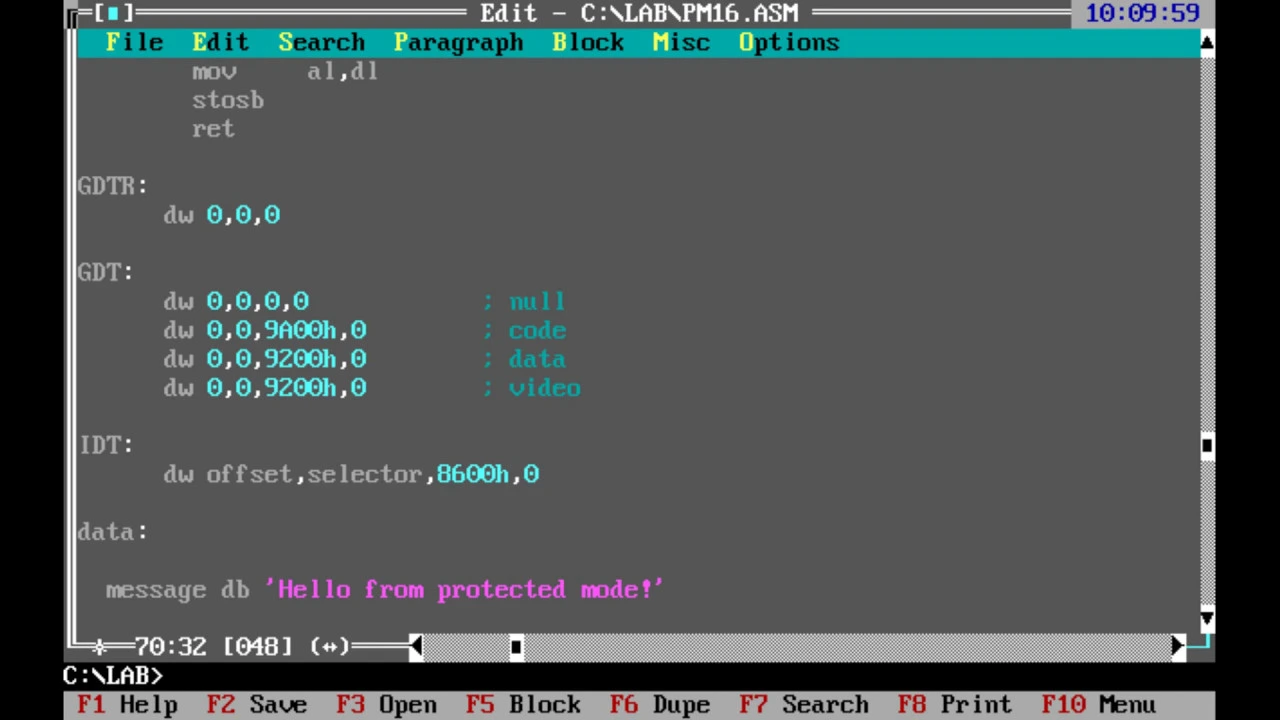
Transitioning the processor from 16-bit Real Mode to 32-bit Protected Mode using the Global Descriptor Table (GDT).
Developing a multi-stage bootloader to load larger payloads from disk using BIOS disk read interrupts (INT 0x13).
Linking assembly bootloader code with a C-based kernel to start writing higher-level operating system functions.
Implementing an Interrupt Descriptor Table (IDT) to handle hardware interrupts and CPU exceptions in protected mode.
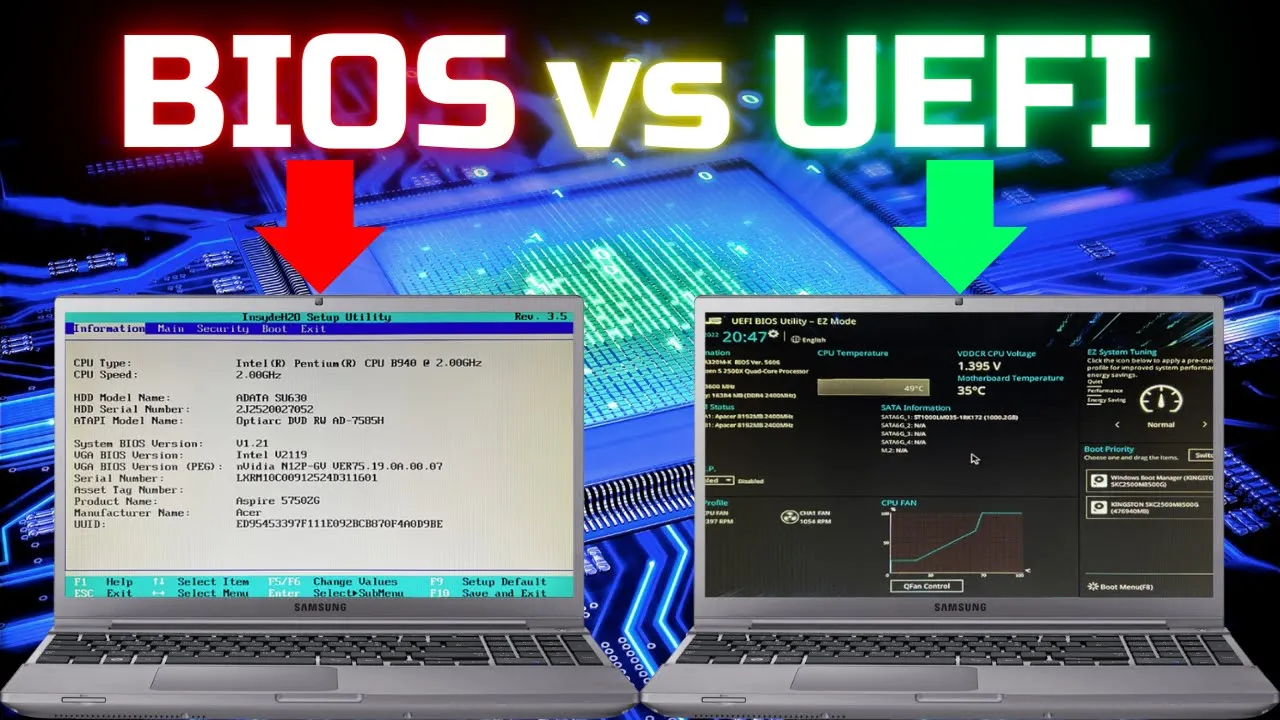
Exploring modern UEFI (Unified Extensible Firmware Interface) bootloader development as an alternative to legacy BIOS.
50.3K views1.6Klikes6:47Original Release: 2023-06-10
so let's go ahead and build a little bootloader so for this I'm going to use nasm the nasm assembler and x86 assembly so let's go ahead and start with the bits command and this is 16 because we are running in real mode so everything is going to be 16 bit afterwards I'm going to use the org command and I'm going to write 7c 0 0 here because when the BIOS goes ahead and loads your code it loads it at this address in memory so everything here needs to be relative to this address so this way I'm telling NASA to work like that and afterwards I'm going to start writing the actual code so I'm going ahead and move 0 to the S I register I'm going to use this as a counter to print the characters and then I'm going to open up a label which is going to be my Loop and I'm going to go ahead and print each character so for this I'm going to use one of the in 10 interrupts it's going to be the video Services I have the interrupt I want to use right over here it's the actual service it's going to be the service that prints characters on the screen so for this I'm going to set ah to 0 e and this means that I'm going to call this specific function to print the characters and then I'm going to put in a l the actual character to write so first of all let's define the string so I'm going to just make this little string here I'm just going to say hello world and put 0 here and now I can actually use this pointer and move it inside Al specific character so the character is going to be actually um the pointer to the string plus the SI register so that's how we're going to get each individual character from the string and we're going to use the round brackets right over here to convert it to uh the actual content of the memory and not just use the address okay and after these that we can actually uh trigger the interrupts so just go ahead and Trigger interrupt 10 which is the video Services interrupt which includes this function and now I'm going to increment s i by one and I'm going to check to see if the memory contains zero and if it doesn't contain zero I'm just going to go ahead and jump back to print and print the next character so this is basically going to end when we're reaching 0.
so this code needs to fit inside of 512 bytes sector so because of that we need to use some fillers right over here so I'm going to fill the the whole section with zeros I'm going to use it do this using the times command which is a nasm command and I'm going to do this for 510 minus and then I'm going to take the current position of this line I'm going to subtract it from the position of the start of this program and what I'm going to do is I'm going to fill this with zeros so what this line basically does is fills for the rest of the program with zeros so this will fit inside the sector now why is it 510 and not 512. because right after this I'm going to use the DW command Define word and I'm going to put in the following hex this is a magic that every x86 boot sector has to finish with and this takes exactly two bytes so that's why it's 510 and not 512.
now let's go ahead and just review this program so this is going to be 16 bit it's going to start in on this memory address we're going to set s i to zero so it's going to be our counter and then I'm going to call the character printing interrupt I'm going to pass in the character from memory I'm going to trigger the interrupt and then I'm going to add one to the counter I'm going to check if I have reached the end of the string and if I didn't reach the end I'm going to go ahead and loop again through this code oh and one more thing after the code finishes I need to go ahead and put an infinite Loop right over here so it just doesn't go ahead and continues running afterwards dollar means the current line so it's just gonna go ahead and execute this line over and over okay and afterwards I have my hello world right here in memory so I can reference it in my code then I have this filler which is going to fill this the rest with zeros and the magic which is necessary for the boot code to actually work and one more thing I need to go here to line 11.
and I need to go ahead and specify that this operation is going to be for the specific byte memory because you need to tell Nasim how to compare this memory because it can compare also with larger sizes in byte and this is going to just be with the byte that is in that memory I'm going to compare that with zero let's go ahead and save this and now let's go ahead and assemble this so first of all run nasm now to run this I'm going to use qamu this is an emulator for a bunch of architectures I'm going to use the i386 one to actually emulate a x86 computer booting up and I'm just going to pass in the binary that came out of nasm as you can see the bootloader is successfully running and printing a low World on the console don't forget to subscribe for more assembly thanks for watching
Up Next
11:37
How a CPU Works: Fetch-Decode-Execute Cycle Explained
@crashcourse
1.7M views•2017-04-05

87:26
Introduction to Secure Multiparty Computation with Yehuda Lindell
@fhe_org
7.7K views•2021-02-04

4:55
HTTP Requests Explained: GET, POST, PUT, DELETE
@codecademy
103.1K views•2021-10-07

19:25
Enigma Machine Mechanics: WWII Encryption Explained
@JaredOwen
13.2M views•2021-12-11
Related Study Plans & Knowledge Roadmaps
Structured learning paths in Computer Science
computer-science
Container Runtimes: Namespaces, Cgroups & Go
01Linux Systems & Go Programming Foundations
02The Core of Isolation: Chroot and Filesystems
03Linux Namespaces: Process Isolation
+ 3 more learning modules
32h6 modules
Explore Roadmap
computer-science
Building a CHIP-8 Emulator: Rust & CPU Basics
01Computer Architecture Foundations (Bits & Bytes)
02Rust Programming for Systems Development
03CHIP-8 Virtual Hardware Specifications
+ 2 more learning modules
32h5 modules
Explore Roadmap
computer-science
Building BitTorrent: Go, P2P & Concurrency
01Go Fundamentals & Concurrency
02Networking Foundations & P2P Architecture
03Bencode Parsing & Torrent Metadata
+ 3 more learning modules
26h6 modules
Explore Roadmap
computer-science
Actor Models (C++ Concurrency & Lock-Free)
01C++ Multi-Threading Foundations
02Thread Pools and Task Scheduling
03Atomics and Lock-Free Queue Design
+ 3 more learning modules
45h6 modules
Explore Roadmap