














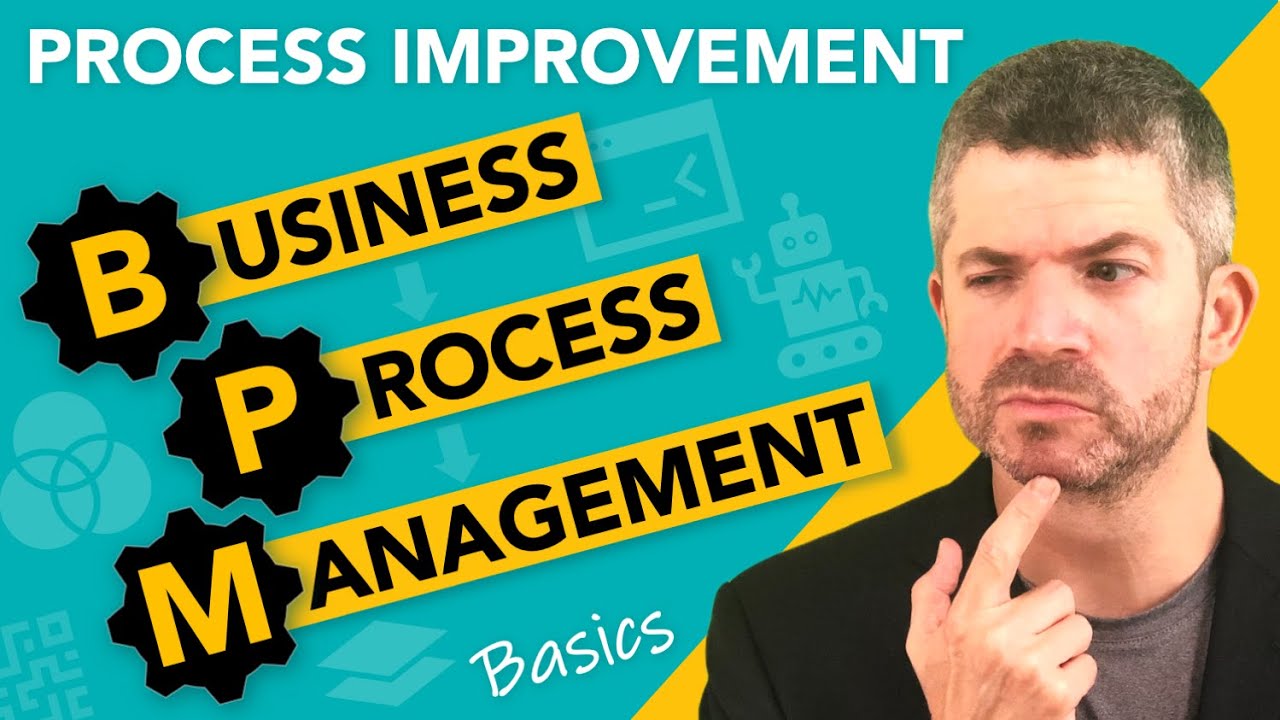







Business process mapping is a visual collaboration tool that creates flowcharts showing how processes work within an organization, including inputs, outputs, and stakeholders; to build effective process maps, start simply with pen and paper or whiteboard by mapping the most problematic process first, then use tools like Lucidchart or Miro for refinement, while avoiding common mistakes such as never starting due to analysis paralysis, failing to share maps with the team, and stopping after the initial version without ongoing updates.
Business Process Mapping Guide: Step-by-Step Methodology
Added:Understanding of basic organizational structures and how different departments (such as Sales, Operations, and Finance) interact.
Fundamental concepts of business operations, including inputs, activities, outputs, and value chains.
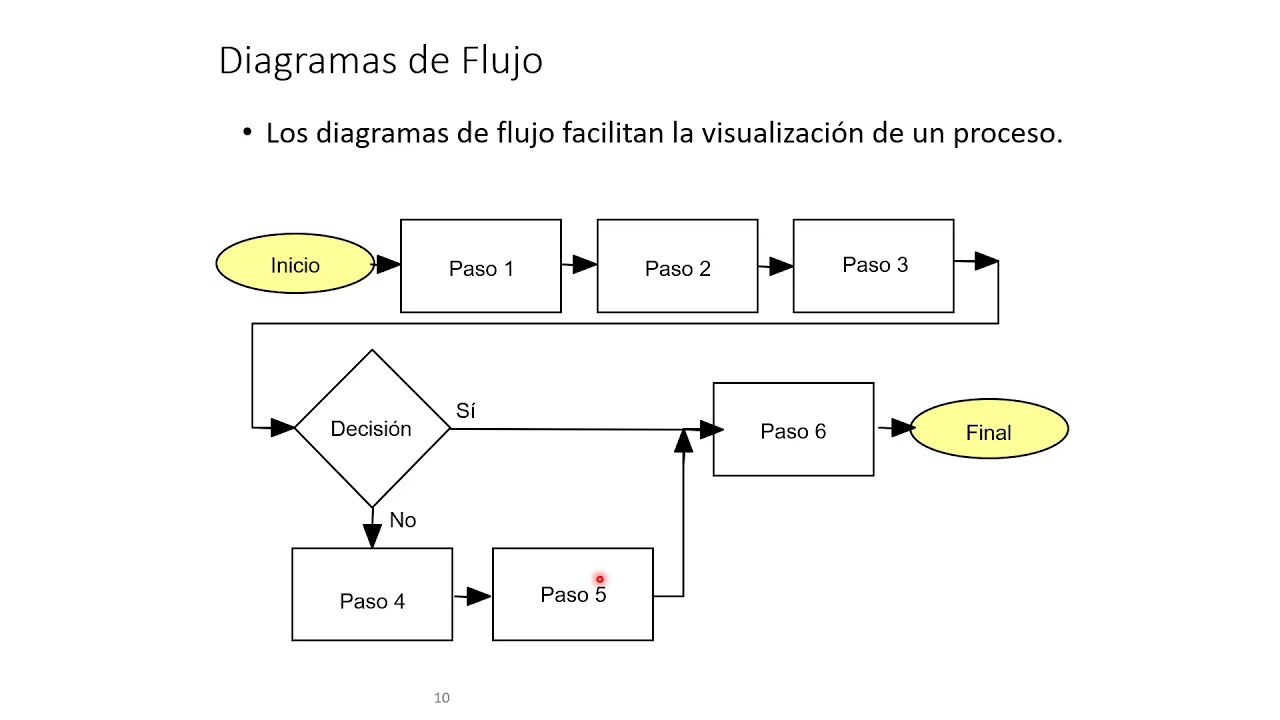
Familiarity with basic flowcharts and standard diagramming shapes (e.g., decisions, terminals, and process steps).
An introductory grasp of operational efficiency and why organizations seek to standardize workflows.
Advanced modeling notations, specifically Business Process Model and Notation (BPMN 2.0) for technical mapping.
Process analysis and optimization methodologies such as Lean, Six Sigma, and Value Stream Mapping to eliminate waste.
Implementation of Business Process Management (BPM) software and automation tools (such as Robotic Process Automation or RPA).
Designing and maintaining a centralized Knowledge Management System (SOPs and 'Company Wikis') to operationalize process maps.
72.1K views1.4Klikes13:16Original Release: 2024-09-02
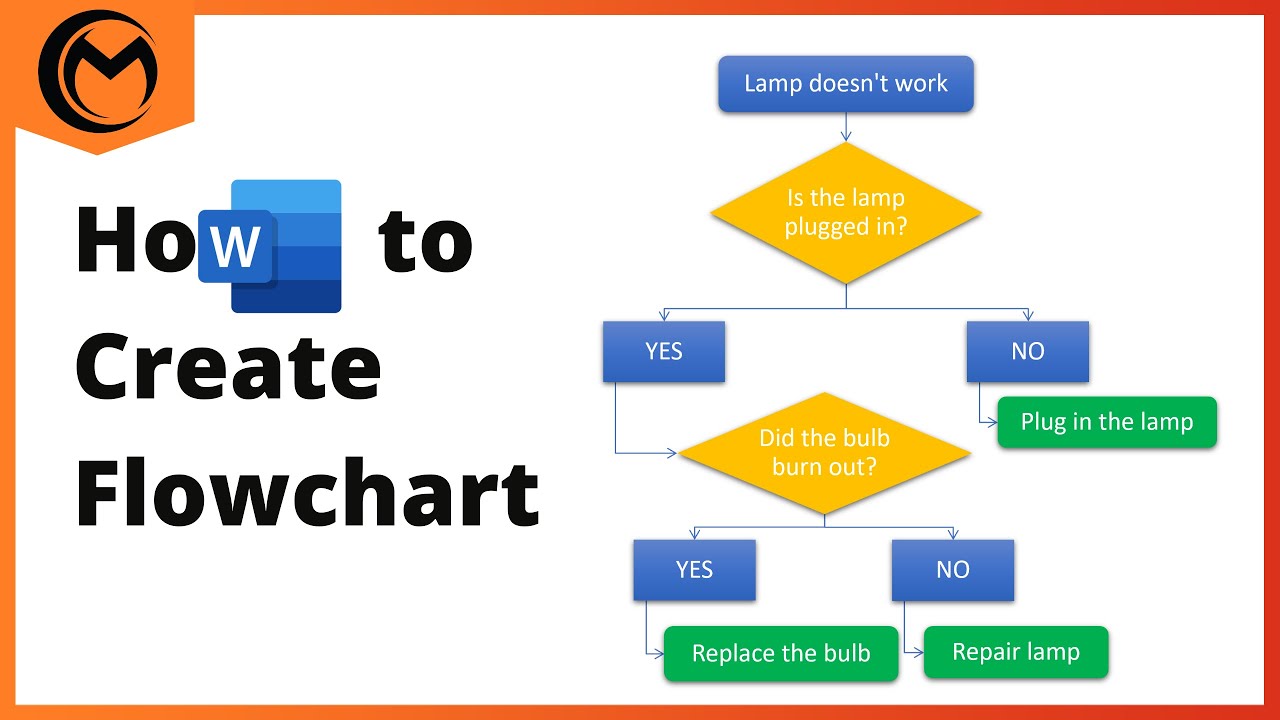
imagine trying to build a skyscraper without any blueprints well that's how it feels to run a company without a process map so today I'll show you what are process maps how you can build them what are the most common challenges that people face when building process maps and what are the best tools and systems you can use to implement them in your business and by the end of this video you'll be able to build a company brain like this that will include an or chart and a full visual representation of every single process in your business so what is a process map a process map is just a flowchart of how a certain process is done within an organization in other words it's just a visual representation of how something gets done it includes all of the inputs all of the outputs all of the stakeholders that are involved in a particular process and laid out visually so everyone can collaborate and understand what happens in what order what are the decisions that need to make and finally what are the outputs that are a result of this process happening so why would you need a process map well everyone knows the quote that a picture is worth more than a th words well the same goes when it comes to transferring knowledge about a process to your team members you probably tried building out a doc you probably tried building out an sop or a training in a written format trying to describe how something gets done within your business and that is great because you've already put down some thought into how things happen inside of your business and you tried transferring that knowledge to someone else the reason we build process Maps is because it's way EAS easier for people to learn from a visual perspective so putting down a process on a whiteboard on a piece of paper or in a software tool and Visually seeing how does the process happen what are the decision trees what are the outputs what are the key stakeholders it's just a way simpler way on everyone to understand all right this is what we're working on this is how it's happening and this is how we can make it better after you have that you can then start developing more detailed documents that are sort of serving as a way to enhance the process map to go into more detail but process maps you can think of them as a highlevel overview of how something happens and it's really a visual collaboration tool for you and your team to be able to all look at the same thing black and white very binary and understand right subjectively this is what needs to happen in this order in order for this output to be created and that's why we build process Maps the biggest challenge that people face when building process Maps is they just don't know where to start they get overwhelmed about all right which tool am I going to use use How Deeply am I going to describe the process who should I involve what processes should I map out in the first place and my simple advice to everyone that's sort of facing this you know I'm kind of overanalyzing not sure how to do it is to just pull out a pen and paper or just pull out a whiteboard and start jotting down a process that's currently bothering you the most it can be your onboarding it can be your sales process it can be your um employee onboarding process whatever it is just pull out a piece of paper pull out a whiteboard and start mapping down things in sequential order super simple boxes this needs to happen then this needs to happen then this needs to happen and this is the final output that way you'll start to break through that sort of limiting belief that you know hey before I start doing any of this I need to have the perfect tool I need to have the perfect you know description of everything that happens in my business and that's what stops a lot of people from actually starting this process so to simplify everything just start off really simple don't over comp at the tools don't over complicate the process number one start with the process that's currently bothering you the most and then number two use what works is that a piece of paper is that a whiteboard doesn't really matter just start the process of mapping down things and pulling things out of your head onto a visual representation and this will be a version one that you'll be able to build upon there are two main types of process Maps number one is a prototype map and we use prototype maps to basically discover first of all what is a process how does it look like and then how do we iterate on that process and how do we make it better and people use different types of prototype Maps you know some people might just bring out a bunch of posted notes in different colors and start laying down um these posted notes to represent a visual process other people again might use a whiteboard to try to you know draw it down and have multiple markers and different colors and really the Prototype map's uh initial priority is to try to get down as many ideas ideas of the current process and any potential improvements down on paper so everyone can understand it and Visually see all right this is what's happening and this is how we're going to improve it the way that the Prototype map differs from an actual final you know we can call it a documentation map is that a prototype map reflects the current state but also all of the possible future States what are the improvements what are the challenges that we're facing so it's tends to be very messy and involves a lot of different things that are not going to be making it into the final version of the map the second version of the map is this something we call a final map or a documentation map and that map is basically meant to show all right this is the final blueprint this is how everything happens as is there's no additional notes to it there's no what ifs there's no future considerations this is just an accurate snapshot of what is currently happening and it's basically meant to be a blueprint of how someone should conduct a process within an organization so an example of this is is a process map like this so this is an example of a prototype map for onboarding so this is an onboarding template we use for most of our clients and as you can see it has a lot of things going on it has links to different softwares it has you know posted notes it has General context it has Improvement opportunities you know it's all over the place we're here just trying to jot down um you know how is this process even happening so when it comes to working with companies that don't have pre-established process Maps this is usually the first thing uh that I suggest people do just get your team together and start putting down things on paper don't think about how it looks don't think about you know what are the colors of things what are the shapes of things does this look nice this looks looks tidy your idea here is just to put down things information on a piece of paper and get everyone to collaborate and actually try to understand and make sense of the process that is happening so here you can see screenshots you can see you know links to different tools and stuff like that so this is a great example of a prototype map and this if you don't have anything in your business this should be the start whether that's on paper on a whiteboard posted notes or in Lucid chart like this this should be the first step when it comes to building a process map an example of a finished map or something that we call a document map uh looks something like this and in this case we're here we have a Hiring Agency and I've tried to you know hide as much context as possible because this is actually based on one of our clients um so this is how it actually looks like so a client closes uh creates a job application there's two three uh parallel flows that are happening so it's cleaned up there's not a lot of notes it's just a very simple process map showing exactly what needs to happen in order from basically to start where a job application form is open all the way to that position being closed so um these more Final maps are going to be constrained they're going to have less information they're going to have less fluff and clutter because the point of them is for them to be very concise and very clear for your team uh to actually be able to use them in their day-to-day so what are the best tools to use uh to actually build process Maps once you got going and once you sort of started establishing your initial process Maps there's really two main competitors in the process map space um at least in the online business space number one is lucid chart and number two is Meo both are good both are fine uh we prefer Lucid chart internally but honestly at this Point uh if you're just getting started just setting up your initial process Maps both will work just fine uh I would say with highly just in consideration is that anything that you're going to be using for your process mapping has to have the ability to be shared across your team and the other important component is just security and making sure that you know only the right people are seeing the process maps that you built so uh you know if you have multiple departments and you kind of don't want Department seeing different stuff make sure you sort of have that access sharing security level permissions locked down Lucid chart is really good for this it's an Enterprise tool so if you run a bigger business I would definitely encourage you to go towards Lucid chart so now that you've picked your tool you know how to build process Maps now I'll actually show you what is the end result and how is this supposed to look when you go through this entire process at the final stage you should have a company brain and what we call a company brain is just a collection of a lot of different process maps and information about your business so the way company brain looks at least when you work with us as a client is it has a couple of main components and number one is an org chart so an org chart is basically a representation of all of the employees in your team all of the different departments who are who the direct reports the information about your team and it's really just serves to have a clear understanding of what does your organization look like what do the managerial lines look like and there's just no confusion on who's involved in the team uh you know who's under who who needs to report to who it just very visually uh shows that and it's available to your entire team and your management as well the second main component of a company brain is something that we call a data infrastructure and a data infrastructure just shows you uh what are all the different entities that you have in your business so if you have clients those clients might have different brands those brands have might have different offers you know you might have your vendors you might have your outside contractors so you need to understand all right what are all the enti that I have in my business and how can I track them and how are they correlated together so often times what we do is with our clients we just put everything down into Lucid chart and map out exactly how are they related to each other um and how does that sort of work in with the rest of the process and then for basically every single subprocess in your business you have a separate tab a separate process map that is showing you know everything from how you do onboarding how you do your sales process how you do your fulfillment how do you do your employee onboarding and in this stage you know you might have seven tabs you might have 27 tabs depending on the size of your business but for every single subprocess for every single small um sort of process map in your business you want to have a separate tab so you can keep things kind of separated and then you can navigate in between those sort of by Department the biggest mistakes that I see people make when trying to implement process maps in their businesses number one they just never get to it because they get stuck in paralysis by analysis they can't find the perfect tool they don't know about the process how to do it they're afraid about how it looks well this video saws out for you it's very simple start with pen and paper uh doesn't need to be complex and then gradually as you start to get better at this and more comfortable you can start transitioning it into more sophisticated tools and start putting more sense into it the second most common mistake that people make is they never share it with their team so if you as a founder or as a manager Department lead start building out process Maps but you kind of never show it to anyone because ah it's not really formalized yet it doesn't have the right coloring it's not formatted properly it's not in the right swim Lanes you're losing out on the benefits of the process Maps the benefit of the process map is the collaboration that can happen when using a process map and that's the biggest mistake is you've built it but you kind of kept it for yourself so you don't get any value out of it if you built a process map even a pen on paper even on a whiteboard take a picture of it send it to someone walk someone through it have them have their comments on it and then iterate on the process make this an iterative process and that kind of builds up on mistake number three which is just people build a version of a process map and stop there hey this is it this is everything that that's going to happen and this the reality is the process map is a very fluid thing it's going to change sometimes week over week hopefully not but you know as your company's going to be changing as your company's going to be growing you're going to figure out mistakes you're going to figure out ways to make things better so a big mistake is what people do is they just never update them they just never add additional stuff to them and they just kind of get stuck and sort of shove it somewhere else use it as a tool a process map is a great tool to show what is currently happening but it's even a better tool to show what can be happening what can be improved within a particular process so those are the three main mistakes that I see people make all the time one of the most important processes that people often times want to figure out how they can do well is how can they onboard clients in their business so if you want to figure out how you can do that you can watch this next video [Music]
Up Next
17:49
Prompt Engineering Fundamentals: First Principles, Chain-of-Thought, and Metaprompting
@AIFoundersHQ
671K views•2025-06-01

12:54
Triumph of Orthodoxy Icon: Byzantine Art & History Explained
@BenCallan
2.1K views•2024-08-06

9:49
FastAPI vs Flask vs Django: Choosing the Right Python Web Framework
@TechWithTim
302.5K views•2024-05-26

1:42
Game of Thrones Opening Credits: A Cinematic Analysis
@gameofthrones
46.3M views•2011-04-18
Related Study Plans & Knowledge Roadmaps
Structured learning paths in General & Interdisciplinary Studies
general-studies
Elevator Engineering: History, Physics & Cities
01From Hoists to Safety Brakes: The Dawn of Vertical Lift
02Hydraulic vs. Traction: The Engineering Physics of Elevators
03Modern Speed, Safety, and Algorithms
+ 2 more learning modules
12h5 modules
Explore Roadmap
general-studies
Rubber: Material Science, History & Geopolitics
01Origins of Natural Rubber & Mesoamerican History
02The Chemistry of Natural Rubber & Vulcanization
03The Geopolitics of the Rubber Boom & Colonization
+ 2 more learning modules
12h5 modules
Explore Roadmap
general-studies
Containerization: Evolution, Logistics & Trade
01Ancient Trade & Bulk Cargo: Amphorae to Barrels
02The Industrial Revolution & Cardboard Packaging
03The Containerization Revolution: Malcom McLean
+ 2 more learning modules
12h5 modules
Explore Roadmap
general-studies
Textile Tech: Evolution, Labor & Global Impact
01Pre-Industrial Textiles: Handloom & Cottage Industry
02Mechanization: The Spinning Jenny to the Power Loom
03The Factory System & Global Labor Transformation
+ 2 more learning modules
10h5 modules
Explore Roadmap