





















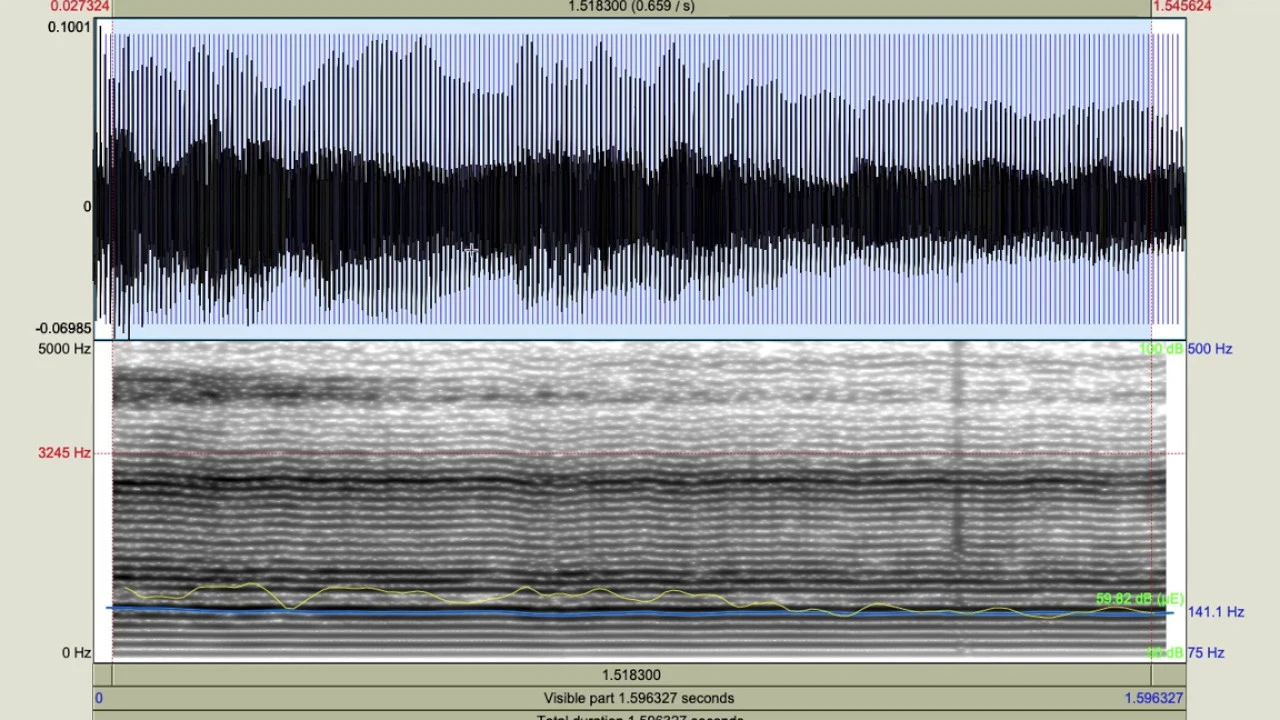
This beginner-level tutorial introduces five fundamental Praat skills for audio analysis: uploading audio files (noting that Praat only supports MP3 format), recording audio files using the 'Record mono sound' function, viewing pitch/frequency with its characteristic blue line showing fundamental frequency overlaid on formants, viewing volume/amplitude through intensity measurements, and analyzing formants (typically displaying 5 formants with adjustable dot sizes). The tutorial emphasizes practical navigation techniques including zooming with Ctrl+N/Command+N, selecting regions with Shift+click, and using Tab to toggle playback, providing a complete foundation for acoustic analysis in Praat.
Praat for Beginners: Audio Analysis Basics (Upload, Pitch, Formants)
Added:Basic acoustics of speech, including the concepts of sound waves, frequency (Hz), and amplitude (dB).
The physiological basis of speech production, specifically how vocal fold vibration creates pitch and vocal tract shape produces resonances.
Fundamental phonetic terminology, including the differences between vowels and consonants, and basic familiarity with the International Phonetic Alphabet (IPA).
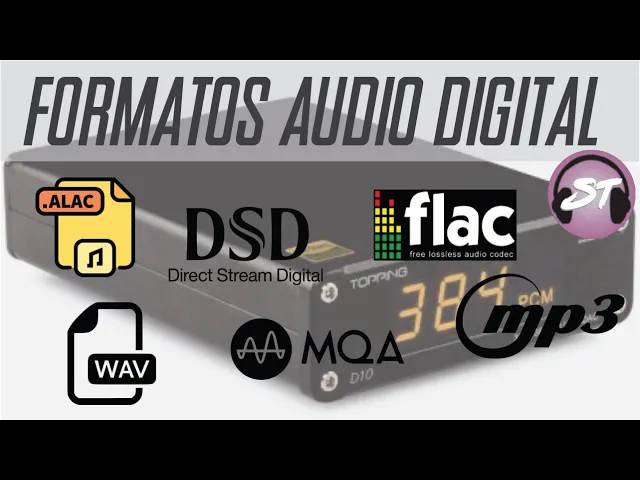
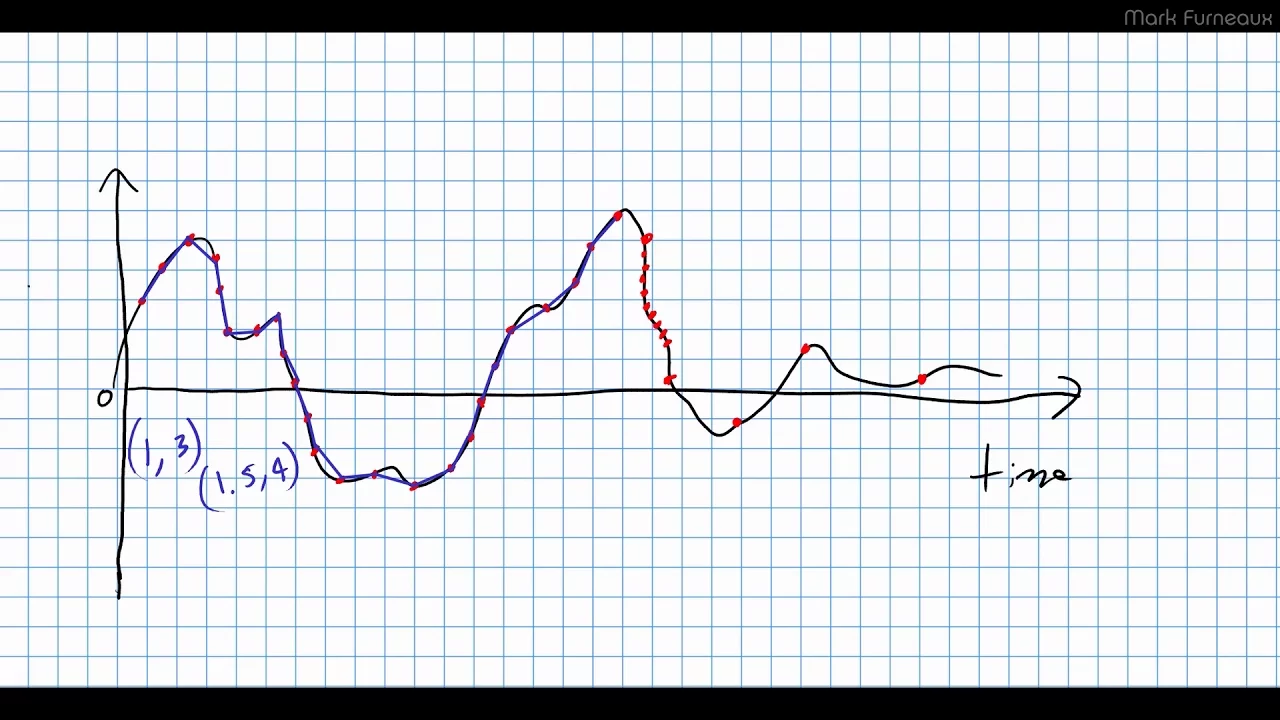
Basics of digital audio, such as sampling rates, bit depth, and the structural differences between compressed (MP3) and uncompressed (WAV) audio formats.
Acoustic vowel analysis, specifically measuring, extracting, and plotting first (F1) and second (F2) formants to map a speaker's vowel space.
Using TextGrids in Praat to segment and annotate audio recordings into phonetic, word-level, or sentence-level intervals.
Introduction to Praat scripting to automate the extraction of pitch, intensity, and formant data from multiple audio files simultaneously.
Analyzing prosody and intonation patterns (such as ToBI transcription) by studying pitch contours over continuous speech.
Assessing voice quality and clinical parameters such as jitter, shimmer, and Harmonics-to-Noise Ratio (HNR).
3.4K views57likes9:11Original Release: 2021-11-22
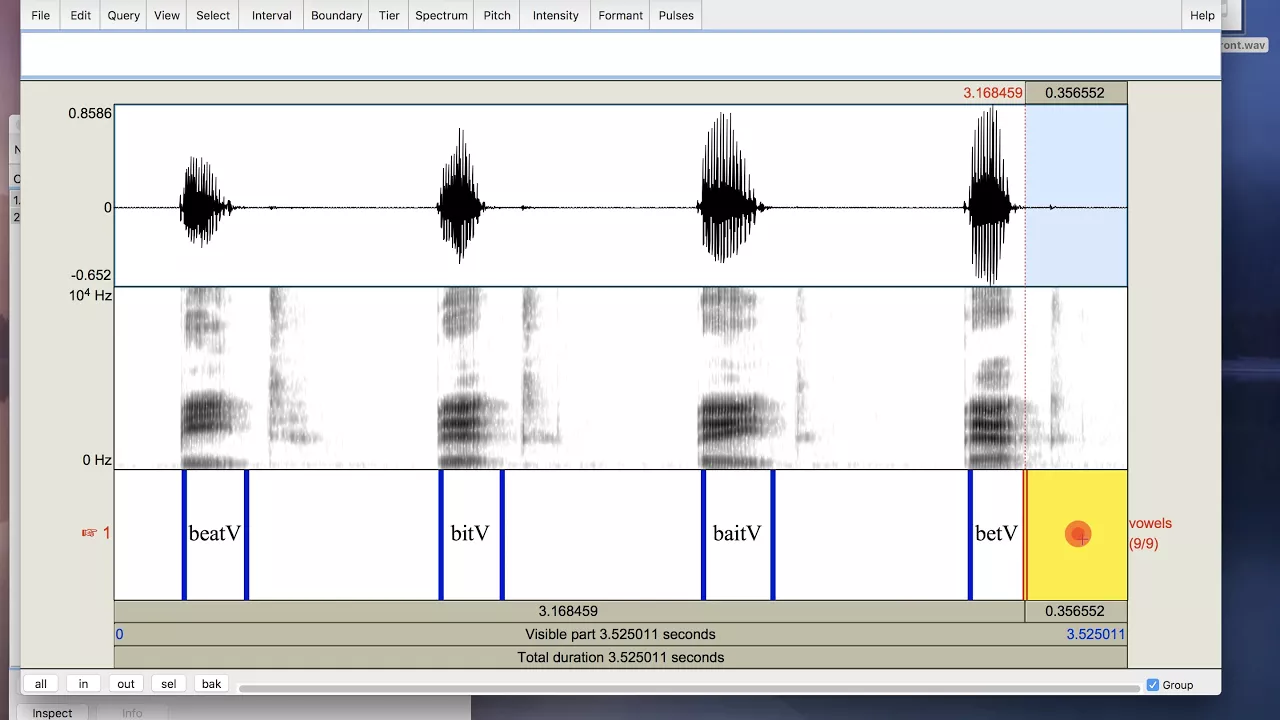
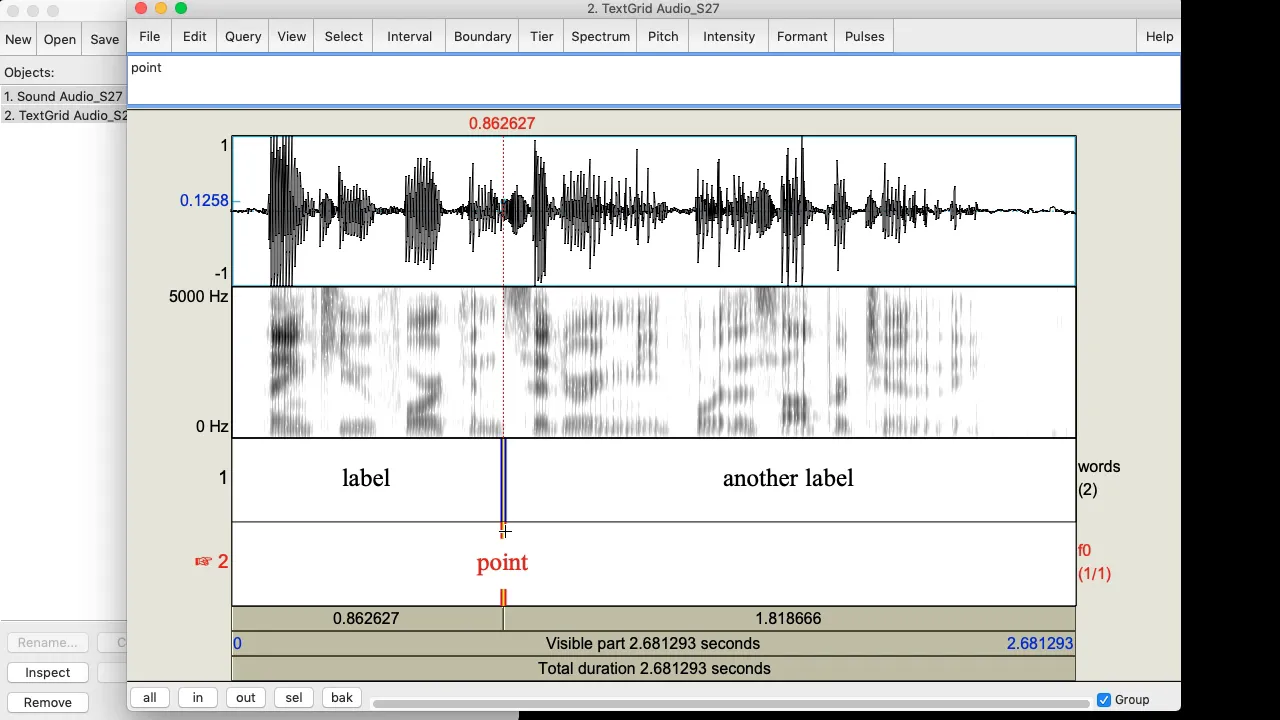
all right welcome this is pratt super basics where we are learning um the very very most fundamental skills that we need to analyze audio in pratt so today we're going to talk about five things we're going to talk about how to upload an audio file how to record our own audio file how to view the pitch or frequency how to view the volume or amplitude and how to view the formants so if you're opening prep for the first time you probably see something like this and we have two tabs at the top prep picture and prep objects we will not be using prep picture today so we can go ahead and close that and let's start by uploading an audio file we will open read from file and you'll notice that i have some pre-chosen files here and i've got two versions of two different files um the ahababa babara tsungen as spoken by a native speaker and as spoken by me and you'll notice that i've color coded them that is because the m4as will not open in pratt you will just get an error message so i would strongly recommend already having converted any alternate forms of audio files into mp3s can read mp3s though it can't create them so you'll have to change them somewhere else you'll have to reformat them using another program um let's go ahead and open our native speaker version and we'll do the same thing over here with our megan version and before we even analyze them we can just listen to the audio to make sure that it uploaded correctly or to make sure that we actually imported the file we thought we did so we can just click play over on the right side lovely that one works we'll try the next one okay that one works fine too now i'm not that happy with the audio recording so i'm just going to record another version right here now and first i'm going to remove this file that i'm unhappy with i simply click on it and choose remove easy enough now to create my own audio file to replace it i go to new if you're on a basic laptop you'll click on record mono sound you can change your sampling frequency though i won't um and then the only things we need to know are you press record to start you press stop to stop and you need to save it so let's try i'll use my very best pronunciation and enunciation and now i can press play to check and see okay did it record okay were there any weird sounds in the background did i mess up bob okay it seems fine i don't care now if i wanted to record another one i could just press record and it will record over it it will not save the thing i just recorded so we can try that again and now you'll notice if i play back we will not hear it twice just the ones okay wonderful then i'm going to save it over here as l2 since i am a non-native speaker and i can either save it to my list and then record again and save it to my list and record again as many times as i want or i can just save it to my list and close which is what i will do now now i have two lovely recordings let's go ahead and view and edit um here we go this is the recording we just created and heard now you'll notice that it's pretty long there's a lot of stuff going on and at this point in time maybe i don't want to analyze everything maybe i just want to zoom in and see what's going on then i can cl either just press in which will take me in a bit and then i can zoom around using this bar at the bottom or if i want to be a little more precise i can click shift click and that will give me just a selection now if i want to check what that selection is before i zoom in of course i can always click this area down at the bottom that shows just that selection okay that's pretty good there's a little bit of extra stuff at the end but we can deal with that later the other thing i can do is press tab the good thing about pressing tab is that if i start back here for example and i just press tab it will play until i press tab again at which point it will pause yeah then i can pause it and stop which is very helpful the first few weeks months that i had pratt i did not know how to stop the recording and it caused me great frustration so now you know tab is the way to do that so let's go ahead and reselect by click shift clicking again on the baba at the start and to zoom in i can either press the selection button down at the bottom or i can press ctrl n on a pc or command n on a mac and it will zoom me into just that section and then i can see things in a bit more detail yeah and again since i just have this box that shows the whole thing at the bottom if i click this box it just plays the visible section so let's say i want to look at this section and look at its pitch or its frequency then easy enough i go up to pitch and i click show pitch and we see pitch with this lovely blue line [Music] you'll notice that the scaling is quite different on the right which only goes from 75 to 500 hertz and the left which goes from 0 to 5 000 hertz that is because this blue line the pitch line is showing us the fundamental frequency um whereas the scale on the left which is all this stuff in is is scaled to show all this stuff in the background the black and white and gray and that's where the formants are or if you're more used to musical terminology it's similar to overtones right so those are much much higher than the fundamental frequency here in blue and if we had the fundamental frequency just down at the very bottom teeny tiny it would be incredibly difficult so prep has this nice algorithm that overlays the pitch over the formants even though that isn't actually where it is in terms of hurts so that's why we've got this double scale okay i'm gonna not show the pitch anymore what if instead we want to see the volume or the amplitude well then we're gonna go to intensity and click show intensity and we see the volume yeah this all makes sense we see a lovely line in yellow we see how many decibels it is over on the right and we see that there's an increase in volume when something is getting voiced so exactly as we would expect let's go ahead and uncheck show intensity and the last thing we're going to look at today is formants if i want to view and analyze the formants i click no surprise formant showformance and there we go we could we see um four or five lines the uh automatic settings show us five formants if we wanted to see more we can always go up here to formant and in the formant settings we can change to seeing for instance seven formants but we're once we click on seven formants it may be inaccurate because the actual sixth and seventh formants are likely above 5000 hertz so it might be finding patterns that aren't really there so i'm gonna keep it at five um the other thing we might do is if you're zoomed in enough maybe you're in a classroom and you need to show this to people far away they might not be able to see these dots so easily so we might change the dot size to be a bit bigger let's change it to be cartoonishly large at 3.0 there we go we've got some nice easy to see formants um the problem with this is of course if we zoom out it looks a bit silly so then we might want to change our formant dots back to their standard 1.0 now if you mess around in any formants in pratt you can always get back to the standards by clicking this button standards which is helpful so you can really play around and try things out and when we zoom out we see that this is much better yeah there you go now you know these five basic skills in pratt
Up Next
9:06
Formants in Speech: Resonance and Vowel Acoustics Explained
@thelingspace
59.5K views•2015-09-09
36:52
Constraint Interaction in Optimality Theory: Epenthesis & Deletion
@Vidyamitra
180 views•2018-08-20

8:59
Forensic Linguistics: How Language Solves Crimes | PBS
@pbsstoried
1M views•2024-01-25

21:32
Accent Expert Explains U.S. Regional Dialects | Part 1
@WIRED
9.3M views•2021-01-21
Related Study Plans & Knowledge Roadmaps
Structured learning paths in Linguistics
linguistics
Optimality Theory: Tableaux & Constraints
01Phonological Basics: Sounds, Syllables & Rules
02Foundations of Optimality Theory: GEN, CON, and EVAL
03The Constraint Inventory: Markedness vs. Faithfulness
+ 2 more learning modules
15h5 modules
Explore Roadmap
linguistics
Morphosyntactic Alignment: S, A & P Systems
01Foundations of Syntax: Transitivity and Arguments
02The Linguistic Variables: Mapping S, A, and P
03Nominative-Accusative Alignment
+ 3 more learning modules
12h6 modules
Explore Roadmap
linguistics
Analyzing Sign Language: Phonology & Syntax
01Foundations of Sign Language Linguistics
02Phonology: The Five Parameters of a Sign
03Morphology: Word Formation and Classifiers
+ 2 more learning modules
14h5 modules
Explore Roadmap
linguistics
Pragmatics: Speech Acts, Grice & Politeness
01Introduction to Pragmatics: Meaning in Context
02Grice’s Cooperative Principle & Implicature
03Speech Act Theory
+ 2 more learning modules
14h5 modules
Explore Roadmap