Simulating Swarm Robotics: Webots & Flocking
Learning Goal: Design and simulate a decentralized swarm robotics system in Webots, implementing bio-inspired flocking and aggregation algorithms for multi-agent coordination.
- Prerequisites: Basic understanding of logical thinking and algebra. No prior programming or robotics simulation experience is strictly required.
- Estimated Study Time: 22 Hours
Module 1: Mathematics and Programming Foundations for Robotics
This module establishes the foundational mathematical and programmatic tools required for robotics. You will learn the syntax of Python—the primary language for controlling robots in Webots—and grasp core vector math concepts essential for representing coordinate frames, headings, distances, and movements in a 3D simulated environment.
Recommended Videos

-
Why this video: Writing robot controllers requires comfortable familiarity with Python. This crash course provides an end-to-end, absolute beginner introduction to Python concepts (variables, collections, conditionals, loops, and functions) that you will use to write Webots logic.
-
Knowledge Checkpoint:
- Initialize variables of various data types (integers, floats, lists) in Python.
- Implement conditional structures (
if/elif/else) to route execution based on sensor ranges. - Create functions that take inputs (such as sensor arrays) and return calculated outputs (such as motor velocities).
-
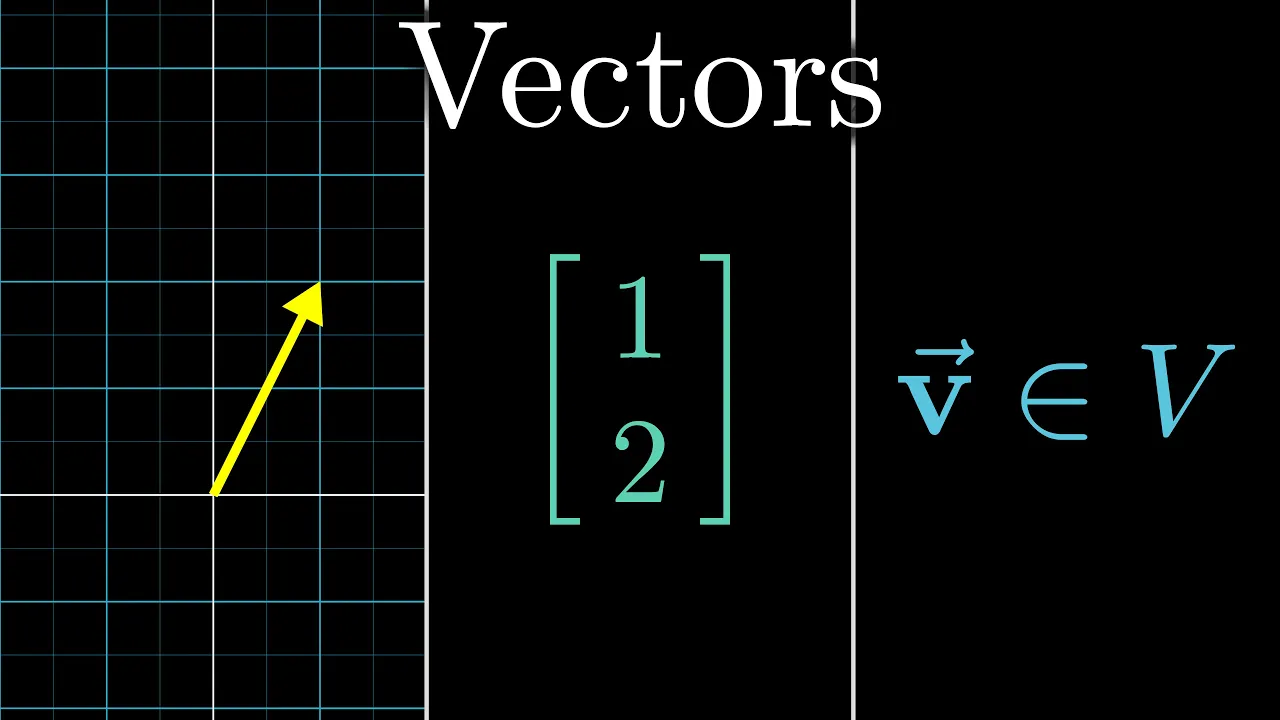
Why this video: Swarm coordination relies heavily on calculations of relative distance and orientation. This highly visual guide introduces vectors as coordinates in space and operations as directional offsets, setting up the spatial intuition needed to calculate relative positions in a multi-agent framework.
-
Knowledge Checkpoint:
- Define what a vector represents physically and programmatically in a coordinate frame.
- Describe the difference between a point (position) and a vector (direction/offset).
-
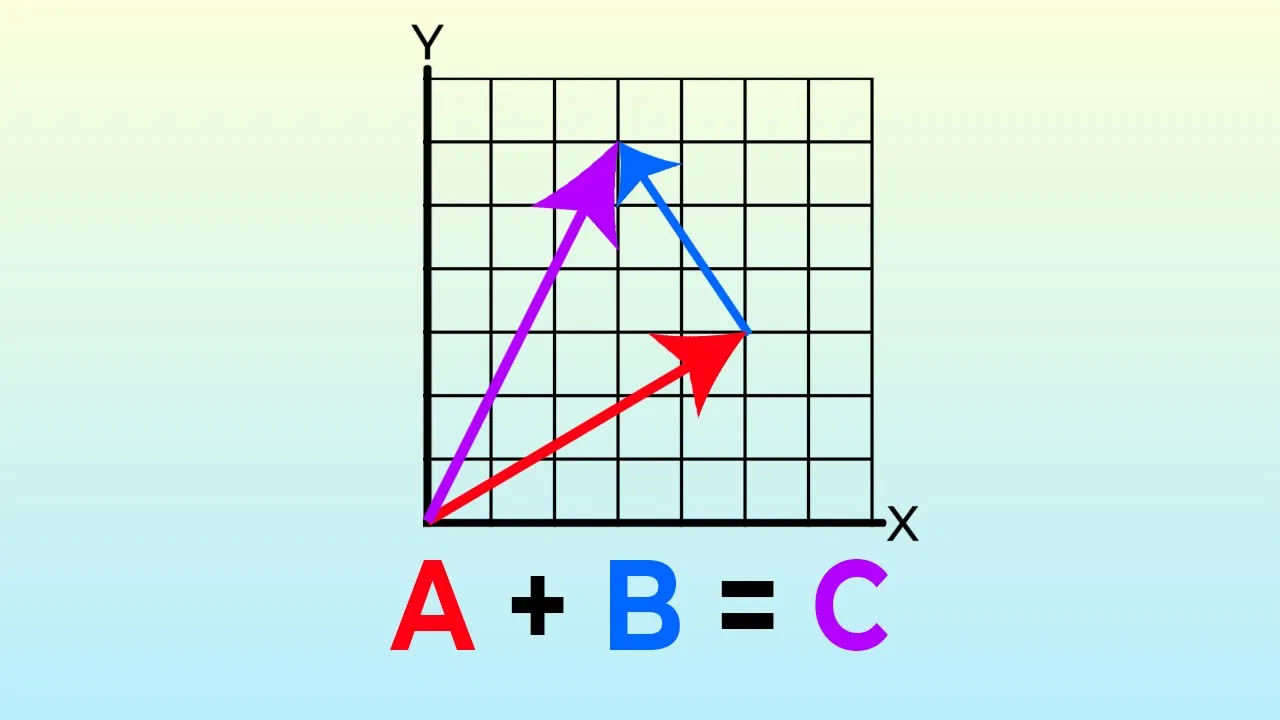
Why this video: This video introduces critical vector mathematics (addition, subtraction, scalar multiplication, and normalization) tailored for moving objects in virtual coordinates. These exact calculations are used to implement spatial behaviors such as flocking.
-
Knowledge Checkpoint:
- Perform vector addition and subtraction manually and programmatically.
- Calculate the magnitude (length) of a vector using the Pythagorean theorem.
- Normalize a vector to obtain a unit vector representing a pure heading.
Key Review Feedback & Gaps Acknowledged
- Note on 3D Coordinate Transformations: While the selected videos cover standard vector math and 2D spatial concepts, robotic kinematics in Webots ultimately requires navigating 3D transformations. When implementing rotation matrices and coordinate frames, remember that Webots uses standard ISO coordinate systems (where or is typically "up" depending on your world setup). You are encouraged to review basic rotational matrices if your robot moves out of a flat 2D plane.
Module 2: Getting Started with Webots Simulator
This module introduces Webots, a premier open-source multi-platform robot simulator. You will learn to set up your workspace, navigate the user interface, populate a scene with robots and obstacles, and establish a connection between Python controller scripts and simulated physical entities.
Recommended Videos

-
Why this video: A clear step-by-step introduction to installing Webots, creating a world file, navigating the 3D scene tree, and inserting basic geometries. This forms the baseline interface workspace you will use for the remainder of this curriculum.
-
Knowledge Checkpoint:
- Install Webots and successfully initialize a default empty world.
- Use mouse shortcuts to pan, tilt, and zoom around the 3D viewport.
- Add nodes to the Scene Tree, adjusting base parameters like translation, rotation, and scale.

-
Why this video: This video guides you through creating a Python controller within Webots. It demonstrates how to initialize the robot controller instance, reference motor devices, and run a standard time-step loop to change wheel speeds dynamically.
-
Knowledge Checkpoint:
- Use the Webots wizard to construct a clean Python controller file.
- Import the
Robotlibrary and instantiate the core controller object. - Configure motor nodes in velocity mode and apply velocity command overrides.
Module 3: Differential Drive Kinematics & Reactive Navigation
To coordinate a swarm, individual agents must be capable of moving and avoiding collisions locally. This module covers differential drive steering kinematics—translating desired wheel speeds into forward and rotational velocities—and explains how to read distance sensors to perform reactive navigation.
Recommended Videos
-
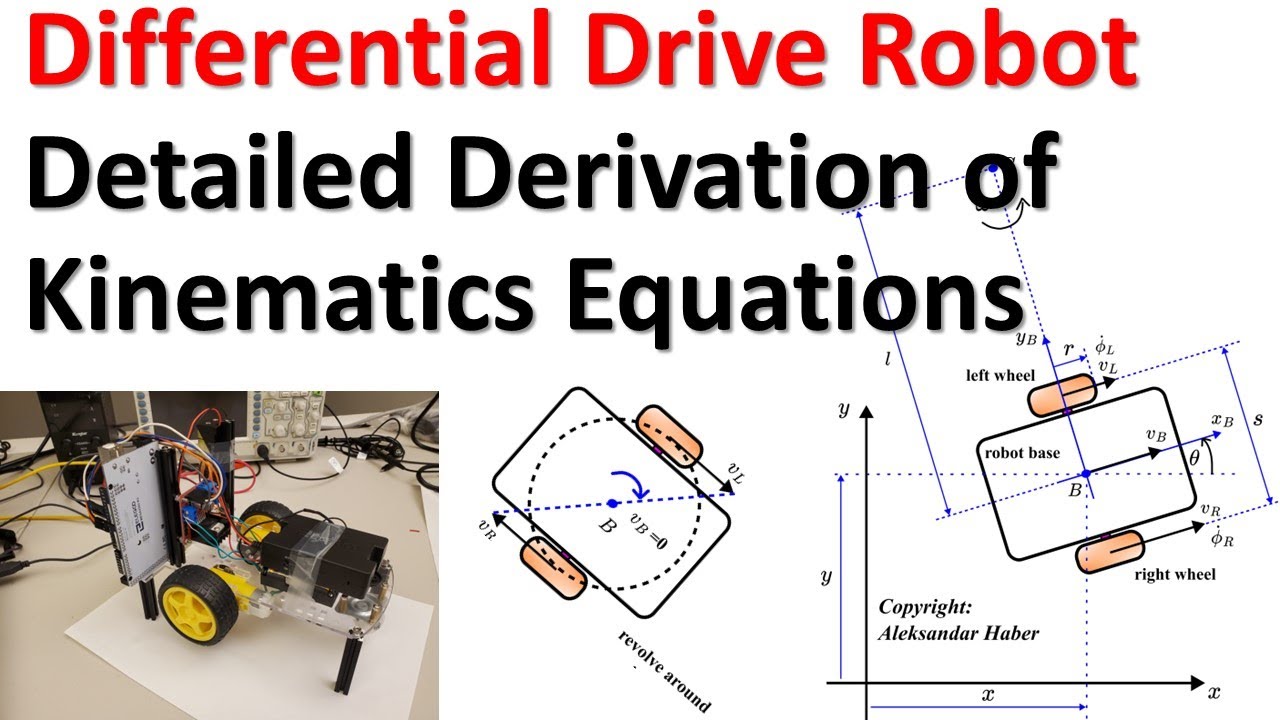
Why this video: To control physical multi-wheeled agents, you must map velocities from the coordinate system (pose coordinates) to wheel rotations. This rigorous derivation explains how different speeds on left/right wheels translate directly into translational () and angular () velocities.
-
Knowledge Checkpoint:
- State the relationship between wheel radius, axle length, left/right wheel angular velocities, and the robot’s forward velocity.
- Identify how an instantaneous center of curvature (ICC) dictates the turning trajectory.

-
Why this video: Once you understand the baseline mathematical derivations, you must compute odometry—tracking estimated position (, ) and heading () based purely on wheel encoder values. This video offers an in-depth analytical breakdown.
-
Knowledge Checkpoint:
- Explain how relative wheel displacements are integrated over time intervals to estimate position.
- Differentiate between global coordinates and body-fixed robot frames.

-
Why this video: Explains the physical dynamics of infrared (IR) proximity sensors, which are the standard sensor suite on e-puck agents. Understanding reflection vectors and sensing ranges helps model correct reactive obstacle avoidance.
-
Knowledge Checkpoint:
- Detail how distance corresponds to reflected light intensity in active IR pairs.
- Explain how ambient light and material color might affect sensor output.
-
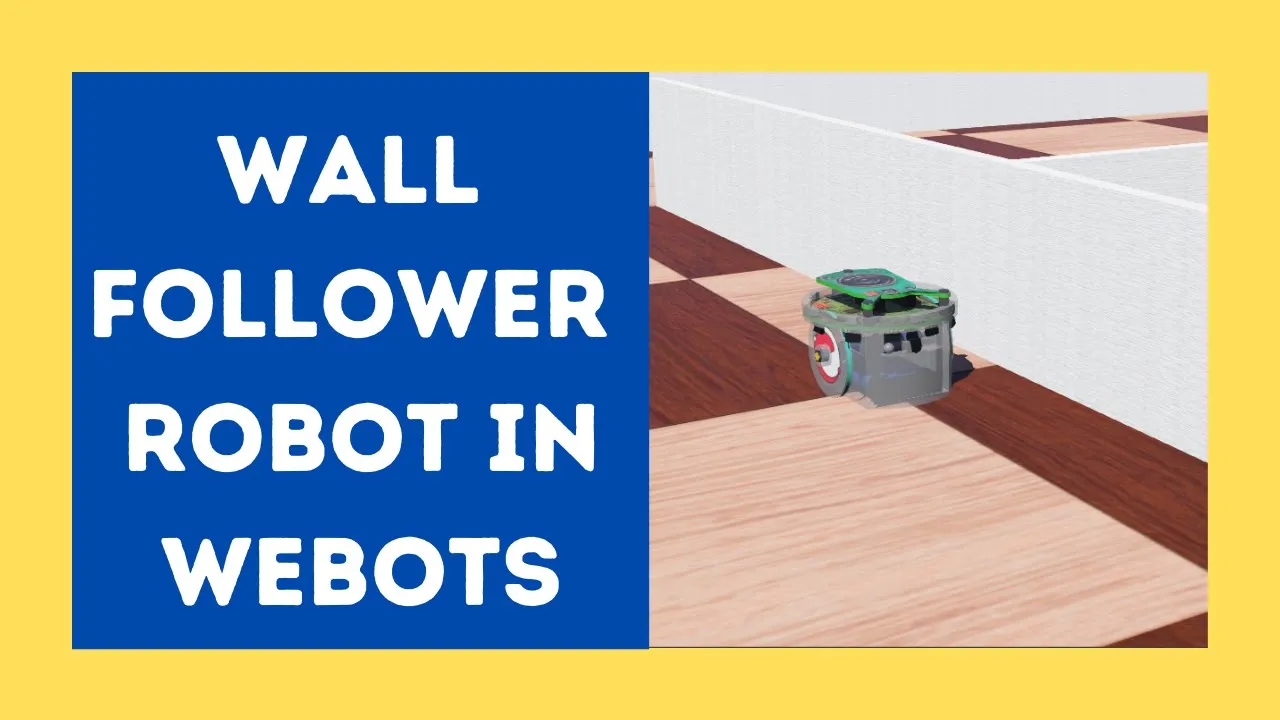
Why this video: Applies kinematic principles and proximity sensor readings directly within a Webots Python controller to guide an e-puck robot. This forms the basis of reactive sensory loops, preparing you for obstacle avoidance behaviors in a flock.
-
Knowledge Checkpoint:
- Enable and acquire sensory values from the e-puck's eight proximity sensors (
ps0tops7). - Implement a basic conditional steering block to pivot or adjust speed when detecting obstacles.
- Enable and acquire sensory values from the e-puck's eight proximity sensors (
Module 4: Bio-Inspired Swarm Intelligence & Boids Algorithm
Note: This module has been renamed to emphasize structural mathematical alignment and algorithmic theory.
This module details how biological swarms demonstrate emergent behaviors. You will explore Craig Reynolds' classic "Boids" algorithm, which mimics flocking birds using three simple, decentralized vectors: separation, alignment, and cohesion.
Recommended Videos

-
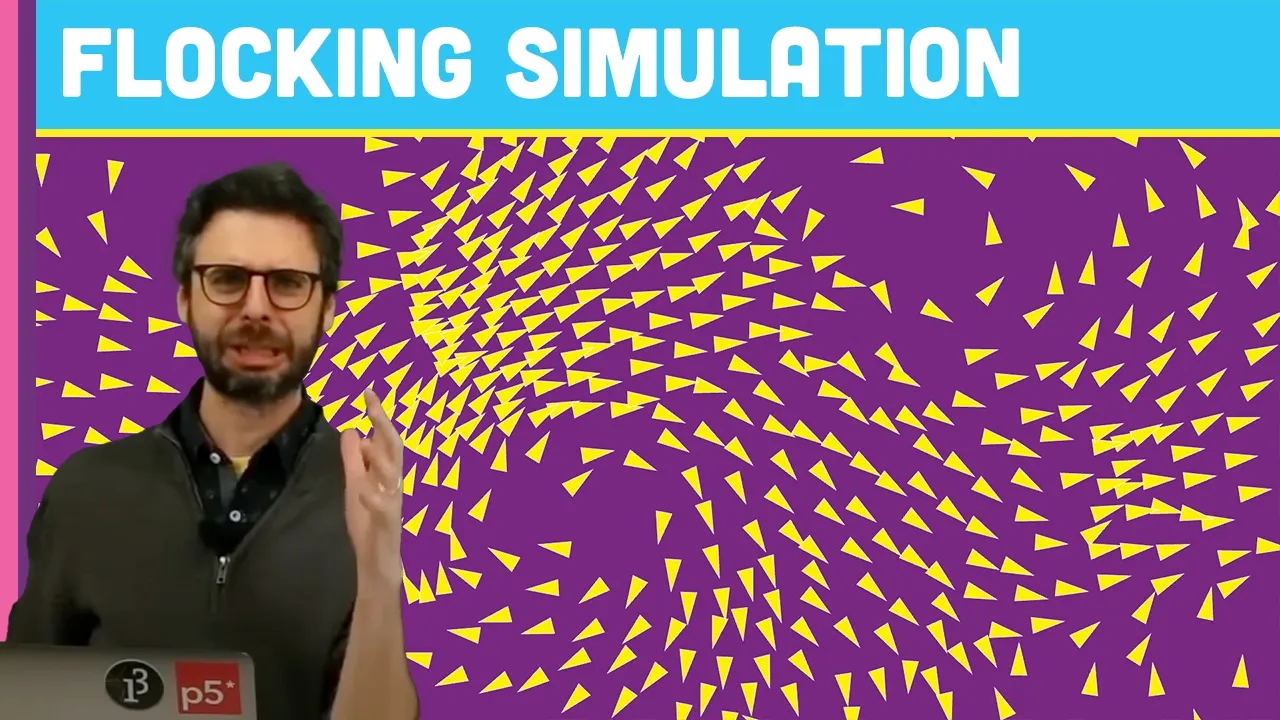
Why this video: A visually engaging introduction to the biological phenomena of starling murmurations and the translation of nature's self-organization into Reynolds' mathematical rules. It highlights how local interaction limits influence globally emergent patterns.
-
Knowledge Checkpoint:
- Define "emergence" in the context of swarm robotics.
- Understand why localized information networks yield flexible, robust group behavior without central control.
-
Why this video: An in-depth coding challenge demonstrating how to program the three core flocking rules:
- Separation: Steer to avoid crowding local flockmates (inverse distance vector subtraction).
- Alignment: Steer towards the average heading of local flockmates (average velocity).
- Cohesion: Steer to move toward the average position of local flockmates (center of mass).
This video models the exact vector additions and scaling constraints needed for your Python controller.
-
Knowledge Checkpoint:
- Write vector equations representing the Separation force vector relative to neighbors within an activation radius.
- Formulate velocity vector transformations representing Cohesion and Alignment.
- Apply force weighting parameters to balance the three rules.
Module 5: Implementing Decentralized Swarms in Webots
This final module integrates your kinematics and flocking math within a multi-agent Webots environment. You will leverage Webots-specific supervisor structures, communication protocols, and custom python frameworks to build a decentralized, cooperating robotic swarm.
Recommended Videos
![Greatest Hack in Webots | Supervisor API Tutorial | Webots Simulator | [Tutorial 18]](https://i.ytimg.com/vi_webp/xMPyqbtYc_E/maxresdefault.webp)
-
Why this video: To evaluate swarm metrics (e.g., centroid locations or global cohesion) or to spawn dozens of identical robots dynamically, you must utilize the Supervisor API. This video covers configuring a Supervisor node and accessing world variables programmatically.
-
Knowledge Checkpoint:
- Distinguish between a standard robot controller and a Supervisor controller.
- Access coordinate position parameters of other nodes using the Supervisor API.
![Line Following Custom Robot Project | Webots ROS2 project Tutorial | [Tutorial 6]](https://i.ytimg.com/vi_webp/ZTJa5f5F5fU/maxresdefault.webp)
-
Why this video: Establishes the fundamentals of multi-agent and master-slave node architectures. It teaches you how to pass commands or data across separate system units, which is key to coordinating multi-agent simulations.
-
Knowledge Checkpoint:
- Set up clean configurations to run multiple independent controllers concurrently in a single Webots world.
- Structure multi-robot scripts to avoid variable conflicts.
Acknowledged Gaps & Independent Study Guidelines
While the video pool covers multi-robot setups and supervisor utilities, there are no direct step-by-step videos demonstrating decentralized Emitters, Receivers, or Boids flocking directly on physical differential-drive e-pucks in Webots.
To bridge this gap and successfully implement your decentralized simulator, complete the following independent study steps:
-
Research Webots Emitter & Receiver Devices:
- In Webots, agents must communicate with one another using local communication channels instead of global variables (which would be centralized, violating decentralized swarm theory).
- In your robot's
.wbtnode tree, add anEmitternode and aReceivernode to the e-puck's children list. - Recommended Search Query:
"Webots emitter receiver python tutorial"
-
Develop the Decentralized Communication Protocol in Python:
- Write your robot controller to periodically broadcast its global coordinates (using simulated GPS or localized odometry calculations) via the
Emitterdevice:from controller import Robot, Emitter, Receiver # ... Initialization code ... emitter = robot.getDevice("emitter") # Send packet with ID, X, Y position, and theta orientation message = f"{robot_id},{x},{y},{theta}".encode('utf-8') emitter.send(message) - Configure the
Receivernode on neighboring robots to parse these coordinates:receiver = robot.getDevice("receiver") receiver.enable(timestep) while receiver.getQueueLength() > 0: packet = receiver.getString() # Parse incoming neighbor coordinates to populate localized neighbor arrays receiver.nextPacket()
- Write your robot controller to periodically broadcast its global coordinates (using simulated GPS or localized odometry calculations) via the
-
Convert Boids Vectors to Differential Drive Commands:
- The Boids algorithm generates a desired velocity vector . You must map this continuous force vector onto your differential drive wheels.
- Use simple steering equations to rotate towards and adjust speed:
- Recommended Search Query:
"Boids flocking algorithm python implementation from scratch"
Course Map
Key People Index
- Craig Reynolds: An artificial life and computer graphics pioneer who, in 1986, introduced the Boids algorithm. His formulation of localized, decentralized steering behaviors formed the foundation for modern simulated swarm flocking.
- Kajal Gada: Robotics educator and programmer. Her clean, detailed Webots Python tutorials serve as the primary practical bridge for setting up worlds, working with controllers, and implementing reactive algorithms like Braitenberg vehicles.
- 3Blue1Brown (Grant Sanderson): Mathematical educator known for linear algebra visual representations. His insights on coordinate spaces and vector additions provide the visual foundation for our swarm vector translations.
Final Self-Assessment
Complete this comprehensive self-assessment project to prove mastery over the material.
- System Setup: I have successfully installed Webots and configured a multi-robot testing arena.
- Coordinate Math: I can compute vector operations (addition, subtraction, normalization) manually and represent them accurately in Python.
- Single-Agent Kinematics: I can program a differential drive e-puck to follow a specific target direction using left and right wheel velocities.
- Sensor Integration: My e-puck controllers read proximity sensors dynamically and avoid walls using reactive steering logic (Braitenberg vehicle principles).
- Decentralized Communication Setup: My Webots world includes multiple robots equipped with functional
EmitterandReceivernodes. - Message Parsing: Each robot successfully broadcasts its state (ID, position, heading) and parses neighboring packets without centralized control intervention.
- Boids Vector Calculations: My controller code correctly calculates the three distinct steering vectors: Separation (anti-collision), Alignment (heading match), and Cohesion (aggregation).
- Vector Fusion: I have implemented weighting factors () that combine the three flocking forces along with obstacle avoidance priorities.
- Differential Mapping: My controller successfully translates combined flocking vector forces into left/right wheel speed adjustments.
- Swarm Validation: When running my simulation with 5 or more agents, the robots successfully aggregate and move cohesively as a single, coordinated flock while avoiding obstacles and collisions.