AI Agency Automation: GenAI Workflows & Tools
Learning Goal: Integrating Generative AI workflows to automate administrative operations, streamline standard operating procedures (SOPs), and reduce overhead costs for boutique agency owners.
Prerequisites
No computer science degree or professional coding background is required. However, you should have:
-
Admin/owner-level access to your agency's core software tools (e.g., Google Workspace, a CRM such as ClickUp, Pipedrive, HubSpot, or Notion).
-
Basic familiarity with using web-based tools and creating simple spreadsheet records.
-
A paid subscription to an advanced LLM interface (such as ChatGPT Plus or Claude Pro) is highly recommended for building custom GPTs and generating API keys.
-
Estimated Total Study Time: 20 Hours
Module 1: Generative AI Foundations for Business
Module Overview
To effectively automate your agency, you must first build an intuitive mental model of how Large Language Models (LLMs) think. This module transitions you from casual chatbot conversation to professional prompt engineering. You will learn the mechanics behind modern neural networks, auto-regressive text prediction, and long-form structured prompting frameworks that yield reliable, repeatable business outputs.
Recommended Videos
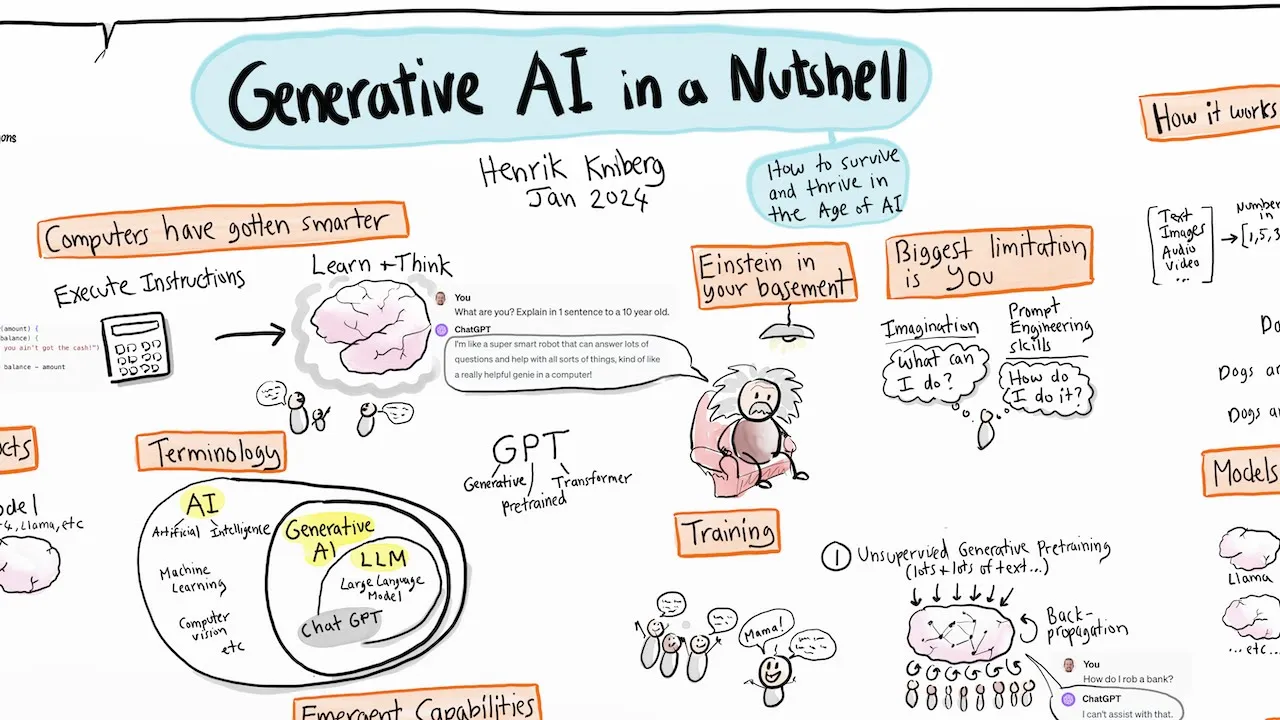
Why this video
This animated guide demystifies the technical complexity of Generative AI. It establishes an intuitive mental map of neural networks, parameters, and predictive generation models. For boutique agency owners, it bridges the gap between raw technological concepts and everyday commercial utility, demonstrating exactly how these models act as highly scalable virtual team members.

Why this video
Most agency owners make the mistake of typing informal conversational inputs and getting generic outputs. This tutorial teaches strategic, first-principles thinking for prompting. It breaks down the precise long-form structured prompting frameworks (defining Roles, Objectives, Context, Instructions, and Variables) that ensure your AI workflows spit out accurate deliverables rather than halluncinated filler.
Why this video
This comprehensive introductory course scales up your understanding of LLMs to industrial deployments. It helps agency leaders grasp how standard text models predict next-token sequences and explains the baseline concepts of data patterns. This foundational knowledge is crucial before connecting your business documents or initiating API-based automation layers.
Knowledge Checkpoint
- Can you explain the difference between simple "chatting" and structured enterprise prompting?
- Do you understand how an auto-regressive model generates predictions word-by-word based on statistical patterns?
- Have you successfully drafted a prompting template that includes a distinct Role, Context, Constraints, and Output Target variables?
Module 2: Mapping Agency Workflows & Finding Bottlenecks
Module Overview
You cannot automate a process that you do not understand. In this module, you will learn to step back from daily emergencies and audit your agency's administrative infrastructure. Using standardized Business Process Model and Notation (BPMN 2.0), you will visually diagram your workflows, pinpoint high-friction bottleneck tasks, and highlight manual hands-on steps that are prime candidates for AI-driven automation.
Recommended Videos

Why this video
This tutorial presents business process mapping as a practical, high-value tool for organizing agency workloads. It teaches you how to map out inputs, outputs, and swimlanes. This visual exercise is the immediate prerequisite step before you attempt to construct automated visual flows in no-code environments like Zapier or Make.

Why this video
Automation platforms rely on visual, step-by-step logic nodes. This video introduces BPMN 2.0, the industry standard graphical language for modeling business processes. By learning standard verb-noun naming conventions and task routing principles, you will be able to design logical process flows that can be translated directly into software recipes.
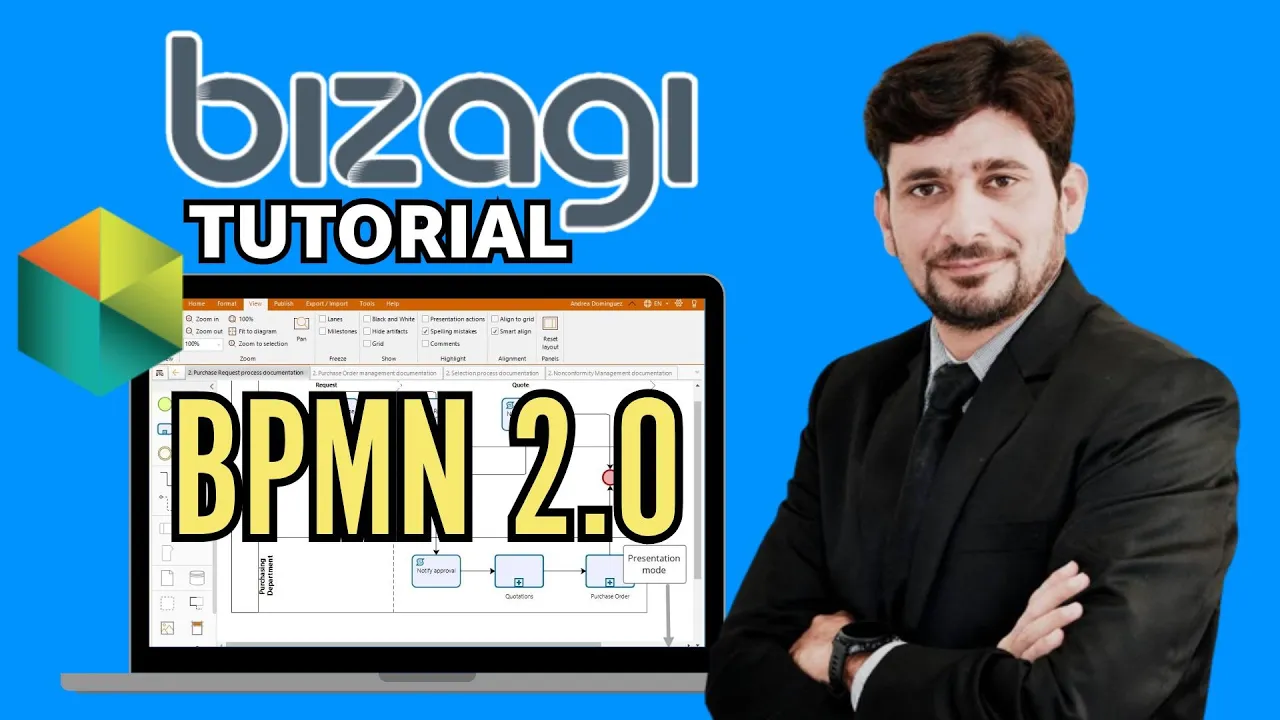
Why this video
A step-by-step masterclass demonstrating how to document complex business operations in real-time. By mastering a workflow modeler, agency owners can visually categorize their company's core client pipelines, identifying where delays occur and specifying the data handoffs required between human employees and automated triggers.
Knowledge Checkpoint
- Have you successfully identified at least 3 administrative tasks that are manual, repetitive, and time-intensive?
- Can you draw a visual process flow chart using standard lanes, pools, events, and task boxes?
- Have you verified your workflow’s logical pathways, identifying where a human decision-maker is needed versus where an automated action can proceed?
Module 3: The No-Code Automation Ecosystem (Zapier & Make)
Module Overview
Visual automation platforms act as the nervous system connecting your agency’s disparate software tools. This module focuses heavily on selecting the correct automation vehicle. You will analyze strategic cost and performance differences between Make.com, Zapier, and emerging open-source platforms like n8n. Additionally, you will master the underlying mechanics of modern software integration: APIs, HTTP Webhooks, triggers, and multi-step action sequences.
Recommended Videos
Why this video
An essential comparison of the major players in modern no-code automation. This addresses a critical agency decision: comparing Zapier's high-priced, beginner-friendly interface with Make.com’s operation-based value structure and n8n's cheap, developer-centric workflow orchestration. It helps boutique owners choose a tool based on volume, complexity, and budget constraints.
Why this video
This strategic deep-dive clarifies how pricing scales with your automation volume. For a boutique agency processing thousands of tasks monthly, using a linear, task-based platform like Zapier can become shockingly expensive. This video shows how Make.com handles complex multi-step logical operations for a fraction of the cost, ensuring your automated systems scale cost-effectively.
Why this video
A premier step-by-step guide to the visual builder environment of Make.com. You will learn to navigate the visual canvas, add modules, configure parameters, test runs, and resolve interface mapping. This skill is critical for building custom workflows without resorting to standard developer code.
Why this video
To construct truly advanced workflows, you must understand how internet software applications interact behind the scenes. This video breaks down Application Programming Interfaces (APIs), JSON data formats, HTTP request methods, and Webhooks in plain English, providing non-technical agency owners with total technical confidence.
Knowledge Checkpoint
- Do you understand the difference between Zapier (linear, task-based, expensive) and Make (modular, operation-based, highly visual)?
- Can you define what an API is, and how a Webhook differs by automatically "pushing" real-time event updates?
- Have you created a free account on Make.com or Zapier and mapped your first test trigger?
Module 4: Automating Client Onboarding & Communications
Module Overview
The onboarding phase is the most operationally demanding stage of the client relationship, and the easiest to mess up. This module walks you through constructing a fully-automated, end-to-end onboarding pipeline. You will learn how to capture lead details, instantly spin up custom project tracking dashboards inside your CRM (like ClickUp or Notion), integrate OpenAI to generate context-specific copy, and set up automatic draft emails for review.
Recommended Videos
Why this video
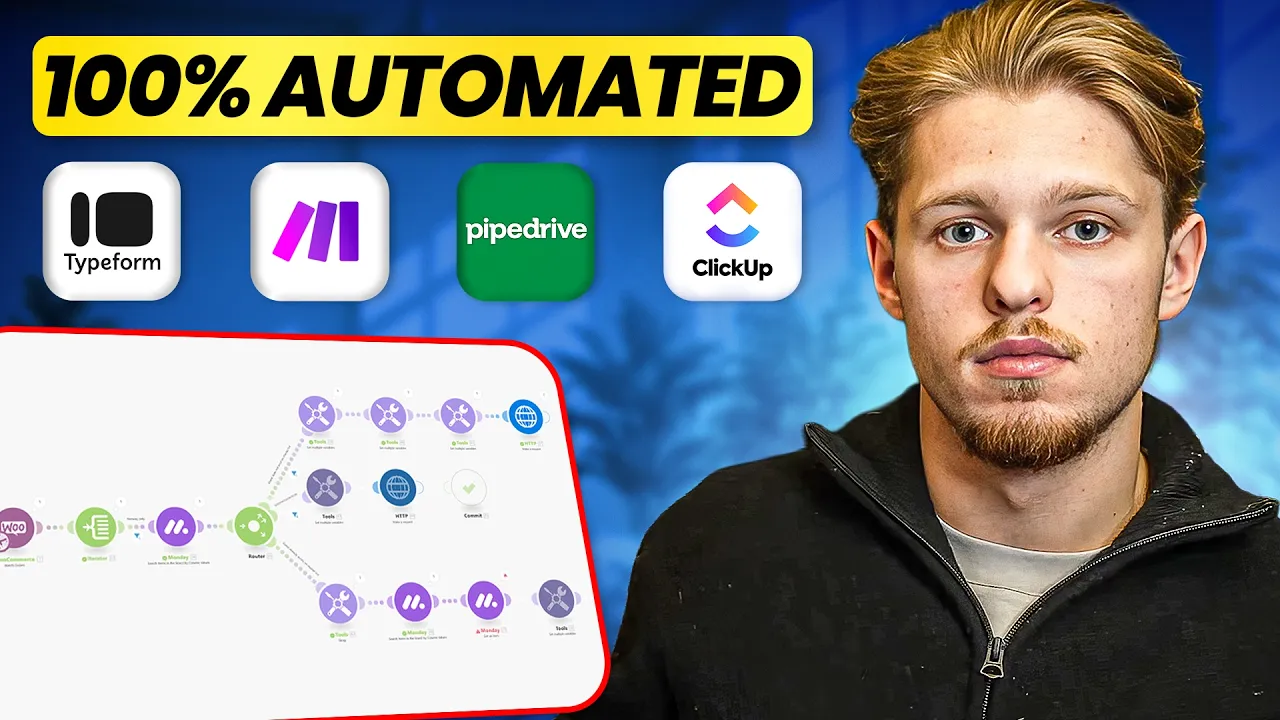
This video provides a direct, highly sought-after solution for agency CRM automation. It shows how to connect intake forms (e.g., Typeform or Jotform) to a sales CRM pipeline (Pipedrive) and immediately generate custom onboarding workspaces inside ClickUp using Make.com. It eliminates hours of manual data entry for every new contract signed.
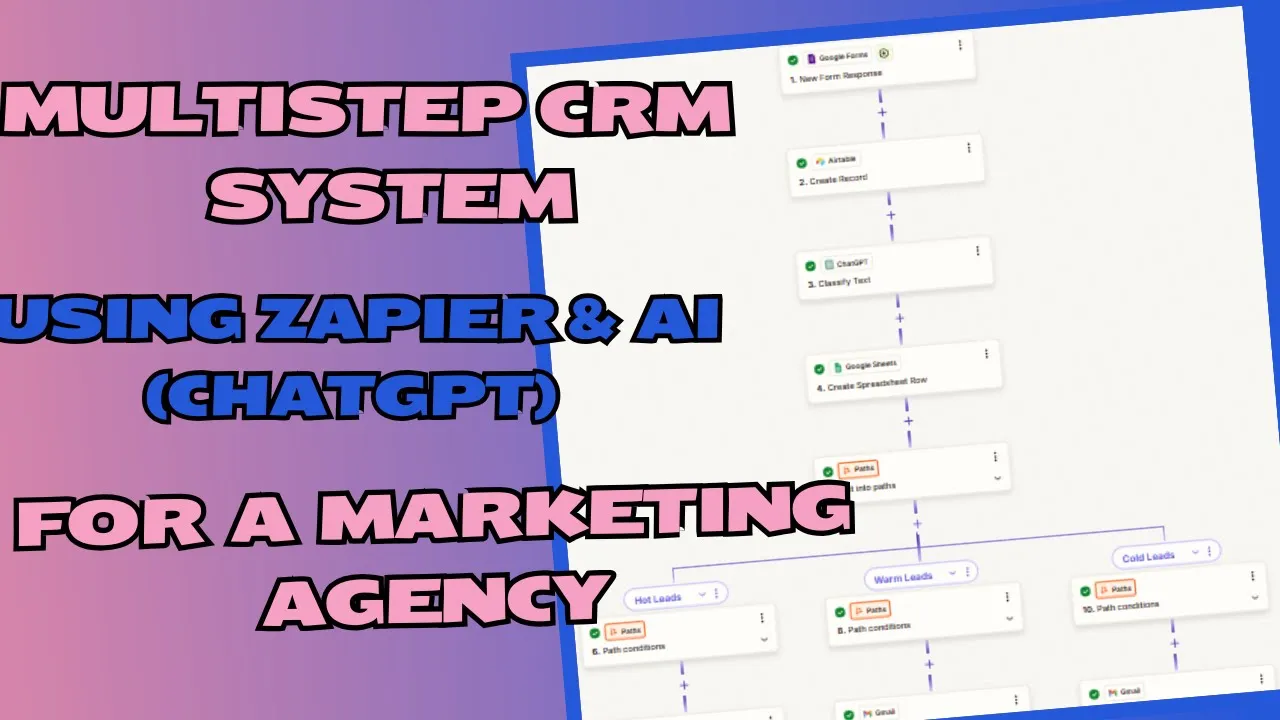
Why this video
A step-by-step masterclass demonstrating how to build an active, automated CRM system using Zapier. It covers connecting forms, using Google Sheets as an operational database, and routing custom data directly to OpenAI to generate customized outreach strategies, ensuring that your agency's CRM is actively working on your behalf.
Why this video
Administrative communication takes up hours of an agency owner's week. This tutorial walks you through setting up a backend database (Notion) and connecting it via Make.com to dynamically draft and send contextually accurate emails using ChatGPT. It showcases the future of automated client communications.
Knowledge Checkpoint
- Can you link a client-facing intake form to automatically populate data inside your central CRM tool (ClickUp, Notion, Pipedrive)?
- Have you successfully generated an OpenAI API key and linked it inside your Zapier/Make dashboard to dynamically rewrite incoming data?
- Do you know how to build a safety filter that routes automated drafts into your Gmail or Outlook "Drafts" folder for review before sending?
Module 5: AI-Driven Document Operations & Content Management
Module Overview
Agencies run on document structures: transcripts, meeting notes, project briefs, and tabular reports. This module shows you how to use AI to offload administrative paper pushes. You will learn to transcribe and summarize team and client meetings automatically, run ChatGPT inside Google Sheets to parse massive data sets, and set up basic web scraping to pull structured reference material in seconds.
Recommended Videos
Why this video
Meeting management is a massive administrative time-sink. This video shows how automated tools transcribe meetings, isolate individual speakers, and extract core decisions and follow-up assignments. Integrating this tool ensures your team stays fully aligned without wasting time manually taking meeting notes.
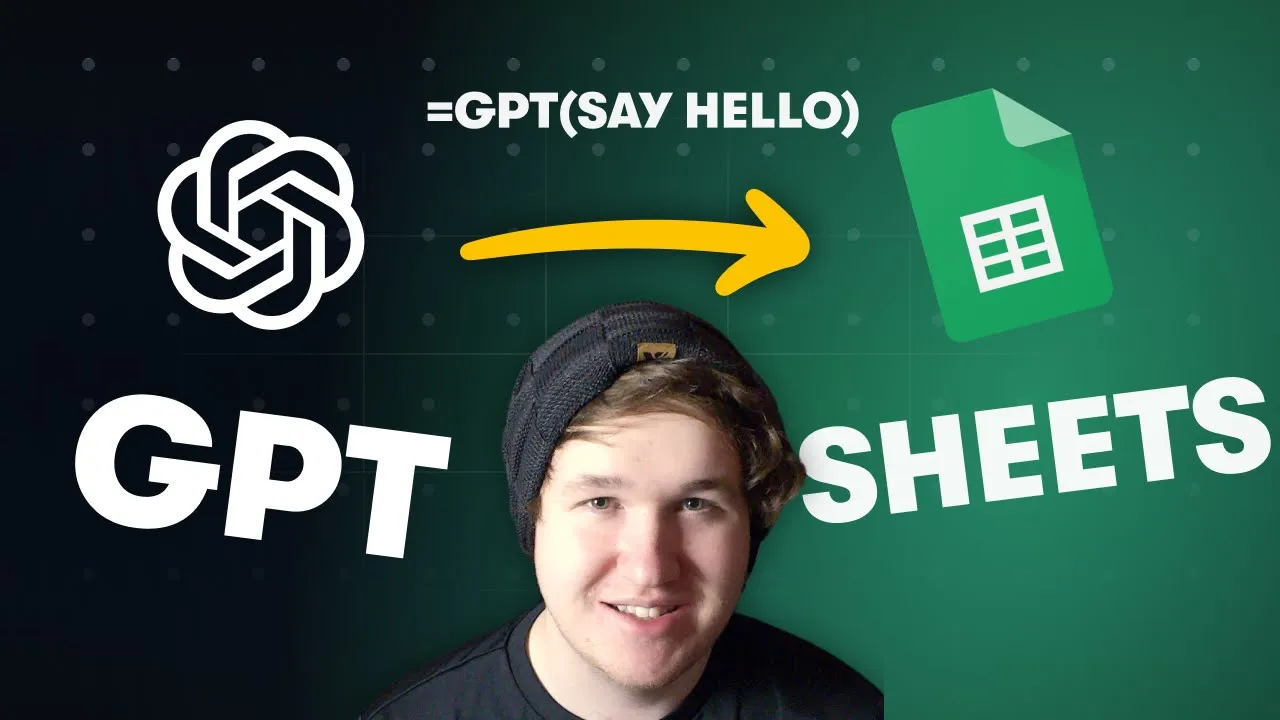
Why this video
Spreadsheets are the operational backbone of most boutique agencies. This quick tutorial demonstrates how to embed ChatGPT formulas directly into Google Sheets. Rather than copying and pasting queries over and over, you will learn to run bulk calculations, classify hundreds of raw input records, and clean data lists instantly using simple sheet formulas.
Why this video
Agency market research and lead enrichment are often done manually. This video shows how to build an automated scrapper using Make.com, Google Sheets, and OpenAI. It enables your systems to read third-party website links, pull text, and leverage AI to organize custom datasets without manual copy-pasting.
Knowledge Checkpoint
- Can you run a meeting recording through an AI platform to extract a structured list of action items with assigned owners?
- Have you successfully connected your OpenAI account to Google Sheets using API keys?
- Do you know how to run a bulk spreadsheet formula (e.g.,
=GPT(A2, B2)) to categorize large batches of client or market data?
Module 6: Building Custom GPTs & Internal AI Knowledge Assistants
Module Overview
Rather than letting your team guess how to execute tasks, you can institutionalize your agency’s institutional knowledge. This module teaches you how to build custom, private GPT models and knowledge assistants. You will feed these assistants your Standard Operating Procedures (SOPs), brand files, and document templates, creating an interactive, 24/7 internal resource that handles routine operational decisions.
Recommended Videos

Why this video
An end-to-end playbook on using custom GPTs to streamline business operations. This video walks through how to feed proprietary templates and guidelines directly to custom assistants, ensuring your team has immediate access to contextual tools for writing copy, building briefs, and handling client queries in your brand voice.

Why this video
A step-by-step tutorial focused on uploading standard company SOP documents to create specialized AI employees. It demonstrates how to specify a clear, narrow focus for your custom assistants, preventing them from returning generic answers and keeping them aligned with your exact agency standards.

Why this video
Security is a critical concern when uploading proprietary business procedures. This important video explains prompt injection vulnerability, demonstrating how easily bad actors or users can extract your custom system instructions and uploaded files. More importantly, it teaches you the necessary safety guardrails to secure your internal agency models.
Knowledge Checkpoint
- Do you know how to navigate the OpenAI GPT builder and upload PDF/text SOPs to its knowledge base?
- Can you define clear instruction parameters to prevent your custom GPT from hallucinating or behaving outside its scope?
- Have you implemented a "prompt injection shield" instruction statement to prevent users from downloading your uploaded reference documents?
Course Map
This flowchart maps out the optimal path through the modules and highlights the technical dependencies of your learning journey:
Key People Index
The following automation specialists, business analysts, and educators are featured across the curriculum:
- Henrik Kniberg (@henrikkniberg): A world-class Agile developer, coach, and educator known for creating highly engaging, animated simplifications of complex technical frameworks (like Spotify's scaling model and Generative AI systems).
- Maximilian Lesek (@MaximilianLesek): An operations consultant and automation practitioner specializing in visual process mapping, ClickUp workspace setups, and custom Make.com configurations.
- Stephen G. Pope (@StephenGPope): A prominent visual automation developer and systems architect who evaluates, reviews, and builds enterprise-grade pipelines using Make, Zapier, and n8n.
- Toni Debelic (@tonidebelic): An operations designer and workflows expert focusing on translating manual, unorganized business environments into standardized visual flowcharts.
- Dharmesh Shah: Co-founder of HubSpot, featured in business podcasts discussing the massive market value of prompt engineering and automated LLM agents for small businesses.
Final Self-Assessment
Complete this checklist after finishing all six modules to confirm your agency is fully optimized for automated operations:
- First-Principles Prompting: You no longer type generic, short-form sentences into AI platforms. Instead, you routinely write structured prompts that include specific Roles, Objectives, and Output Constraints.
- Visual Workflow Documentation: You have a visual BPMN 2.0 chart mapping your agency's onboarding and primary client delivery pipelines.
- Strategic Automation Choice: You have evaluated your transaction volume and selected the correct automation tool (Zapier, Make, or n8n) for your budget and feature requirements.
- CRM Auto-Provisioning: When a new client is signed or fills out an intake form, your systems automatically create a clean, organized workspace inside your CRM without manual data entry.
- Context-Aware Email Drafts: Your automation scenarios use AI to draft personalized email responses, which are routed to your email "Drafts" folder for a final review before sending.
- Hands-Free Meeting Summary: Your client and team calls are transcribed, summarized, and parsed for actionable items automatically by your software integrations.
- Bulk Data Sheet Operations: You use API-connected spreadsheets to run bulk AI actions, allowing you to clean, tag, and sort customer or market lists in seconds.
- Private SOP Assistants: Your agency's Standard Operating Procedures are loaded into a secure, custom GPT, allowing your team to query internal policies 24/7.
- System Security Check: You have implemented prompt injection guardrails to prevent external users from downloading your uploaded files or system prompts.
- Operational Metrics Review: You have verified that your active automated pipelines have reduced manual data entry time by at least 50%, allowing your team to focus on high-value client work.